
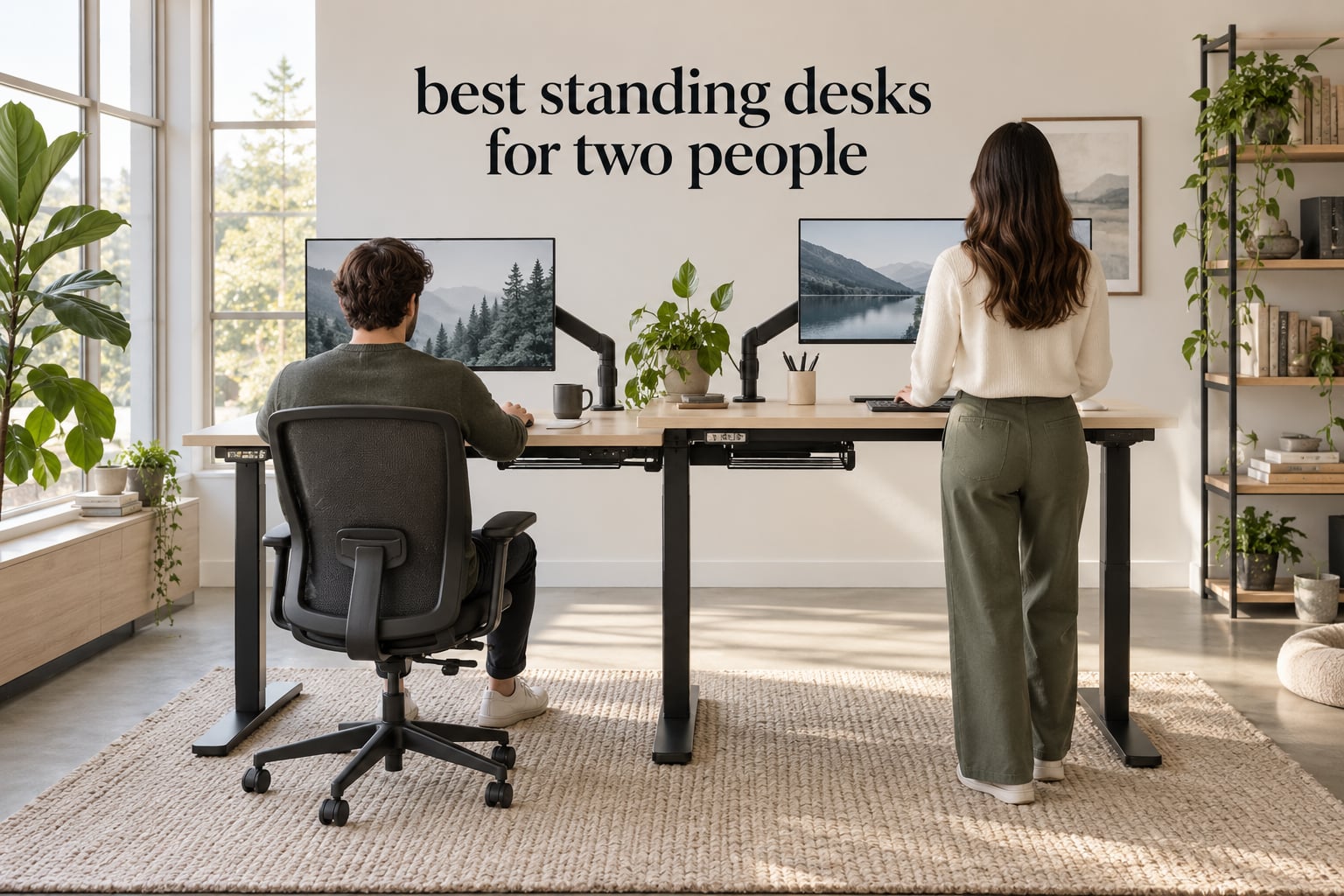
Two people sharing one desk run into a small number of problems that a single-user review never has to deal with. The frame sags when one side is loaded and the other is empty, both people are forced to change height at the same time, and a 71 inch top that looks roomy in a photo gives each person about 35 inches once a monitor and keyboard are placed. The best standing desks for two people solve those three problems, and only some of the models on this list actually do.
A two person standing desk is a height-adjustable desk with a desktop wide enough for two adults working side by side, and a frame rated to lift the combined weight of two people plus their monitors, laptops and desktop towers. Most of the desks I compared fall between 71 and 79 inches wide, hold between 154 and 225 pounds, and use electric lifts with memory presets. The most useful distinction between them is not width or price but lift architecture, and it decides how the desk behaves when one person leans on one side.
I spent weeks going through owner reviews on these 12 frames and cross-checking every published specification against the listing, because the numbers that matter most for two users are the ones most often buried. Where a listing contradicts itself, I used the manufacturer specification block rather than the marketing copy. Everything below is what the data supports, including the parts that are not flattering.
Table of Contents
Top 3 Standing Desk Picks for Two People (October 2026)

Monomi 79 Inch Electric…
- 79 inch dual motor top
- 176 lbs capacity
- 3 memory presets
- Under 50 dB lift

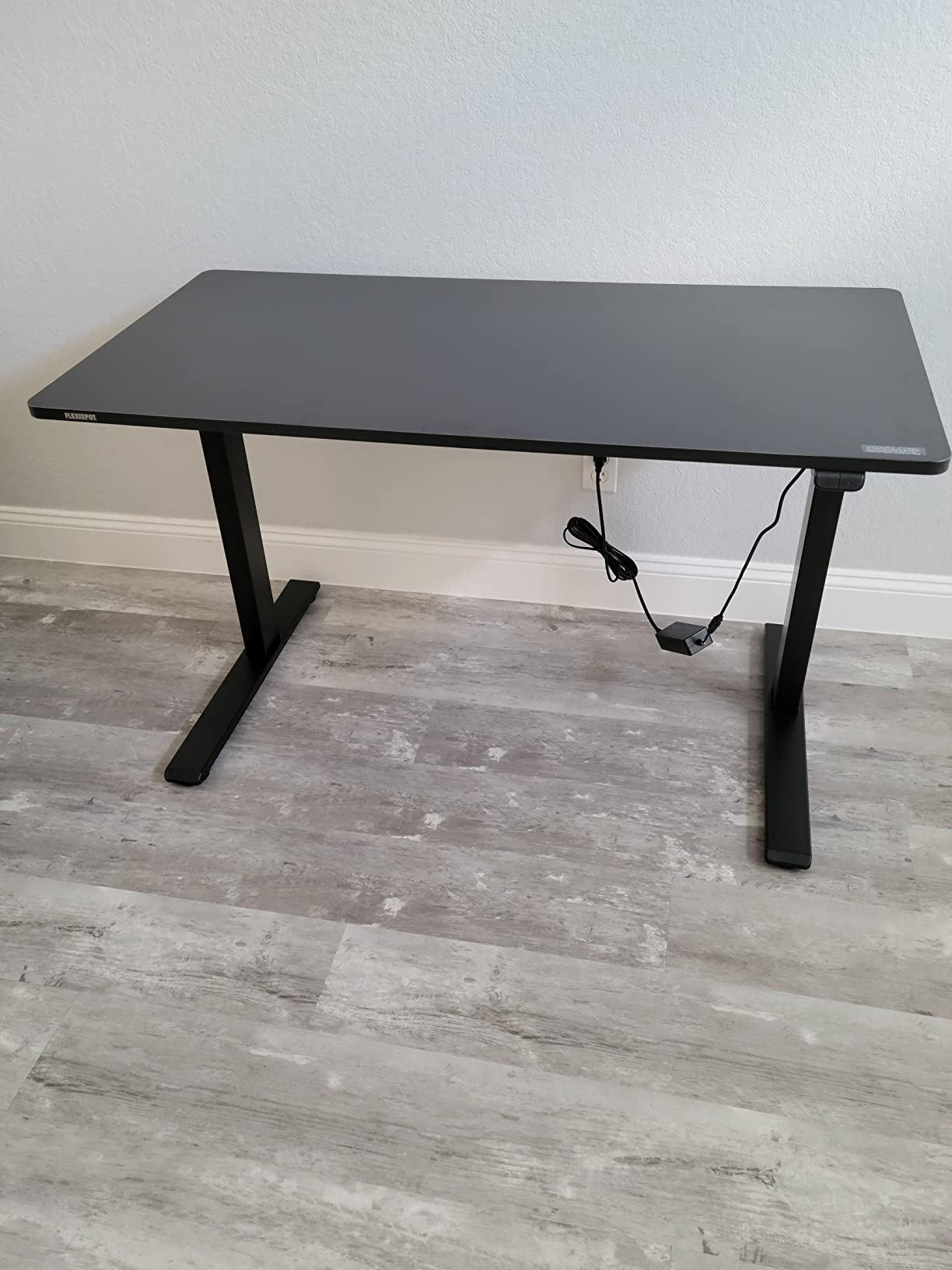
FLEXISPOT 71×32 Inch Standi…
- Dual motor lift
- 198 lbs capacity
- 4 memory presets
- Cable basket included

VIVO 63 x 55 Corner Standin…
- Reversible L shape
- 225 lbs capacity
- 4 memory presets
- Monitor arm ready
The Monomi 79 inch model is my pick because it does the one thing most two person desks get wrong: it uses two separate lift columns across a 79 inch surface, which keeps the span from flexing when the load is uneven. The FLEXISPOT 71×32 is the smarter spend if you want dual-motor behaviour without the widest top, and the VIVO corner desk takes the shape problem instead of the width problem, with a 225 pound rating and a return you can mount on either side.
All 12 Two Person Standing Desks at a Glance in 2026
Width tells you the least about how two people will actually experience one of these desks. Depth and lift architecture matter more, and those columns are the ones most comparison charts leave out.
1. Monomi 79 Inch Electric Standing Desk: Best Overall for Two People
Monomi 79″ Large Electric Standing Desk,Height Adjustable for Two-Person
79 x 31.5 inch top
Dual motor lift
28.35 to 46.56 inch range
176 lbs capacity
Pros
- Dual motor across a 79 inch span
- Quiet under 50 dB during lift
- Anti-collision sensor
- Three memory presets
- Pre-drilled frame holes
Cons
- Desktop arrives in multiple pieces
- Assembly runs about an hour
- Only three memory presets
The 79 inch top on the Monomi pairs a dual-motor frame with one of the two widest spans in this roundup, and that combination is what makes it work for two people rather than one person with a lot of monitors. Each of the two users gets close to 39 inches of width before anything is placed on the desk, which is enough for a monitor on an arm plus a laptop without the two setups touching.
Published height range runs from 28.35 inches to 46.56 inches, and the manufacturer rates the frame for 176 pounds. For two people that figure needs context. A monitor arm, two keyboards and a couple of laptops land around 40 pounds, so the frame has room for a typical paired setup, but it is not in the weight class that dedicated two-zone commercial frames reach.
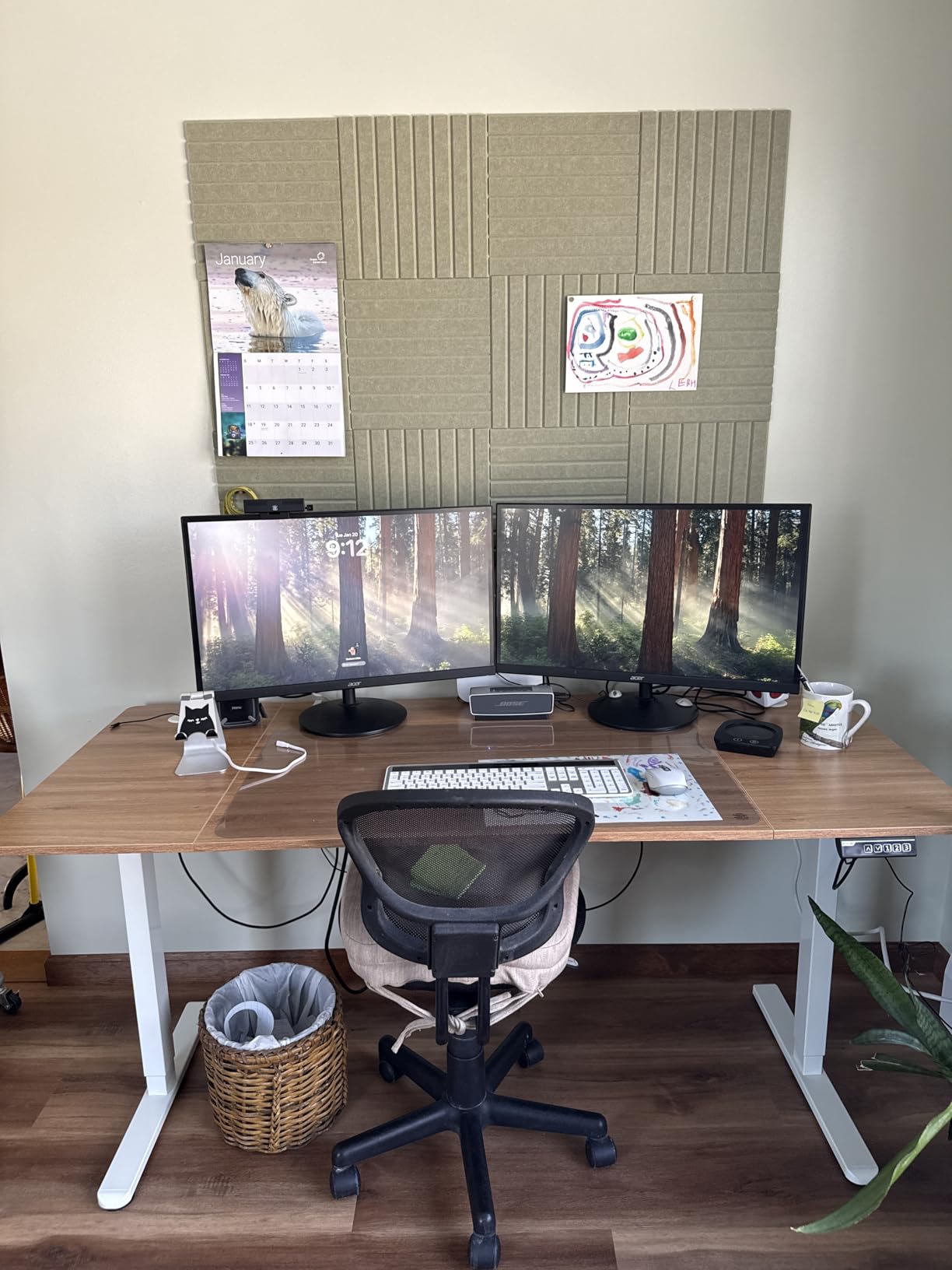
Owner reviews describe the lift as smooth and quiet, with the manufacturer claiming operation under 50 dB. That matters more in a two person setup than it does alone, because the person sitting still hears the motor the whole time the other person is adjusting. Anti-collision protection is fitted, which is a small thing that becomes a large thing the first time someone’s knee is under the desk.
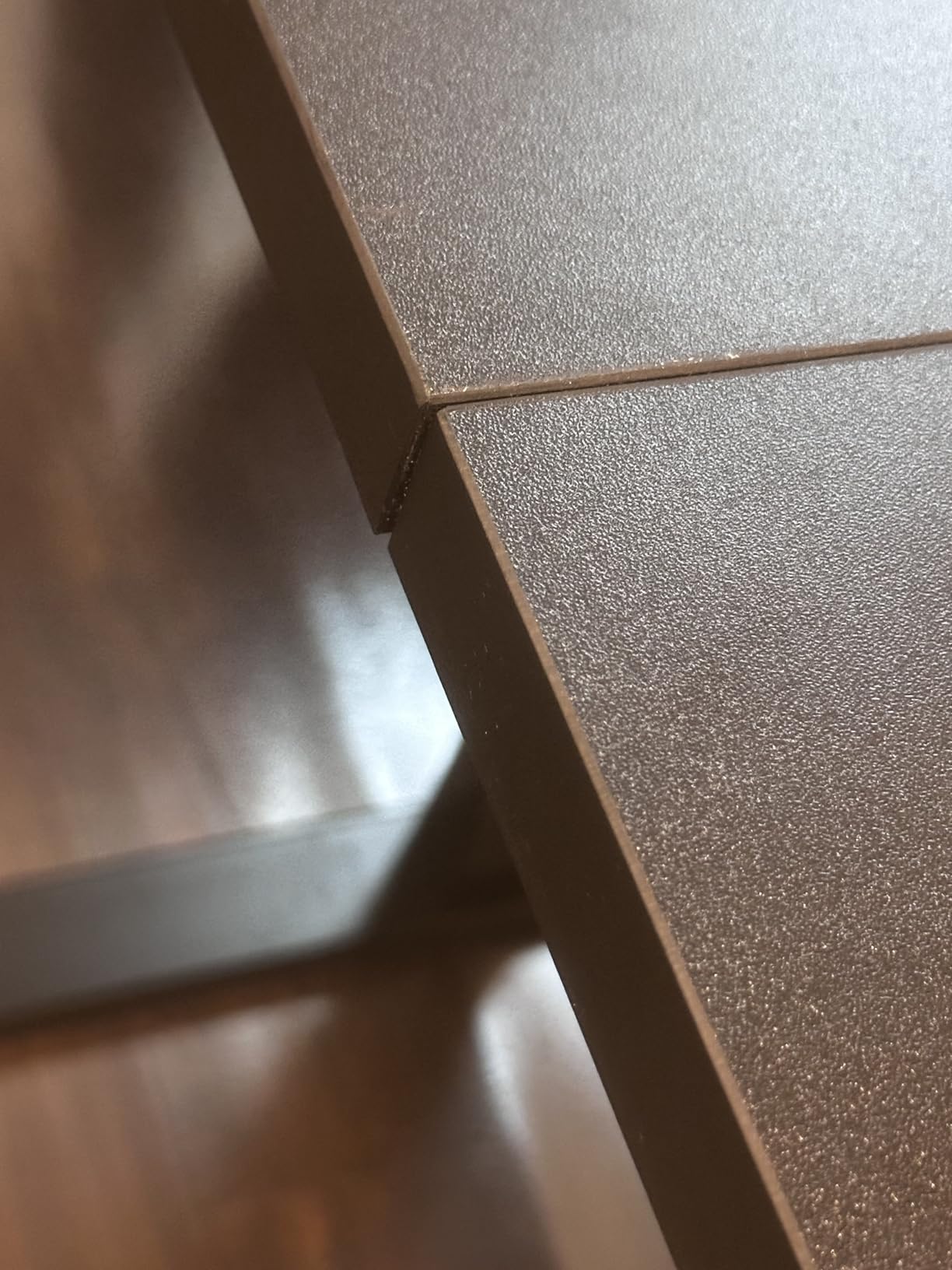
The rating on this desk sits at 4.6 across more than 2,500 reviews, which is the largest review base of any desk here. The recurring complaint is the desktop arriving in several pieces with a seam, plus an assembly that takes close to an hour. Two people should plan on doing it together.
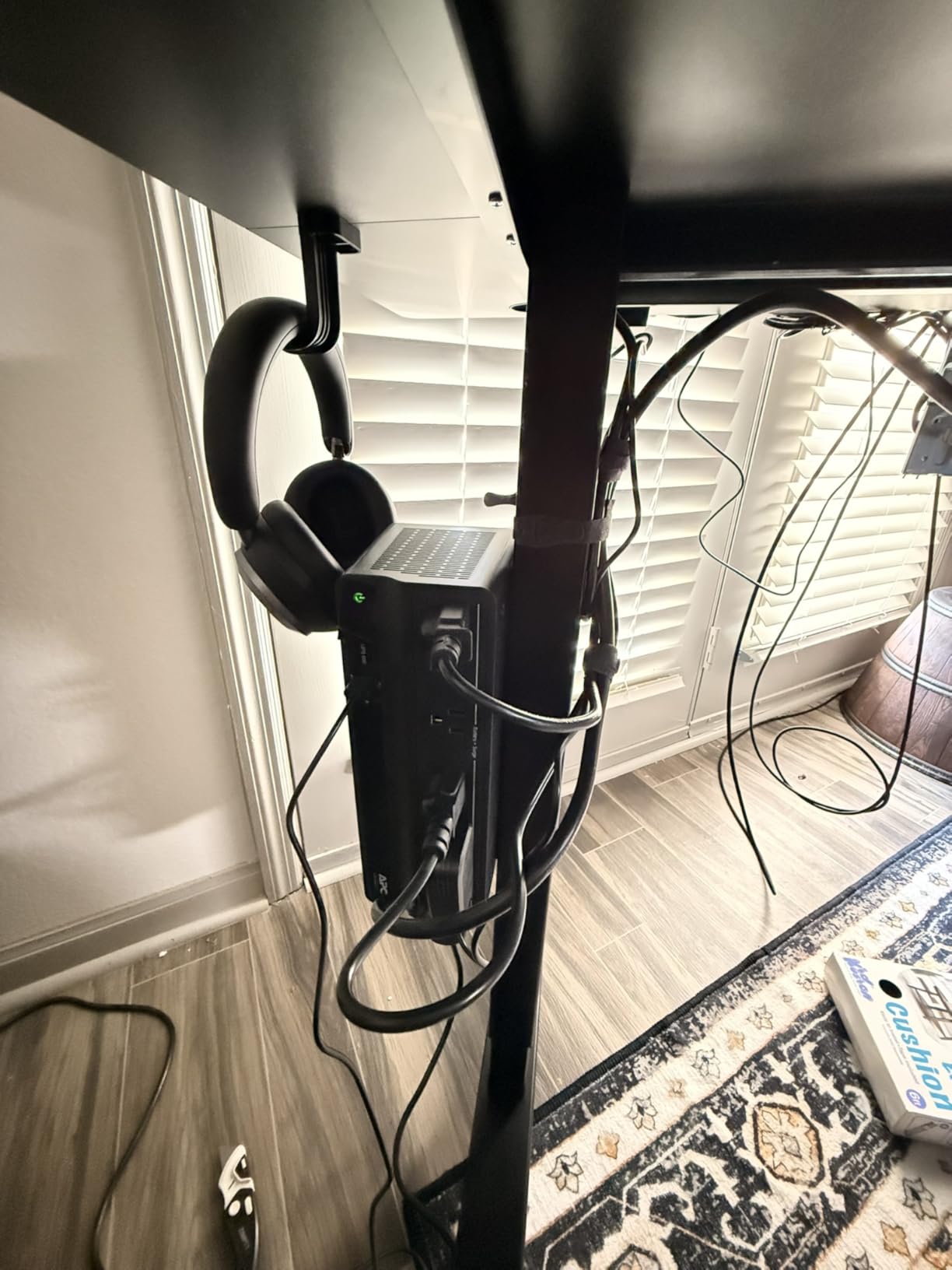
What to check before you commit
Count your monitors and stands before ordering. If both users are on a single large monitor each with a separate keyboard, 39 inches per side is comfortable. If either of you works with three screens, this gets tight fast and you should look at depth instead of width.
Verify your total load. Add up monitors, arms, laptop docks, a desktop tower if you use one, and any speakers. Staying under 176 pounds is not difficult for two laptop users, but it is worth checking before a tower and two external displays go on the surface.
When to skip it
Skip this if either of you is tall. The maximum height of 46.56 inches suits most people, but anyone over roughly six foot two who wants a true elbow-to-elbow standing position will be reaching down slightly.
Also skip it if you want independent height control per user. The three memory presets all live on one controller, so one person changing the desk moves the other person too.
2. VIVO Black 71 x 30 Standing Desk: Best for Everyday Shared Use
VIVO Black 71 x 30 in Standing Desk, DESK-KIT-1B7B
71 x 30 inch top
Single motor lift
28.8 to 48 inch range
220 lbs capacity
Pros
- 220 lb all-steel frame
- Four memory presets
- Three year warranty
- Runs 29.2 to 48.4 inches
- Large review base
Cons
- Single motor with one shared height
- Particle board top
- Slight wobble reported at max height
- Two to three hour assembly
This is the desk I would hand a couple who share a home office on opposite sides of the week, because the 220 pound steel frame rating on a 71 inch two leg frame at this cost, and the warranty runs three years. The 71 by 30 inch surface gives each person about 35 inches of width, which works for a single monitor each.
The trade-off is the lift. It uses a single motor driving one column, so the desk moves as one piece and the two presets are really four stops for everybody. When both of you are at the same desk most of the day that is tolerable. When one of you is on calls all afternoon and the other wants to stand, it is a daily negotiation.
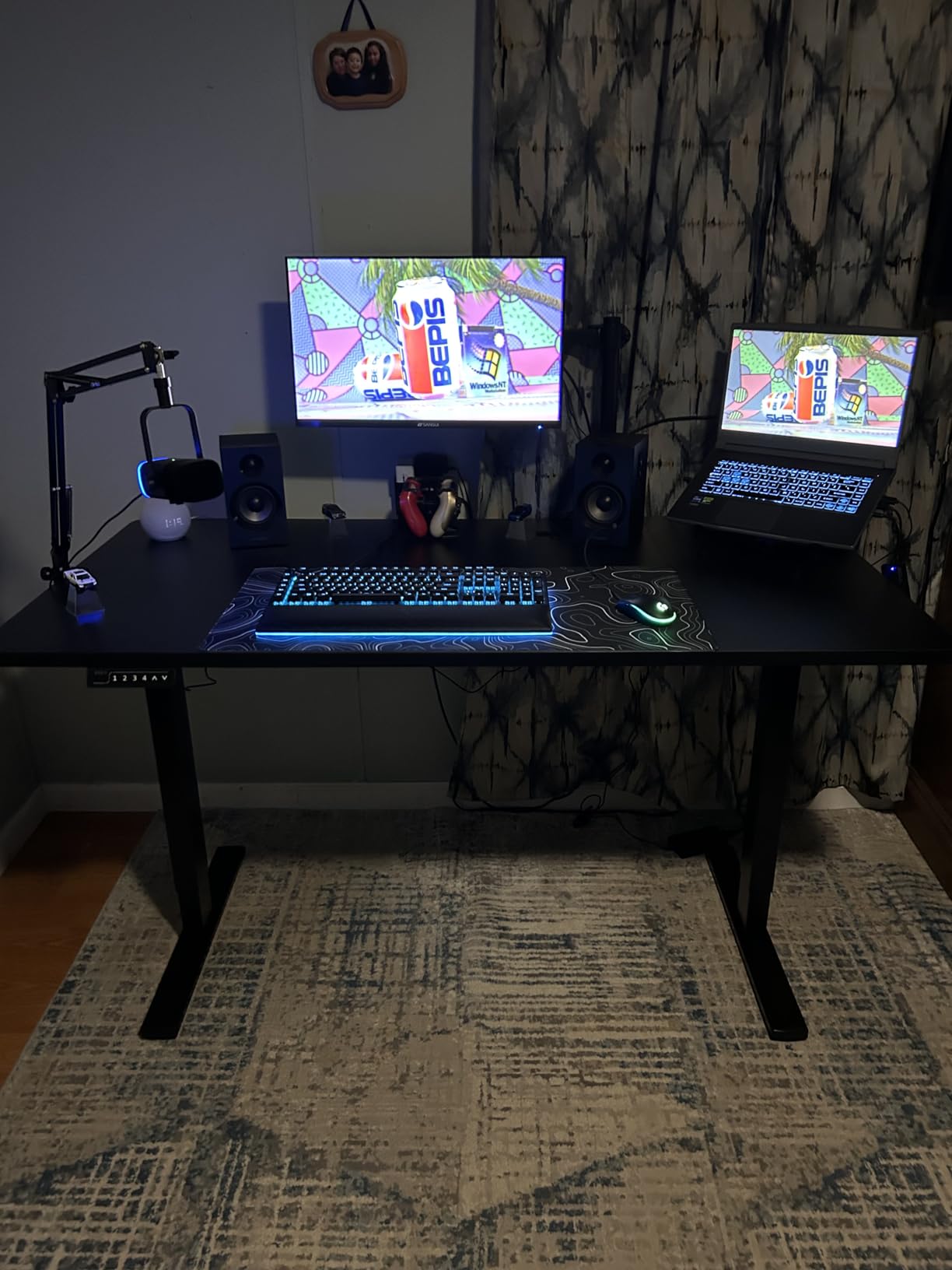
Published height range is 28.8 inches to 48 inches, which is a taller maximum than most of the desks in this group and gives shorter users more low-end room at the same time. That vertical spread is genuinely useful for a shared desk because one person can sit low while the other sits high without a preset collision.
The 4.4 rating across roughly 1,700 reviews is solid rather than exceptional. Reviewers point to slight wobble when the desk is at full extension, which fits the pattern described on forums where users with long single-motor tops report the frame feeling less settled above around 45 inches.
What to check before you commit
Measure the depth of your chair situation. A 30 inch deep top leaves about 24 inches of usable surface once a monitor base takes up space, so keep keyboards slim and expect one monitor each.
Ask yourself whether you will ever want opposite heights at the same time. If yes, this is the wrong frame, because the single motor means one controller, one motion, one height.
When to skip it
Skip it if either user runs a heavy rig with a desktop tower. A 220 pound rating sounds generous but the single column will feel it under an uneven load, and the loaded side can dip while the other side stays level.
Skip it if you are both taller than about five foot ten. Thirty inches of depth is fine, but the shared height means the taller user sets the compromise.
3. FLEXISPOT 71×32 Electric Standing Desk: Best Value Dual Motor
FLEXISPOT 71″x32″ Electric Standing Desk, Black Walnut
71 x 32 inch top
Dual motor lift
28.9 to 46.5 inch range
198 lbs capacity
Pros
- Dual motor at this price band
- Four memory presets
- Cable management basket included
- Quiet operation
- Good stability for writing
Cons
- Desktop arrives in multiple pieces
- Accessory hooks lack pre-drilled holes
- Occasional surface scratches
- Desktop and frame arrive separately
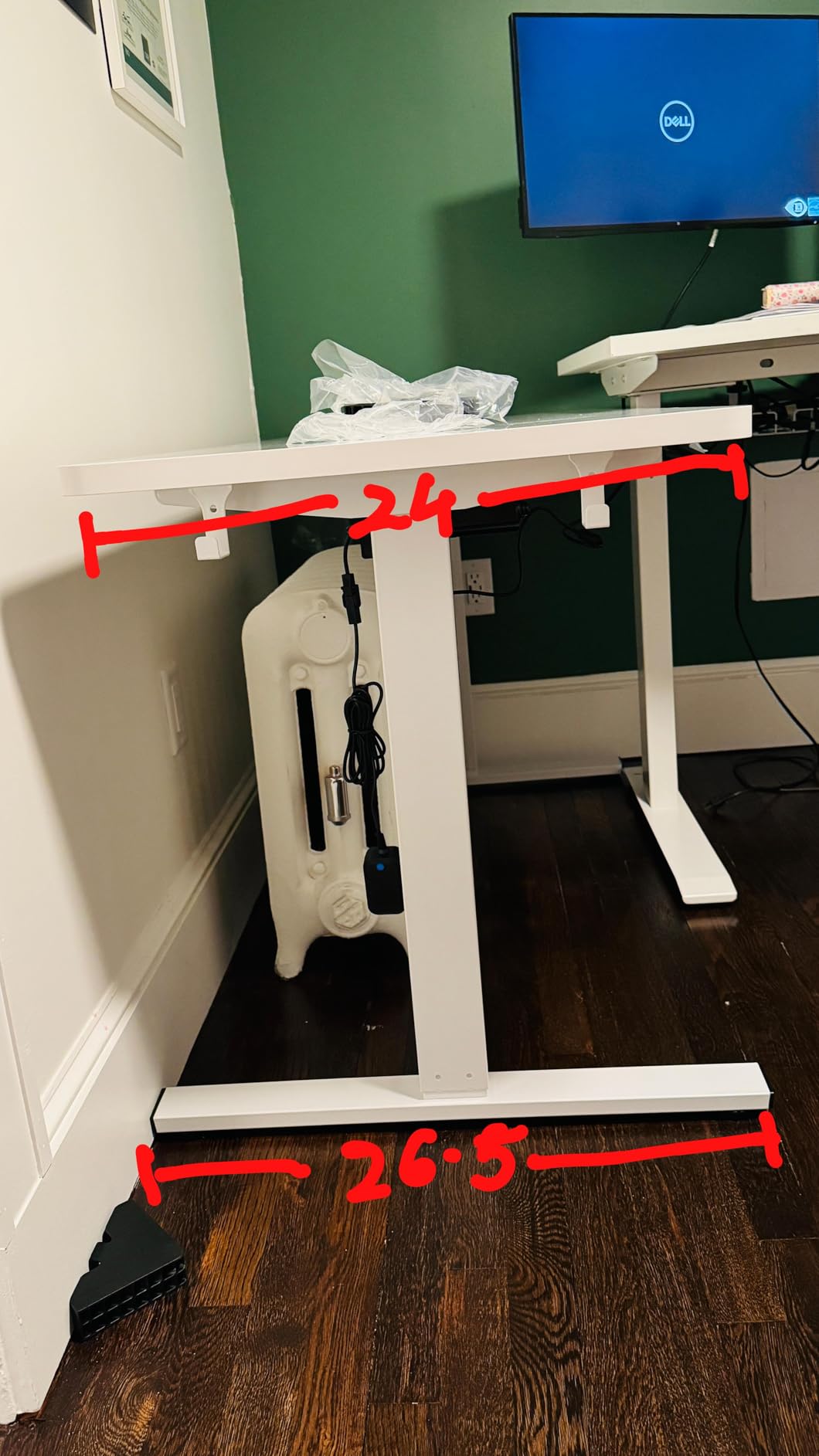
Two motors across a 71 inch top is the configuration most two person buyers actually want, and this frame carries 1,735 owner reviews. Each column handles half the span, so when one person leans on the desk the surface stays flat instead of rocking. The 32 inch depth is also six inches deeper than the standard 30 inch two person size.
Rated capacity is 198 pounds and the height range runs from 28.9 to 46.5 inches, which covers seated work for almost everyone and standing work for most. Four memory presets are programmed through a single controller, so all four stops belong to both users rather than two each.
Owners describe the motor as quiet and the frame as solid enough to write on without the surface moving, which matters when one of you is a fast typist and the other is trying to concentrate. A cable management basket is included, something several cheaper 71 inch frames omit entirely.
The rating is 4.5 across about 1,735 reviews. The most common complaints are cosmetic: a desktop made of more than one panel, hooks that need drilling because the holes are not pre-punched, and tops that arrive with scratches.
What to check before you commit
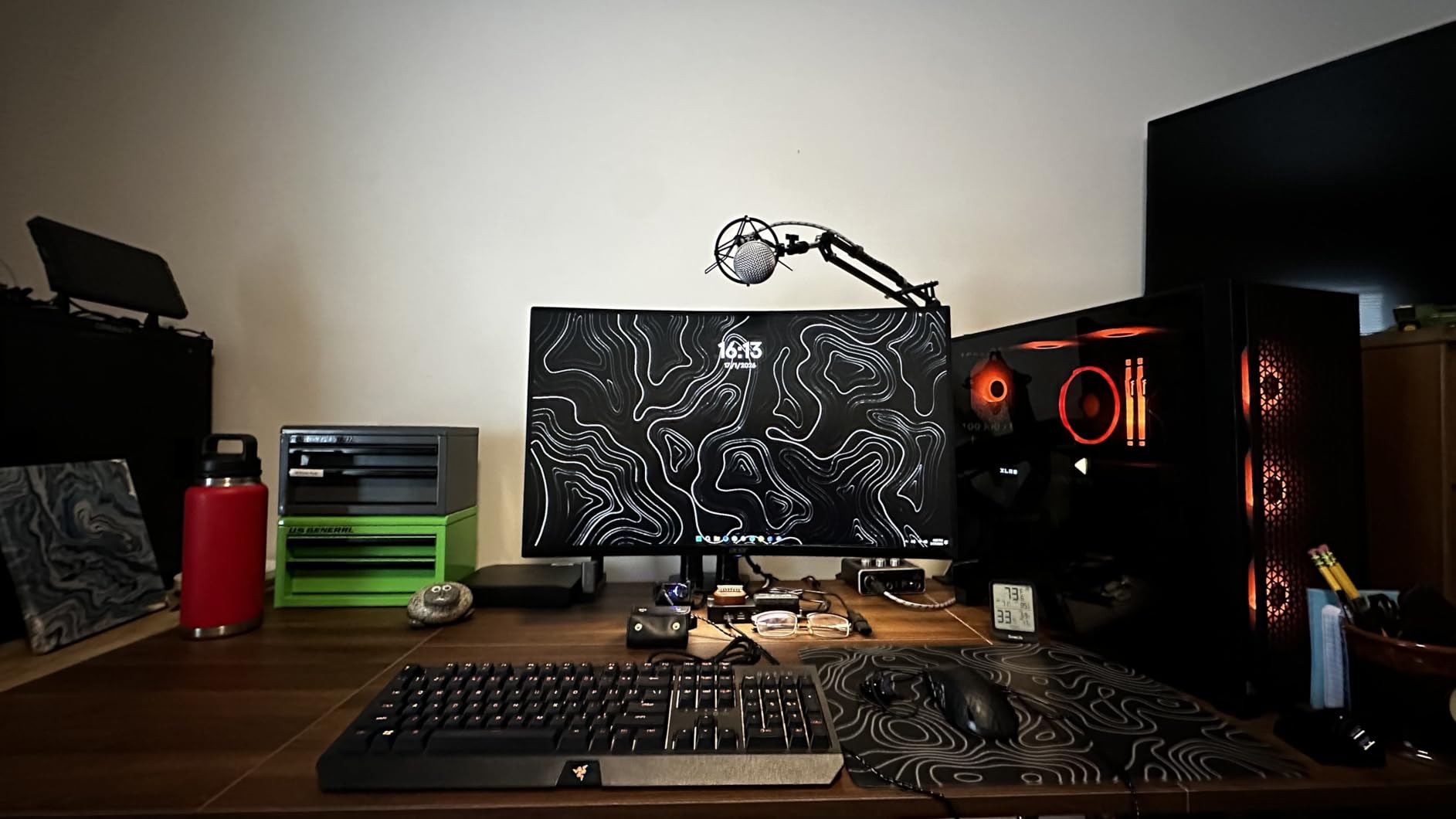
Count your screens against 32 inches of depth. Two monitor bases plus keyboards leave roughly 26 inches of clear surface per person, which is comfortable for one display each and workable for two smaller screens.
Look at the seam on the multi-panel top. If either of you uses a large mat or writes with a heavy pen, the join is where you will feel it first.
When to skip it
Skip it if you want each person to set their own height. There is one control panel here, so the second person standing up moves the first person out of position.
Skip it if you have a monitor arm habit. The 0.63 inch top is thinner than the one inch tops on several desks in this group, so check that your clamp or grommet mount suits it before ordering.
4. FitStand 71 x 31 Electric Standing Desk: Best With Accessories Included
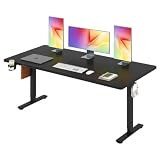
FitStand 71”x31”Large Standing Desk Electric Adjustable for Home Office
71 x 31 inch top
Electric lift
28.7 to 59 inch range
154 lbs capacity
Pros
- Cup holder and cable box included
- Four memory presets
- Quiet operation under 50 dB
- Zero point 75 inch top
- Wall hook included
Cons
- One of the lower capacity ratings here
- Arrives as two separate boxes
- Desktop can arrive in multiple pieces
The reason this desk appears on the list is the accessory bundle. A cup holder, a cable management box and a hook all come in the box, and on a two person desk those small items decide whether the surface stays usable after a week of work. Two people generate twice the cable clutter of one, and buying the accessories separately is a real cost in time.
The frame is rated at 154 pounds, which sits at the low end of this group, and the top measures 71 by 31 inches. That is fine for two people on laptops with one monitor each. It is not enough headroom for towers, multiple mounts or a heavy audio setup.
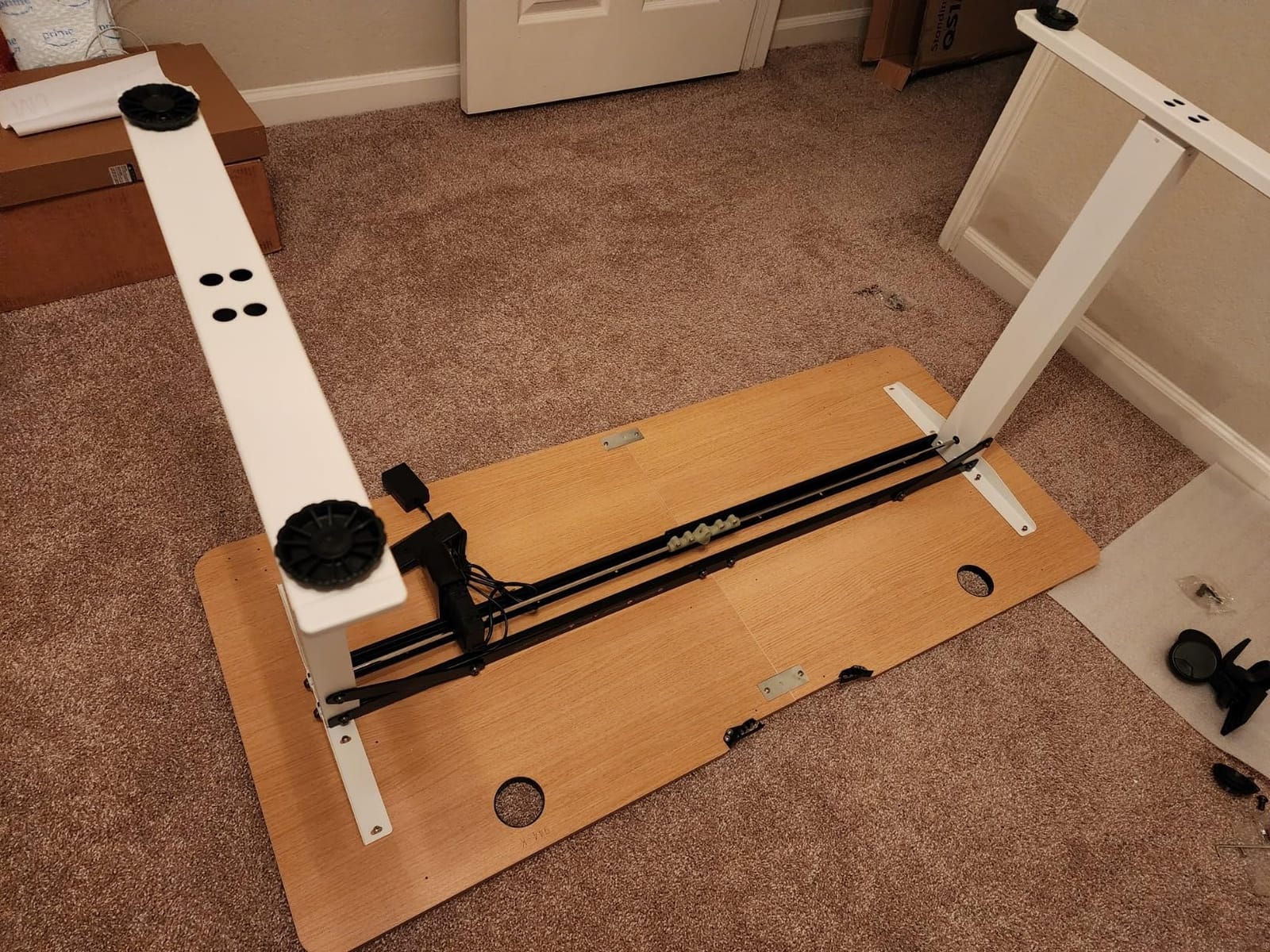
The listed maximum height of 59 inches is the tallest published maximum in this roundup by a wide margin. Owners describe the lift as quiet, under 50 dB according to the manufacturer, which keeps video calls clear when the other person adjusts the desk.
At 4.6 across 550 reviews, this is a well-regarded desk with a smaller review base than the leaders. The recurring practical issue is delivery: the unit arrives as two boxes, so plan for the possibility that one turns up before the other.
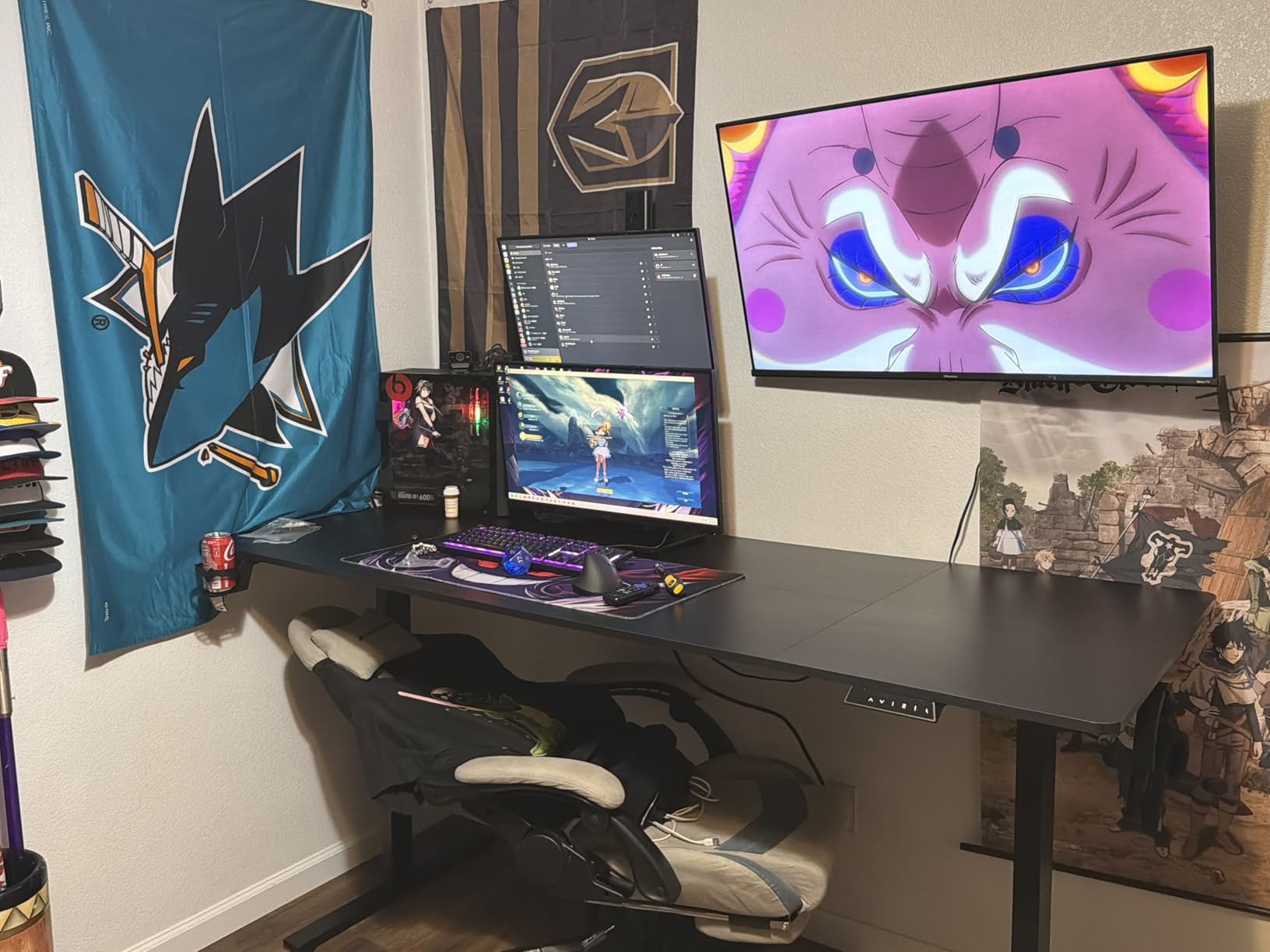
What to check before you commit
Add up your hardware. If both users are on laptops plus one monitor each, 154 pounds has plenty of margin. Add a tower on one side and it does not.
Check your ceiling and your ceiling clearance. A maximum of 59 inches is useful for tall ceilings, but make sure nothing overhead sits in the raised path.
When to skip it
Skip it if you want genuine per-user control or a heavy equipment load. Four presets on one panel is a shared desk, and 154 pounds is not a two person heavy-duty rating.
Skip it if you have no patience for a two package delivery and an hour of assembly with a multi-piece top.
5. SANODESK 79 x 32 Dual Motor Standing Desk: Best for Maximum Surface Width

SANODESK Dual Motor 79”x 32” Large Height Adjustable Standing Desk
79 x 32 inch top
Dual motor lift
28 to 47 inch range
198 lbs capacity
Pros
- Dual motor on a 79 inch span
- Deep 32 inch surface
- Anti-collision technology
- Headphone and cup holders
- Four memory presets
Cons
- Top thickness only about 0.6 inch
- Some motor and control board defects reported
- Crossbar reduces knee clearance
- Assembly over an hour
This is one of two 79 inch dual-motor frames here and it pairs that span with a 32 inch depth, the largest rectangular surface area of any desk in the group. If both of you are heavy monitor users, that combination is hard to argue with. The dual motors keep the long span from flexing when the load sits unevenly.
Capacity is rated at 198 pounds with a height range of 28.3 to 47.6 inches. Four memory presets sit on a single controller, so it remains a shared height desk even though the lift hardware is doubled up. That distinction matters and buyers often miss it.
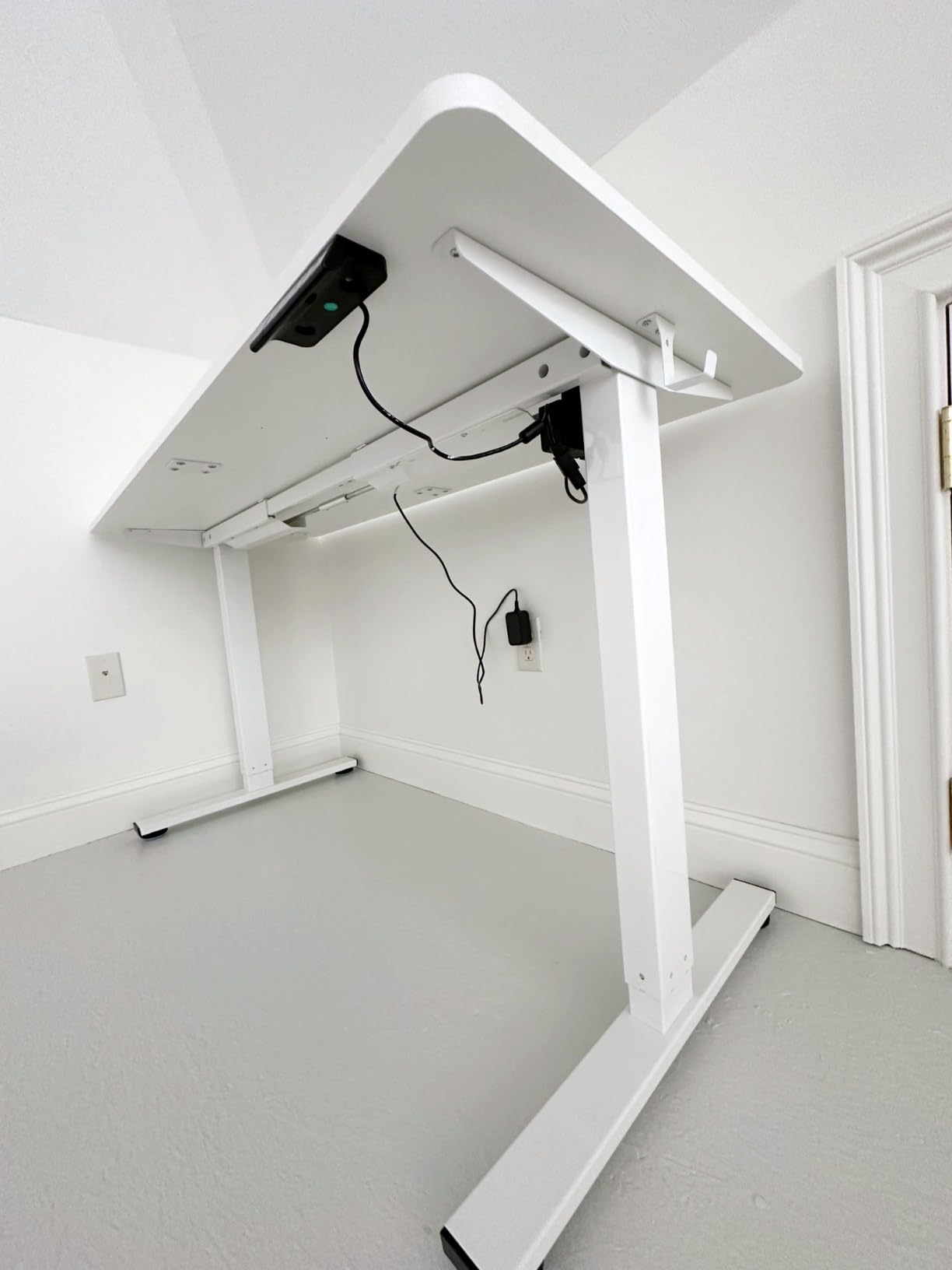
Owners generally report smooth, quiet movement and describe the frame as sturdier than expected for the size. A few reviews report motor or control board failures, which is worth weighing against the three year warranty offered by some competitors in this group and not by this one.
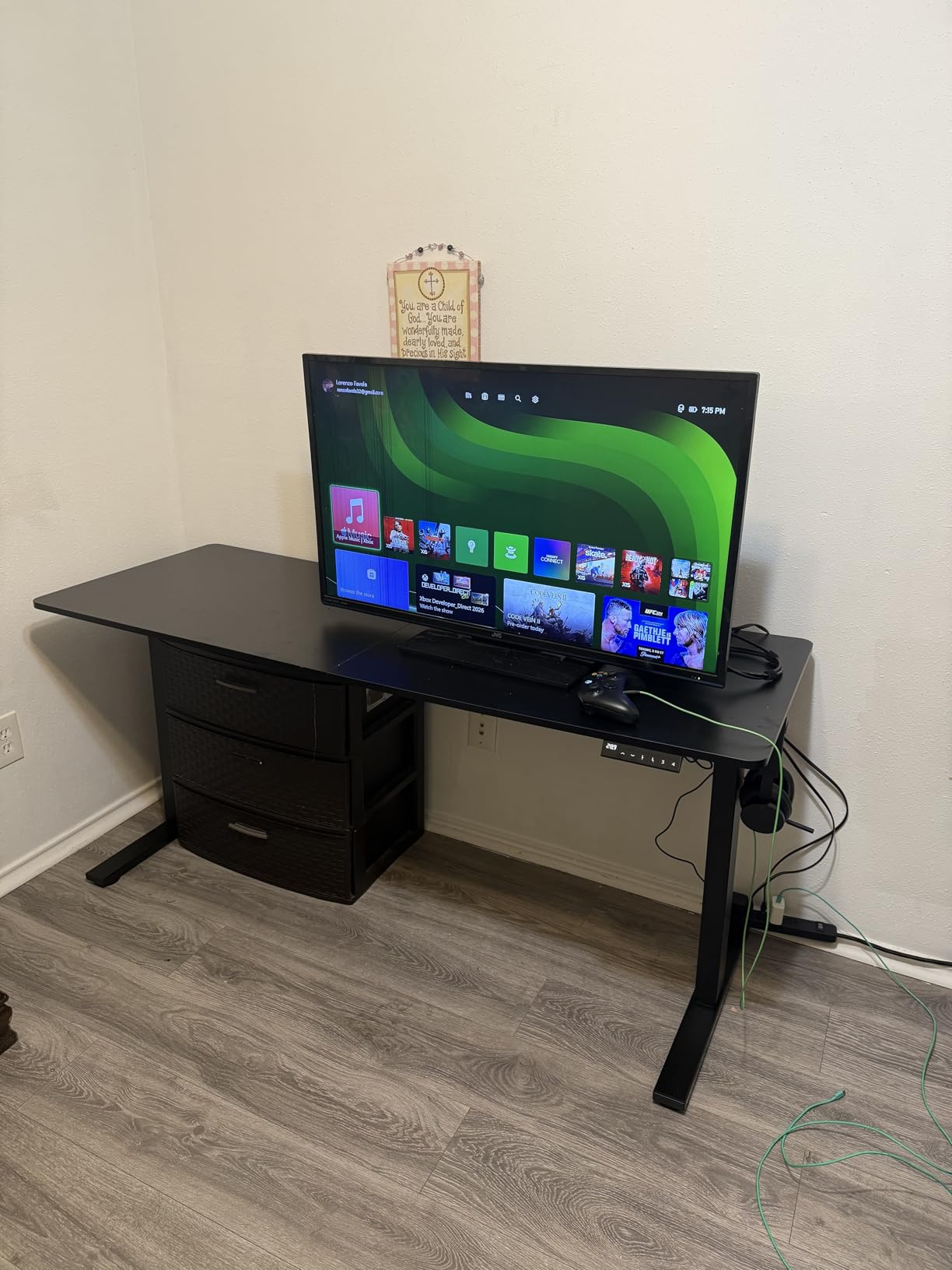
The 4.5 rating across 540 reviews reflects a desk people are happy with after the first month. The most useful complaint is the top thickness: at roughly 15mm this is the thinnest surface among the 79 inch models here, and it flexes more under a heavy monitor arm than a one inch top does.
What to check before you commit
Measure the knee space. The crossbar on this frame sits low enough that some shorter users report restricted leg room, and one of you may be the shorter one.
If you plan to clamp a monitor arm, check the top thickness against your clamp range first. A thin top needs a grommet mount rather than a clamp in most cases.
When to skip it
Skip it if either user is under about five foot six, because the crossbar knee issue is reported specifically by shorter users. Skip it if you need independent heights, since all four presets are shared.
Skip it if you want a long warranty behind the motors and value that guarantee highly, as no warranty length is published here.
6. FEZIBO 71 x 37 Electric Standing Desk: Best for Multi-Monitor Depth

FEZIBO 71 x 37 Inch Large Electric Standing Desk 1″ Thick Desktop, White
71 x 37 inch top
1 inch thick desktop
28 to 46 inch range
220 lbs capacity
Pros
- 37 inch deep surface
- One inch thick three-piece top
- Dual crossbeam frame
- 220 lbs capacity
- Built-in 18W USB-C charging
Cons
- Lateral wobble when pushed side to side
- Brass inserts strip if over-torqued
- Factory blemishes reported
- Long hex alignment bar is awkward
Thirty-seven inches of depth is the deepest surface on this list, and it is the number that decides whether two people can both work with multiple screens. Once a monitor base, a keyboard and a mouse are placed, this leaves far more clear surface per person than a 30 or 32 inch top allows.
The frame uses a dual crossbeam structure, which the manufacturer credits with substantially greater lateral rigidity than a standard two leg frame, and it holds 220 pounds. That is one of the higher ratings here and it is reassuring for a desk carrying two full setups.
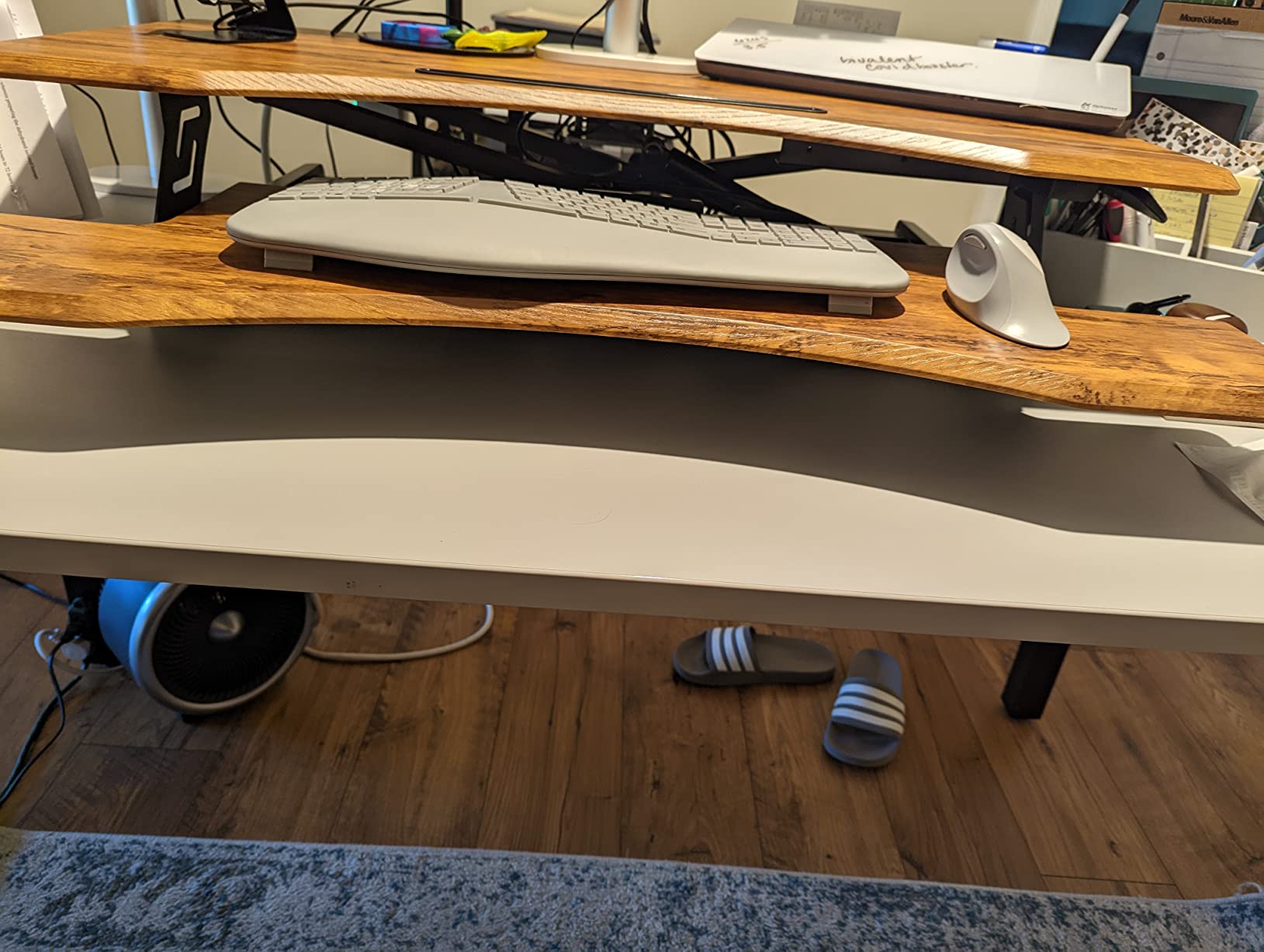
Assembly is described as a seven step process using pre-assembled components, which is faster than the multi-piece tops that dominate this list. A built-in 18W USB-C port handles charging without a floor-standing brick, and three memory presets are programmed from one panel.
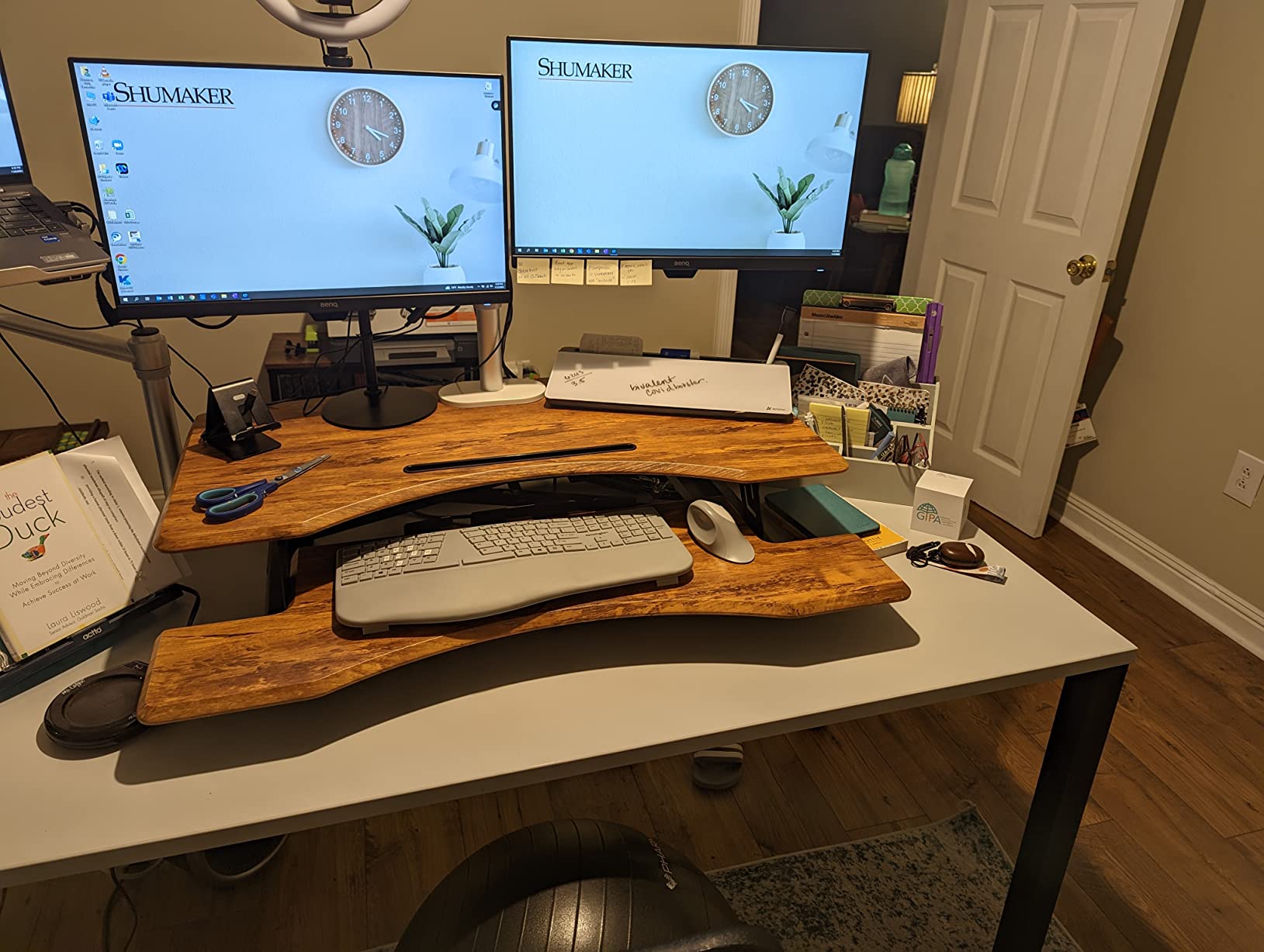
At 4.6 across 325 reviews the rating is high but the sample is smaller than the leaders. Reviewers call out a slight lateral wobble when the desk is pushed sideways by hand, a few factory blemishes on the top, and a caution about over-tightening screws into the brass inserts in the pressed wood rail.
What to check before you commit
Check your floor space. Thirty-seven inches of depth is deep enough that you need to sit back from the desk edge rather than up against it, and that changes chair positioning.
Count vertical clearance above the desk. A deep surface at 46 inches plus a monitor on an arm needs more room under low ceilings than a 30 inch top does.
When to skip it
Skip it if your room is tight. The depth is the point of this desk and it is also the reason it will not fit a shallow nook that easily holds a 71 by 30 frame.
Skip it if you are comfortable with power tools during assembly. The brass inserts are easy to strip, and that turns a ten minute job into a trip to the hardware store.
7. HUANUO 71 x 30 Brushless Standing Desk: Best for Quiet Motors

HUANUO 71 x 30 Inch Large Electric Standing Desk, Brushless Motor, Black
71 x 30 inch top
Brushless motor
27.9 to 46.5 inch range
220 lbs capacity
Pros
- Brushless motor tested past 100000 cycles
- Carbon steel frame with thicker columns
- 220 lbs capacity
- Cable tray and two hooks included
- Careful foam packaging
Cons
- Do not use power tools during assembly
- Some typing wobble reported
- Top arrives in two or three panels
- Arrives as two boxes
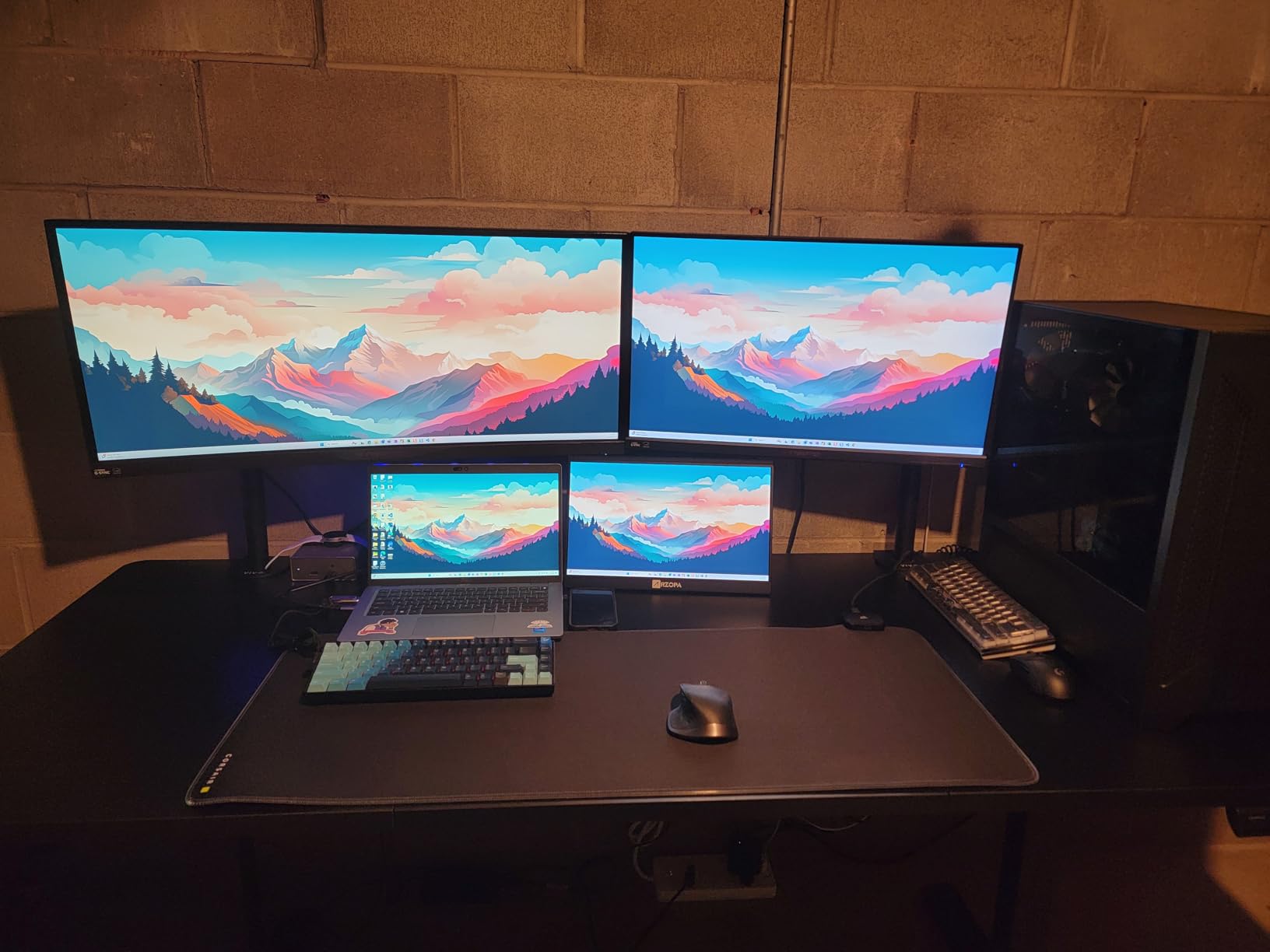
If you take calls from the same room, motor noise is not a minor specification. This brushless motor is rated under 55 dB by the manufacturer, with no gear noise, and it is tested past 100,000 lift cycles, which is the sort of figure that matters for a desk expected to run every day for years.
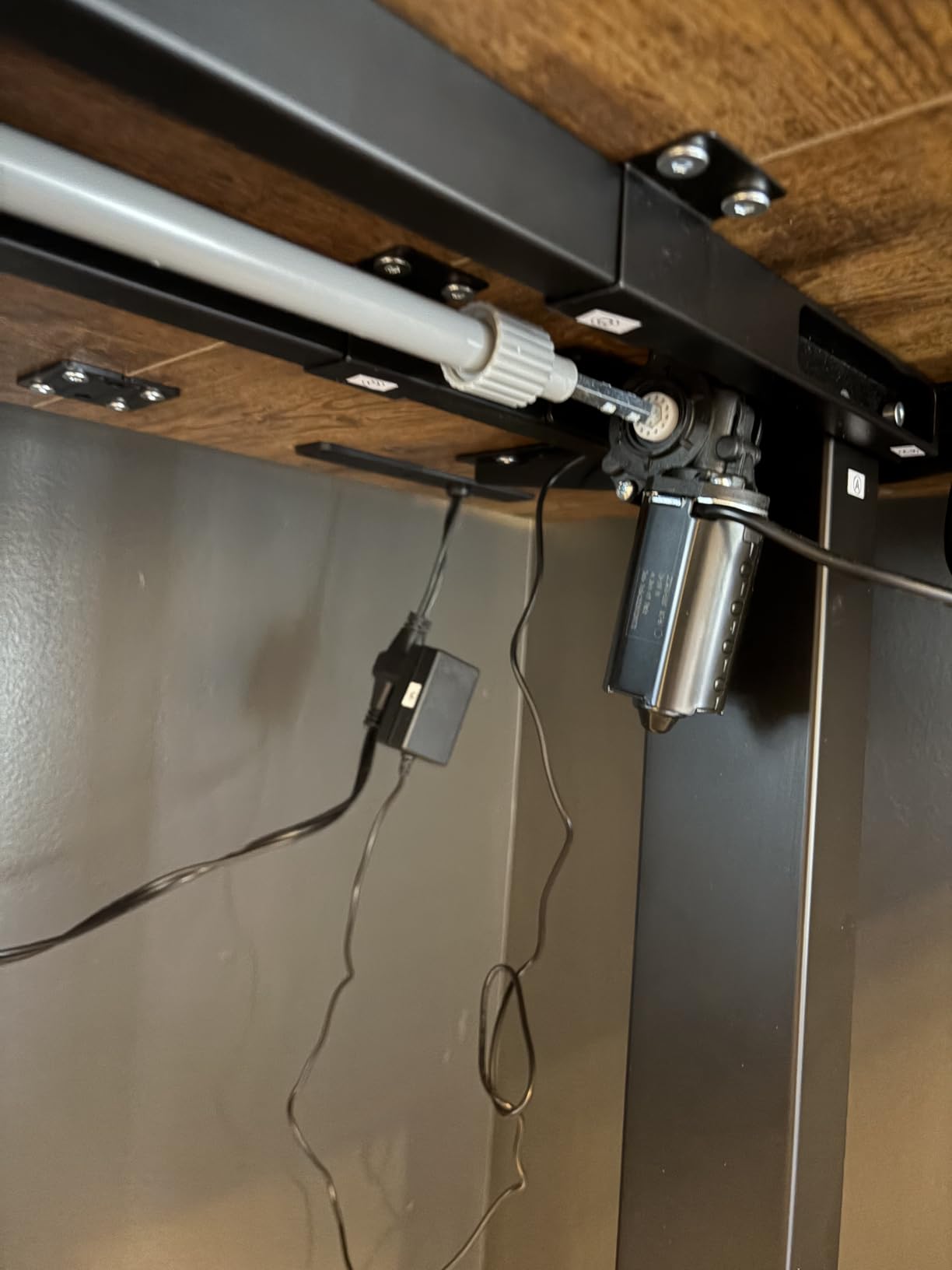
The frame is reinforced carbon steel with thicker columns and wider feet than the standard frame on a 71 inch desk, and it holds 220 pounds. Four memory presets and a cable management tray with two headphone hooks come as standard, which is a good accessory count for a two person setup.
Owners single out the packaging, with foam protection and corner protectors, and clear instructions with labelled hardware. The published height range of 27.9 to 46.5 inches is one of the lower minimums here, which is actually good for shorter users because they get more seated adjustment.
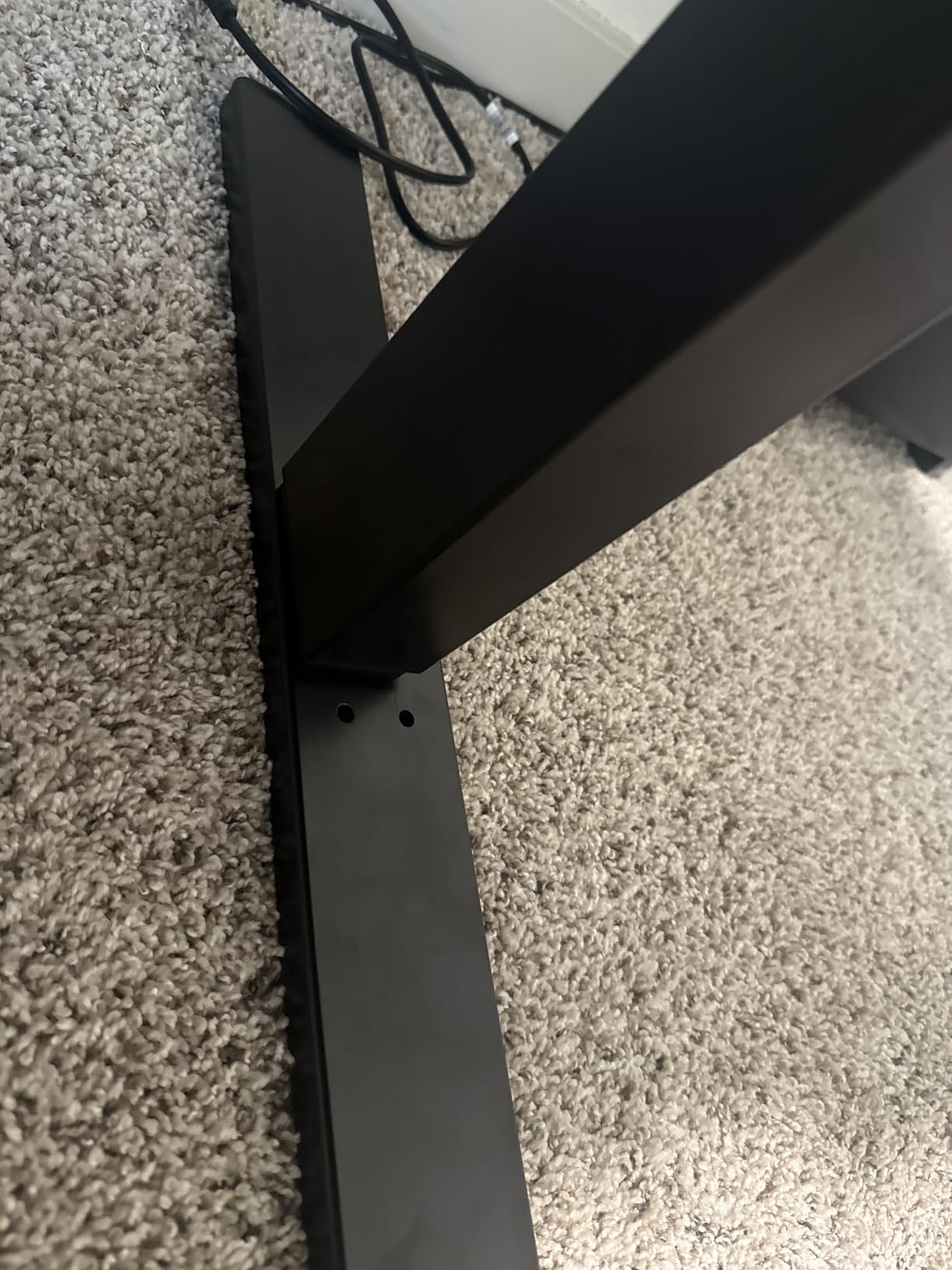
The 4.4 rating across 355 reviews reflects a solid desk with a specific assembly warning: do not use a power tool, as the screws strip the engineered wood rail easily. Some users also report slight wobble while typing, which is a common report on single column frames at working height.
What to check before you commit
Read the assembly warning before you open the box. A stripped screw on a top this size means a new top, and that is a much worse outcome than spending twenty minutes with a hand screwdriver.
Count your devices per side. Thirty inches of depth suits one monitor each comfortably. If either of you uses two displays, look at a deeper top.
When to skip it
Skip it if you are assembling alone with a drill in hand. This desk and that approach do not mix.
Skip it if you need independent height control or a surface deeper than 30 inches. This is a quiet, capable shared desk, not a per-user one.
8. OffiGo 71 Inch Executive Standing Desk: Best for Built-In Power

OffiGo 71″ Executive Electric Standing Desk Height Adjustable, Rustic Brown
71 inch top
1.38 inch thick desktop
29 to 47.2 inch range
154 lbs capacity
Pros
- Three AC outlets plus two USB-A and two USB-C
- Thickest top in the group at 1.38 inches
- Reinforced 80x50mm steel legs
- Dual beam structure
- Cable grommets and side hook
Cons
- 154 lbs capacity is low for a pair
- Not designed for monitor arm mounting
- Only three memory presets
- 27.5 inch depth is shallow
Two people at one desk means twice the charging demand, and this is the only desk in the roundup with a full power hub built into the desktop. Three AC outlets, two USB-A ports and two USB-C ports sit in the surface, which removes the extension cord fight entirely. Forum discussions about two person desks often circle back to exactly this problem.
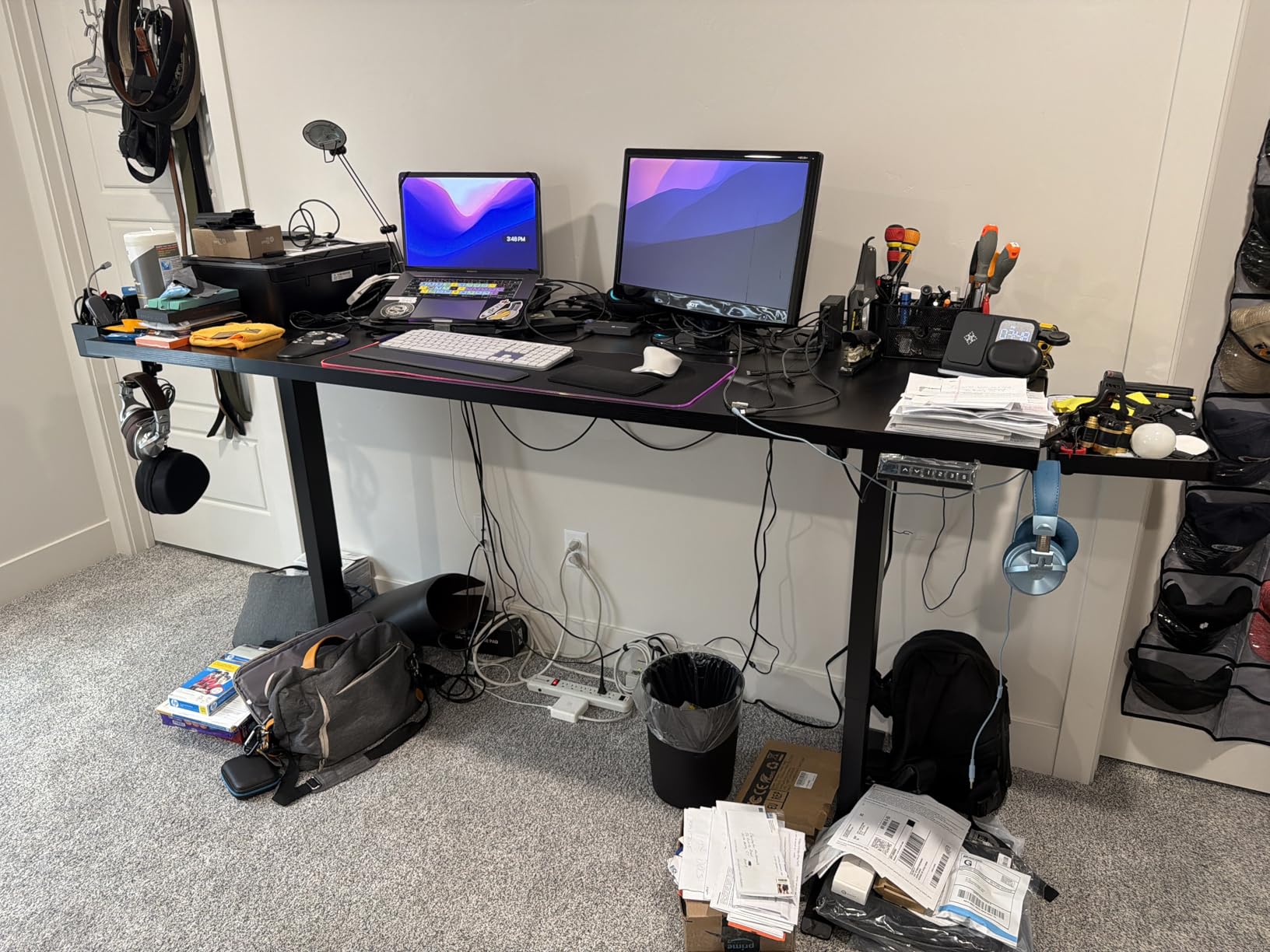
The top is 1.38 inches thick, the thickest in the group, and it is built from three panels over a dual beam frame with reinforced 80x50mm steel legs. That thickness is the reason it feels solid to write on and the reason it is heavier to move than the lighter tops here.
The rated capacity of 154 pounds is low for a pair, and the listed depth of 27.5 inches is the shallowest of any desk here. Combined, those two numbers mean this suits two light users on laptops or single monitors rather than two heavy multi monitor setups.
At 4.5 across 331 reviews, owners like the power ports and the solid feel, and the complaints focus on the capacity figure and the fact that the top is not designed for monitor arm mounting. If you want monitor arms, this is the wrong desk.
What to check before you commit
Count your wall adapters. Three outlets only helps if both users have two or three devices each, otherwise the extra capacity does not change the outcome.
Measure your depth requirement honestly. At 27.5 inches listed depth, there is barely room for a keyboard, a mouse and a monitor base per person.
When to skip it
Skip it if either of you uses a monitor arm. The desktop is not designed for arm mounting, and a clamp would need to be forced.
Skip it if you plan to put a desktop tower or any heavy equipment on the surface. The 154 pound rating leaves little margin for two full builds.
9. FLEXISPOT 79×32 Commercial Standing Desk: Best for Open-Plan Offices
FLEXISPOT 79″x32″ Height Adjustable Commercial Office Standing Desk
79 x 32 inch top
Single motor
28.94 to 46.46 inch range
154 lbs capacity
Pros
- Extra large 79 by 32 inch surface
- Quiet under 50 dB operation
- Anti-collision protection
- Integrated cable management and cup holder
- Neutral white finish
Cons
- Single motor on a 79 inch span
- Rating of 4.3 with a smaller sample
- 154 lbs capacity
- Top and frame arrive separately
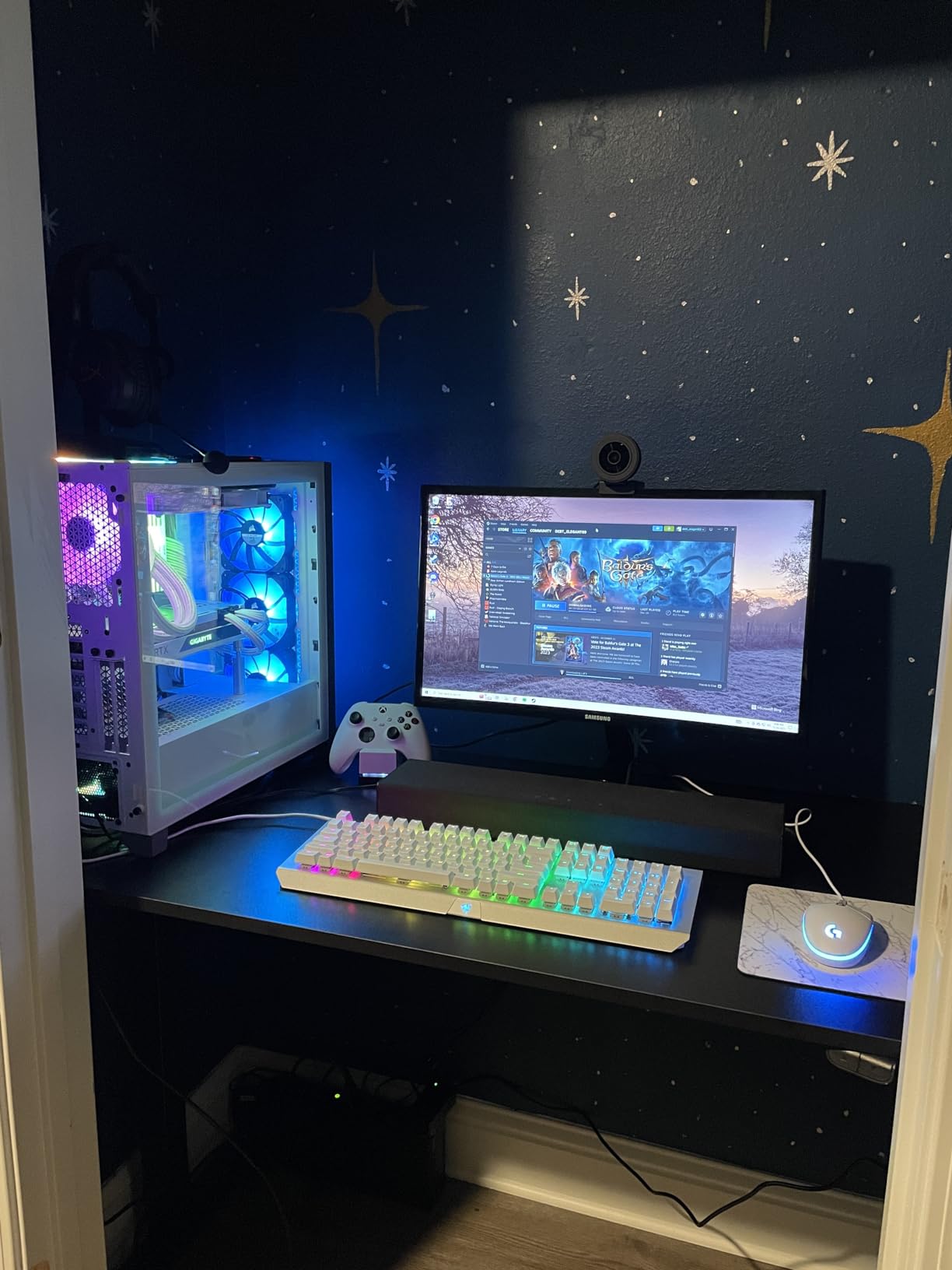
A shared desk in an open-plan office has different constraints from a home office. The frame needs to look neutral, move quietly enough not to disturb a nearby desk, and hold up to daily abuse from people who are not going to treat it carefully.
This model uses a single motor across a 79 inch span, which is the combination most likely to flex under uneven load. That matters when two people load one side of a shared surface. Its rated capacity of 154 pounds is also low for a surface this wide, and its 4.3 rating puts it at the bottom of this group.
What it does offer is a quiet lift under 50 dB, anti-collision protection, and integrated cable management with a cup holder in the surface. For light users on laptops and single monitors, that is a workable shared desk.
Owners describe it as good value for a 79 inch desk and note the low capacity relative to the smaller 71 inch models in the same range. The top and frame arrive as separate packages, which is normal for this size and worth planning around.
What to check before you commit
Check whether anyone at your office will add a second monitor or a laptop dock. One extra device per side puts a 154 pound frame close to its working range.
Check your employer’s policy on shared equipment, because a shared height desk in an office means everyone on that surface moves together.
When to skip it
Skip it if load or uneven weight matters, which in an office it usually does. A single motor across a 79 inch top is the least stable architecture in this group.
Skip it if you want independent control for two different job roles, which is exactly the case in most paired workstations.
10. VIVO Black 71 x 36 Standing Desk: Best for Deep Single-Screen Setups

VIVO Black 71 x 36 in Standing Desk, DESK-KIT-1B7B-36
71 x 36 inch top
Single motor
28.8 to 48.4 inch range
220 lbs capacity
Pros
- Deep 36 inch desktop
- 220 lbs steel frame capacity
- Four memory presets
- Three year warranty
- Solid all-steel frame
Cons
- Heaviest frame listed here at 67 lbs
- Depth listed as 25.5 inch which conflicts with the top
- Costs more than the 30 inch version
Thirty-six inches of depth on a 71 inch width is a wider allocation than most two person desks offer, and it works well when each user has one large monitor plus a keyboard and still wants elbow room. The steel frame is rated at 220 pounds, which is one of the higher capacities here.
It uses a single motor with telescopic columns and a published range of 28.8 to 48.4 inches, giving a comfortable seated and standing span for most body heights. Four memory presets are programmed from one controller.
Owners like the depth and the frame strength, and the three year warranty is a genuine plus next to desks with no published warranty. The listed item depth of 25.5 inches conflicts with the 36 inch top measurement, so treat the top dimensions as the reliable figure and confirm against the surface you receive.
At 4.3 across 227 reviews, this has the smallest review base here and sits in the lower band of ratings. That is not a warning sign on its own, but it does mean less long term feedback than the leaders in this group carry.
What to check before you commit
Confirm the actual top depth on arrival, since the listing dimensions disagree. A 36 inch top is unusually deep for this width, so measure before you build around it.
Check whether you can move it yourself. At 67 pounds this frame is among the heaviest here, and moving it needs two people.
When to skip it
Skip it if you want independent height control. One motor, one controller, four shared stops.
Skip it if budget matters more than depth, because the shallower sibling version of this frame covers most two person setups at a lower cost.
11. VIVO 63 x 55 Corner Standing Desk: Best for Small Rooms
VIVO Electric 63 x 55 in Corner Standing Desk with Memory Presets
63 x 55 inch L shape
225 lbs capacity
28.5 to 46.8 inch range
4 memory presets
Pros
- Highest capacity in the roundup at 225 lbs
- Reversible return for either corner
- Monitor arm compatible
- Three year warranty
- Excellent replacement part support
Cons
- Desktop splits into three panels with two seams
- Instructions switch perspective between steps
- Two people needed to flip it
- Adhesive cable tabs do not hold
This desk answers a different problem. Instead of making the top wider, it makes the footprint more useful by wrapping into a corner, and at 4.6 across more than 1,100 reviews it sits in the top band of ratings here with a large sample behind it.
The 225 pound rating is the highest published capacity of any desk here, and the frame is rated to handle dual monitor arms. The return section is reversible, so you can decide which corner it lives in after the desk is built rather than before you order.
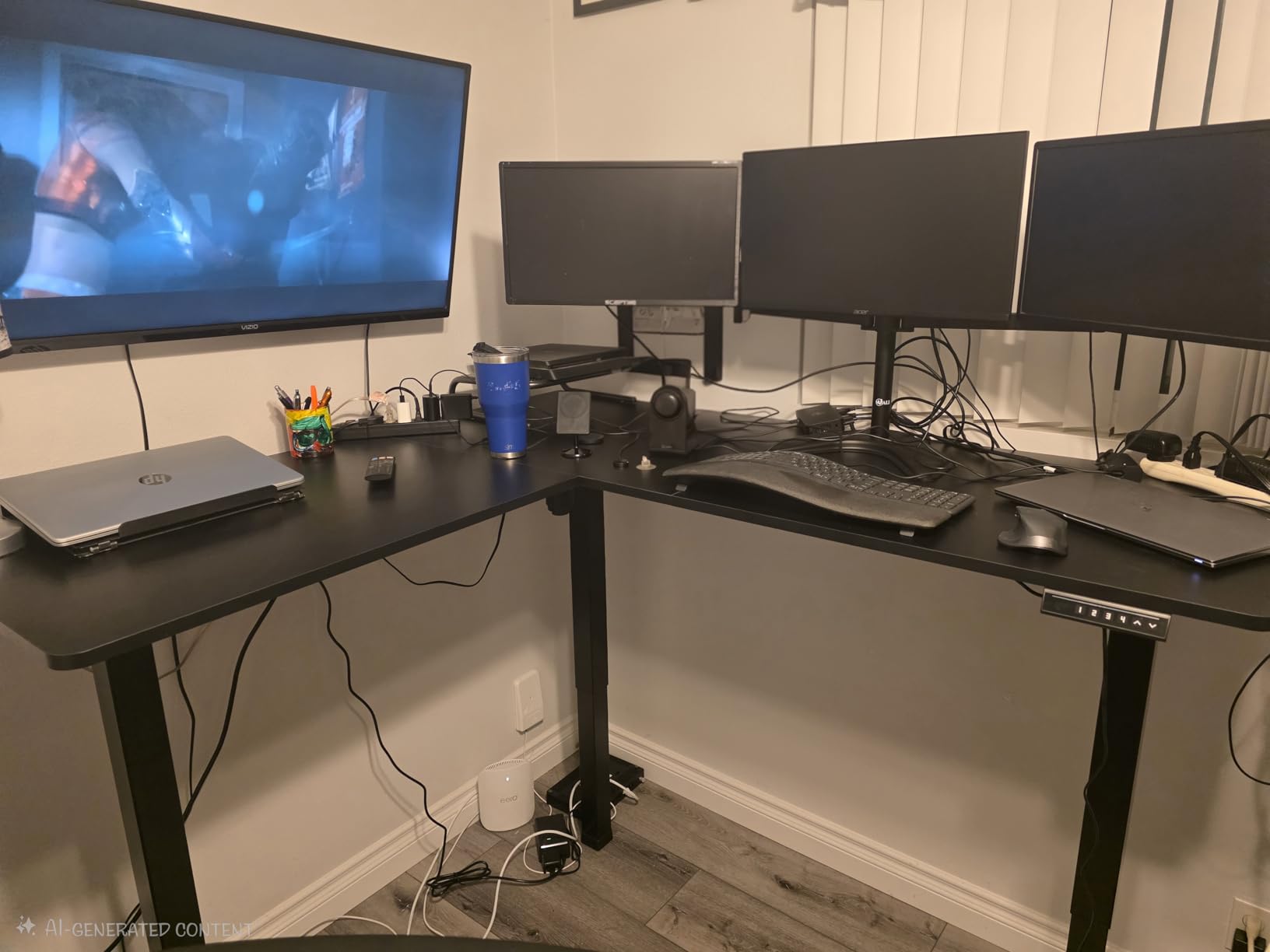
Owners consistently report quiet, smooth movement and praise the customer support, which ships replacement parts quickly. Four memory presets and a programmable controller give a wide range of stops for two people at different heights.
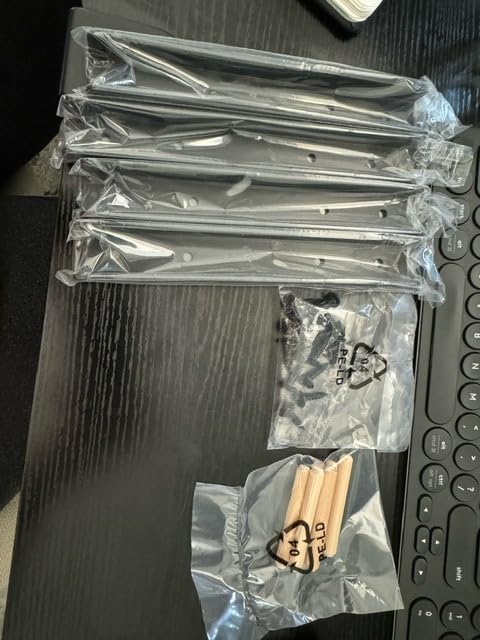
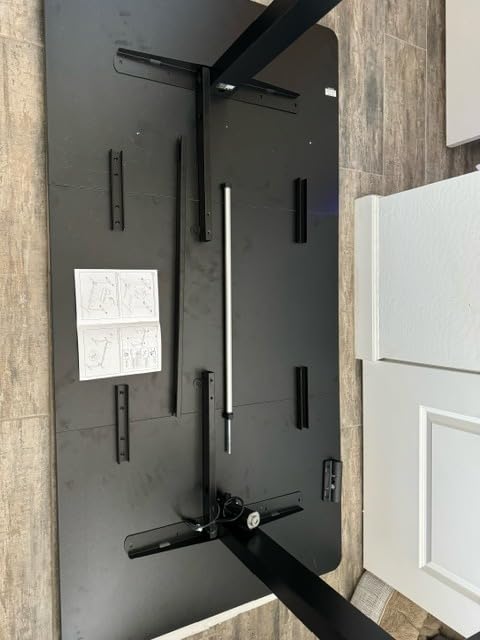
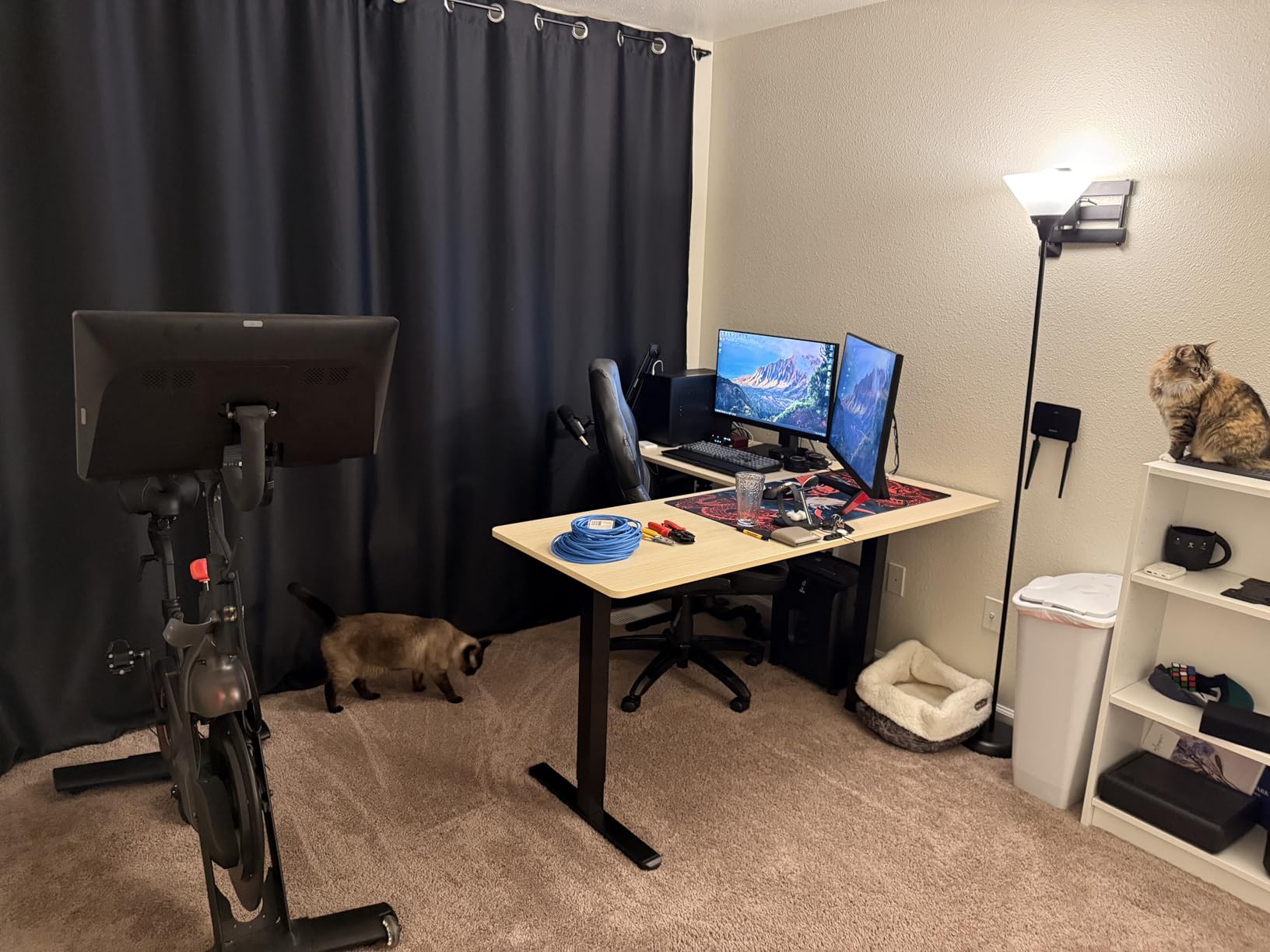
The complaints are about assembly, not performance. The desktop comes in three panels with two seams, the instructions switch perspective between steps, some pre-drilled holes are missing, and the desk is heavy enough that two people need to flip it upright after building.
What to check before you commit
Measure the corner, including skirting boards and door swings. A 63 by 55 inch L shape fits rooms that a 79 inch straight top does not, but only if the return is oriented correctly.
Decide how you will share the surface. One user can work along the long side while the other works on the return, which is a real division of space rather than two people meeting in the middle.
When to skip it
Skip it if you want a flat shared surface for side-by-side work, because the seams interrupt a straight two person arrangement.
Skip it if you are assembling solo. Two people are realistically needed, and the instructions are the most confusing in this group.
12. Casaottima 63 Inch L Shaped Standing Desk: Best Budget Corner Option

Casaottima 63 Inch L Shaped Electric Standing Desk, Home Office, White
63 inch L shape
Reversible return
27.9 to 46.1 inch range
154 lbs capacity
Pros
- Reversible return
- Clear labelled assembly instructions
- Quiet smooth electric lift
- Holds three monitors and a laptop
Cons
- 154 lbs capacity is tight for two people
- Thinnest top here at 0.47 inch
- Presets only save while plugged in
- White finish shows marks
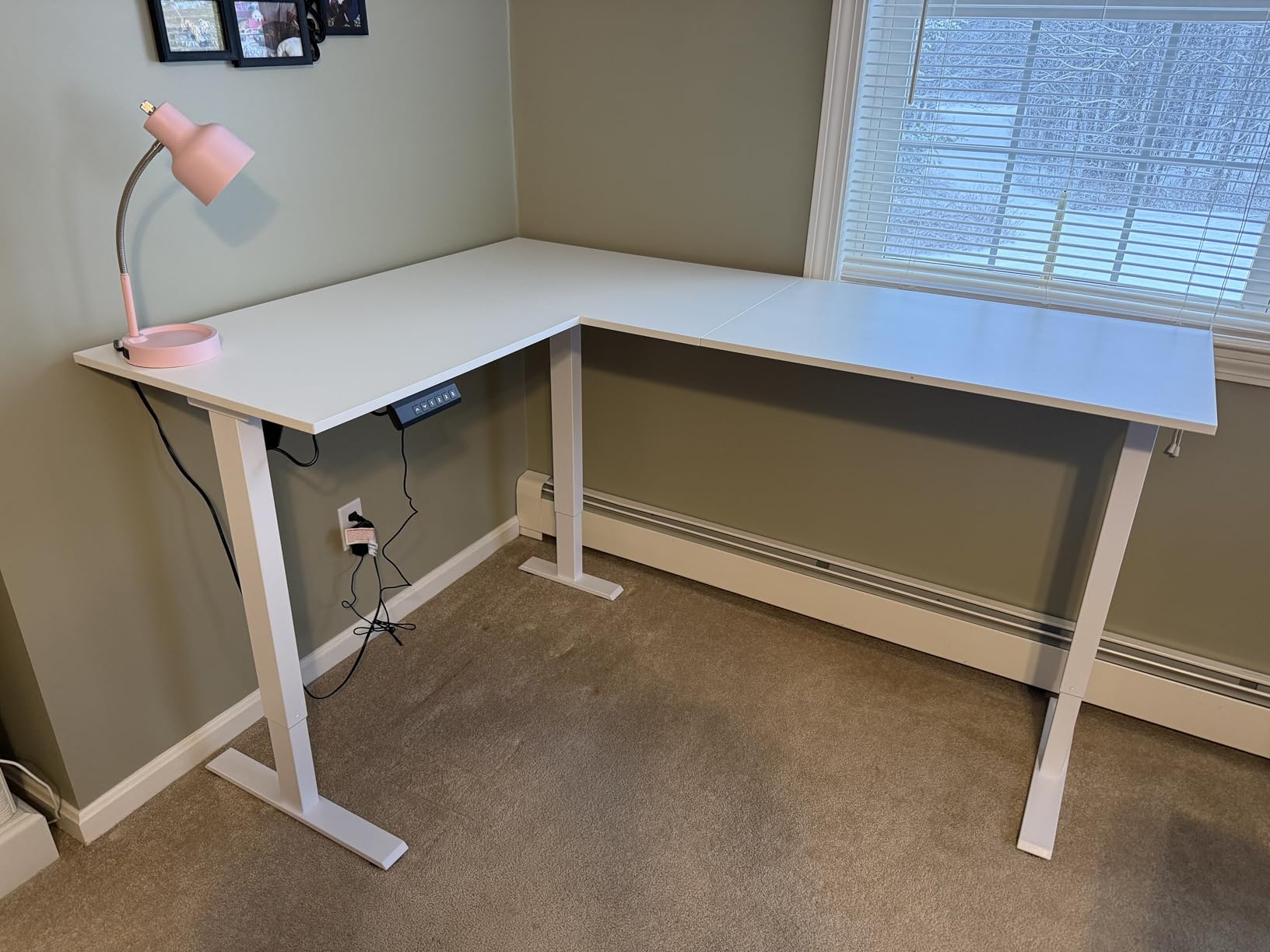
The highest rating on this list sits on a corner desk, and that is not an accident. At 4.7 across 278 reviews, this is a well built L shaped frame with a reversible return, a carbon steel structure and a genuinely quiet electric lift.
Two light users on this desk is a realistic scenario. Owners report it holding three monitors and a laptop, which covers one heavy user plus one light one. The 154 pound rating is the constraint that keeps it out of contention for heavier paired setups.
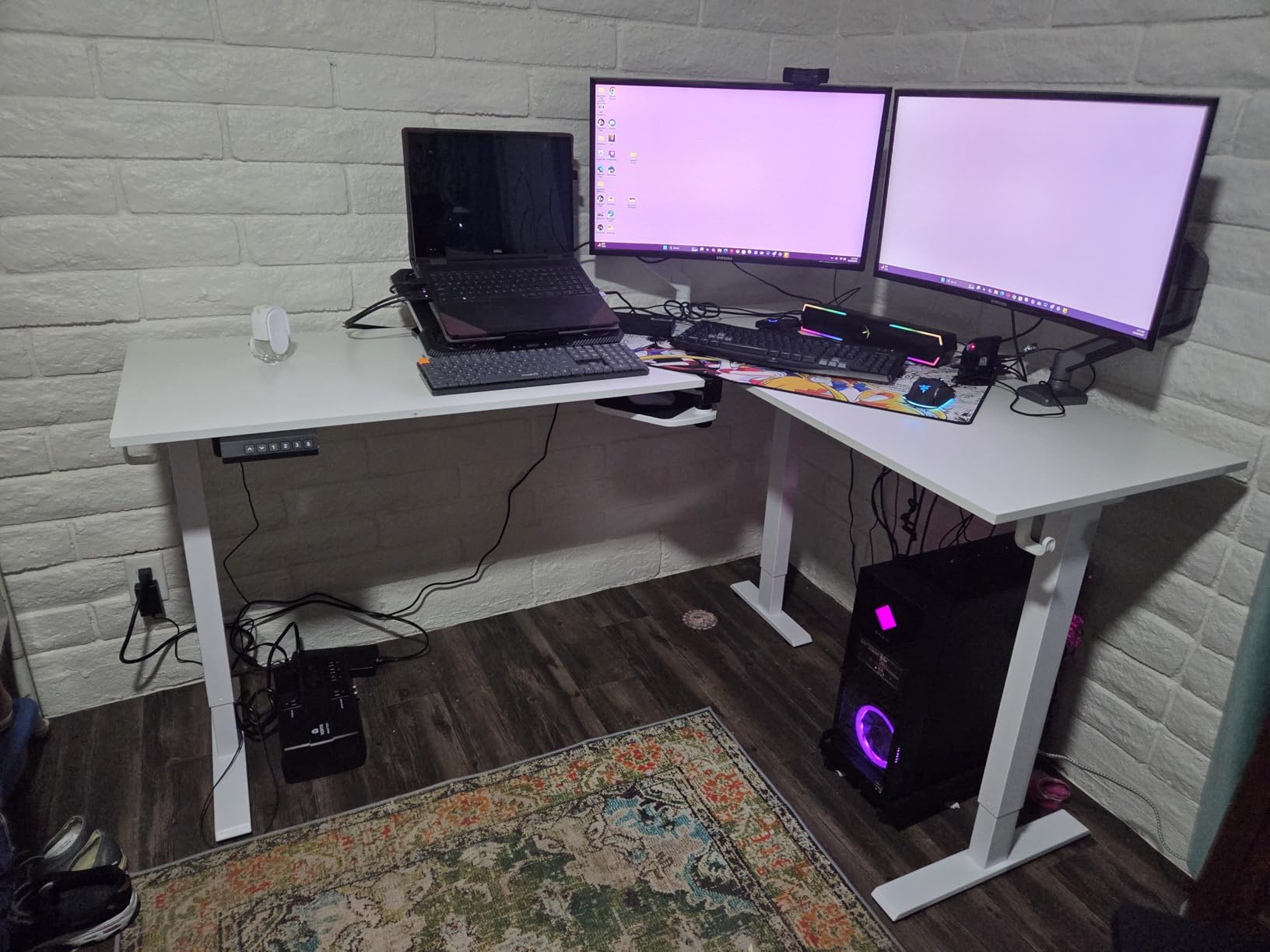
Assembly is called out as straightforward, with clear instructions and labelled parts, which is worth noting because several desks in this group earn complaints about exactly that. If you want a corner desk and do not want a fight with a manual, this is the one to shortlist.
The 0.47 inch top is the thinnest surface in the group, and three memory presets is one fewer than most. Presets only save while the desk stays plugged in, so if you unplug it between sessions you are setting heights again.
What to check before you commit
Weigh your equipment first. If the combined total of monitors, laptops, arms and anything else sits anywhere near 150 pounds, choose a higher rated frame instead.
Check your corner and your white space tolerance. A white finish shows scuffs and marks sooner than a dark wood grain, which matters if you are fussy about appearance over time.
When to skip it
Skip it if either of you needs a heavier load or a stiffer surface. The thin top is the compromise that makes this desk affordable.
Skip it if you want four presets or persistent memory across power cycles. Three stops and unplug-and-reset is the ceiling here.
How Big a Desk Do Two People Actually Need?
Most people get this wrong by counting the marketing width and ignoring depth. A 79 inch top sounds generous until you place two monitor bases on it, and the usable width per person collapses. The rule of thumb that holds up is 38 to 42 inches of width and 26 to 30 inches of depth per person.
With 26 inches of depth per person you clear a monitor base or arm clamp, a keyboard, a mouse and about four inches of elbow room. Drop below that and two people at one desk become two people taking turns, because each user needs a pull-back zone to type comfortably.
That is why the 37 inch FEZIBO top and the 36 inch VIVO top earn their place even though they are not the widest. Depth is the constraint on a shared desk, and width is the easiest number to buy but the least useful one to check.
Single Motor vs Dual Motor on a Two Person Desk
Two people do need dual motors, and the reason is uneven loading rather than total weight. One person seated and leaning on the desk while the other stands creates a sideways load that a single column cannot balance, and the response is a surface that racks or dips.
Dual motors split the lift across two columns, so each half of the span is driven independently and the frame stays level under an asymmetric load. On the roundup, the Monomi, FLEXISPOT 71×32, SANODESK and FEZIBO frames all use this approach, and they are the ones that hold flat when one side is loaded.
One thing dual motors do not give you is independent user control. All four desks still run from a single controller, so one person standing moves the other. Separate keypads and separate memory presets per side are a separate feature, and they are what the independent height adjustment design refers to.
Wobble, Cross Bracing and Loading Two Users
Wobble is the most repeated complaint about long standing desks, and it is what people ask about most on forums. It comes from a long span with only two legs and no intermediate support, and it gets worse as the desk rises because the columns telescope further and the frame has less steel in the vertical direction.
Asymmetric loading is the version that catches two people out specifically. Sitting at one end while the other end is empty concentrates the load on one column, and on a 71 inch single column frame you can watch the loaded side settle while the empty side stays put.
Cross bracing is the fix that fits inside a normal desk footprint. The FEZIBO frame uses a dual crossbeam structure, and the OffiGo uses dual beams with reinforced 80x50mm legs. Neither needs four legs or a wall fixing, but both resist lateral movement better than a plain two column frame.
For anything past 90 inches, the honest advice is that a four leg frame or a wall anchoring kit stops being optional. None of the desks in this roundup reach 90 inches, which is why the widest options here stop at 79 inches and lean on bracing instead.
The 20-8-2 Routine and Desk Controller Resets
The 20-8-2 rule is the most practical piece of standing desk advice that circulates: roughly 20 minutes standing for every 8 minutes sitting, broken up across two hours rather than one long standing block. On a shared desk the routine is easier because you alternate naturally, and harder because you cannot both stand at once.
Make it practical by programming two heights on a four preset controller: a seated stop for the lower user and a standing stop for the taller one. When you are on a call, move to the standing stop and back down at the end. The four presets exist for exactly this.
If a controller stops responding, work through this order. Unplug the desk and leave it for a minute, then plug it back in and wait for the keypad to light. Lower the desk to its lowest position and hold the down arrow for ten seconds to trigger the reset cycle. If it still does not respond, check that nothing is caught under the anti-collision sensor, which is usually a chair wheel or a cable.
Persistent controller problems on these frames are rarely the motors. They are almost always a pinched cable at a column joint or a controller that needs a full power cycle, and both are fixable before any part is replaced.
Desks That Are Not Right for Two People
Some desks on this list should not be bought by a pair, and it is worth saying so directly. Any straight top under 71 inches wide leaves under 32 inches per person before a monitor is placed, which is single-user width pretending to be a pair.
A 154 pound rating is the number that disqualifies more desks here than width does. Two people plus two monitors, two keyboards and any desktop equipment can approach that limit without either person noticing. Pick 198 pounds or above if you are loading both sides.
Thin tops under three quarters of an inch deserve suspicion on an 71 inch surface. Combined with a single motor, a thin top on a long span is the exact combination reviewers describe as too wobbly for daily work, and it will not improve with age.
Finally, be honest about shared height friction. If one of you needs to stand regularly and the other needs to stay seated for long stretches, a single controller will cause daily small conflicts that no amount of good intention fixes.
Frequently Asked Questions
What is the ideal desk size for two people?
Aim for 38 to 42 inches of width and 26 to 30 inches of depth per person. That means a top between 78 and 94 inches wide for two adults working side by side. Depth is the constraint most buyers miss: once a monitor base, keyboard and mouse are placed, a 30 inch deep top leaves around 22 inches of clear surface per person, while a 37 inch top leaves enough elbow room for two people to work at the same time without colliding.
Do I need a dual motor standing desk for two people?
Yes. Two people create uneven loading, with one person seated and leaning while the other stands, and a single column cannot balance that sideways force. The surface racks or the loaded side dips. Dual motors split the lift across two columns so each half of the span is driven separately and the frame stays level under asymmetric load. Total capacity still matters, so pair a dual motor frame with a rating of 198 pounds or more.
What are the downsides of using a standing desk?
The main downsides are a standing adjustment period, foot and lower back fatigue if you have no mat, a larger floor footprint than a fixed desk, and assembly weight that usually needs two people. On a shared desk there is also shared height friction, where one user standing forces the other to move. Cheap frames add wobble at full extension, and under 60 inch tops are simply too narrow for two adults to use comfortably.
What is the 20-8-2 rule for standing desks?
The 20-8-2 rule suggests roughly 20 minutes standing for every 8 minutes sitting, spread across a two hour period rather than one long standing block. It limits the fatigue that comes from standing still too long. On a shared desk the routine works well if you program a seated stop and a standing stop on the memory controller, so switching position is one button press rather than a manual adjustment.
What is the average lifespan of a standing desk?
A well built electric standing desk with a steel frame typically lasts five to ten years of daily use, and the frame usually outlasts the controller. Brushless motors extend that because they carry fewer moving parts and have been cycle tested well past 100,000 lifts. Warranty length is a better signal than brand: three year warranties appear on several of the frames in this roundup, while some carry no published warranty at all.
Bottom Line on the Best Standing Desks for Two People
The Monomi 79 inch electric standing desk is the pick for most couples and roommates, because a dual motor across the widest span in the group is the combination that survives two people with two different workloads. The FLEXISPOT 71×32 is the better spend if width matters less than getting dual motors at a lower cost, and the VIVO corner desk is the answer for anyone working in a room where 79 inches will not fit.
Whatever you choose, check three numbers before you order: inches of depth per person, pounds of rated capacity against your real equipment weight, and whether the controller gives each of you your own height. Those three answers separate a desk that works for two people from one that merely fits two people. Use the price buttons on each pick to check the current cost, then build it with a second person.