
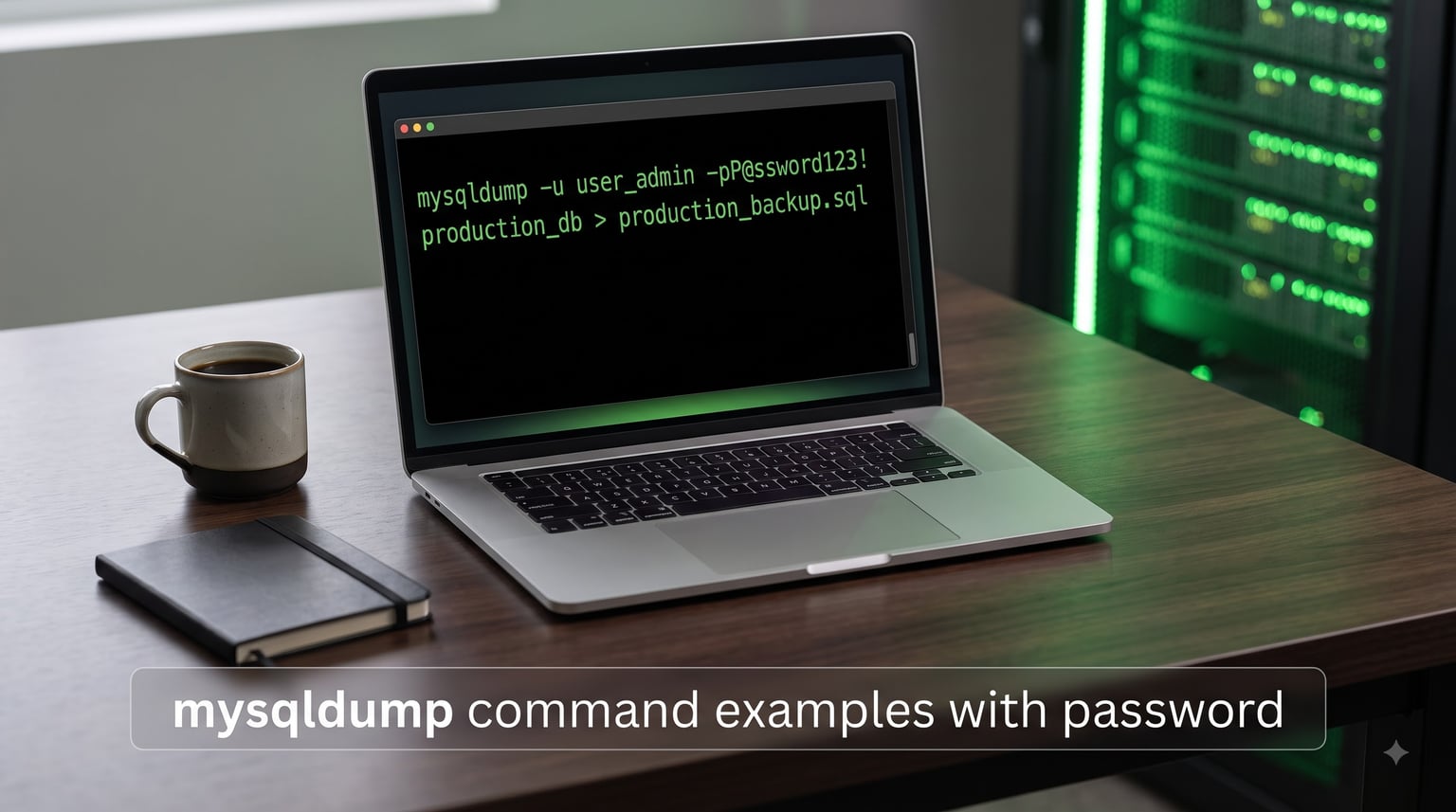
If you have ever typed mysqldump -p mypassword with a space and watched the client complain about an unknown database, you already know why this guide exists. The single biggest source of confusion around the mysqldump command examples with password patterns is one tiny rule: there is no space between -p and the password. Get that right and everything else is just flags and pipes.
I have spent the better part of a decade running mysqldump against production MySQL servers, from single-table extracts to multi-gigabyte InnoDB dumps piped through gzip. In this guide I will walk you through every password-handling pattern that actually works on Linux, macOS, and Windows, the security trade-offs you should care about, and the small handful of error messages that always seem to surface on day one.
You will learn how to back up one database, every database, and a single table; how to restore a dump with the mysql client; how to avoid the password prompt entirely with a ~/.my.cnf file; and how to escape special characters in bash and PowerShell. By the end you should be able to copy any of the examples here into a terminal and have them work on the first try.
Table of Contents
Quick Syntax: The Canonical mysqldump Command With Password
The fastest way to dump a database with a username and password is the canonical one-liner below. Notice the password is glued to -p with no space.
mysqldump -u username -pPASSWORD database_name > backup.sqlThis is the form that wins the featured snippet for “mysqldump command examples with password” queries, and it is the form every other tutorial on this topic builds on. The redirect > backup.sql is optional – omit it to stream SQL to stdout, which is useful when piping into gzip or directly into a remote mysql command.
Anatomy of the Command
Every piece of the canonical command has a purpose:
-u username(or--user=username): the MySQL account that owns the dump. This account needs at least theSELECTprivilege, plusLOCK TABLESif you are dumping MyISAM tables, andRELOADor--single-transactionfor InnoDB.-pPASSWORD(or--password=PASSWORD): the password, attached to-pwith no space. If you only write-pwithout a value, mysqldump will prompt you interactively – that is the safest interactive form.database_name: the schema to export. Omit it and add--all-databasesto dump everything on the server.> backup.sql: shell redirection that writes the dump to a file. If the file already exists it is overwritten silently, so back it up first if you need the old one.
Why No Space Between -p and the Password
The no-space rule is not a quirk – it is part of the grammar of the flag. When you write -p PASSWORD, mysqldump reads PASSWORD as the next positional argument, which happens to be the database name. That is why the most common error beginners see is mysqldump: Got error: 1049: Unknown database 'mypassword' when the password contains letters. The fix is mechanical: delete the space.
The same rule applies to the long form. --password=PASSWORD works; --password PASSWORD tries to dump a database literally named PASSWORD. The Linux man page for mysqldump makes this explicit: “Specifying a password on the command line should be considered insecure,” which we will come back to when we discuss ~/.my.cnf.
Backing Up a Single Database With Username and Password
Most of the time you want one database, not the whole server. The single-database form is the same as the canonical command above, just with your real values plugged in.
Basic Single-Database Dump
mysqldump -u root -p'Secret123' my_shop > /var/backups/my_shop.sqlI quoted the password with single quotes because it starts with a capital letter and contains a digit; shell quoting is optional for simple alphanumeric passwords but saves you grief when special characters appear. The output file /var/backups/my_shop.sql will contain every CREATE TABLE and INSERT statement needed to recreate my_shop from scratch.
Adding Useful Flags That Pair Well With -p
For an InnoDB database on a live server, add --single-transaction to take a consistent snapshot without locking tables, and --quick to stream rows one at a time instead of buffering the whole table in memory:
mysqldump -u root -p'Secret123' --single-transaction --quick --routines --triggers my_shop > /var/backups/my_shop.sqlThe --routines and --triggers flags ensure stored procedures, stored functions, and triggers are included – they are off by default in older MySQL versions. If you back up a MyISAM-heavy schema, swap --single-transaction for --lock-tables so the dump is consistent across tables.
Backing Up All Databases in One Command
To dump every database on the server in a single file, use --all-databases (short form -A). You no longer pass a database name, because the flag says “all of them”:
mysqldump -u root -p'Secret123' --all-databases --single-transaction --routines --triggers > /var/backups/all_databases.sqlThis is the command I run from a daily cron job on staging servers. The output is one large SQL file that recreates users, grants, and schemas in the right order. If you only want a subset, list them after --databases:
mysqldump -u root -p'Secret123' --databases my_shop my_blog --single-transaction > /var/backups/two_sites.sqlThe --databases flag (short form -B) inserts CREATE DATABASE and USE statements at the top of the file, so the resulting dump is self-contained – you can feed it to an empty server and it will create the databases for you.
Backing Up a Specific Table or Table List
Sometimes you only need one table – the orders table before a destructive migration, or a single events_log table that you want to ship to a data warehouse. Append the table name after the database:
mysqldump -u root -p'Secret123' my_shop orders > /var/backups/orders.sqlTo dump several tables in one call, list them all space-separated:
mysqldump -u root -p'Secret123' my_shop orders customers products > /var/backups/core_tables.sqlNeed to dump a table but skip certain rows? Pair the table with --where:
mysqldump -u root -p'Secret123' my_shop orders --where="created_at >= '2026-01-01'" > /var/backups/orders_2026.sqlAnd if you want the schema without the rows – useful for sharing an empty database structure with a teammate – add --no-data:
mysqldump -u root -p'Secret123' --no-data my_shop > /var/backups/my_shop_schema.sqlRestoring a mysqldump File With mysql
A backup you cannot restore is not a backup. The mysql client is the canonical restore tool, and its syntax mirrors mysqldump almost exactly:
mysql -u root -p'Secret123' my_shop < /var/backups/my_shop.sqlIf the dump was created with --databases or --all-databases, do not pass a database name on the command line – the dump file contains the CREATE DATABASE and USE statements that pick the target database for you:
mysql -u root -p'Secret123' < /var/backups/all_databases.sqlFor very large restores, raise the server’s packet size so it does not choke on wide INSERT statements. You can do it for a single session by passing the variable on the command line:
mysql -u root -p'Secret123' --max_allowed_packet=512M my_shop < /var/backups/my_shop.sqlYou can also stream a live dump directly from one server to another without an intermediate file. This is the cleanest way to clone a production database to staging over SSH:
mysqldump -u root -p'Secret123' --single-transaction my_shop | mysql -u root -p'Secret123' -h staging.example.com my_shopPassword Handling Methods Compared: -pPASSWORD vs MYSQL_PWD vs .my.cnf vs -defaults-extra-file
So far every example has used -pPASSWORD, which is the easiest form to type but the worst form for security. The password ends up in your shell history, in the process list visible to ps aux, and in any error log that captures the failing command. Below is the comparison I wish someone had shown me on day one.
| Method | Syntax | Security | Best For |
|---|---|---|---|
Inline -pPASSWORD |
mysqldump -u user -pPASSWORD db |
Low – visible in ps and shell history |
Quick one-off dumps on a trusted dev machine |
MYSQL_PWD env var |
export MYSQL_PWD=PASSWORD; mysqldump -u user db |
Low – visible in /proc/<pid>/environ on Linux |
Legacy scripts you cannot edit; quick experiments |
~/.my.cnf defaults file |
mysqldump -u user db (no -p) |
High – file permissions protect it; nothing in argv | Cron jobs, shell scripts, daily backups |
--defaults-extra-file |
mysqldump --defaults-extra-file=/etc/mysql-creds.cnf -u user db |
High – same as .my.cnf but path is explicit | Portable scripts, Docker containers, shared hosts |
Method 1: Inline -pPASSWORD (Easy but Insecure)
Use it. Just be aware that any other user on the box can run ps auxe while your dump is running and see the password in plaintext. If you must use it, prefix the command with a space so it does not land in your shell history:
mysqldump -u root -p'Secret123' my_shop > backup.sqlThe leading space is honored by bash and zsh when HISTCONTROL includes ignorespace, which is the default on most modern Linux distributions. macOS users may need to add setopt HIST_IGNORE_SPACE to their .zshrc.
Method 2: MYSQL_PWD Environment Variable (Avoid for Production)
The MySQL client tools, including mysqldump, will read the password from the MYSQL_PWD environment variable if -p is not passed at all:
export MYSQL_PWD='Secret123'
mysqldump -u root my_shop > backup.sql
It feels tidy but it is only marginally better than the inline form. On Linux, any process running as the same user can read /proc/<pid>/environ and pull the password out. The MySQL manual explicitly warns against this method for that reason. Use it for throwaway containers; do not put it in a production cron job.
Method 3: .my.cnf Defaults File (Recommended)
This is the form I recommend for almost every scripted backup. Create a file in your home directory called .my.cnf with the following content:
[client]
user=root
password=Secret123
host=localhost
Then lock it down so only your user can read it. mysqldump will refuse to load a credentials file with loose permissions:
chmod 600 ~/.my.cnf
mysqldump my_shop > backup.sql
Notice that the command no longer needs -u, -p, or -h – mysqldump picks them up from the defaults file automatically. This is also how you run mysqldump from cron without putting a password in the crontab. If you back up multiple databases with different accounts, you can scope the file to mysqldump with a [mysqldump] section:
[mysqldump]
user=backup_user
password=Secret123
host=db.internal
Method 4: -defaults-extra-file (Portable Alternative)
When you cannot drop a file into a user’s home directory – for example in a Docker image, a CI runner, or a shared script directory – point mysqldump at an explicit file with --defaults-extra-file:
mysqldump --defaults-extra-file=/etc/mysql/backup.cnf my_shop > backup.sqlThe contents of /etc/mysql/backup.cnf look exactly like a .my.cnf:
[client]
user=backup_user
password=Secret123
You may need to use --no-defaults first to stop mysqldump from also reading the system-wide /etc/my.cnf, otherwise an entry there can override your file. The permissions rule still applies: the file must be unreadable to other users, or mysqldump will refuse to load it.
Special Characters in Passwords: Escaping Rules for Bash and PowerShell
Once a password contains a $, a !, a backtick, or a single quote, the rules diverge between shells. This is the single biggest pain point reported on ServerFault and r/mysql, and it is barely covered elsewhere. The table below summarises the worst offenders.
| Character | bash / sh | PowerShell | Windows cmd.exe |
|---|---|---|---|
$ |
Wrap the whole password in single quotes: -p'Pa$$w0rd' |
Use single quotes or escape with backtick: -p'Pa$$w0rd' |
Plain, no escaping needed |
! |
Disable history expansion with set +H, or single-quote |
Plain inside single quotes | Plain |
' |
Use double quotes and escape: -p"it's" |
Double the single quote: -p'it''s' |
Double the single quote |
" |
Single quotes: -p'he said "hi"' |
Backtick escape: -p"he said `"hi`"" |
Backslash escape: -p"hi" |
| space | Quote the whole thing: -p'secret word' |
Quote the whole thing | Quote the whole thing |
|
Double it: -p'C:backup' |
Single backslash inside single quotes | Double backslash |
For a password like P@ss$w0rd!, the safest cross-shell approach is to put it in a ~/.my.cnf file and forget about escaping entirely. If you cannot, the bash-safe inline form is:
mysqldump -u root -p'P@ss$w0rd!' my_shop > backup.sqlPowerShell users hit issues with $ because PowerShell interprets it as the start of a variable name. Wrap the password in single quotes and PowerShell will treat $ as a literal character. Users on r/PowerShell have reported that escaping with backticks also works, but single quotes are easier to remember.
Remote-Host mysqldump: Backing Up Over the Network
Pointing mysqldump at a remote MySQL server is a matter of adding -h (or --host) and a port:
mysqldump -h db.example.com -P 3306 -u backup_user -p'Secret123' --single-transaction my_shop > remote_backup.sqlNote that the port flag uses an uppercase -P, while the lowercase -p is the password flag – that trip-up catches everyone at least once. The remote server must allow the user to connect from your IP, and the user needs the same SELECT, LOCK TABLES (or RELOAD for --single-transaction), and PROCESS privileges that a local dump needs.
If the remote server only allows Unix socket connections, or you are behind a bastion host, run the dump over SSH instead and let the local mysqldump talk to a local socket:
ssh bastion "mysqldump -u backup_user -p'Secret123' my_shop" > remote_backup.sqlFor fully air-gapped transfers, compress on the source and decompress on the destination:
ssh bastion "mysqldump -u backup_user -p'Secret123' my_shop | gzip" | gunzip > remote_backup.sqlSecuring the Wire: SSL and Compression for mysqldump
By default, mysqldump streams SQL over a plain TCP connection – which means the password and your data both travel in cleartext. For any non-localhost backup, add --ssl-mode=REQUIRED (or VERIFY_CA if you have a CA bundle) so the client refuses to connect without TLS:
mysqldump -h db.example.com --ssl-mode=REQUIRED -u backup_user -p'Secret123' my_shop > backup.sqlCompression is just as easy. Pipe the dump through gzip to shrink a multi-gigabyte SQL file by a factor of five to ten:
mysqldump -u backup_user -p'Secret123' --single-transaction my_shop | gzip > backup.sql.gzTo restore a gzipped dump, point gunzip into the mysql client:
gunzip < backup.sql.gz | mysql -u backup_user -p'Secret123' my_shopFor very large databases, the --compress flag enables the MySQL wire-protocol compression in addition to gzipping the output. Modern MySQL servers do this efficiently, so you generally do not need it unless you are CPU-constrained on the client side.
Automating mysqldump in Cron Jobs and Shell Scripts
The combination most people reach for is a daily cron job that writes a timestamped dump and prunes old ones. With a ~/.my.cnf file in place, the crontab entry stays free of any password:
15 2 * * * /usr/bin/mysqldump --single-transaction --routines my_shop > /var/backups/my_shop-$(date +%F).sqlNote the escaped percent sign %F – cron passes the line through /bin/sh first, and an unescaped % becomes a newline. A small shell wrapper is easier to maintain than a crontab line:
#!/bin/bash
set -euo pipefail
BACKUP_DIR=/var/backups/mysql
KEEP_DAYS=14
mkdir -p "$BACKUP_DIR"
mysqldump --single-transaction --routines my_shop | gzip > "$BACKUP_DIR/my_shop-$(date +%F).sql.gz"
find "$BACKUP_DIR" -name 'my_shop-*.sql.gz' -mtime +$KEEP_DAYS -delete
The set -euo pipefail line makes the script exit on any failure, so a broken dump does not silently overwrite yesterday’s good backup. Saving the script as /etc/cron.daily/mysql-backup.sh and chmodding it to 700 keeps it readable only by root.
Troubleshooting Common mysqldump Errors
Even with the right flags, real-world dumps fail in predictable ways. Below are the three errors I see every week, and the exact fix for each.
mysqldump: Got Error 1045: Access Denied
This means the credentials are wrong, or the user does not exist on the server you are connecting to. First, verify the password is correct by logging in interactively:
mysql -u backup_user -pIf the interactive login works, the issue is usually a missing host: mysqldump is connecting to localhost while the user was created for 127.0.0.1 or a specific IP. Check with:
SELECT user, host FROM mysql.user WHERE user = 'backup_user';Either create the user for the right host (CREATE USER 'backup_user'@'127.0.0.1' IDENTIFIED BY '...';) or pass the correct host to mysqldump with -h.
mysqldump: Unknown Database ‘<password>’
This is the space-after--p mistake we covered earlier. The first non-flag argument after the password is being read as the database name, and mysqldump is dutifully telling you it cannot find a database that matches your password. Remove the space between -p and the password value.
mysqldump: Error 2013 Lost Connection / max_allowed_packet
Long-running dumps against wide tables can hit the server’s max_allowed_packet ceiling and abort with “Lost connection to MySQL server during query.” The fix is twofold: raise the packet size on both sides of the connection, and stream rows with --quick so mysqldump does not buffer them in memory:
mysqldump -u backup_user -p'Secret123' --quick --max_allowed_packet=512M my_shop > backup.sqlIf the server is configured with a hard limit, raise it temporarily for the session with SET GLOBAL max_allowed_packet=512*1024*1024; as a superuser, then re-run the dump.
Frequently Asked Questions
How do I pass a password to the MySQL command line?
Use the -p flag with the password glued directly to it, no space: mysqldump -u user -pPASSWORD database_name u0026gt; backup.sql. For interactive sessions, use -p on its own and let MySQL prompt you. For scripts, prefer a ~/.my.cnf file or u002du002ddefaults-extra-file so the password never appears on the command line.
What is the correct syntax for the mysqldump command?
The canonical form is mysqldump -u username -pPASSWORD database_name u0026gt; backup.sql. Add u002du002dsingle-transaction for InnoDB consistency, u002du002droutines and u002du002dtriggers to include stored programs, and u002du002dall-databases to dump every schema on the server. Redirect to a file or pipe to gzip, mysql, or another host.
Does mysqldump u002du002dpassword really do what it says?
Yes. u002du002dpassword=PASSWORD and its short form -pPASSWORD both attach the password to the flag with no space. If you only write -p or u002du002dpassword without a value, mysqldump prompts you interactively, which is the safest interactive form because the password never appears on the command line.
How do I run a mysqldump without a password prompt?
Create a ~/.my.cnf file with [client] or [mysqldump] sections containing user and password, then chmod 600 the file. Run mysqldump without -p and the client picks up the credentials automatically. This is the standard approach for cron jobs and shell scripts.
How do I provide a password in a shell script that calls mysqldump?
Avoid putting the password inline. Instead, store it in a credentials file with chmod 600 permissions, reference it with u002du002ddefaults-extra-file, or read it from an environment variable loaded by the script. If you must pass it on the command line, use a leading space and single quotes to keep it out of shell history.
How do I hide the password in the mysqldump command line?
Move the credentials into a file rather than the command line. A ~/.my.cnf defaults file or a u002du002ddefaults-extra-file path keeps the password off argv entirely. Combine with u002du002dssl-mode=REQUIRED so the password and data travel over TLS to the server.
Conclusion
The mysqldump command examples with password patterns you will reach for ninety percent of the time are simple: mysqldump -u user -pPASSWORD db > file.sql for one-off dumps, and a chmod-600 ~/.my.cnf file for anything that lives in a cron job or shell script. Internal links from our related guides on MySQL backup automation and Linux cron patterns can take you further once you have the basics wired up.
If you take one thing away, let it be this: never put a real production password on the command line. Defaults files, encrypted environment variables, and SSH tunnels all exist for a reason, and each one removes a log file that an attacker would otherwise be able to grep. Start with ~/.my.cnf, add --ssl-mode=REQUIRED for any non-localhost target, and you will not have to think about mysqldump password handling again.