
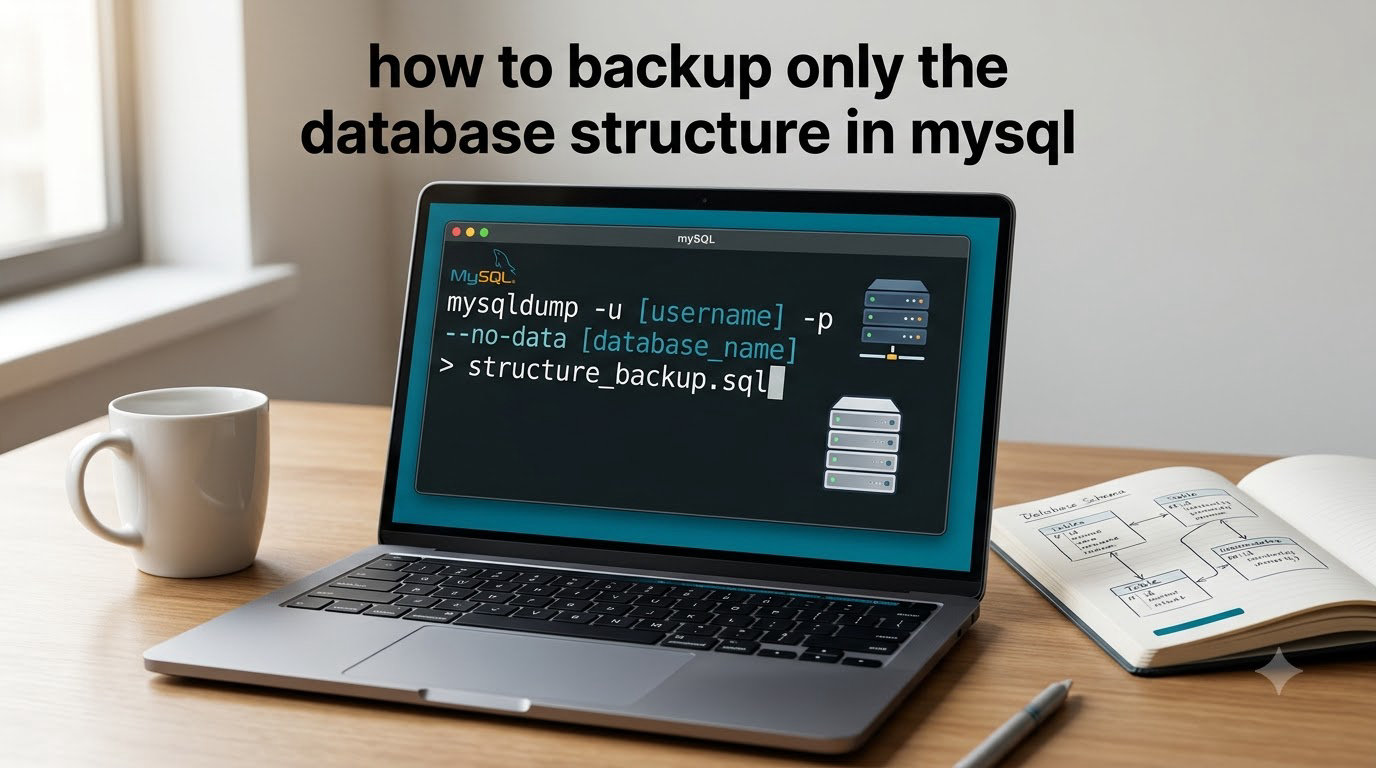
If you want to know how to backup only the database structure in MySQL, the canonical answer is the mysqldump --no-data flag (short form -d). It tells MySQL to skip every INSERT statement and write only the DDL that defines your tables, views, and routines.
Here is the one command you can run right now from your terminal:
mysqldump -u root -p --no-data my_database > schema.sqlThe output file schema.sql contains nothing but CREATE TABLE, CREATE VIEW, and the structural metadata needed to recreate an empty copy of your schema on any other MySQL server. In the rest of this guide I will show you every variant I have used over the years: single tables, all databases, stored procedures, Git-friendly diffs, GUI tools, and nightly cron jobs.
Table of Contents
What Is the mysqldump –no-data Option?
The --no-data option tells mysqldump not to dump any row data. According to the official MySQL documentation, the resulting file contains only the statements needed to recreate the tables themselves.
By default, --no-data includes:
CREATE TABLEstatements with all columns, indexes, and constraintsCREATE VIEWdefinitions
By default, --no-data does NOT include:
- Stored procedures and functions (need
--routines) - Scheduled events (need
--events) - Database and table creation may also be skipped in some single-DB cases unless you pass
--databases
I keep this mental model: --no-data controls row content, while --routines and --events control server-side objects. They are independent switches that combine cleanly.
Flag Comparison: –no-data, -d, –no-create-info, and Default Behavior
Before we go further, I want to settle a confusion I have seen on Stack Overflow and Reddit for years. --no-data, -d, and --no-create-info are not the same thing. Here is the comparison table I wish someone had shown me on day one.
| Flag | Long Form | What It Includes | What It Skips |
|---|---|---|---|
-d | --no-data | CREATE TABLE, views, indexes, (with extras) routines/events | All INSERT statements (row data) |
| (none) | Default | Schema + row data + triggers | Nothing (full dump) |
-t | --no-create-info | Only INSERT statements (data-only) | All CREATE TABLE statements |
-R | --routines | Stored procedures and functions | Nothing on its own |
-E / --events | --events | Scheduled events | Nothing on its own |
For schema-only backups, you almost always want --no-data plus --routines and --events so that nothing is left behind. Triggers are included by default even with --no-data, because they are tied to their host table.
How to Backup the Schema of a Single MySQL Database
To backup only the database structure in MySQL for a single database, run this command from your shell:
mysqldump -u root -p --no-data --routines --events my_database > my_database_schema.sqlThis produces a single .sql file with the complete schema. Importing it on another server creates an empty database identical in structure, ready for fresh test data.
A practical note from my own migrations: if the receiving server does not yet have a database called my_database, add --databases so the dump includes the CREATE DATABASE line. Without it, you must create the empty database yourself before importing.
mysqldump -u root -p --no-data --databases --routines --events my_database > my_database_schema.sqlBacking Up the Structure of a Specific Table
Sometimes you only want the schema for one table, for example to recreate users on a staging box without exporting the other 200 tables. mysqldump accepts a table name after the database:
mysqldump -u root -p --no-data my_database users > users_schema.sqlThe output file will contain only the CREATE TABLE users statement. There is one important limitation I want to flag: --no-data is a database-wide switch.
This is a real pain point I have seen repeated on r/mysql. If you want some tables empty and other tables full of data in a single dump, you cannot do it with one command. The accepted workaround is to run two dumps and concatenate them: one with --no-data for the empty-target tables, and one with the default behavior for the rest.
Including Stored Procedures, Functions, Events, and Triggers
A schema-only backup without routines is incomplete. I learned this the hard way when a stored procedure silently disappeared after a server migration. Add these two flags and the picture is complete:
mysqldump -u root -p --no-data --routines --events my_database > my_database_schema.sqlWhat this combination exports:
- Tables, views, indexes, constraints
- Stored procedures and stored functions (
--routines) - Scheduled events (
--events) - Triggers (included by default with
--no-data)
What it still excludes:
- User accounts and their privileges (use
mysqldump --usersin MySQL 8.4+) - Scheduled event status (enabled/disabled) in older MySQL versions
For a true “everything but row data” backup, this is the command line I run on production servers before a release.
How to Backup Schema for All Databases at Once
To capture the schema for every database on the server, swap the database name for --all-databases:
mysqldump -u root -p --no-data --routines --events --all-databases > all_schemas.sqlThis produces one large file with every CREATE DATABASE, USE, and CREATE TABLE statement. It is the right choice for documenting an entire server, but I would not run it on a multi-tenant host every night without thinking about file size and git history.
If you only need the schemas for a subset of databases, list them after --databases:
mysqldump -u root -p --no-data --databases shop blog cms > subset_schemas.sqlCustomizing Output: –compact, –add-drop-table, and –skip-comments
The default mysqldump output is noisy. It includes version comments, lock/unlock statements, and verbose CREATE syntax that makes diffs painful. For Git workflows I always reach for --compact:
mysqldump --no-data --compact --routines --events my_database > schema.sql--compact drops comments, suppresses the DROP TABLE IF EXISTS preamble, and uses shorter CREATE syntax. The diff between two versions of the schema is suddenly clean and reviewable.
One catch: --compact also removes the DROP TABLE IF EXISTS line that most teams want before every CREATE TABLE. If you want compact output but still want the drop, add --add-drop-table explicitly:
mysqldump --no-data --compact --add-drop-table --routines --events my_database > schema.sqlFor maximum readability in diff tools, you can also strip connection-level comments with --skip-comments:
mysqldump --no-data --compact --skip-comments --add-drop-table my_database > schema.sqlThis is the exact combination I commit to Git for every project I work on.
Export Schema Only Using MySQL Workbench (GUI Method)
If you prefer a GUI, MySQL Workbench has a built-in schema-only export. Here is the workflow I walk new team members through:
- Open MySQL Workbench and connect to your server.
- Go to Server > Data Export from the top menu.
- In the left panel, pick the database you want to export.
- In the right panel, choose Dump Structure Only from the dropdown.
- Tick Export Stored Procedures and Functions if you need routines.
- Tick Export Events if you need scheduled events.
- Choose Export to Self-Contained File, set the destination, and click Start Export.
The result is identical to a mysqldump --no-data --routines --events command, just generated through a GUI.
Export Schema Only Using phpMyAdmin (GUI Method)
phpMyAdmin is the GUI most shared hosting users have access to. The schema-only path lives inside the Export tab:
- Select your database from the left sidebar.
- Click the Export tab at the top.
- Choose the Custom radio button to reveal all options.
- Scroll to the Object creation options section.
- Check Structure and uncheck Data.
- Tick Add DROP TABLE if you want clean re-imports.
- Tick CREATE PROCEDURE / FUNCTION / EVENT if you need server-side objects.
- Click Go to download the
.sqlfile.
None of the top three search results document this phpMyAdmin walkthrough, so if you are on shared hosting this section alone should save you a half hour of clicking.
How to Restore a Schema-Only Dump File
Restoring is the easy half. The same mysql client you already use works fine:
mysql -u root -p new_database < schema.sqlMake sure the target database already exists. If your dump includes the CREATE DATABASE line (because you used --databases or --all-databases), you do not need to create it first.
Three small gotchas I have hit in production:
- If you used
--add-drop-table, the import drops any pre-existing tables with the same name. Useful for repeatable dev environments. - If you used
--compactalone, the import does NOT drop existing tables first. You must drop them yourself or re-export with--add-drop-table. - If the dump is large, pipe it through
mysql --verboseto watch progress.
Automating Schema-Only Backups with Cron (or Task Scheduler)
For nightly schema snapshots on Linux, drop this into a crontab entry:
0 2 * * * /usr/bin/mysqldump -u backup -p'SECRET' --no-data --routines --events --all-databases --compact --skip-comments --add-drop-table > /backups/schema-$(date +%F).sqlOn Windows, create a scheduled task that runs a PowerShell script with the same mysqldump.exe call.
Two privilege notes before you automate:
- The user needs
SELECT,SHOW VIEW, andLOCK TABLESon every database you want to export. - On MySQL 8, you also need
EVENTprivilege on each schema to dump scheduled events.
For InnoDB servers, add --single-transaction for a consistent snapshot even while the schema is being read. The flag does not interfere with --no-data and is a safe default.
Storing and Diffing Schema in Git for Version Control
Schema-only dumps are the backbone of any database version control workflow. After automating the export, commit the file to a Git repository. From that point on, every schema change shows up as a diff in a pull request.
To compare two schema versions, use the standard Unix diff tool:
diff -u old/schema.sql new/schema.sqlFor richer output, install mysqldiff from the MySQL Utilities package or migra (a Python tool that understands schema semantics, not just text). Both will highlight added columns, changed types, and dropped indexes in a single line per change.
This is the workflow I use on every project: a nightly cron writes schema.sql, Git tracks the history, and mysqldiff generates migration notes between releases. It turns “what changed in the database this week” from a guessing game into a single command.
Frequently Asked Questions
How can I back up a table structure but NOT its data in MySQL?
Use mysqldump u002du002dno-data (or its short form -d). Example: mysqldump -u root -p u002du002dno-data my_database u0026gt; schema.sql. The output file contains CREATE TABLE statements and no INSERT statements.
What is the mysqldump u002du002dno-data option?
The u002du002dno-data option tells mysqldump not to write any row data. The resulting SQL file contains only DDL: CREATE TABLE, CREATE VIEW, and (with u002du002droutines and u002du002devents) stored procedures, functions, and scheduled events.
How do I include stored procedures and triggers in a schema-only backup?
Add u002du002droutines and u002du002devents to your mysqldump command. Triggers are included by default with u002du002dno-data, but routines and events are skipped unless you ask for them. Example: mysqldump u002du002dno-data u002du002droutines u002du002devents my_database u0026gt; schema.sql.
How do I backup schema for all databases at once?
Replace the database name with u002du002dall-databases: mysqldump -u root -p u002du002dno-data u002du002droutines u002du002devents u002du002dall-databases u0026gt; all_schemas.sql. The file contains CREATE DATABASE, USE, and CREATE TABLE statements for every schema on the server.
How do I export MySQL schema using phpMyAdmin?
Select your database, open the Export tab, choose Custom, then check Structure and uncheck Data under Object creation options. Also tick Add DROP TABLE and CREATE PROCEDURE/FUNCTION/EVENT if you need them, then click Go.
How do I make mysqldump output Git-friendly for clean diffs?
Combine u002du002dcompact with u002du002dskip-comments and u002du002dadd-drop-table. Example: mysqldump u002du002dno-data u002du002dcompact u002du002dskip-comments u002du002dadd-drop-table my_database u0026gt; schema.sql. This removes comments, lock tables, and verbose CREATE syntax so diffs are readable.
How do I restore a schema-only MySQL dump file?
Run mysql -u root -p target_database u0026lt; schema.sql. If the dump includes the CREATE DATABASE statement (because you used u002du002ddatabases or u002du002dall-databases), you do not need to create the database first. Otherwise, create an empty database before restoring.
Conclusion
To backup only the database structure in MySQL, the single command you need is mysqldump --no-data. Layer --routines, --events, and --compact --skip-comments --add-drop-table on top, and you have a Git-ready schema snapshot that any developer can review, diff, and replay on a fresh server.
For repeatable results across a team, my recommended workflow is simple: run the schema dump through a nightly cron job, commit the output to a Git repository, and use mysqldiff to generate migration notes between releases. That single pipeline gives you versioned schema history, fast staging refreshes, and zero exposure of production data to developers who only need the shape of the database.