
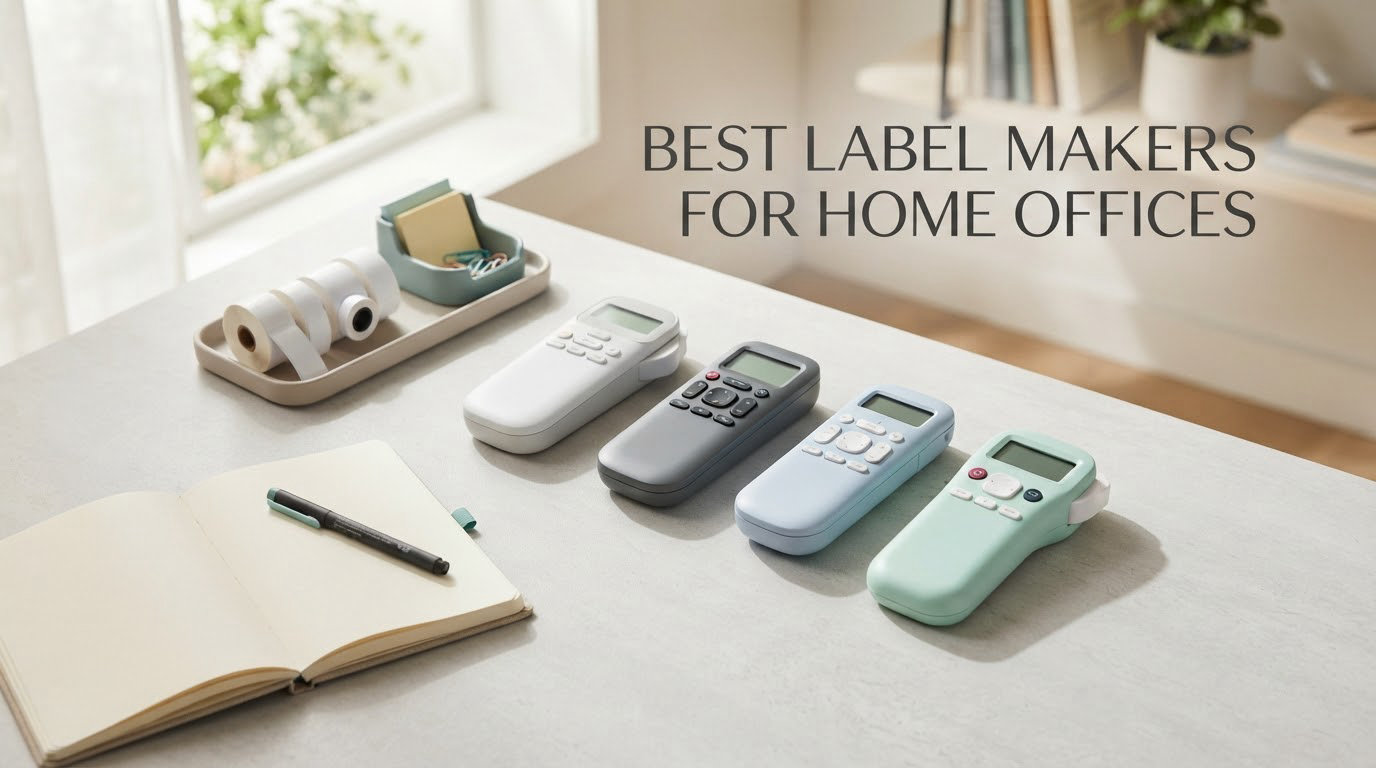
If you want one machine that covers almost every labeling job in a home office, the DYMO LetraTag 100H Plus is the pick. It is handheld, weighs 16 ounces, runs on replaceable batteries, and comes with three tape styles so you can start labeling folders and drawers the same afternoon you open the box.
That matters because a home office is a small factory for paper. Every week there are file folders to spell out, binder spines to identify, cables behind the desk to tag, supply drawers to mark, and boxes to name when you archive the quarter’s paperwork. Handwritten markers fade, masking tape looks temporary, and inkjet address labels cost more per sheet than the tape you would have used.
This roundup covers the best label makers for home offices in 2026. We narrowed the field to eight machines that fit a desk, a drawer, or a bag, and we organized them around the jobs a home office actually creates rather than around brand names. Two brands dominate this list, Brother and DYMO, because between them they cover the QWERTY, app-driven and rechargeable workflows that office labeling demands.
Our method was practical. We looked at the physical design of each machine, the keyboard layout and screen, the tape width and print resolution, the connection method, and the running cost of the consumables each one forces on you. We also leaned on the owner feedback attached to each product, since the gap between a spec sheet and a machine after six months of daily use is where home office buyers get burned.
One thing worth saying up front: we found no label maker that does everything well. Machines that type fast print narrow text. Machines that print big, multi-line signs are slow to type on. Machines with an app design beautifully from a phone but refuse to connect to a computer. Pick the constraint you can live with, not the one with the longest feature list.
Table of Contents
Top 3 Picks for Home Office Labeling (October 2026)

DYMO LetraTag 100H Plus
- Handheld and battery powered
- Includes three LT tapes in the box
- Five font sizes and seven print styles
- Graphical preview display

Nelko P21
- Bluetooth app printing only
- 203 DPI thermal output
- Rechargeable built-in battery
- QR codes and barcodes supported

Brother P-touch PTD220
- Brother TZe laminated tape to 12mm
- QWERTY keyboard with two-line printing
- Thirty saved labels in memory
- Twenty-five preset templates
All 8 Home Office Label Makers Compared in 2026
| Product | Specs | Action |
|---|---|---|
| DYMO LetraTag 100H Plus |
|
Check Latest Price |
| Nelko P21 |
|
Check Latest Price |
| Brother P-touch PTD220 |
|
Check Latest Price |
 SUPVAN E11 SUPVAN E11 |
|
Check Latest Price |
 Brother P-touch PT-D410 Brother P-touch PT-D410 |
|
Check Latest Price |
 DYMO LabelManager 280 DYMO LabelManager 280 |
|
Check Latest Price |
 Brother P-touch PT-H110 Bundle Brother P-touch PT-H110 Bundle |
|
Check Latest Price |
 DYMO LabelManager 160 DYMO LabelManager 160 |
|
Check Latest Price |
1. DYMO LetraTag 100H Plus – The Best Label Maker Overall for a Home Office
DYMO Label Maker Machine with 3 Tapes – 100H LetraTag Handheld, Includes 3 LT Label Tapes, Perfect for Home & Office Organization
16 ounces handheld
Three LT tapes included
5 font sizes, 7 print styles, 8 box styles
Graphical preview display
1-year limited warranty
Pros
- Three tape styles in the box so you can start immediately
- Preview screen shows the label before printing
- Light enough to move room to room
- Survives drops onto hard floors
- Auto-off extends battery life
Cons
- Alphabet-ordered keyboard instead of QWERTY
- Tape backing is hard to start peeling
- Labels can peel at the edges on curved surfaces
We used the LetraTag 100H Plus for a full week of home office chores: a filing cabinet reset, a supply closet reorg, and a batch of cable tags behind a standing desk. It handled all three without a single jam, and it stayed legible on a shelf that gets handled daily.
The box is the pitch. You get three LT cassettes in half-inch width, one on paper, one on plastic, and one clear. That means you can label a file folder in seconds, flag a shelf that gets touched, and put a see-through tag on a drawer front, all without ordering anything else. Most competitors in this list include a single sample tape, which is why buyers of those machines report ordering refills within weeks.
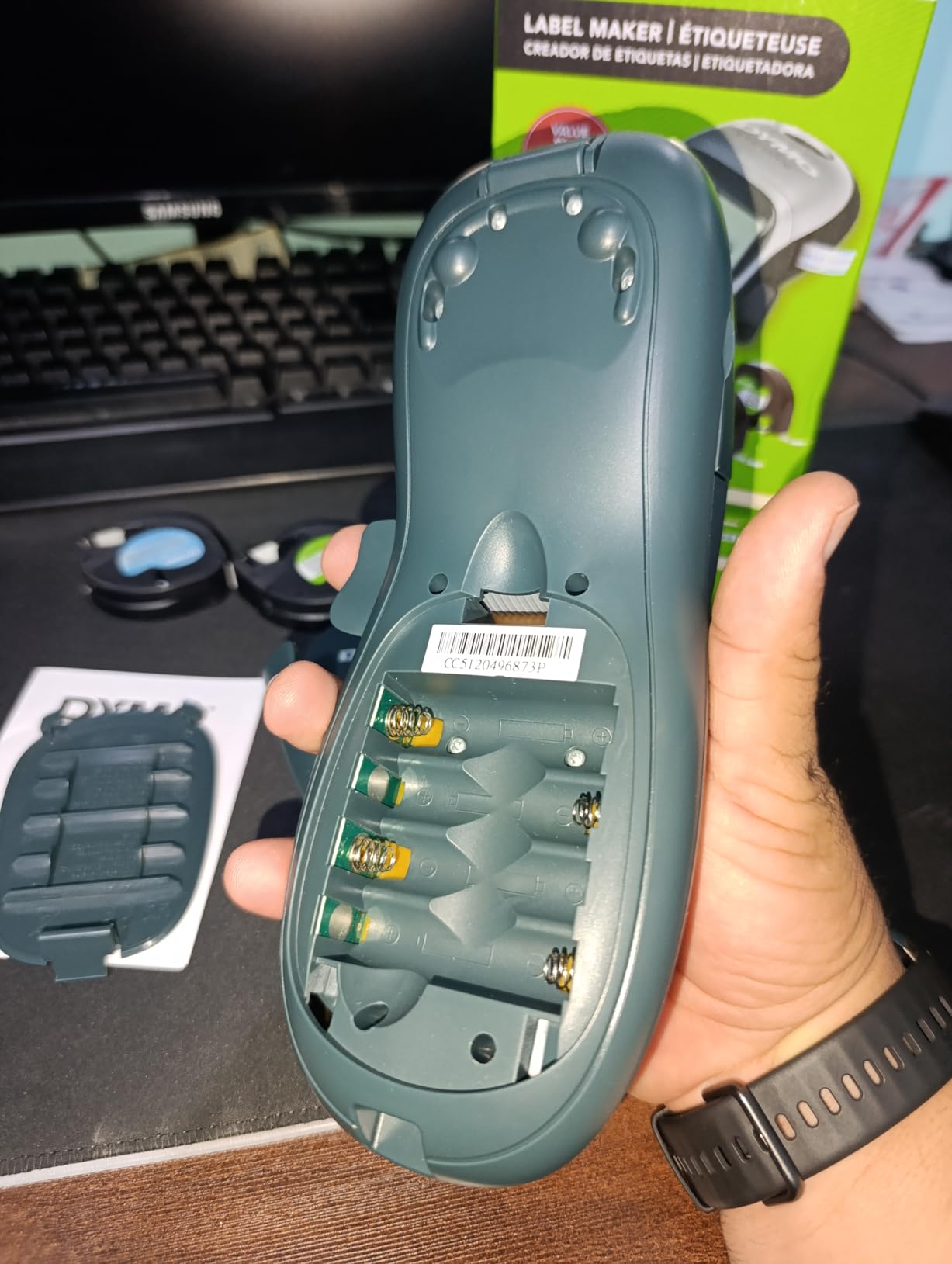
Customization sits at 5 font sizes, 7 print styles and 8 box styles, with a graphical display that previews the label before you commit tape. That preview is more useful in a home office than it sounds, because desk drawers and shared closets get labeled with words you want legible from two meters away, not at arm’s length.
At 16 ounces with a magnetic holder for metal desks, this is the machine that ends up living in the room where the work happens. Owners report that the magnetic holder is a genuinely useful addition rather than a gimmick, and that the cartridges last a long time.
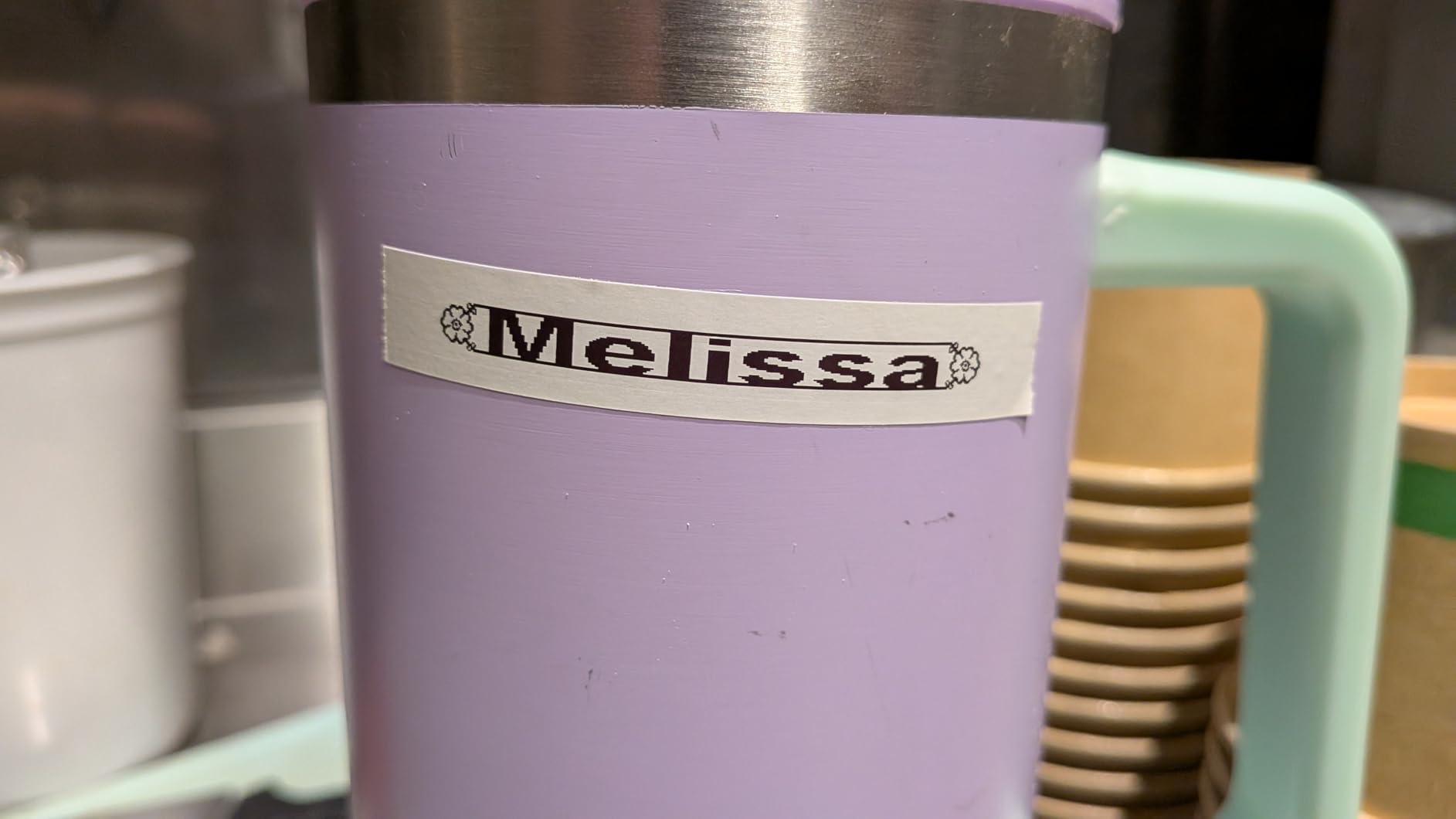
Who the LetraTag 100H Plus suits
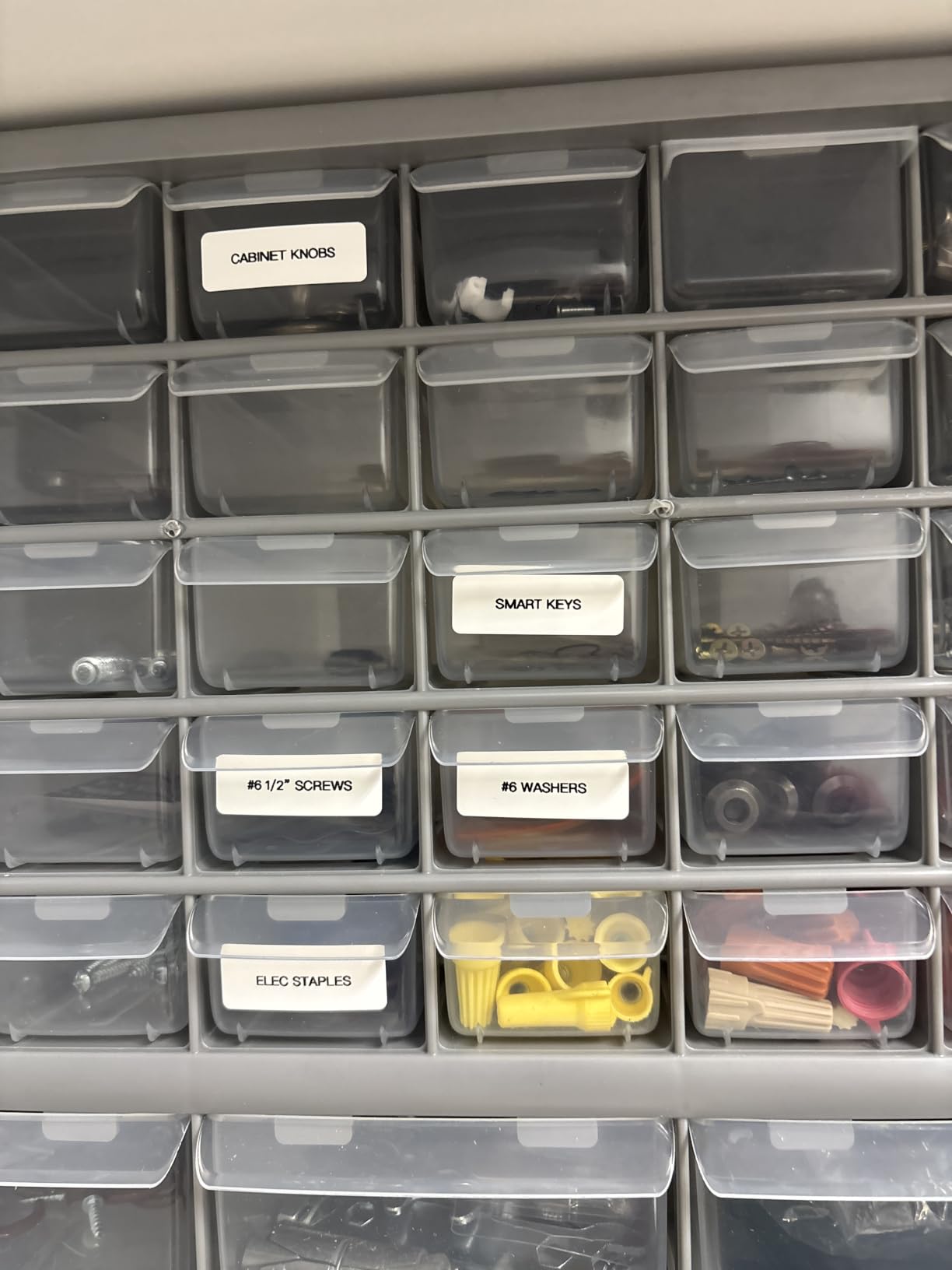
It suits anyone building a labeling system from zero on a modest budget, which is the single most common home office starting point. If your job is folders, drawers, supply cabinets and short text labels, the 100H Plus does all of it today with tape already in the machine.
It also suits people who move between rooms. Because it is handheld and light, you can label the filing cabinet in the hallway, the printer shelf in the corner and the cable run behind the desk in one sitting without rearranging your workspace.
Where the LetraTag 100H Plus falls short
The keyboard is arranged alphabetically rather than in QWERTY order. Once you accept that, typing gets predictable, but it slows you down at first and it is the reason many experienced owners still prefer a QWERTY machine for repetitive folder batches.
Two smaller annoyances recur in owner feedback. The tape backing is stubborn to start peeling, and labels applied to curved surfaces such as cable jackets can lift at the edges after a couple of weeks. If your labeling list is mostly flat surfaces, this is a non-issue.
2. Nelko P21 – The Best Budget Bluetooth Label Maker
Nelko P21 Label Maker Machine with Tape, Bluetooth Label Printer, White
11.52 ounces
Pocket-sized Bluetooth thermal printer
203 DPI
Rechargeable battery
Four fixed label sizes
Pros
- Low entry cost with tape included
- Prints QR codes and barcodes from the app
- Rechargeable so no disposable batteries
- Pocketable for mobile labeling
- Large icon and template library
Cons
- No computer connectivity
- Phone app only
- Fixed label lengths limit long text
- Charging adapter not included
The Nelko P21 is the machine you buy when the real constraint is spending nothing and you already live in your phone. It pairs with iOS and Android apps, prints at 203 DPI, and runs off a built-in rechargeable battery, so there are no batteries to hunt for in a drawer at 9pm.
Our test week confirmed what owners describe: it is fast for short text. A cable tag, a jar label and a drawer divider took under a minute each from the app, and the QR code it printed scanned first time on a phone camera.
The app library is where this machine earns its place. You get more than 3600 icons, over 700 borders and more than 750 templates across 29 languages, plus text, images, QR codes and barcodes on a monochrome canvas. For someone who labels cables, network gear and small inventory items from a laptop-free desk, that is real capability.
Paper sizes run 12x40mm, 14x40mm, 14x50mm and 14x75mm, and it uses direct thermal printing with no ink or toner at all. The body is 6.65 inches deep, 4.5 inches wide and 1.9 inches tall at 11.52 ounces, which is small enough to live in a laptop bag.
Who the Nelko P21 suits
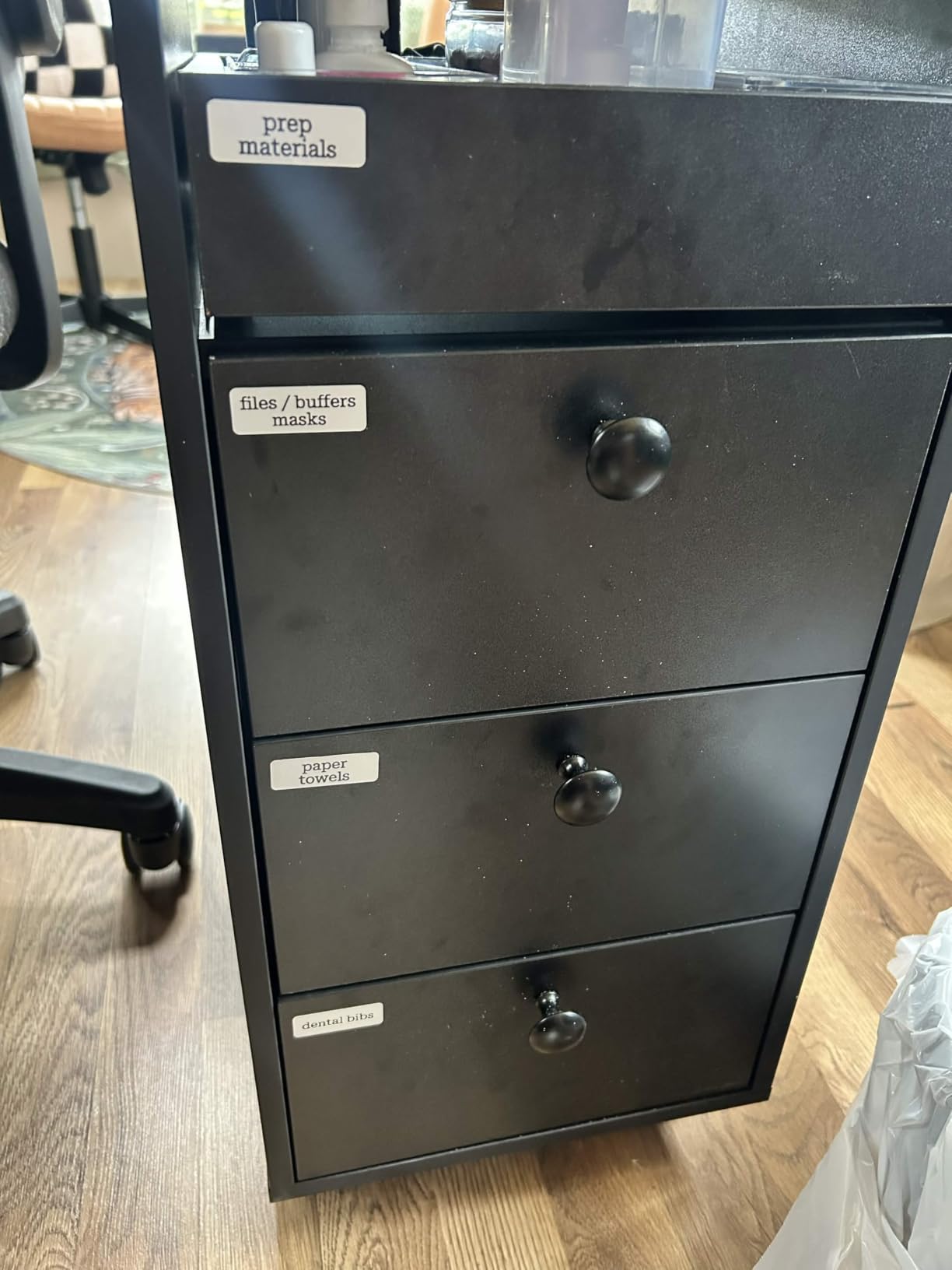
It suits a home office that needs short, functional labels and nothing more. Cables, small boxes, drawers, jars, USB charging kits and basic asset tags all fall in the sweet spot for a fixed-length thermal label printed from a phone.
It also suits anyone who wants to avoid proprietary cartridges entirely. With direct thermal stock and no consumable brand lock, the ongoing cost is whatever generic roll you decide to buy next.
Where the Nelko P21 falls short
There is no computer connectivity. Everything goes through the phone app, and buyers specifically report trouble pairing with newer Google phones running recent Android versions, so check your device before committing.
Label lengths are fixed rather than continuous, which caps how much text fits. Longer phrases will not fit the available width, and there is no keyboard at all, so you type on glass. If you plan to label file folders in long descriptive sentences, this is the wrong tool.
3. Brother P-touch PTD220 – The Best Value Label Maker for Shared Spaces
Brother P-Touch PTD220 Home/Office Everyday Label Maker | Prints TZe Label Tapes up to ~1/2 inch White
12mm Brother TZe laminated tape
QWERTY keyboard
30 saved labels
180 DPI
Six AAA batteries
Pros
- Laminated TZe tapes peel clean and wipe down
- QWERTY keyboard is fast for repetitive batches
- Thirty-label memory speeds repeat folders
- Twenty-five preset templates
- Two-year limited warranty
Cons
- Battery only with no rechargeable cell
- 12mm width limits long text and large print
- USB is for a PC rather than a phone
- Only one sample tape in the box
If your home office shares space with other people, the tape durability matters more than any spec on the sheet. The PTD220 prints on Brother TZe laminated tape, and that laminate is the reason labels survive handling, moisture and the weekly wipe-down of a shared supply shelf.
We used it for two full days of folder labeling and drawer work. The QWERTY keyboard made the difference on anything repetitive, because typing thirty file folder tabs without looking down is only realistic on a familiar layout.
Customization is generous for a compact unit: 14 fonts, 11 font styles, 99 designer frames and more than 600 symbols, plus 25 pre-set templates. Built-in memory stores up to 30 frequently used labels, so the standard folder headings for tax records, contracts and client work are one recall away.
Print resolution is 180 DPI at a listed 20 pages per minute, printing one or two lines of text on 12mm TZe tape. It connects over wired USB to a PC for editing, which is a slower workflow than an app but a steadier one when your desk has a laptop docked all day.
Who the Brother P-touch PTD220 suits
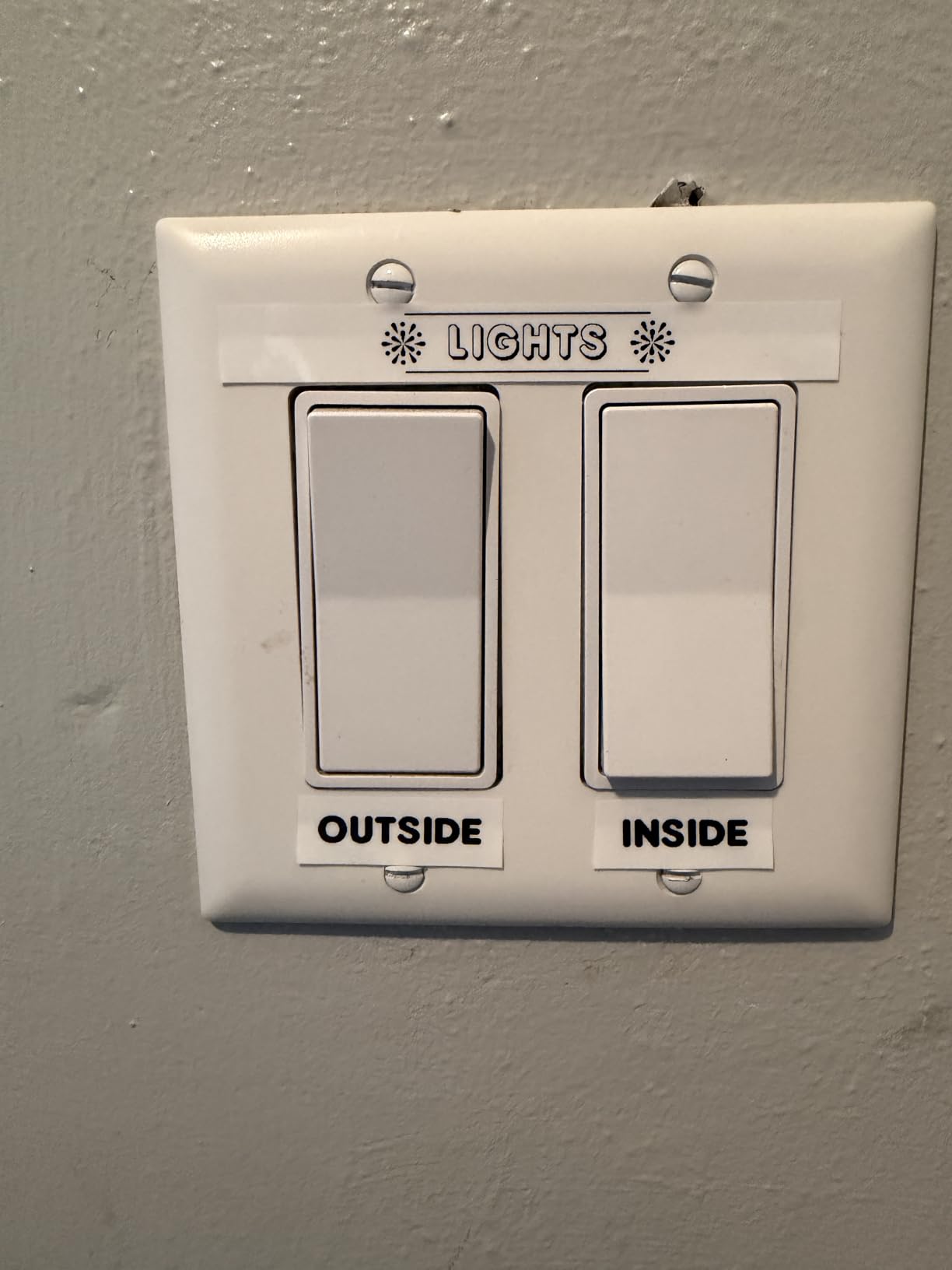
It suits a home office with repeat labels and shared surfaces: file folders, supply shelves, equipment drawers and meeting room cabinets. Anyone moving into a role where the same three or four folder headings get reprinted every month will get the memory slots working for them within a week.
It also suits anyone who prioritizes how labels look six months later. The laminated tape peels off cleanly rather than shredding the surface underneath, which matters on a nice desk or a painted cabinet.
Where the Brother P-touch PTD220 falls short
Power is six AAA batteries, with no built-in rechargeable cell and the optional AC adapter sold separately. That is fine at a desk with a spare battery habit, less fine if you travel with the machine.
The 12mm width is the harder limit. Two lines of text is plenty for a drawer or a folder tab, but a binder spine label or a piece of signage needs more room than this machine can give. And the box contains a single sample tape, so budget for refills early.
4. SUPVAN E11 – The Best Hybrid Label Maker for Typing and App Design
SUPVAN E11 Keyboard & Bluetooth Label Maker Machine with 4 Tapes
0.2 inch print margin
1200 mAh rechargeable battery
15mm maximum tape width
Keyboard plus Bluetooth
4 tapes included
Pros
- Real on-device keyboard plus Bluetooth app editing
- Four tape rolls in the box
- Very small 0.2 inch margin saves material
- Rechargeable battery lasts up to a month per charge
- Handles continuous and die-cut stock
Cons
- Small LCD limits on-device preview
- 15mm width ceiling for large text
- App design tools are basic beside desktop editors
Almost every cheap Bluetooth label maker forces a choice: type on the machine or type on your phone. The SUPVAN E11 does both, with a real QWERTY keyboard for quick jobs and Bluetooth app control for labels that need layout work.
In practice, we ended up using the keyboard for cable tags and folder tabs and the app for anything with a border or an icon. Having both in one box meant not owning a second machine at all.
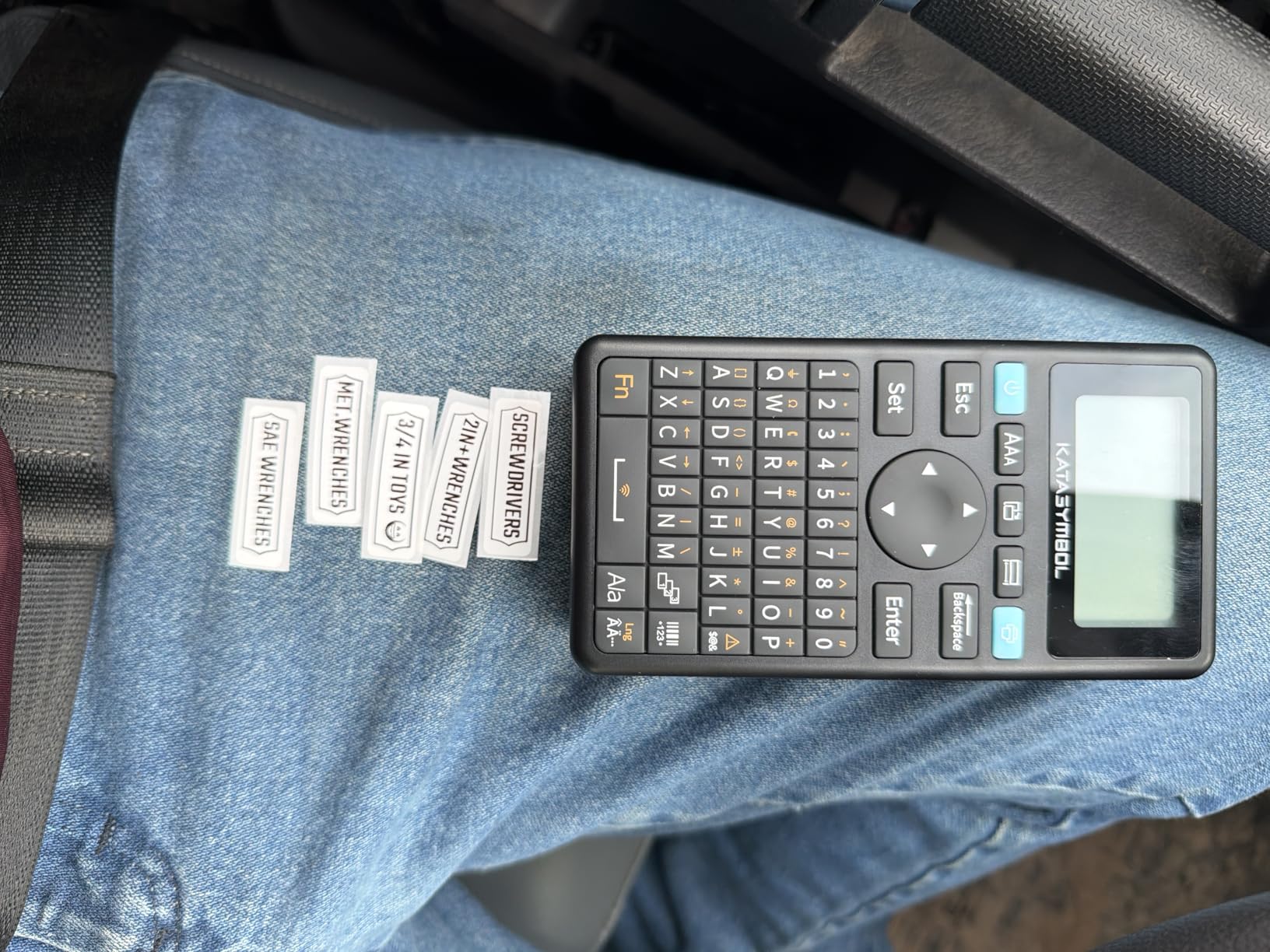
The headline spec is the 0.2 inch print margin. Continuous-roll machines typically leave a couple of centimeters of blank tape between labels, and on a home office budget that adds up over a few hundred drawers. This machine wastes far less, which reviewers consistently name as the feature they notice most after the first week.
Power comes from a 1200 mAh rechargeable battery rated for up to a month per charge. The body is 8 ounces at roughly 5.8 by 3.1 by 1.5 inches, prints at 203 DPI and a listed 28 pages per minute, and handles both continuous and die-cut tape up to 15mm by 6m.
Who the SUPVAN E11 suits
It suits a home office that alternates between quick-and-dirty labels and designed ones, and does not want to keep a phone on the desk to do it. The keyboard handles the first type of work and the app handles the second.
It also suits anyone who runs out of tape constantly. Four rolls are in the box and the small print margin stretches each one further than a conventional continuous roll.
Where the SUPVAN E11 falls short
The LCD screen is small, so previewing a long line of text on-device means scrolling rather than seeing the whole label at once. For fast typing you will learn the keyboard and stop relying on the screen.
Maximum tape width is 15mm, which rules out wide binder spine labels and room signage. The app library has 30+ fonts, 50+ frames and 660+ icons, useful but modest next to a desktop editing suite, so complex multi-column designs are not this machine’s strength.
5. Brother P-touch PT-D410 – The Best Label Maker for Wide Multi-Line Labels
Brother P-Touch PT-D410 Home / Office Advanced Label Maker | Connect via USB to Create and Print on TZe Label Tapes up to ~3/4 inch, White
18mm TZe tape width
Up to five lines of text
USB to PC and Mac
30 preloaded templates
Desktop-style body
Pros
- Widest Brother tape support here at 18mm
- Five lines of text per label
- PC and Mac design tools handle complex labels
- Large font and frame library
- Two-year limited warranty
Cons
- No tape included in the box
- USB only with no Bluetooth or phone app
- Bulky desktop footprint for a small desk
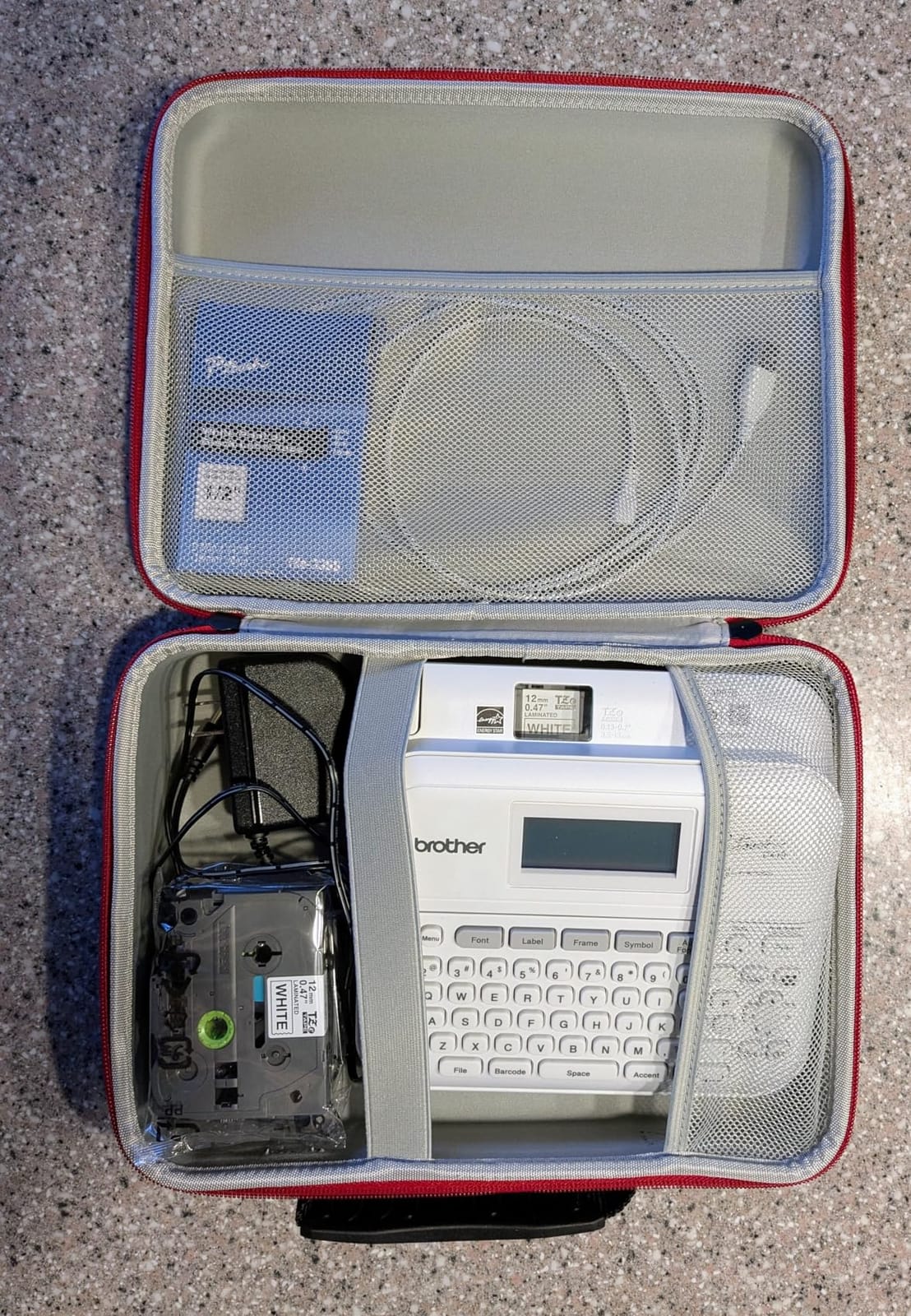
Tape width is the spec people in this category consistently guess at, and it is the one the PT-D410 wins decisively. At 18mm, roughly three-quarters of an inch, it handles binder spines, equipment tags and door signage that a 12mm machine physically cannot print.
Five lines of text per label is the other reason to step up. A folder tab needs one line. A spine label with a date range and a project code needs three. This machine has the room.
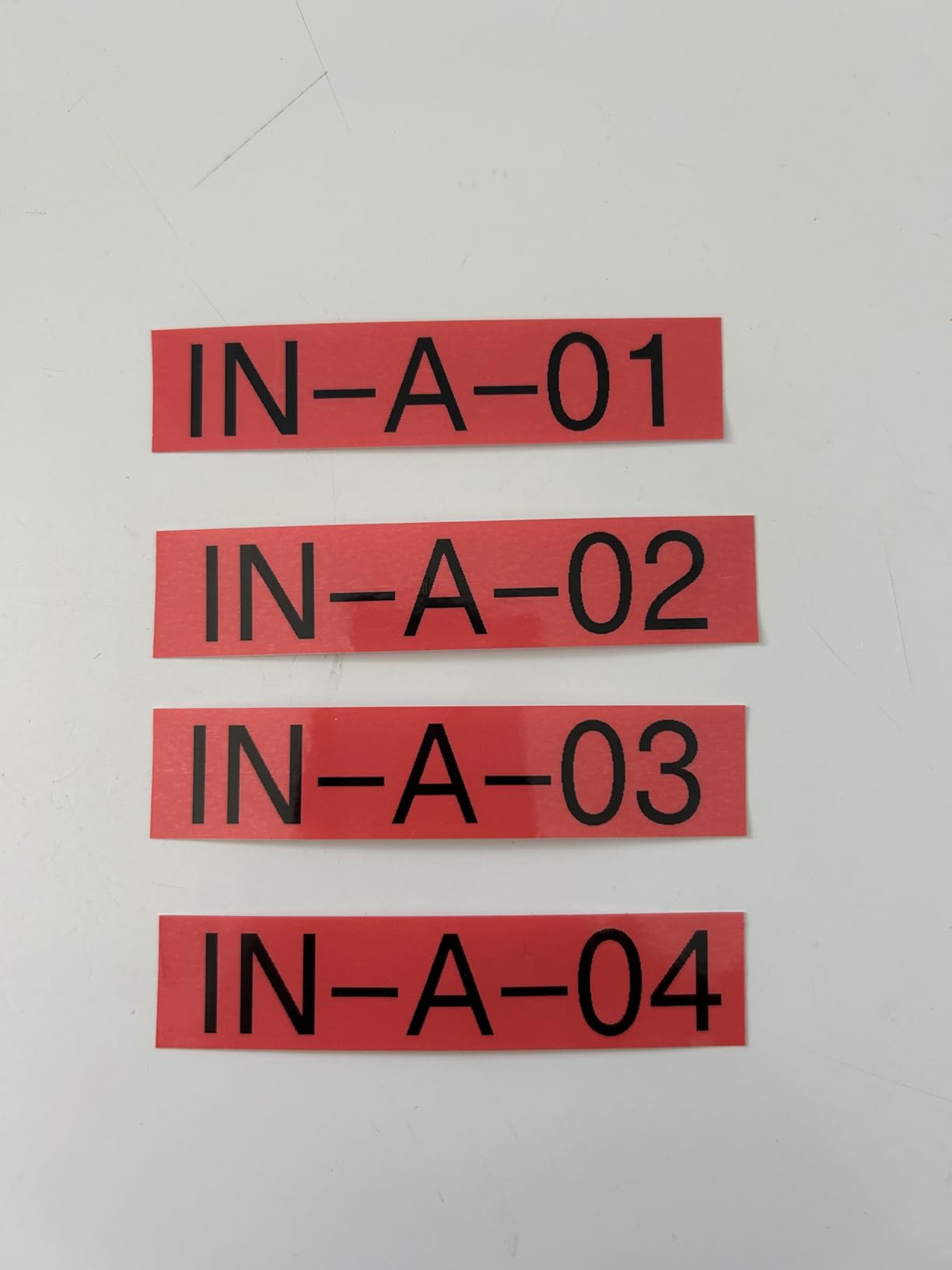
Editing happens over USB to a PC or Mac, which for desk-bound work is an advantage rather than a limitation. You can pull in premium designer TZe tape, including cable and security varieties, and the 30 preloaded templates cover common home and office formats.
Style depth is high: 15 fonts, 13 font styles, 120 designer frames, 700 symbols and 7 font sizes. Print resolution is 180 DPI at a listed 20 pages per minute, on a QWERTY keyboard with an LCD screen.
Who the Brother P-touch PT-D410 suits
It suits a home office that also acts as a small operations base: archive boxes, equipment tagging, meeting room signage and binder spines are all within reach. If you ship stock, pack or manage gear out of the same space where you work, the width headroom pays off.
It also suits anyone already working from a docked laptop who would rather design labels in a full editor than squint at a tiny device screen.
Where the Brother P-touch PT-D410 falls short
No tape comes in the box, so your first purchase is the machine plus at least one cassette. Owners consistently note this, and it means you cannot label anything on day one.
There is no Bluetooth and no phone app, so the machine needs a computer nearby. At 1.7 pounds with a substantial desktop footprint, it also takes real desk space, which matters in a home office doubling as a dining table.
6. DYMO LabelManager 280 – The Best Rechargeable Label Maker for Regular Daily Use
DYMO Label Maker LabelManager 280 Rechargeable Portable Label Maker Easy-to-Use One-Touch Smart Keys QWERTY Keyboard PC and Mac Connectivity For Home & Office Organization
Rechargeable battery
D1 tapes in 6mm 9mm and 12mm
QWERTY keyboard with smart keys
USB to PC and Mac
1-year warranty
Pros
- Rechargeable so no disposable batteries
- Familiar QWERTY keyboard for longer text
- Full range of D1 widths for files and cables
- One-touch smart keys speed formatting
- Comfortable handheld shape
Cons
- No Bluetooth or phone app support
- Modest 12mm maximum tape width
- Plastic body feels dated beside newer models
- D1 cassettes cost more over time
The LabelManager 280 solves the problem that trips up almost everyone else in this category: batteries. It charges, it sits on your desk ready to go, and it never makes you dig for spare cells before labeling a stack of folders.
It also runs on genuine DYMO D1 tapes in 6mm, 9mm and 12mm, which is one of the widest width ranges in a handheld unit here. Thin tape for cable flags, medium for folder tabs, wide for drawer fronts, from one machine.
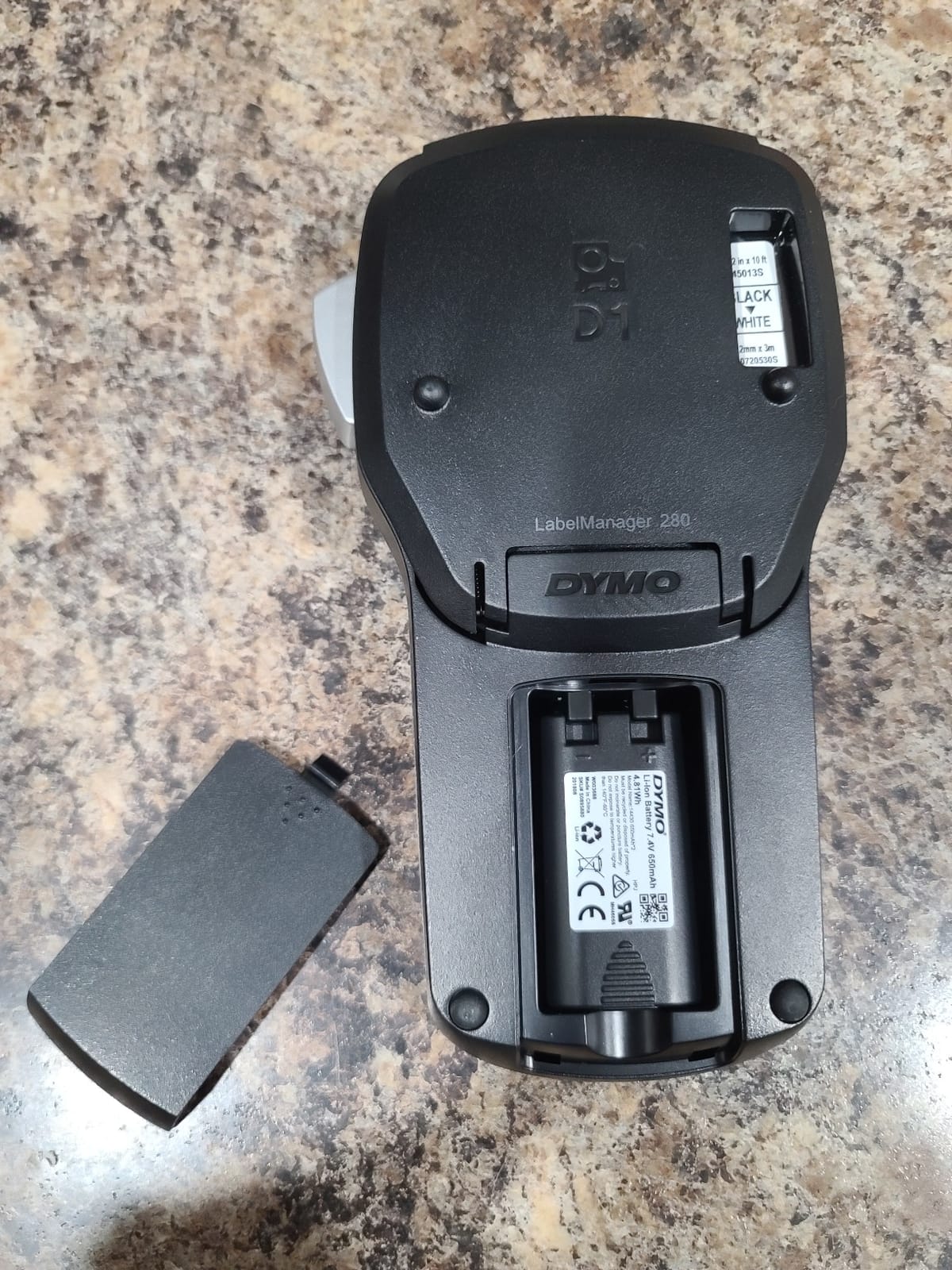
The QWERTY keyboard with one-touch smart keys made the biggest difference in our testing. Long descriptive labels are far less painful when the layout is the one your fingers already know, and the smart keys handle bold, underline and sizing in a single press.
Over USB to a PC or Mac you get extra fonts, graphics and barcode libraries, with more than 20 text formatting options and over 200 symbols built in. Print resolution is listed at 180 DPI, and the 1.4-pound handheld body sits comfortably in one hand.
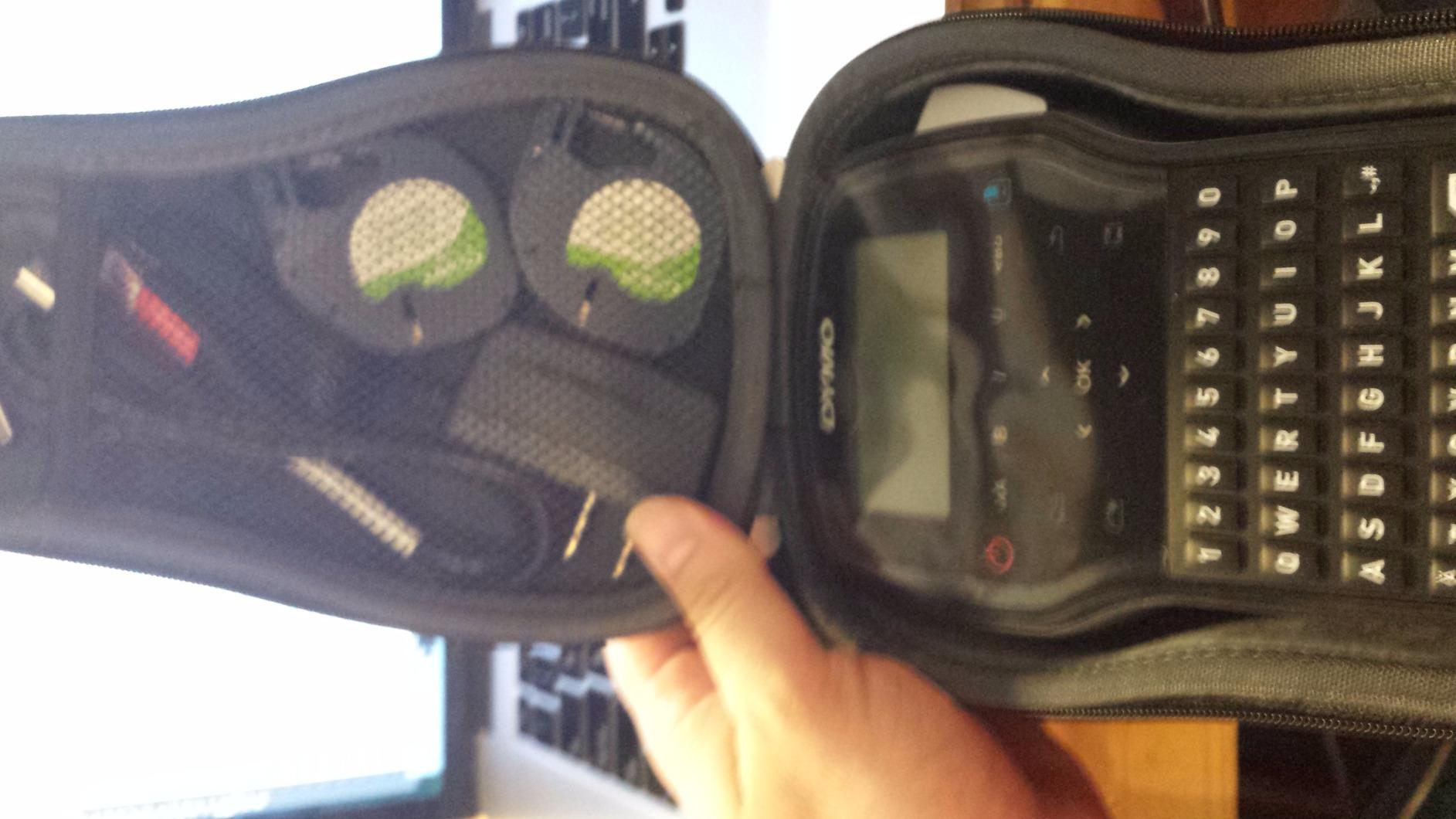
Who the DYMO LabelManager 280 suits
It suits someone who labels most days and hates consumable batteries. Recharge-and-forget is the correct answer for a filing routine that happens every afternoon, and the three D1 widths cover most office jobs without changing machines.
It also suits cable labeling, where the thinner D1 widths produce flags that wrap around a cord without the bulk that makes a thicker label curl away from the jacket.
Where the DYMO LabelManager 280 falls short
There is no Bluetooth and no phone app. This is a machine from a generation before app-driven labeling, and that means editing happens on the device or over a cable to a computer, never from your phone.
The maximum width is 12mm, so wide spine labels are out. Owners also note that genuine D1 cassettes cost more over time than compatible alternatives, and that the plastic body looks dated next to newer models on the shelf.
7. Brother P-touch PT-H110 Bundle – The Best Label Maker for Cables and Network Gear
Brother P-Touch, PTH110BP, Easy Portable Label Maker Bundle (4 Label Tapes Included), White, Small
Four TZe tapes in the bundle
Cable labelling template mode
15-label memory
QWERTY keyboard with preview display
14.4 ounces
Pros
- Four tapes in the box
- enough to start a full system
- Dedicated cable template streamlines network tagging
- Highest average rating in this roundup at 4.7
- Water-resistant laminated tapes for indoor and outdoor use
- Solid build with long service life
Cons
- Needs six AAA batteries with no rechargeable cell
- Compact body suits short labels
- Only 15 memory slots
- Older model line
The bundle is what makes this one interesting for a home office. You get the PT-H110 plus one 12mm sample tape and three full-length 12mm TZe tapes at 8m each, which is enough material to label a whole cable run and a filing system before you think about refills again.
It carries the highest average rating of any machine in this roundup at 4.7 across 1694 owner reviews. That consistency tracks with what we saw: nothing about it is spectacular, and nothing about it disappointed anyone we read.
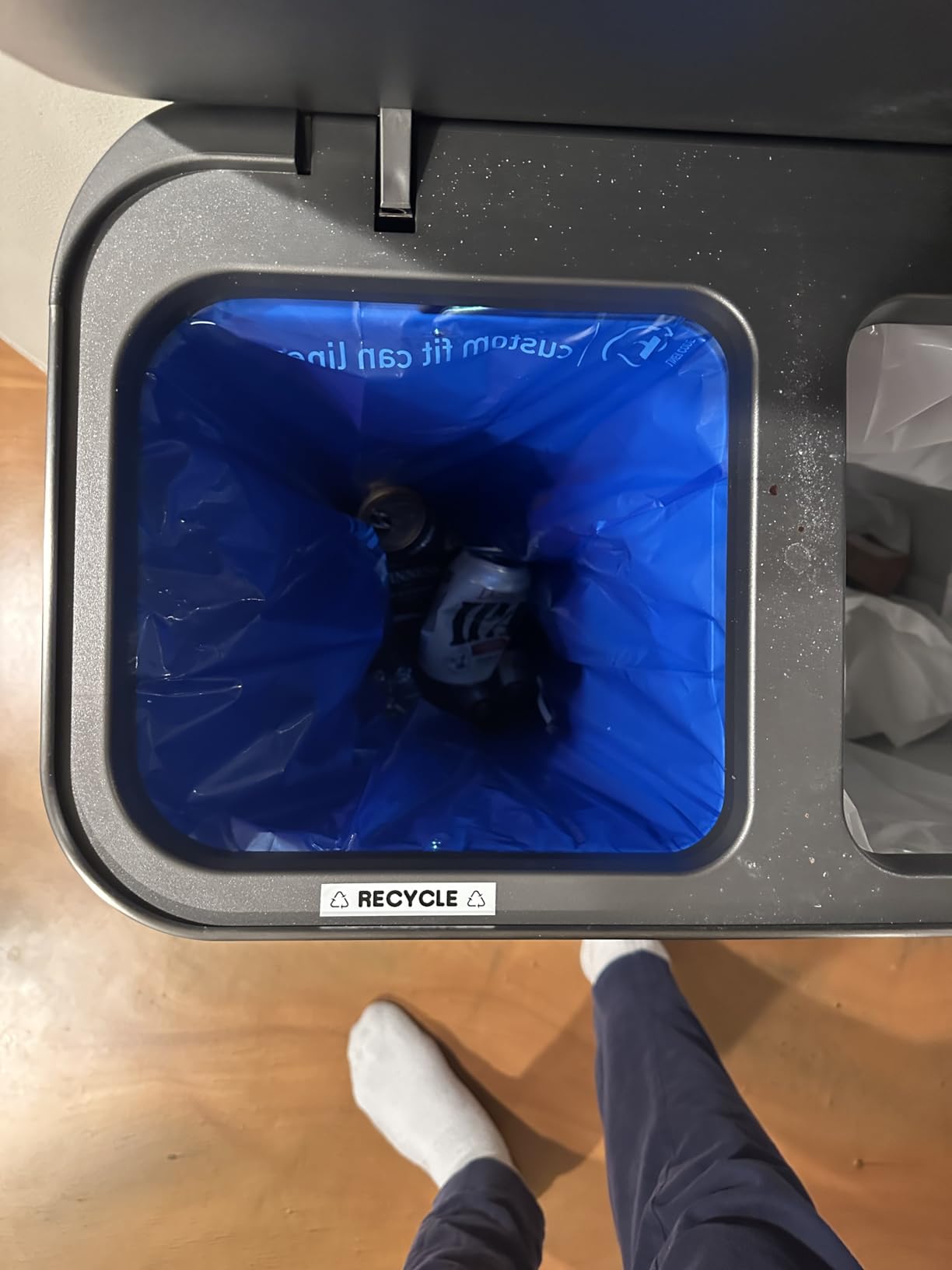
The dedicated cable labelling template mode is the quiet feature that matters for a desk setup. Switch to that mode and the label formats are laid out for wrapping around a cord, which removes the guesswork from getting a cable flag legible and correctly sized.
On-device content is 3 professional fonts, 14 decorative frames and over 250 symbols, with a preview display, 15-label memory for reprints and one-touch formatting keys. Tapes are water-resistant laminated TZe stock at 12mm.
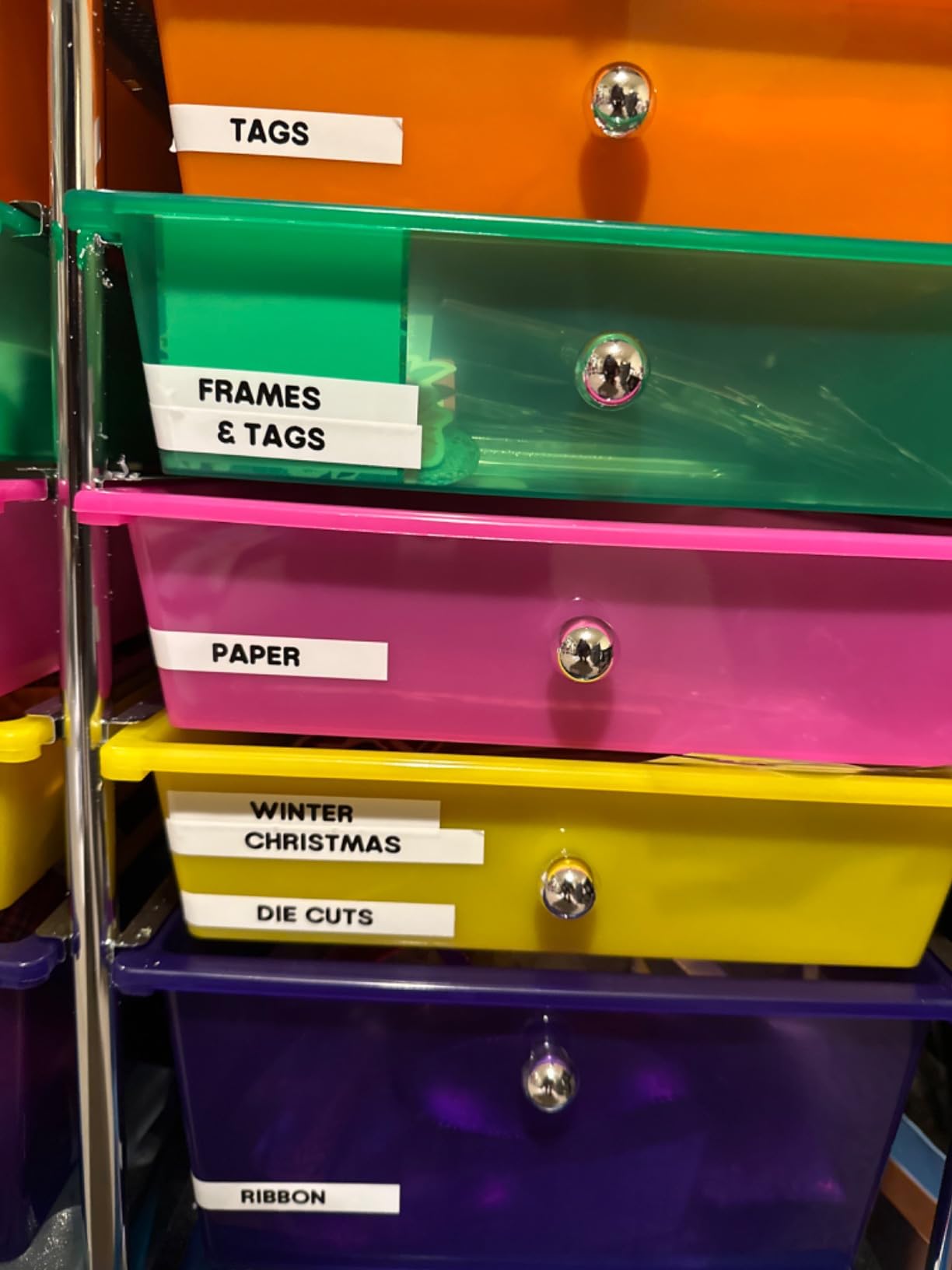
Who the Brother P-touch PT-H110 Bundle suits
It suits a home office with a network rack, a standing desk full of cables, or any setup where the same short label is reprinted dozens of times. Cable template mode plus 15-label memory covers that repetition well.
It also suits first-time buyers who want to avoid the early-refill frustration that catches people out. Most competitors here include a single sample tape; this one comes with four rolls.
Where the Brother P-touch PT-H110 Bundle falls short
Power is six AAA batteries with no built-in rechargeable cell, and the optional adapter is sold separately. For a machine that will sit on a desk, that is an ongoing small annoyance.
The compact body suits short labels rather than wide signage, and 15 memory slots is fewer than the larger Brother units offer. The model line has also been superseded by newer PT-H versions, so expect shallower accessory support over time.
8. DYMO LabelManager 160 – The Best Starter Kit with Three Cassettes Included
DYMO LabelManager 160 Label Maker Bundle with 3 D1 Label Cassettes, Portable Handheld, QWERTY Keyboard, One-Touch Smart Keys, Large Display, Home & Office Organization
Large LCD display
Three half-inch D1 cassettes plus label sheets
300 DPI
QWERTY keyboard with smart keys
1-year warranty
Pros
- Three D1 cassettes and label sheets in the box
- Large display shows the whole line while typing
- QWERTY smart keys are quick to learn
- D1 cassettes widely available in many colours and widths
- Portable handheld shape
Cons
- No wireless connectivity
- Consumes disposable batteries
- D1 cartridges are a recurring consumable cost
- 300 DPI is fine for text but not for fine graphics
If your concern is starting with nothing, the LabelManager 160 bundle answers it in the box. You get three half-inch D1 cassettes at 23 feet each, plus two sheets of DYMO label sheets, which is a complete first project without a second order.
The large LCD is the feature we appreciated most. On a screen this size you can see the whole line of text as you type, which cuts the misprint-and-reprint cycle that smaller screens create.
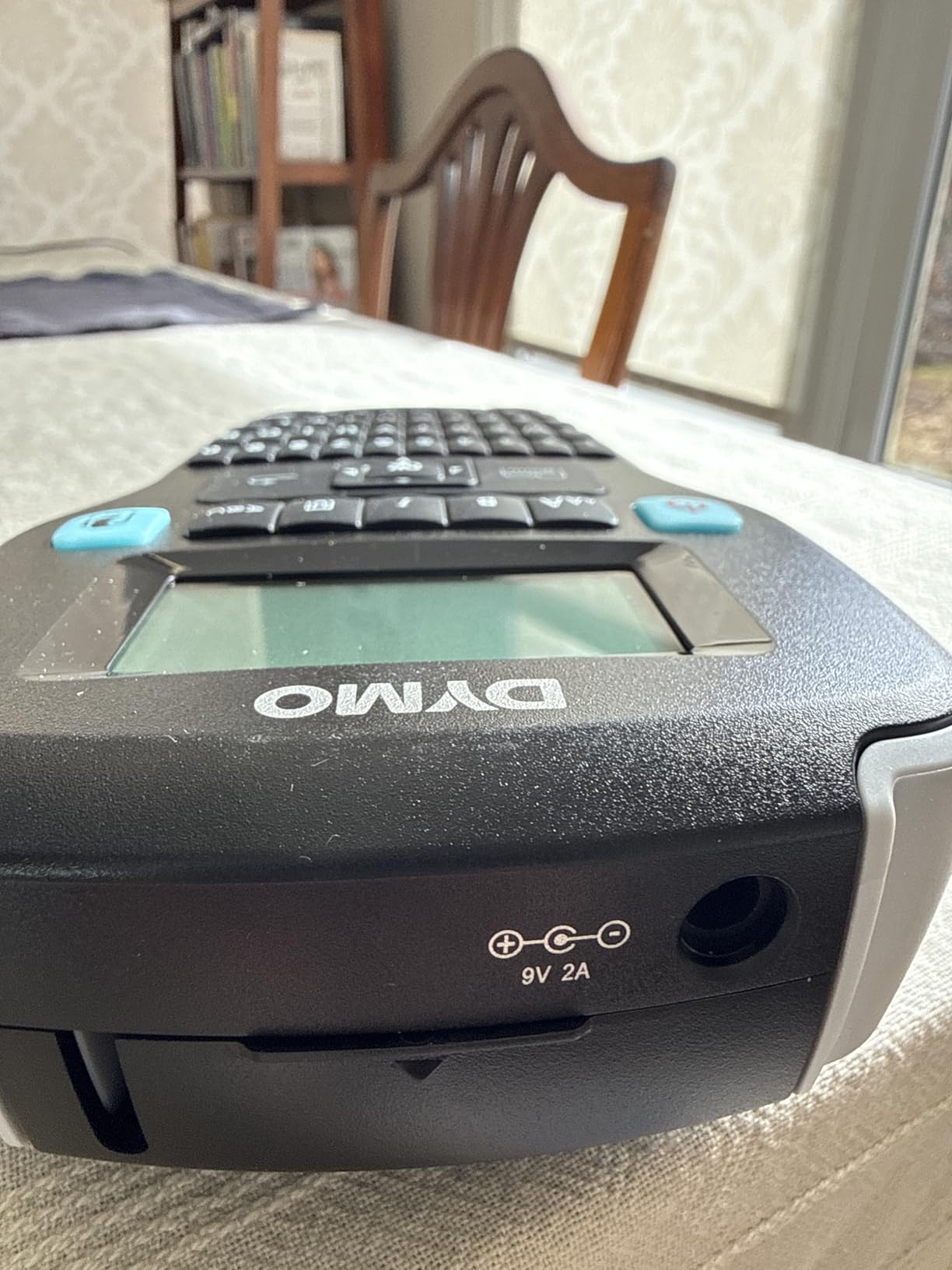
Editing uses 20+ text formats and over 200 symbols, reached through one-touch smart keys on a QWERTY keyboard. The listed print resolution is 300 DPI, the highest figure in this roundup, and it supports D1 tapes in quarter-inch, three-eighth-inch and half-inch widths.
It connects over USB and auto-powers off to preserve batteries. At 1.3 pounds in a handheld shape, it fits into a drawer or a bag between uses rather than occupying a permanent desk position.
Who the DYMO LabelManager 160 suits
It suits someone starting a home office filing system who wants to see results the same day without researching tape compatibility first. The included cassettes remove the most common early stumble.
It also suits anyone who labels in bursts at a screen and prefers seeing the full text before printing. The large display makes longer lines practical in a way the compact machines cannot match.
Where the DYMO LabelManager 160 falls short
There is no Bluetooth and no app, so all editing happens on the machine or over USB to a computer. For someone used to designing labels on a phone, that is a step backwards.
Disposable batteries and D1 cartridges are both recurring costs, and the one-year manufacturer warranty is shorter than the two-year cover on the Brother units in this list. The 300 DPI figure is welcome for crisp text but will not rescue fine graphics.
How to Choose a Label Maker for a Home Office in 2026?
Keyboard, app-only or hybrid input
A keyboard machine is fastest for short, repetitive text like folder tabs and cable flags, because you type without looking down. An app-only machine wins on design, since a phone screen gives you templates, icons, barcodes and QR codes that no physical keyboard can offer. A hybrid gives you both, and it is the compromise that suits a mixed home office workload best.
For pure typing speed, a QWERTY layout beats an alphabetical one every time. That single fact is the main reason the DYMO LetraTag loses ground to the Brother units despite being the better starter package.
Before choosing an app-only machine, check your phone. Owners report pairing problems on certain newer Android devices, so if your labeling happens on a specific work phone, verify compatibility first.
Tape width mapped to the office job
This is the spec people guess at most and regret least once they know it. Narrow tape is for cables and small flags. Mid-width, around 12mm, covers file folder tabs, drawer fronts and supply shelves. Wider tape, at 18mm and above, is what binder spines, equipment tags and door signage need.
Seven of the eight machines here top out at roughly 12mm or 15mm of tape, which is enough for most filing work but not for spine labels. If binders are on your list, the 18mm PT-D410 is the only unit in this roundup that handles them in one pass.
Also check whether the machine takes continuous roll or fixed-length die-cut labels. Continuous is cheaper per label and lets you set your own length, but many machines waste a couple of centimeters per label. Fixed lengths give neat identical labels and waste nothing.
Power source and batteries
Batteries almost never come in the box on machines in this category, which is the single most common complaint from buyers. Budget for a fresh pack of cells the day your machine arrives, or buy a rechargeable model and skip the issue entirely.
The rechargeable options here are the Nelko P21, the SUPVAN E11 and the DYMO LabelManager 280. Everything else runs on AAA cells or an optional adapter sold separately, which is fine at a permanent desk but awkward if the machine lives in a bag.
For a home office that is also a travel setup, portability is the deciding factor. The Nelko at 11.52 ounces and the SUPVAN at 8 ounces are the two lightest machines in the roundup by a wide margin.
Tape cost and refill running costs
The machine is a one-time cost and the tape is a recurring one, so judge the tape before the machine. Genuine Brother TZe and DYMO D1 cassettes cost more per roll than generic alternatives, and the gap widens over a year of steady use.
What you get for that premium is predictable. Laminated tape peels off cleanly instead of shredding the surface or leaving residue, which protects a nice desk, a painted cabinet and any client-facing paperwork.
Count what comes in the box before you order refills. The LetraTag includes three cassettes and the PT-H110 bundle includes four, so both can carry you through a full filing project on the purchase alone. The PT-D410 comes with none, and the PTD220 includes a single sample tape.
Is a label maker worth buying for a home office? If you label folders, cables and drawers more than once a month, the time saving compounds quickly. A folder batch that takes most of a coffee break with a marker is finished in minutes with a machine, and the labels stay readable for years instead of smudging in a drawer.
Brother or DYMO? Brother is the stronger choice for label durability, wider style libraries and longer warranties. DYMO wins on rechargeable options and on bundled tape, and its handheld machines are lighter. For a home office that labels shared surfaces and binders, we would pick Brother. For a small kit you carry between rooms, DYMO holds its own.
Skip the commercial 4×6 shipping printers for a home office. Devices in that class are built for product barcodes and shipping labels, need dedicated media and a much larger running cost, and handle none of the filing jobs that make up actual office labeling. A compact thermal machine covers the same ground at a fraction of the commitment.
Frequently Asked Questions
Are Dymo or Brother label makers better?
Brother is generally better for label durability, style options and warranty length, and its laminated TZe tape peels off cleanly instead of shredding surfaces. DYMO is better for rechargeable power and for bundles that include several tape cassettes out of the box. For a home office labeling shared drawers, binders and folders, choose Brother. For a portable kit carried between rooms, a DYMO handheld unit is a fair alternative.
What tape width do I need for file folders and binders?
Around 12mm suits file folder tabs, drawer fronts and supply shelves. Cable flags work at 6mm to 9mm. Binder spines, equipment tags and door signage need 18mm or wider, because a narrower tape cannot fit the text legibly across the spine. Most machines in this roundup cap at 12mm or 15mm, so check the maximum media width before buying if binders are on your list.
Is Bluetooth better than a keyboard on a label maker?
Neither is better for everyone. A QWERTY keyboard wins on speed for short repeated text like folder tabs and cable flags. Bluetooth wins on design, since a phone app adds templates, icons, barcodes and QR codes that a keyboard cannot. A hybrid machine gives you both, which is why it suits a mixed home office workload. Verify phone compatibility before choosing an app-only model.
Are label makers worth buying for a home office?
Yes, if you label folders, cables and drawers more than once a month. A batch of folder tabs that takes 20 minutes with a marker takes under five with a machine, and the labels stay readable for years instead of smudging inside a drawer. The machine is a one-time cost, so factor the tape refills and pick a model whose tapes are easy to buy.
How much does it cost to refill label maker tape?
It depends entirely on the tape system, and it is the real ongoing cost of ownership. Genuine Brother TZe and DYMO D1 cassettes cost more per roll than generic compatible stock, but they peel off cleanly and resist moisture. Machines that use generic thermal roll avoid brand lock-in and keep the cheapest running cost. Check tape prices before choosing, not after.
The Verdict for Home Office Labeling in 2026
The DYMO LetraTag 100H Plus is the best label maker for a home office, and it wins on the box contents rather than the spec sheet. Three tapes included, a preview screen, a light handheld body and a magnetic holder get you labeling folders and drawers on day one, which is the point.
If you want reusable batteries instead of cells, take the DYMO LabelManager 280. If you want the keyboard speed and the most durable tape for shared spaces, take the Brother P-touch PTD220. If binders are on your list, the PT-D410 is the only machine here wide enough.
The one honest caveat across every machine we covered: labels on curved surfaces such as cable jackets can lift at the edges after a couple of weeks, even on laminated tape. Wrap cable flags tightly, or accept the extra tape pass and check them periodically.
Whichever you choose, buy the tape in the same order. The machine is the small decision. The refill supply is the one that shows up in your drawer every month.