
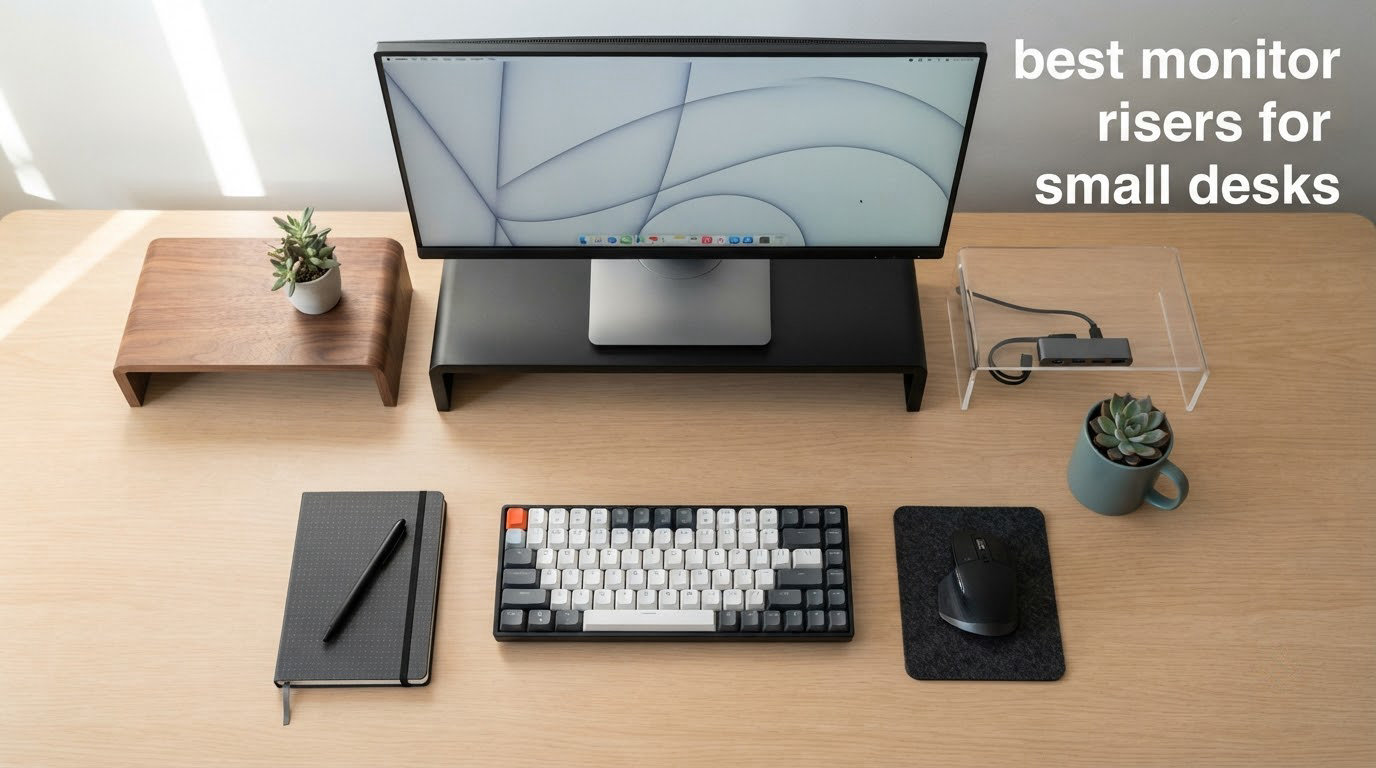
A monitor riser buys screen height with desk depth. That trade is invisible on a large desk and unavoidable on a small one, which is why the most common complaint in owner discussions is so blunt: stands eat up desk space. The monitor goes up, the keyboard slides forward, and a hand’s width of breathing room is all that is left between your wrists and the desk edge. On a desk under about 24 inches deep, depth is the binding constraint, not height. Finding the best monitor risers for small desks in 2026 is therefore less about picking the tallest shelf and more about picking the one that adds the inches you need while giving back as little of your work surface as possible.
That reframing changes the whole search. Most riser listings lead with lift height and load capacity, and both matter. But the spec that decides whether a riser works on your desk is platform depth, followed by whether your monitor’s own base still sits fully on that platform. If the base overhangs the front lip, the overhang counts against your keyboard zone, and the riser has quietly eaten depth twice. We measured and compared ten risers on exactly those numbers, and we tell you the desk depth each one needs before you buy.
We also have to say the uncomfortable thing early: on most small desks, a monitor arm is the better answer. Arms reclaim depth that risers consume, and that is the single most repeated position in the forums we reviewed. A riser is right when your desk edge will not take a clamp, when you move between sitting and standing, when your monitor has no VESA mount, or when you want the storage shelf underneath. A riser is wrong when your problem is screen distance rather than screen height. Our decision framework below covers both cases so you can rule a riser out in about a minute.
What follows is the full roundup: ten risers, each with a measured platform footprint, a stated load rating, a realistic maximum desk depth, and an honest note on where it falls short. Updated for 2026.
Table of Contents
Top 3 Monitor Risers for Small Desks (October 2026)
Those three cover most situations: a two-tier wood shelf that hides a keyboard, a plastic riser with real height choice at the lowest end of the category, and a rigid steel platform with the highest average rating in our set. The other seven cover narrower cases, from a glass-base VESA stand for a 32 inch panel to an oak riser for a desk where the finish matters as much as the height.
Quick Overview: Every Pick and the Desk Depth It Needs in 2026
| Product | Specs | Action |
|---|---|---|
 BONTEC Wooden Monitor Stand Riser 2-Tier BONTEC Wooden Monitor Stand Riser 2-Tier |
|
Check Latest Price |
 Amazon Basics 3-Level Adjustable Riser Amazon Basics 3-Level Adjustable Riser |
|
Check Latest Price |
 HUANUO 3-Height Vented Riser HUANUO 3-Height Vented Riser |
|
Check Latest Price |
 WALI Adjustable Metal Monitor Stand WALI Adjustable Metal Monitor Stand |
|
Check Latest Price |
 1home Wooden Monitor Riser 16.7 Inch 1home Wooden Monitor Riser 16.7 Inch |
|
Check Latest Price |
 HUANUO Vented Steel Monitor Riser HUANUO Vented Steel Monitor Riser |
|
Check Latest Price |
 Hemudu Freestanding VESA Stand Glass Base Hemudu Freestanding VESA Stand Glass Base |
|
Check Latest Price |
 gianotter Monitor Stand with Drawer and Pen Cups gianotter Monitor Stand with Drawer and Pen Cups |
|
Check Latest Price |
 FITUEYES Oak Two-Tier Wooden Riser FITUEYES Oak Two-Tier Wooden Riser |
|
Check Latest Price |
 VIVO Silver Aluminum Monitor Riser VIVO Silver Aluminum Monitor Riser |
|
Check Latest Price |
Two entries deserve an immediate flag. The Hemudu stand is the only one here with a published base depth under 8 inches, which makes it the most forgiving pick on a very shallow desk despite its full-footprint look. The VIVO aluminum riser publishes a 16 inch width but no platform depth, so we have not invented one; treat its depth as unknown until you have it in hand.
How We Measured and Selected These Monitor Risers
No competitor in this category publishes how they picked, so here is ours. We pulled ten risers that together cover the mechanisms a small desk actually forces on you: fixed wood shelves, plastic risers with stepped height adjustment, metal platforms, one VESA-style freestanding stand, and one organizer-style unit with storage built in. Then we recorded the following from each product listing, without estimating anything we could not read directly.
Platform depth and width. Depth is the front-to-back measurement of the top surface, not the box dimensions and not the height. This is the number that decides whether the riser fits your desk, and it is the one listings bury. Where a listing gives overall item dimensions, we used the second figure as platform depth, which is the standard orientation for these products.
Riser height and range. For stepped risers we recorded every listed height setting. For single-height risers we recorded the single lift figure. We treat top-of-screen height, not riser height, as the ergonomic target, and we explain the arithmetic in the buying guide.
Load rating. We use the published capacity and we compare it against your monitor with a safety margin, because a rating printed on a box is a maximum failure figure rather than a comfortable working load.
Monitor base fit. We checked whether the platform is wide and deep enough to hold a typical monitor base without the base hanging over the front edge. Overhang is the hidden depth cost that turns a good fit into a cramped one.
Under-riser clearance. Where a riser creates a bay underneath, we recorded its internal dimensions, because that bay is the keyboard zone and a bay that is too short changes the whole layout.
One thing we did not do is repeat the weight-limit-by-material figures that circulate in older monitor stand articles. Those numbers are unsourced and they vary too much between products to be useful. We would rather give you the load rating printed on your specific riser than a category average that is wrong in both directions.
Monitor Riser or Monitor Arm: Which One a Small Desk Actually Needs
Start with the honest part. If your desk will take a clamp and your monitor has a VESA mount, an arm returns depth instead of consuming it. The riser sits on your desk and subtracts from it; the arm grips the edge and leaves the surface free. That is why the recurring forum advice for a small desk is to drop to an arm, and it is good advice for anyone whose real problem is that the screen is too close or too low for want of reach rather than for want of height.
There are four cases where a riser is still the right call, and they cover a lot of small desks.
The desk edge will not take a clamp. Clamp compatibility is the most common blocker and the least addressed. Arms need a clean edge with enough thickness to bite into, usually between about 0.6 and 3 inches depending on the model, plus a surface that is not tapered, particleboard with a crumbling edge, or a curved lip. Riser-style and freestanding products need nothing from the desk at all.
The monitor has no VESA mount. Some displays ship with a fixed factory base and no mounting holes. An arm is out; a shelf riser is the only way to change the height.
You share the desk or switch between sitting and standing. If two people of different heights use the same surface, a stepped riser that can move between two or three settings beats a fixed shelf, and it costs less than a gas-spring arm.
You want the space underneath. A riser that fits a full-size keyboard underneath converts dead space into working space. This is the one genuine gain a riser makes that an arm cannot.
When a clamp will not work and you still want the arm idea, the usual workarounds are a grommet mount through the desktop, which uses the hole you may already have for cable routing, or an under-desk mounting plate screwed to the frame. Both put the load into the desk structure rather than the edge, which is also why they behave better on a bouncy top than a surface clamp.
Our rule of thumb: if the screen is at the correct height and only feels close, buy the arm. If the screen is visibly below your eyeline and the keyboard has room, buy the riser. Most small-desk complaints are the second problem wearing the first problem’s clothes.
1. BONTEC Wooden Monitor Stand Riser: Best Overall for Small Desks
BONTEC Wooden Monitor Stand Riser for Desk, 2-Tier Computer Monitor Stand
Platform: 16.54 x 9.25 inch
Riser height: 5.6 inch
Load capacity: 66 lb
Two tiers
Pros
- Highest load rating in our set at 66 lb
- Engineered wood does not bow under a heavy display
- Lower tier fits a full-size keyboard
- Anti-slip feet protect the desk
- Assembles in under 15 minutes
Cons
- 9.25 inch platform depth is mid-pack
- Phone slot is awkward for large phones
- 16.5 inch model is too narrow to slide a full-size keyboard under
- Cam locks sit in a narrow gap
This is the riser we keep coming back to, and the reason is the load rating rather than the lift. At 66 pounds it is the most generously rated platform in our set, which matters more than it sounds: a 27 inch panel on a stand is a cantilever, and the further forward your monitor sits, the harder the front lip is working. With more than 30k owner reviews behind it, this is also the most-tested product here, so the failure modes are well mapped.
The lift is 5.6 inches and the build is engineered wood, which gives it a stiffness that MDF competitors in this category do not match. Reviewers single out the lower tier as the reason the desk gets less cluttered, and the 21.3 inch variant exists precisely because people wanted a full-size keyboard underneath. On a desk that is 24 inches deep or more, the storage tier is the difference between a riser that helps and one that just moves the problem.
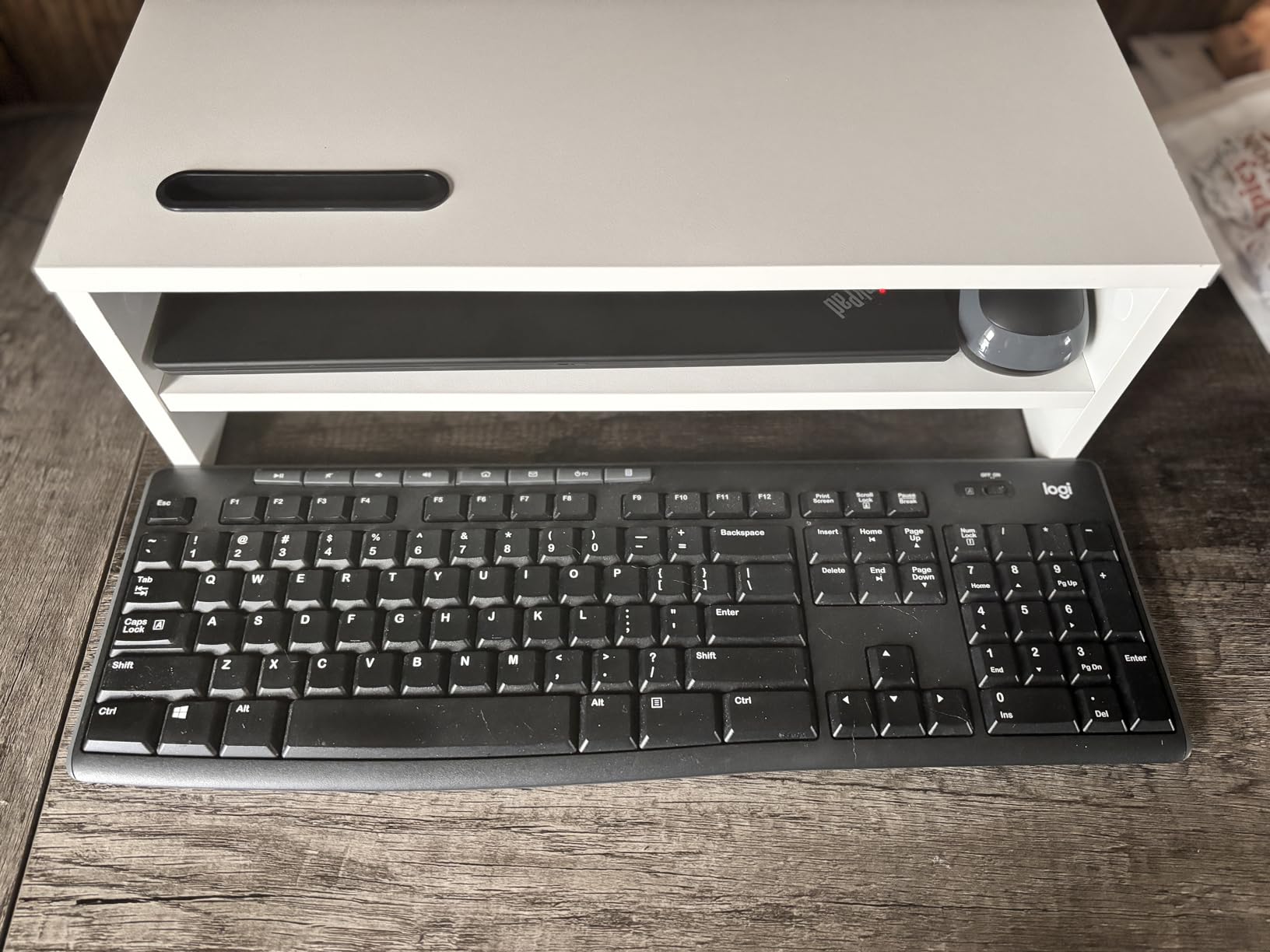
The math is worth doing. On a 23.6 inch desk, a 9.25 inch platform leaves 14.35 inches. Subtract a typical 7 inch monitor base sitting toward the rear of the platform and you still have roughly 7 inches in front of it, which is a workable keyboard zone if your monitor base does not overhang the lip. Watch that overhang carefully, because it is where the depth quietly disappears.
Assembly is the one place to budget time. Pre-drilled holes mean no guesswork, but the cam locks sit in a narrow gap that several reviewers describe as hard to reach with larger hands. Set the unit on the desk before you tighten anything, because you will not want to twist it around afterwards.
Does it fit a desk under 24 inches deep?
Yes, with room to spare, and the keyboard tier is what makes it viable rather than merely possible. On a 20 inch desk the 14.35 inch remainder becomes 10.35 inches after the monitor base, and a slim keyboard plus mouse still fits in front. Below 18 inches of desk depth, the platform itself is more than a third of the surface, and you should be looking at an arm instead.
What happens with a 32 inch ultrawide panel?
The 66 lb rating handles the weight comfortably, and the 16.54 inch platform width fits most single-panel bases. Wobble is the more realistic concern, because a wide panel has a long moment arm and the platform is only 9.25 inches deep. Keep the base fully on the platform and do not push the stand to the desk edge, and the top-rated reviews do not mention movement under load.
2. Amazon Basics Height Adjustable Monitor Riser: Best Value for a Tight Desk
Amazon Basics Height Adjustable Monitor Stand Riser with Storage Organizer, 3-Level Stackable Design, Durable ABS Plastic, Supports up to 22lbs, for Monitors & Laptops, Black
Platform: 16.1 x 4.88 inch
Heights: 2.87 / 4.25 / 4.9 inch
Load: 22 lb
Under cavity 11.6 x 11 x 4 inch
Pros
- Three selectable heights for eye-level tuning
- Two-leg design keeps the desk rear clear
- Rubber pads stop sliding on the desktop
- Large under-stand cavity for keyboard and cables
- Arrives mostly assembled
Cons
- 22 lb rating is lower than the metal stands
- Plastic leg tabs snap if forced
- Top setting may not reach eye level for taller users
- Only one size offered
This is the depth answer. The platform is listed at 16.1 by 4.88 inches, which makes it by a clear margin the shallowest top surface in our set, and on a desk where every inch of front-to-back space counts that single spec justifies the product on its own. It is also one of only two picks with a stepped height range, so a shared desk is a realistic scenario.
The two-leg layout is the quiet advantage people miss. Because the legs are separate rather than a full-width frame, the back edge of your desk stays open, which is exactly what you want when you are only a few inches deep and every centimetre of surface behind the monitor is surface you can use. The cavity underneath is listed at 11.6 by 11 by 4 inches, deep enough for a full-size keyboard lying flat.
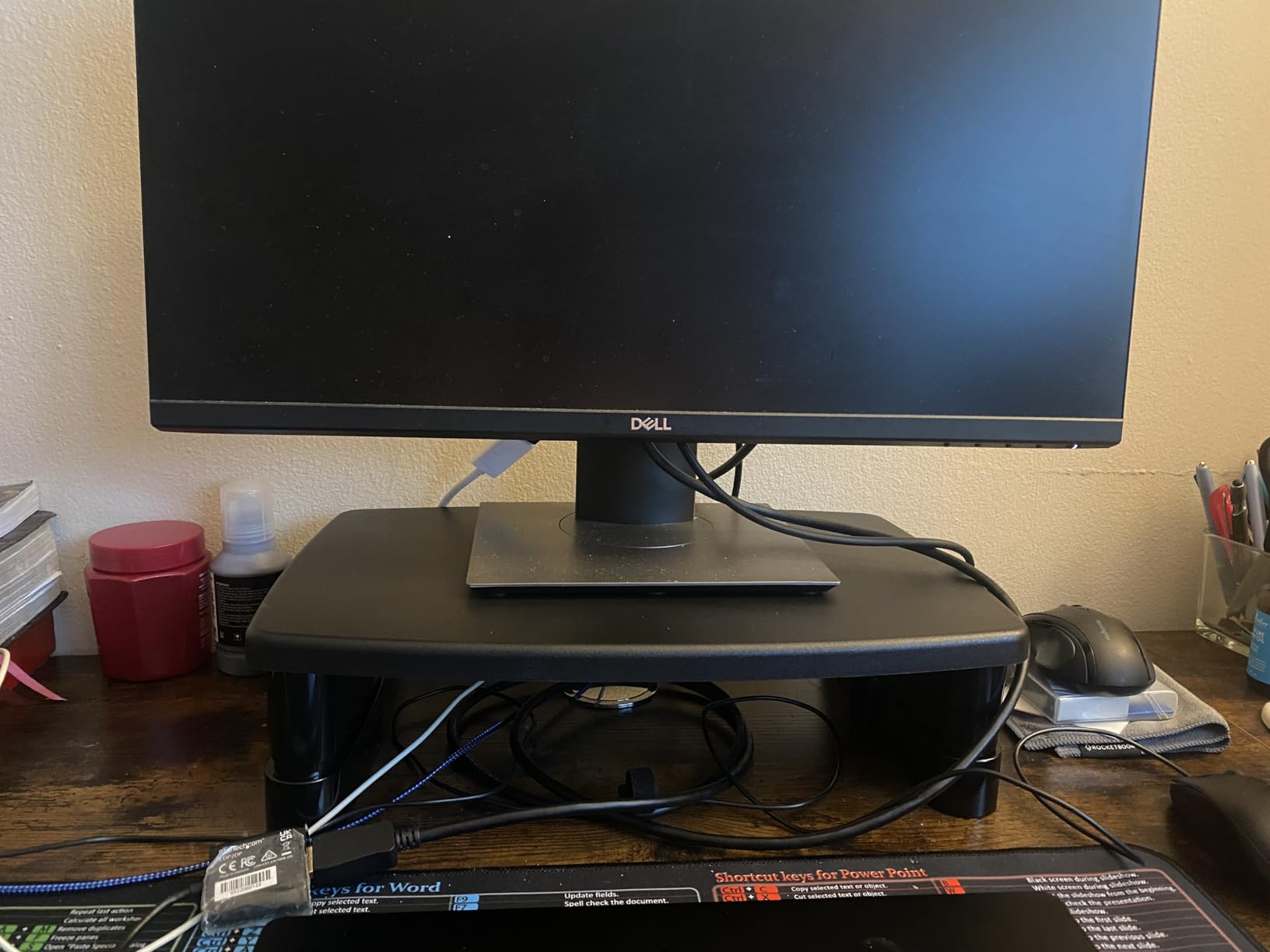
Reviewers consistently describe this as correcting posture, which makes sense given the 4.9 inch maximum setting. That figure is honest but modest. If you are tall, or if your chair sits low, the top setting may still leave you looking slightly down, and no amount of riser will close that gap, which is the point at which an adjustable arm starts to earn its cost.
Handle the legs gently. The plastic tabs that hold them snap if you force them apart, and that is the single most common complaint in the reviews. The 22 pound rating is also lower than the metal and wood options here, so it suits most monitors up to 27 inch without drama, but it is not the pick for a heavy ultrawide or a large all-in-one.
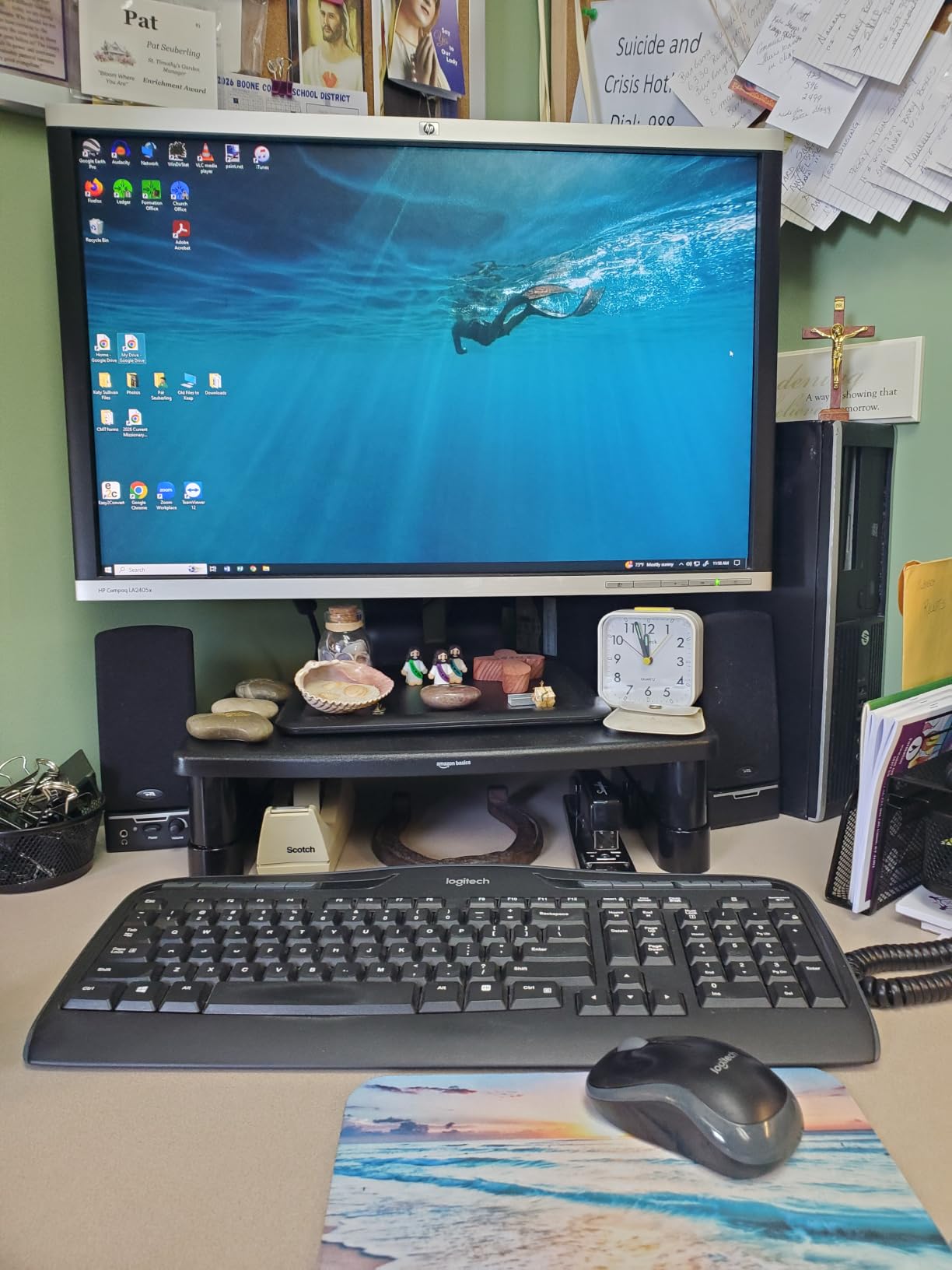
Is 4.88 inches of platform depth enough to stop overhang?
For most monitor bases, yes, and that is the reason it works where deeper shelves do not. A base deeper than 4.88 inches will overhang, but overhang at the rear is harmless because it is behind the screen rather than in your typing zone. Check the front edge specifically, since that is the side that costs you keyboard room.
What should you buy if the top setting is not high enough?
Stop adding riser height and add reach instead. A single-monitor arm gives you continuous vertical adjustment, so you can dial in exact eye level rather than choosing between three fixed steps, and it hands back the 4.88 inches of desk this riser occupies. This is the crossover point we see most often with shorter users on shallow desks.
3. HUANUO 3-Height Adjustable Vented Riser: Best for a Shared or Hot-Desking Setup
HUANUO Monitor Stand, Monitor Stand Riser 3 Height Adjustable, Monitor Riser with Airflow Vents, Laptop Stand for Desk, Laptop Riser, Desk Organizer for Monitor, Laptop, PC, Printer
Platform: 15.4 x 9.8 inch
Heights: 3.94 / 4.72 / 5.51 inch
Load: 44 lb
Under platform 12.40 x 7.09 inch
Pros
- Three heights suit more than one user
- Vented platform dissipates heat from laptops
- Handles all-in-one desktops and heavy devices
- Tool-free assembly
- Compact footprint for a small desk
Cons
- 9.8 inch depth is among the deepest here
- Plain utilitarian styling
- Single open bay with nothing to stop items sliding back
- Plastic rather than metal legs
Three settings across a 3.94 to 5.51 inch range is the widest spread of usable heights in this group, and it is why this is the shared-desk pick. Two people of different statures can set their own position in seconds without tools, and on a desk that gets handed around that flexibility is worth more than a nicer finish.
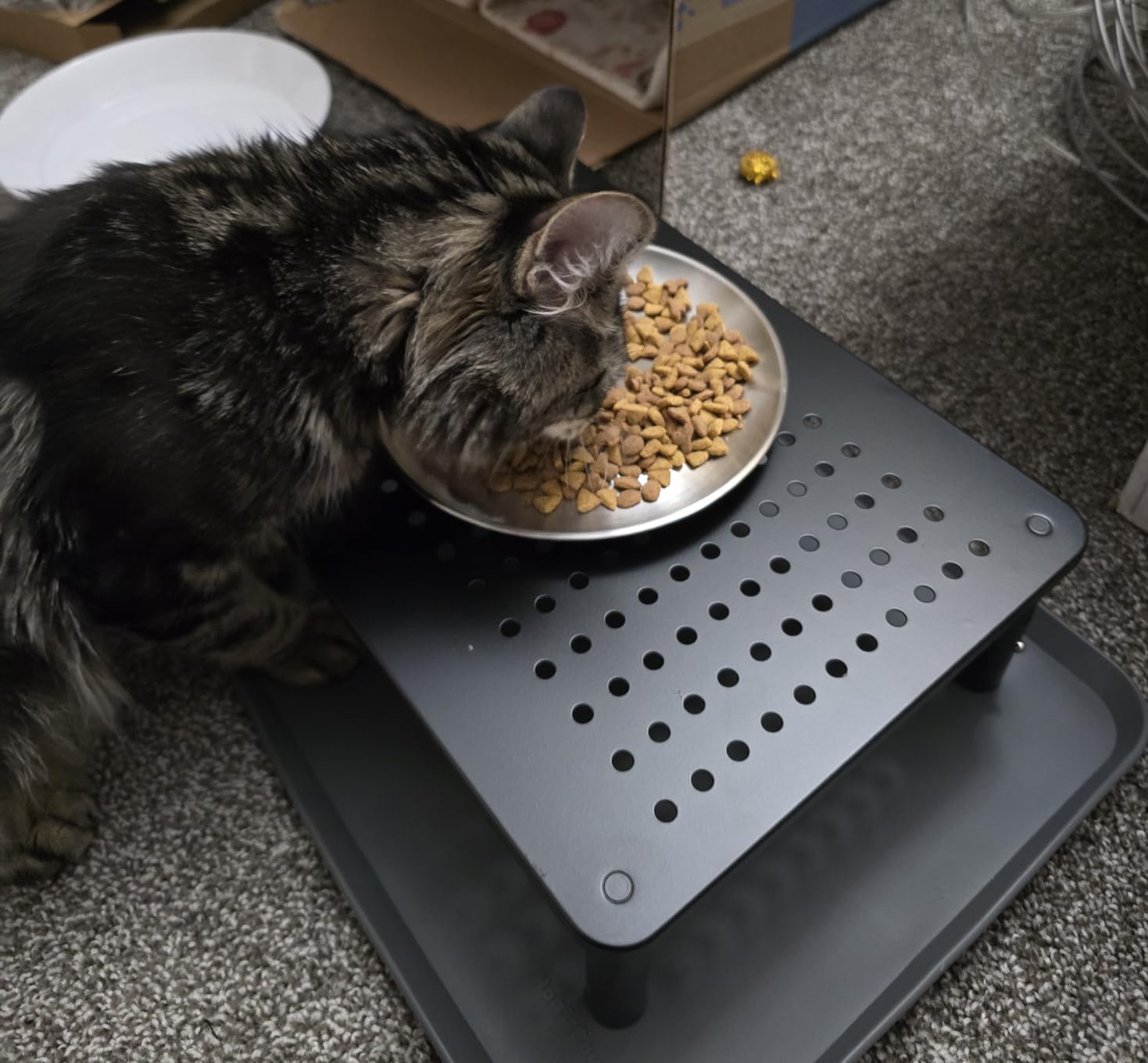
The load rating of 44 pounds covers far more than a monitor. Owners routinely repurpose the platform for printers, DVRs, soundbars and consoles, and the vented surface was designed with exactly that in mind, letting heat escape from a laptop or a small PC rather than trapping it against a flat panel. It ships with a two year warranty and a 30 day return window, which is a better commitment than most of the plastic competition offers.
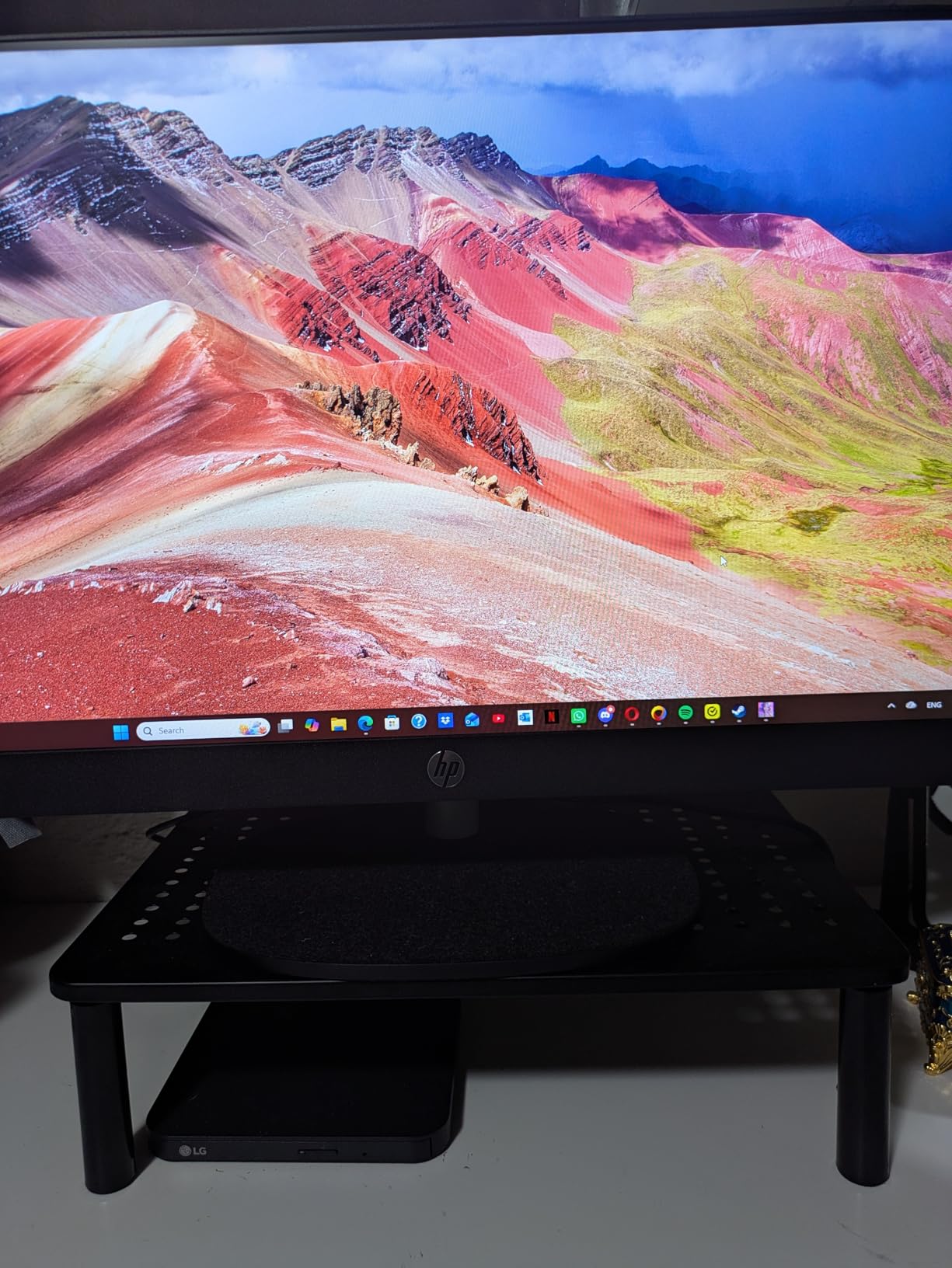
Depth is the trade you pay for that height range. At 9.8 inches, this is the deepest platform in our set, so on a desk under 22 inches it starts to crowd. On a 24 inch desk the arithmetic still works: 24 minus 9.8 leaves 14.2 inches, and a 7 inch monitor base in the middle of that leaves a little over 7 inches of keyboard zone, which is comfortable.
The under-platform space is listed at 12.4 by 7.09 inches, which is wide but shallow, so it takes notebooks, a phone and cables rather than a full keyboard. The most repeated criticism is aesthetic, and it is fair: this is a functional black plastic product with no styling to speak of, and on an otherwise considered desk it will look like a tool rather than furniture.
Will it hold a heavy all-in-one or a large display?
At 44 pounds it holds a 32 inch panel and most all-in-one desktops without complaint, and the vented deck is a genuine advantage for anything that generates heat. The plastic legs are the part to watch on a heavier machine, so on anything approaching the rating limit, tighten the legs fully and check for movement after a week of use.
Should a 20 inch deep desk skip it?
Yes. A 9.8 inch platform on a 20 inch desk leaves 10.2 inches before the monitor even sits on it, and the keyboard ends up at the very edge. On a desk that shallow, the depth-first choices in this roundup, or a clamp-mounted arm, will serve you far better than a tall stepped riser.
4. WALI Adjustable Metal Monitor Stand: Best Narrow-Footprint Pick
WALI Computer Monitor Stand for Desk, Adjustable Laptop Riser, up to 44 lbs
Shelf: 14.6 x 9.3 inch
Heights: 3.9 / 4.7 / 5.5 inch
Load: 44 lb
Metal construction
Pros
- Metal shelf rated to 44 lb with no wobble
- Three height positions
- Top sales rank in the category
- Open under-shelf space for a keyboard
- Narrow 14.6 inch width suits compact desks
Cons
- Stepped heights rather than continuous adjustment
- Metal edges can feel sharp
- Some buyers want a wider shelf for a printer
The narrowest platform width in this roundup, at 14.6 inches, is the reason this fits desks that other picks do not. Depth is close to the middle of the group at 9.3 inches, so it is the width that does the work here: on a desk that is narrow left to right, or one you share with a wide keyboard already parked on it, 14.6 inches leaves room to breathe.
Build quality is the other argument. A metal shelf at 44 pounds does not flex, and reviewers describe it as stable with real monitors rather than laboratory weights. The vented surface helps with a laptop, the rubber pads grip the desktop without scratching it, and the height steps of 3.9, 4.7 and 5.5 inches cover most sitting postures. A ten year warranty is unusually long for a desk accessory.
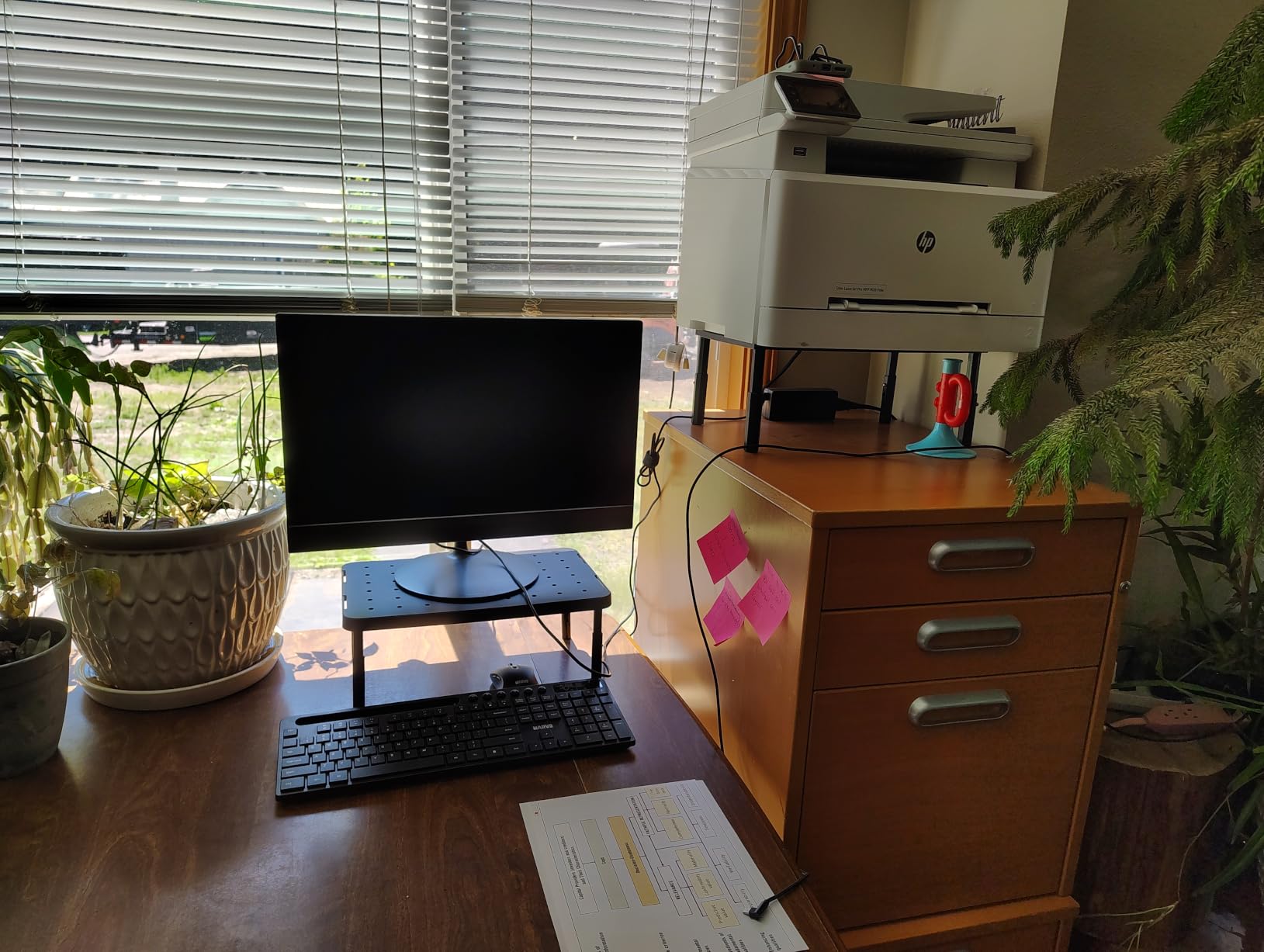
Because the height options are stepped rather than continuous, you may end up adjusting your chair to meet the stand instead of the other way round. Several owners describe exactly that, and it is a real limitation: three settings can get you close to neutral posture but will not fine-tune it. If your eye level falls between two steps, this is the moment an arm with a gas spring starts to make more sense.
Note that the platform is sold in a range of widths, up to 42 inches, so if you share the model name with someone else you may be comparing entirely different footprints. Confirm you are looking at the 14.6 inch version before you do any depth arithmetic, and be careful of the metal edges when you slide the base of your monitor into position.
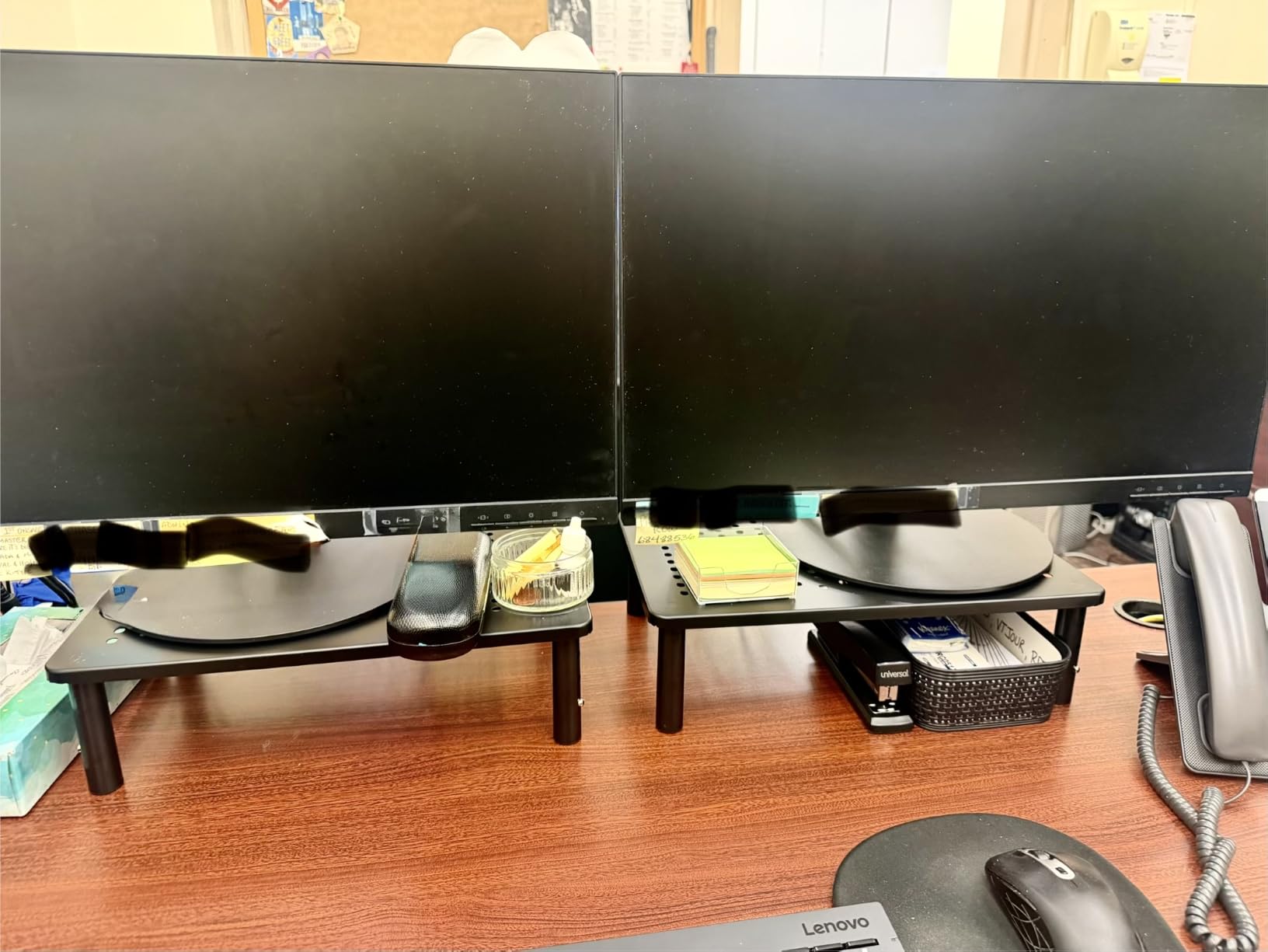
Is a 14.6 inch wide shelf too narrow for an ultrawide monitor?
For most 34 inch curved panels, yes. The base of a curved display is usually the full width of the panel or a substantial fraction of it, so it will overhang a 14.6 inch platform and the front corners will not be supported. For a 27 inch flat panel on a central post, the platform is more than sufficient and overhang is not an issue.
What is the real maximum desk depth here?
Treat 24 inches as comfortable and 21 inches as the practical floor. At 21 inches you have 11.7 inches remaining after a 9.3 inch platform, minus roughly 7 inches for the monitor base, which leaves under 5 inches of keyboard zone. That is tight enough that you should plan to move the keyboard to a tray or reconsider the arm option.
5. 1home Wooden Monitor Riser 16.7 Inch: Best for Under-Shelf Storage
1home Monitor Stand Riser, 16.7 Inch Wood Monitor Riser Stand with Storage Organizer, Desktop Ergonomic Monitor Stand Riser with Cellphone Holder and Cable Management, Black
Platform: 16.54 x 9.25 inch
Riser height: 5.6 inch
Load: 26.5 lb
Engineered wood
Pros
- Same 5.6 inch lift as the top pick at a lighter build
- Polished MDF finish that resists chipping
- Soft rubber feet grip the desk
- Open shelf stores keyboard and mouse
- Phone slot and cable channel
Cons
- 26.5 lb rating is the lowest here
- Single tier means less storage than two-tier models
- Phone holder and cable slot often go unused
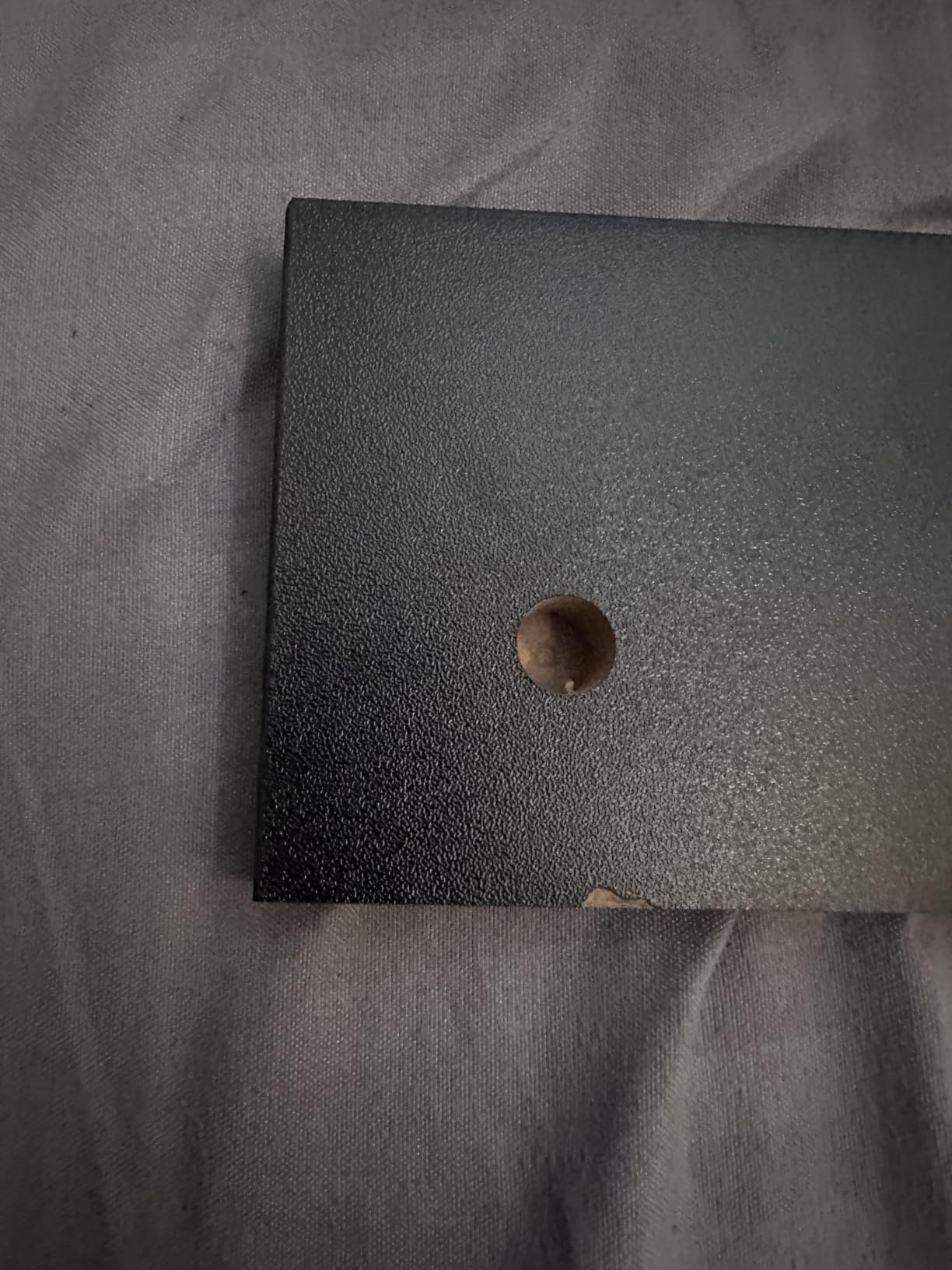
- Occasional finish blemishes
This is the single-tier sibling of the riser at the top of this list, and the difference is the 26.5 pound rating against 66. If your monitor is a conventional 24 or 27 inch panel, that margin is generous and this is the tidier-looking option on a desk where you do not need a second shelf. The lift is the same 5.6 inches, so the ergonomic result is identical.
Where it wins is finish and simplicity. The polished painted surface reads as wood, does not chip, and owners repeatedly describe it as making the desk look tidier. The open bay underneath is where most of the value sits on a shallow desk: keyboard flat, mouse beside it, and the front third of your work surface suddenly clear again.
Depth is 9.25 inches, identical to the top pick, so the same arithmetic applies. On a 24 inch desk you keep roughly 7 inches of clear keyboard zone in front of the monitor base, which is enough for a slim keyboard and a small mouse without pushing your wrists to the edge.
The phone slot and cable channel are the features buyers mention most and use least. Treat them as a bonus rather than a reason. The rating is the number to actually work from: at 26.5 pounds, skip this for a 32 inch ultrawide, a large curved panel, or any all-in-one, and step up to a metal platform instead.
Is 26.5 pounds enough for a 32 inch monitor?
It is close to the limit and we would not plan around it. A 32 inch panel with a wide base plus a laptop or console on the same shelf can approach that figure, and a load rating is a maximum rather than a comfortable working load. If you are weighing a large display, the steel platform or the glass-base VESA stand is the safer buy.
One tier or two, on a small desk?
One, if your desk is shallow or narrow. A second tier is only useful if you genuinely have things to store above the monitor level, and on a cramped desk the extra structure costs you the width you need for a full-size keyboard. Two tiers start to make sense once you are at 26 inches of depth or more.
6. HUANUO Vented Steel Monitor Riser: Best for a Steel Build and Heavy Setups
HUANUO Monitor Riser for Desk, Laptop Stand with Vented Steel Shelf, Black
Platform: 14.57 x 9.25 inch
Lift: 3.94 inch
Load: 44 lb
5 year warranty
Pros
- Rigid all-metal construction rated to 44 lb
- Perforated top improves airflow
- Two-minute assembly with a single wrench
- Open bay fits a full-size keyboard
- Highest average rating in our set at 4.8
Cons
- Fixed 3.94 inch height with no adjustment
- Thin steel plate flexes slightly under very heavy displays
- Legs can sit slightly out of square after assembly
- Powder coat reads more gray than black
At 4.8 stars across more than 15k reviews, this is the highest average rating of anything we tested, and the reason is consistency rather than any single feature. A perforated powder-coated steel platform at 44 pounds is the least likely product in this roundup to flex, creak or develop a wobble over years, and reviewers describe it as rigid with a wide open bay beneath.
The 3.94 inch lift is modest, and that is the honest trade. This is a low-profile riser. If your monitor is only an inch or two below eye level, this fixes the problem without pushing your screen far enough back to change your viewing distance, which makes it an unusually low-risk choice. It is also the pick if your monitor runs warm, since the perforations move more air than a solid platform.
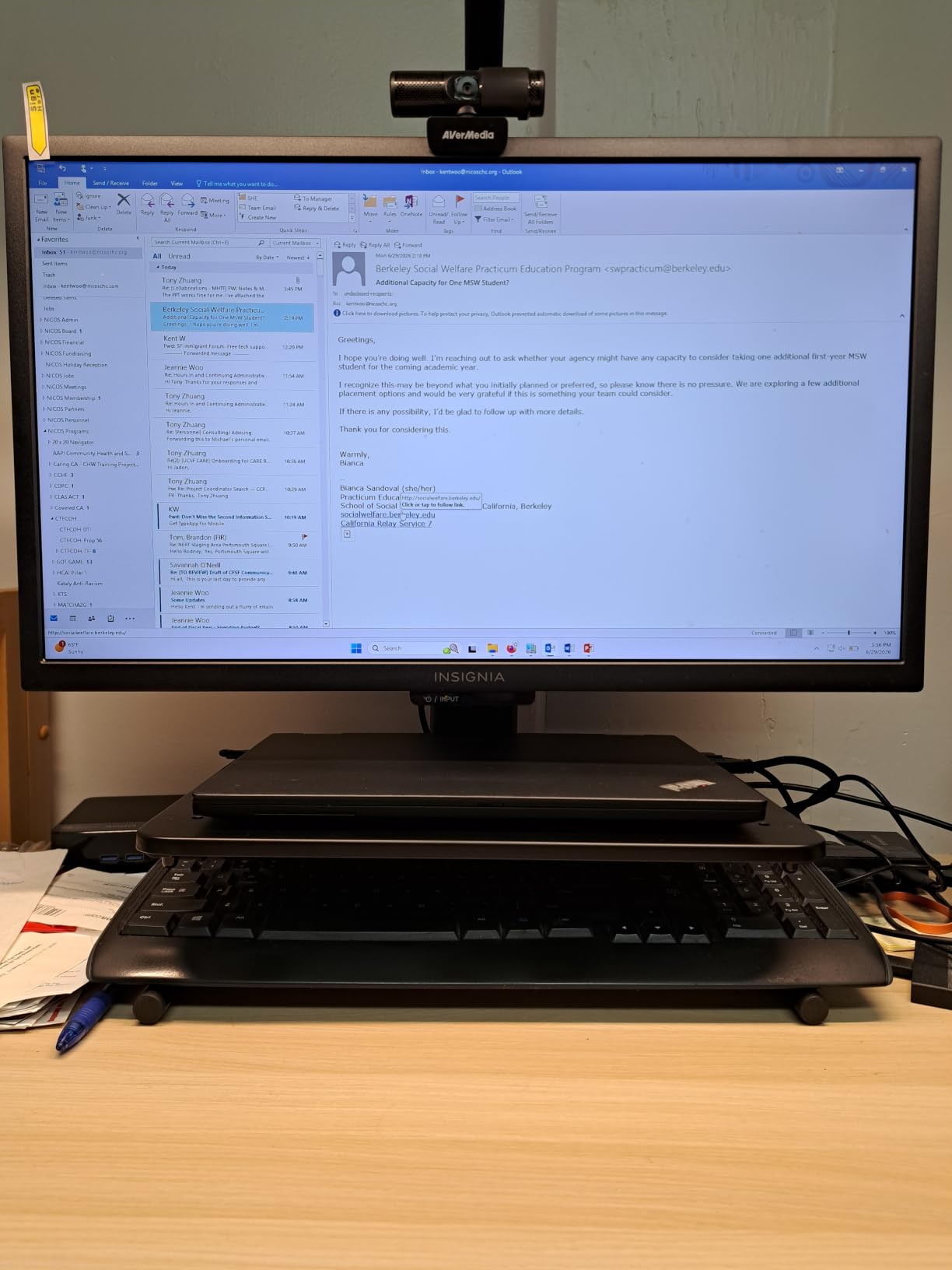
Depth is 9.25 inches and width is 14.57 inches, so it fits the same desks as the wood options while occupying a fraction less width. Several buyers stack units for consoles and dual-monitor setups, and the 5 year warranty is the longest in this group along with the metal WALI stand.
Two small build notes. The plate is thin steel, so a very heavy display can produce a little visible flex at the centre, and the legs sometimes fasten a few degrees out of square, which shows as a faint wobble if you push the top. Neither appears in most reviews, and both are resolved within a minute of assembly with a wrench.
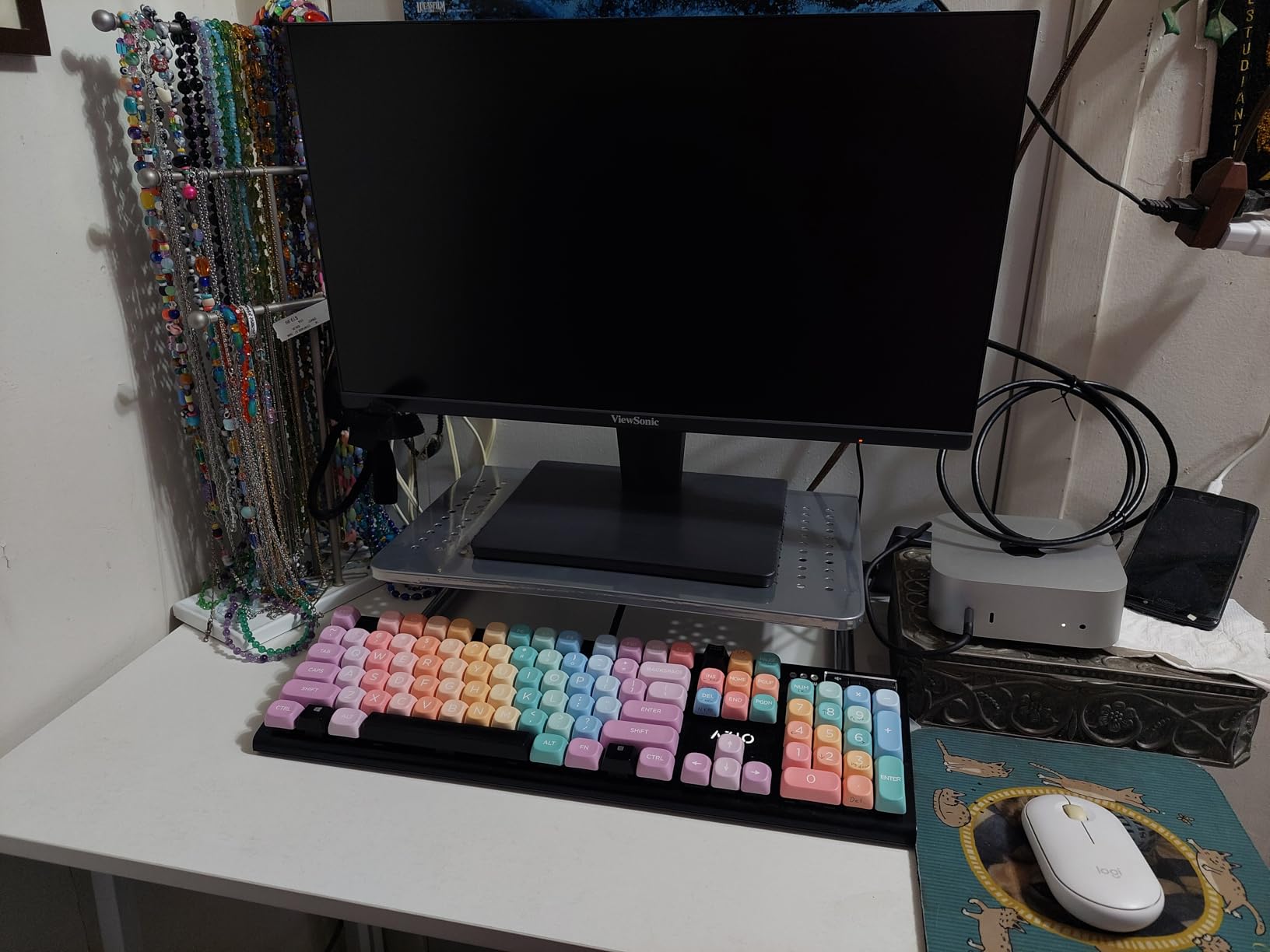
Will a 3.94 inch lift be enough?
It will be if your screen top is currently three or four inches below eye level, which is the common case for a monitor sitting on its factory stand on a standard-height desk. It will not be if you are tall, sit low in your chair, or have a large display whose centre is still angled down at you. Measure before you assume.
How does it handle two monitors?
Buyers do use two of them, side by side, which is a clean way to build a dual setup without buying a dual arm. Remember that each unit claims 9.25 inches of depth, so two side by side need a desk at least 28 inches wide, and the desks that are shallow enough to need a riser are rarely that wide.
7. Hemudu Freestanding VESA Stand with Glass Base: Best for Large and Ultrawide Screens
Single LCD Computer Monitor Free-Standing Desk Stand Mount Riser for 13 inch to 32 inch screen with Swivel, Height Adjustable, Rotation, Vesa Base Stand Holds One (1) Screen up to 77Lbs(HT05B-001))
Base: 11.8 x 7.9 inch tempered glass
Load: 77 lb
Four height levels
Screens 13 to 32 inch
Pros
- 77 lb rating handles heavy 27 and 32 inch panels
- Tilt swivel rotation plus four height levels
- Tempered glass base resists fingerprints
- No clamping or drilling needed
- Built-in cable management
Cons
- Freestanding base uses more surface than a shelf riser
- Glossy glass base shows dust and fingerprints
- Adjustments need a wrench rather than tool-free
- Single display only
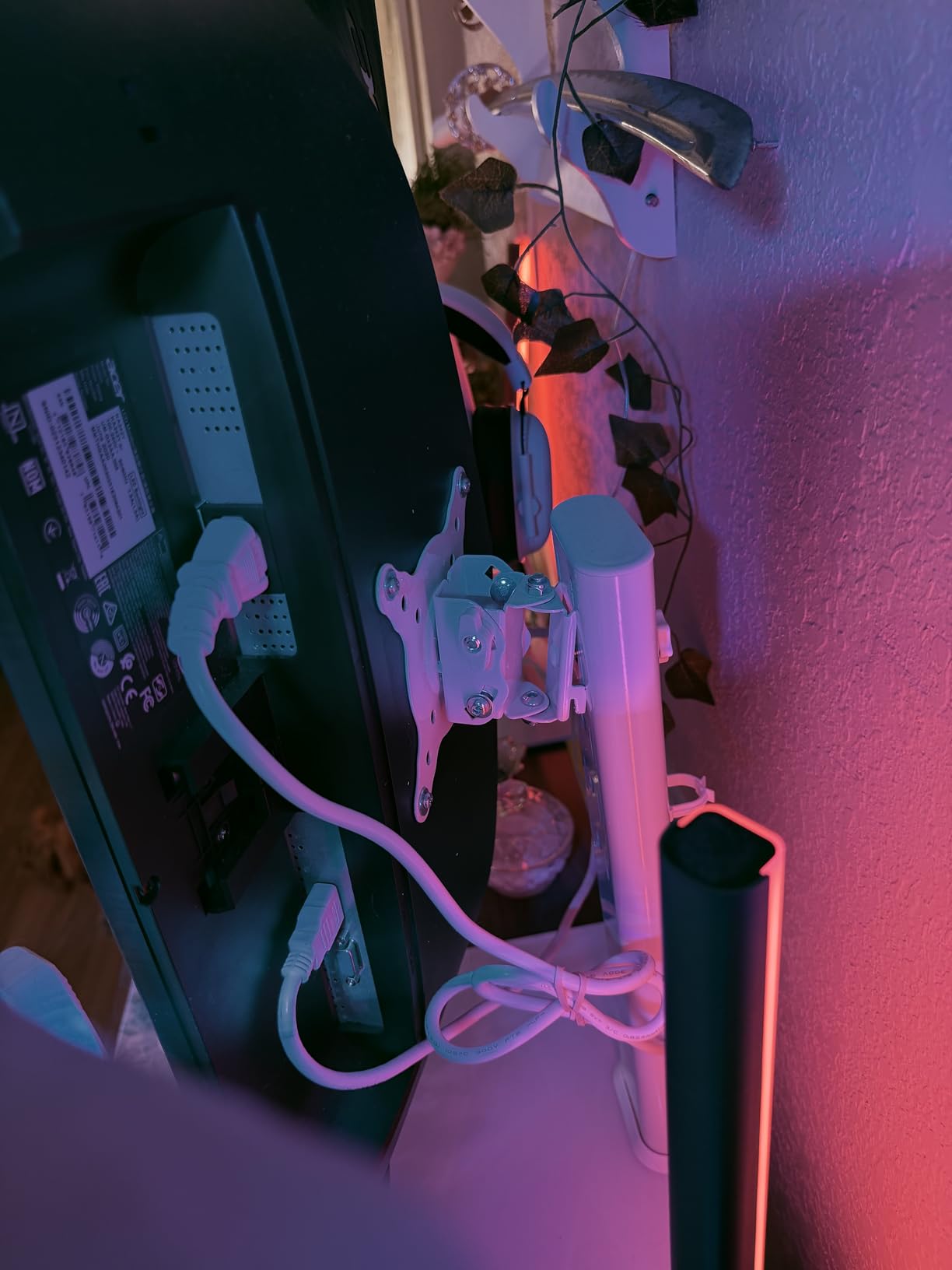
At 77 pounds and full VESA support at 50×50, 75×75 and 100×100 millimetre patterns, this is the only pick here rated for a genuinely heavy screen. It suits 13 to 32 inch displays, and reviewers consistently describe it as a solid replacement for a missing or broken factory stand, holding large panels without tipping.
The 7.9 inch base depth is the most interesting number in this roundup. A pedestal uses less front-to-back space than a shelf riser because nothing overhangs behind the screen, so on a desk around 20 inches deep this can work where a 9.25 inch platform cannot. If your problem is a 32 inch panel that a shelf riser will not carry, this is the shape that solves it.

Adjustment is genuinely mechanical rather than stepped. You get minus 15 to plus 10 degrees of tilt, minus 50 to plus 50 degrees of swivel, full 360 degree rotation, four height levels along the centre tube, and portrait or landscape mounting. That is more control than any shelf riser in this list, and closer to what an arm would give you without a clamp.
The costs are real. The 11.8 by 7.9 inch glass base claims a square of your desk that a shelf riser would not, and the gloss shows dust and fingerprints. Height and angle changes need a wrench, so fine adjustments are not something you will do at the start of every workday.
Is a pedestal really better than a shelf on a shallow desk?
Only if you are short on depth and long on width. A pedestal’s 7.9 inch base is shallower than any shelf platform here, but it also gives up the storage bay underneath, which on a small desk is often worth more than the inch and a half you saved. If your desk is deep enough, the keyboard-under-shelf arrangement beats a pedestal outright.
What happens if your monitor has no VESA mount?
Then this does not work for you, and you should not buy it hoping to improvise. The VESA plate is fixed, so a display with only a factory post base needs a shelf riser or a monitor adapter that you must not load beyond its rating. Check for mounting holes behind the panel before anything else on this page.
8. gianotter Monitor Stand with Drawer and Pen Cups: Best for Clutter Control
gianotter Desk Organizers and Accessories, Monitor Stand with Drawer and 2 Pen Holder, Desktop Organizer Suitable for Offices and Dormitories (Wood)
Platform: 17.7 x 9.64 inch
Two tiers plus drawer
Load: 44 lb
Sliding pen holders
Pros
- Combines riser drawer and two pen cups in one footprint
- Wood and metal build holds 44 lb
- Pen holders slide in and out
- About three minutes of setup
- Adjustable-height feet for uneven surfaces
Cons
- 17.7 inch width is the widest here
- More assembly than buyers expect
- Under-drawer clearance is only about 2 cm
- Two tiers add height to an already raised screen
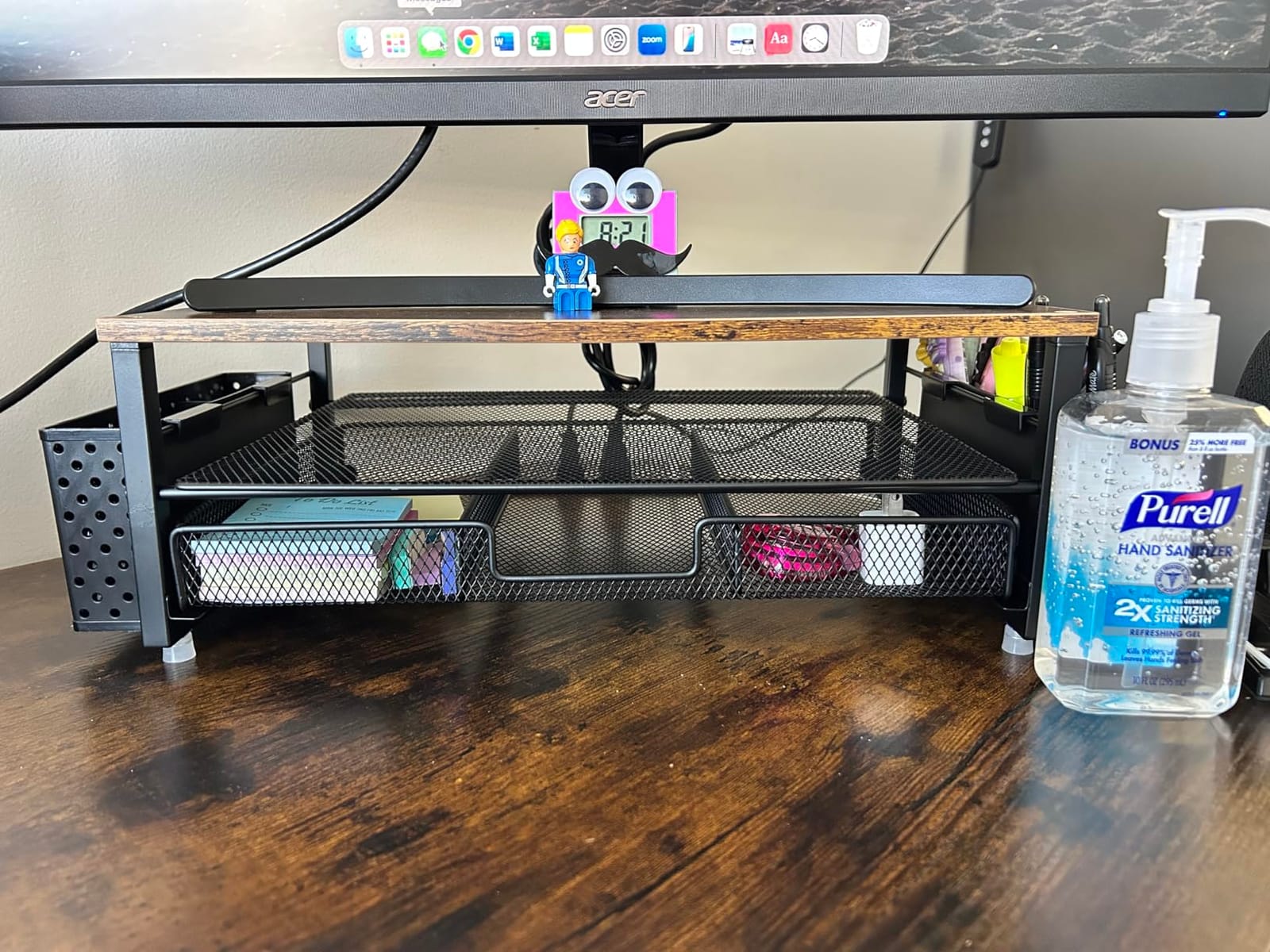
This is the organiser that happens to lift your monitor, and its appeal is that the storage is already built into the footprint rather than added later. A drawer, two pen cups on rails and two tiers in a single 17.7 inch wide unit means the clutter that normally lives loose on a small desk ends up inside the stand. Buyers treat it as a visible desk upgrade rather than a pure ergonomic purchase.
The load rating of 44 pounds covers a monitor comfortably, and the adjustable-height feet are a small detail that matters on an uneven or older desk, where a fixed-foot stand rocks. The pen holders slide back and forth, which owners single out as more useful than it sounds, because you can pull them to the front to reach rather than digging through the stack.
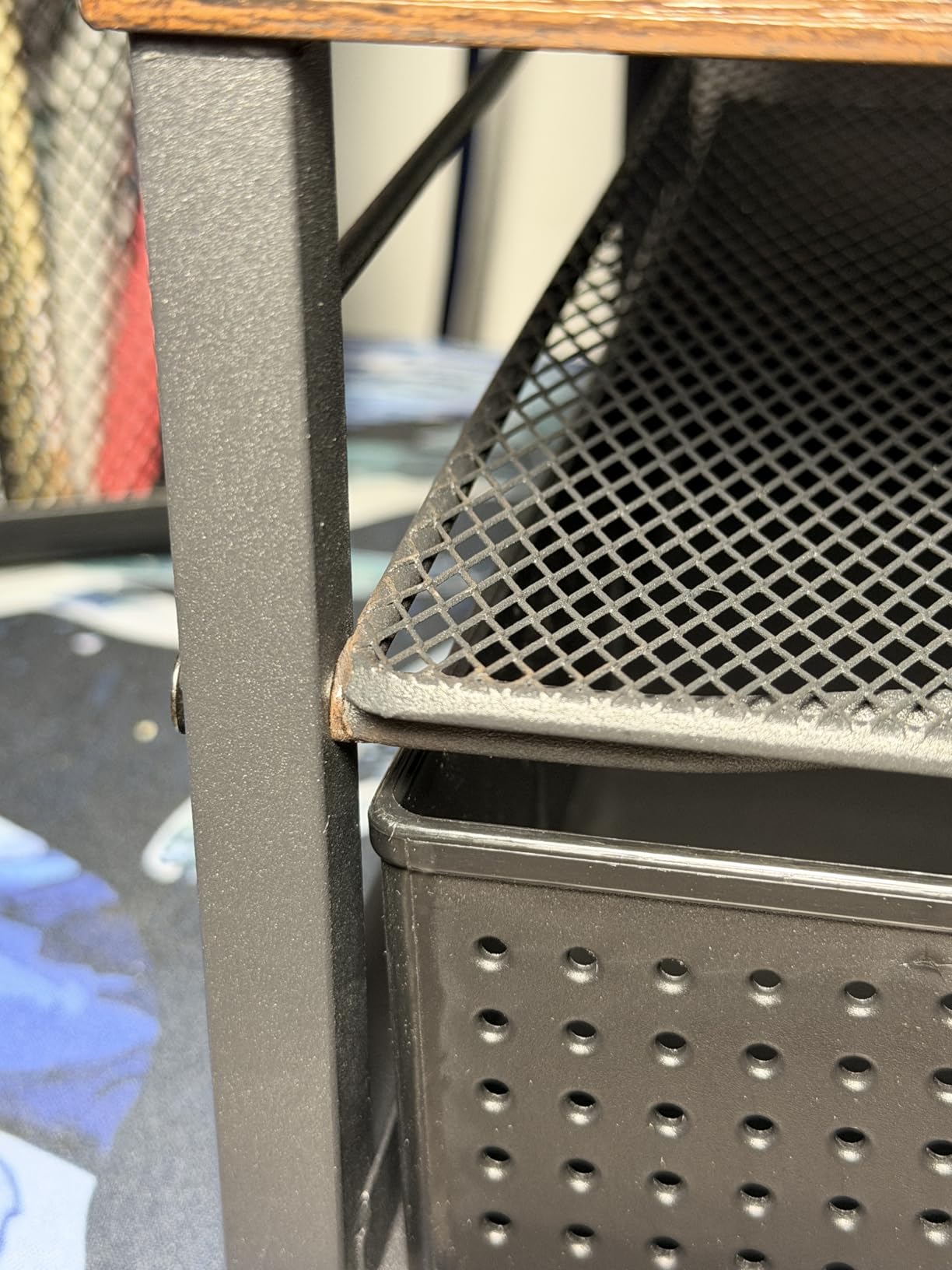
Depth is 9.64 inches, among the deepest here, and width of 17.7 inches is the widest in the set. That makes this the pick for a small desk in footprint but not in width, and the distinction matters: if your constraint is a dorm room desk that is narrow rather than shallow, this unit is the wrong shape.
The two-tier design is the other thing to weigh carefully, because it adds height. A structure that stands roughly 5.3 inches tall with a second deck on top can push the screen past your ergonomic target rather than toward it, which is the failure mode competitor coverage rarely mentions. If you are already close to eye level, this solves your clutter and creates a posture problem in one move.
Does the drawer fit anything useful?
Small things, and reviewers say so directly: pens, a phone charger, an SD card, a set of keys, earbuds. The under-drawer clearance is around 2 centimetres, so it is not a place for a notepad or a spare pair of glasses. The second tier carries the weight, while the drawer is a finishing touch that keeps the surface clear.
What desk width does it need?
Plan for 18 inches of clear width plus whatever the monitor base adds, so a 20 inch desk is workable and a 17 inch desk is not. If your desk is deep but narrow, the same desk with a 16.5 inch wood riser and a separate pen tray will serve you better, and you will keep the depth budget for the keyboard.
9. FITUEYES Oak Two-Tier Riser: Best Match for a Wood Desk
FITUEYES Wooden Monitor Stand Riser, 2-Tier Desk Storage Shelf, Oak
Platform: 16.7 x 9.3 inch
Riser height: 5.5 inch
Load: 33 lb
15mm MDF with oak finish
Pros
- Oak finish matches a wood desk better than painted MDF
- Two tiers hold books tablets and a monitor
- Rubber feet stop it sliding on a small table
- Smooth finished edges
- Assembly in about five minutes
Cons
- Screw holes drilled undersize so screws thread in by hand
- Included screws strip easily
- Dowels join the sides unevenly and can leave a wobble
If your desk is solid wood or a matching veneer, this is the only pick here that gets the finish right. The oak surface is a step up from painted MDF, and on a desk where the riser is a visible object rather than a hidden one, that difference is the reason to spend a little more. The 5.5 inch lift sits in the same ergonomic range as the top pick.
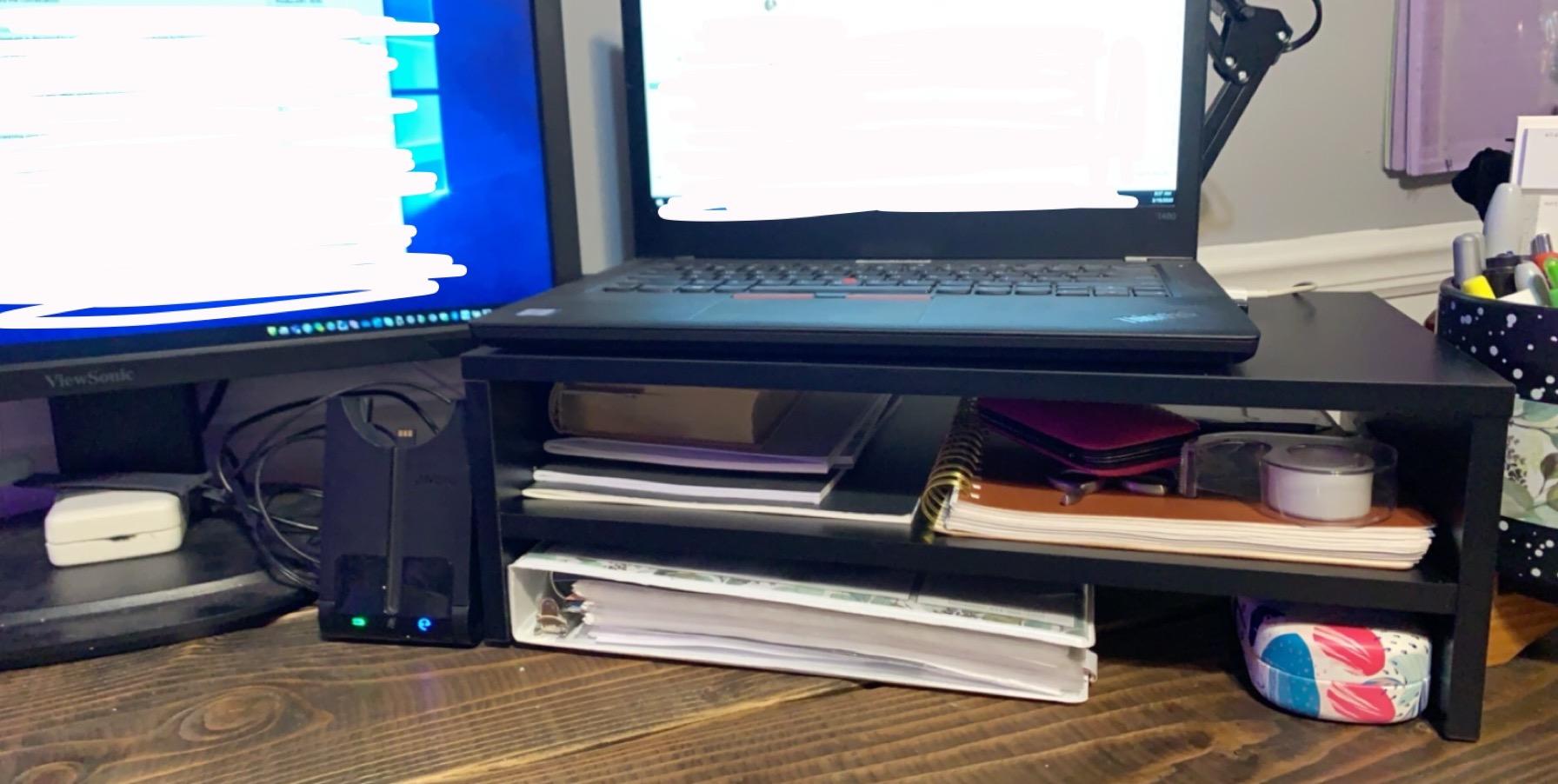
The two tiers earn their keep in a specific way: books and a tablet on one level, a laptop or a second smaller display on the other, with the monitor on top. Owners describe it as staying solid once assembled, and the rubber skids keep it from sliding on a smaller table, which is a real concern on the light desks this roundup is written for.
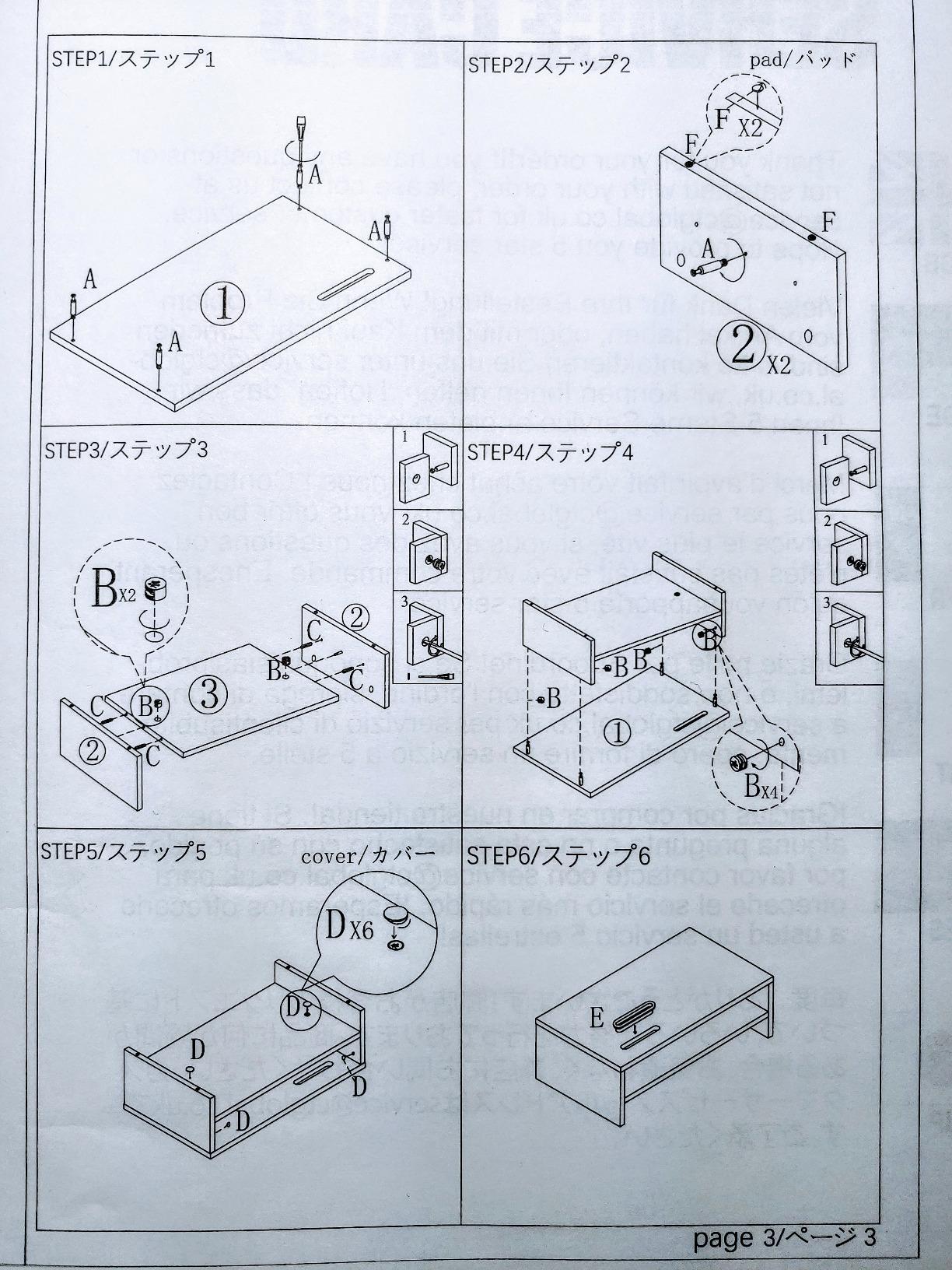
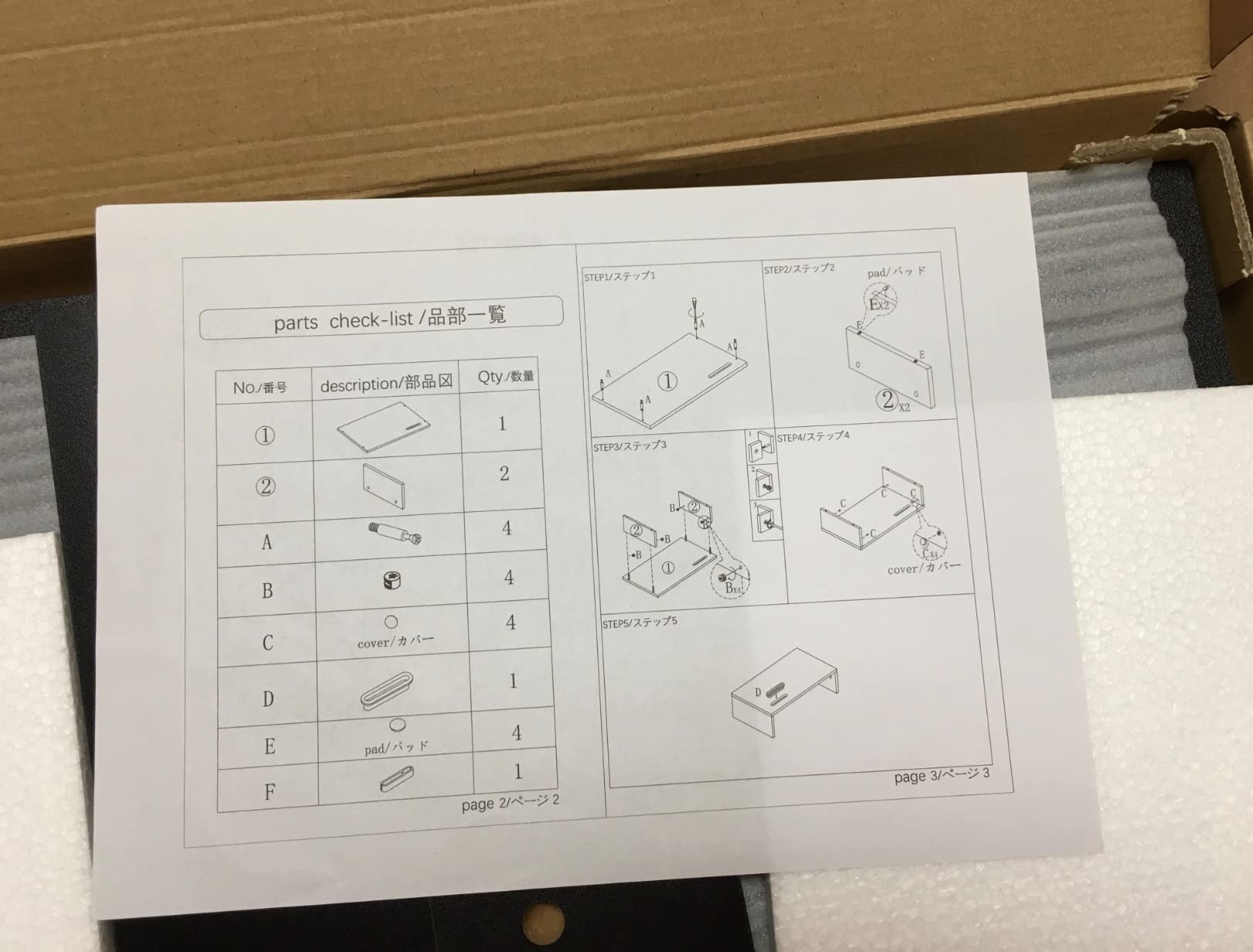
Assembly is the honest weak point, and the reviews are unusually consistent about it. Screw holes are drilled slightly undersize so screws must be started by hand, the included hardware strips easily, and the instructions print small with confusing cam lock diagrams. Budget ten minutes rather than five, and keep a spare screwdriver nearby.
There is also a minority report of inconsistent wooden dowels leaving a slight wobble under load, and a 33 pound rating that is middling rather than generous. Neither issue dominates the reviews, but both are worth weighing if you are putting a heavy panel on top.
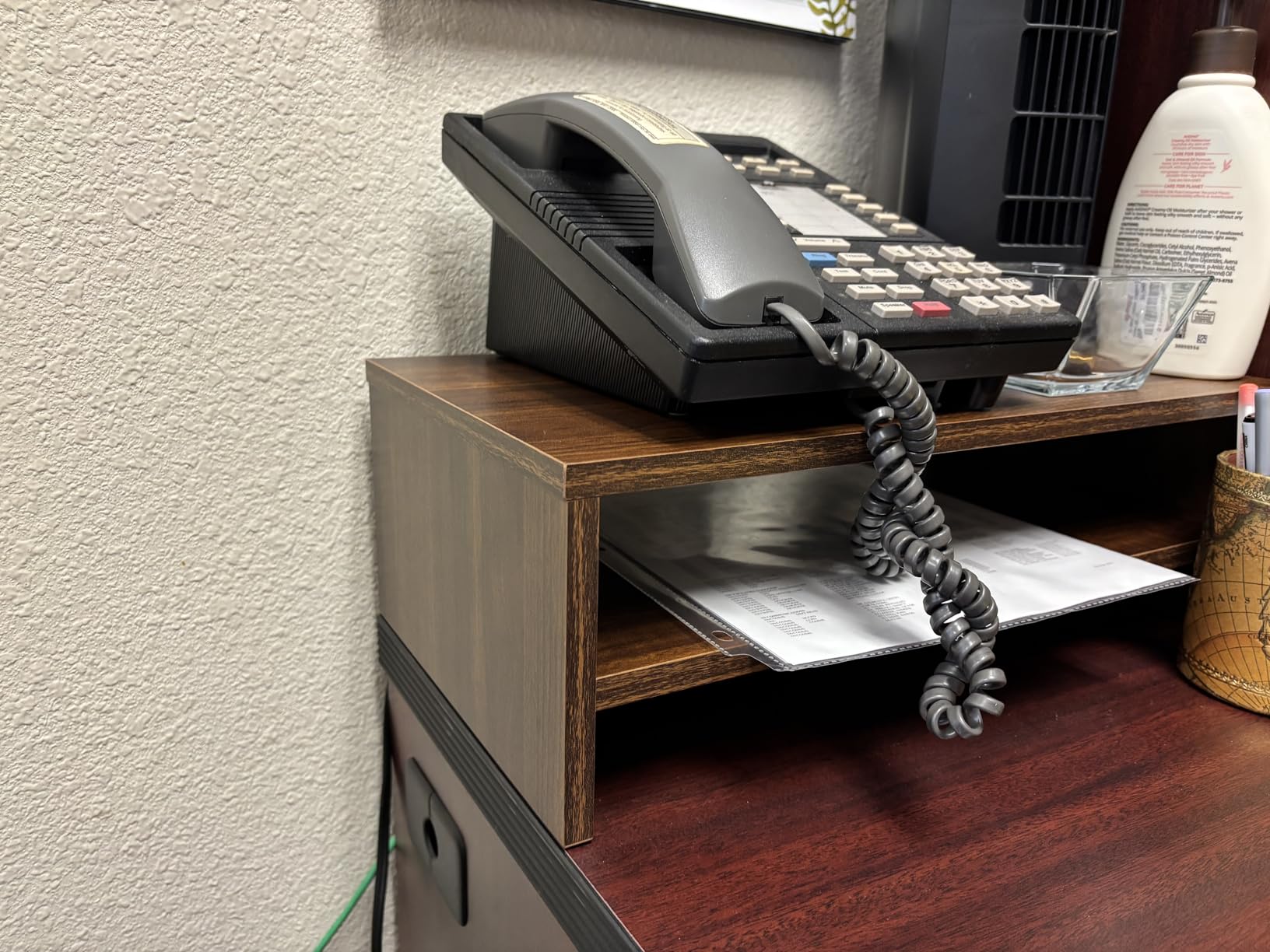
Will a full-size keyboard fit underneath?
Not on the 16.7 inch version, which is the same limitation the two-tier wood model at the top of this list has. The 21.3 inch variant exists for exactly this reason. If you need the keyboard to live under the riser, check the width before you order, because depth alone will not tell you whether the layout works.
Is it worth the extra effort over painted MDF?
If your desk is wood, yes, and the gain is that the riser stops looking like office equipment. If your desk is white, laminate or metal, the same money buys a stiffer or more adjustable product, and we would take that trade instead. Finish is the only thing this riser is meaningfully better at.
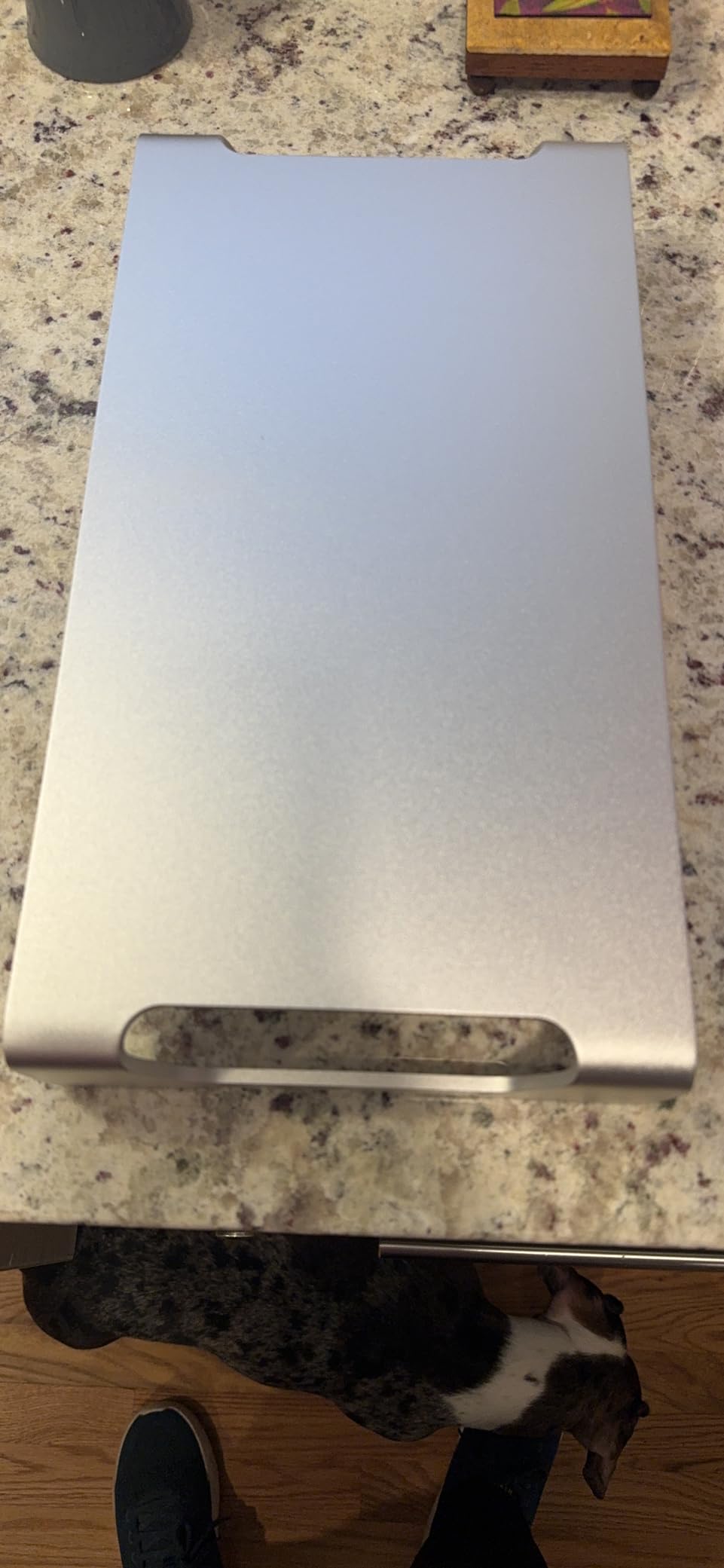
10. VIVO Silver Aluminum Monitor Riser: Best for a Minimalist Desk
VIVO Silver Aluminum 16 inch Wide Monitor Riser, Ergonomic Desktop Stand, Modern Tabletop Organizer STAND-V000H
Width: 16 inch
Material: aluminum
Load: 44 lb
No assembly required
3 year warranty
Pros
- Slim aluminum profile looks modern and matches office furniture
- Zero assembly and ready out of the box
- Anti-slip silicone padding protects the desk
- Low profile frees room to slide a keyboard underneath
- Holds most monitors up to 44 lb
Cons
- Highest cost in this roundup
- Fixed single height with no adjustment
- 16 inch width is narrow for a large keyboard or ultrawide
- Platform depth is not published by the manufacturer
Aluminum changes the feel of a desk riser. The slim frame and brushed silver finish read as office furniture rather than a shelf, and with a 44 pound rating and silicone padding it is also a genuinely stable piece of hardware. There is no assembly at all, which on a shared or temporary desk is worth more than it sounds.
The low profile is the small-desk argument. A shallow frame leaves the maximum amount of room underneath for a keyboard and mouse, and because it is a single level there is no second deck pushing the screen higher than you intended. If you are only a few inches short of eye level, this fixes it without changing your posture in any other way.
One thing to be honest about: the listing publishes a 16 inch width but no platform depth, so we are not going to give you a number we cannot verify. Check the depth before you commit, especially on a desk under 22 inches, because a riser of unknown depth is exactly the problem this roundup exists to solve.
The review base is also much smaller than the other picks here at a few hundred reviews, and those reviews are consistently positive: clean look, zero setup, stable footing, scratch-free base. Treat it as a lower-volume option with a well-documented feel rather than a proven long-term record.
Is it worth paying more for aluminum than for steel?
Only for the finish and the footprint. A steel platform like the one in this roundup will carry the same 44 pounds, hold up longer, and perforate for airflow. Aluminum earns its premium on a desk where the riser is visible all day and you want it to look deliberate, not because it is stronger.
Will it work for a curved or ultrawide display?
Probably not. Sixteen inches is narrower than the base of most 34 inch curved panels, so expect overhang at both corners and a real risk of the panel feeling unstable. It suits a standard 24 or 27 inch flat monitor on a central post, which is the case its 4.7 star average actually reflects.
How to Measure Your Desk and Work Out the Riser Height You Need?
Everything in this roundup comes back to two measurements you can take in about five minutes with a tape. The first is your desk depth, front edge to the wall or riser at the back. The second is your monitor’s top-of-screen height while it sits in its current position. Those two numbers decide the product, and every recommendation above was filtered against them.
The depth rule
Here is the arithmetic, stated plainly because no competitor publishes it. Take your desk depth. Subtract the riser’s platform depth. Subtract the depth of your monitor’s own base, plus any amount it overhangs the front lip of the platform. What remains is your keyboard zone, and if that number is less than roughly a hand’s width, the riser will push your keyboard to the desk edge and cramp your wrists.
Worked example, because abstract formulas are not much use. Take a desk 23.6 inches deep with a riser platform 9.25 inches deep and a monitor base 7 inches deep. That leaves 23.6 minus 9.25 minus 7, which is 7.35 inches of clear space in front of the monitor. That is enough for a full-size keyboard and a mouse without your wrists hitting the edge.
Now take the same desk with a 4.88 inch platform. The result is 11.7 inches, which is generous. And take a 30 inch deep desk with the same 9.25 inch platform and you arrive at 13.75 inches, which is why the depth conversation matters far more on the shallow end of the range than on the deep end.
Height target arithmetic
For height, ignore riser height and think about the top of your screen. Sit in your normal working posture, look straight ahead, and note where your eyeline falls. Then measure from your desk surface to the top edge of your display as it currently sits. The difference between those two numbers is the lift you need, and it is usually between 3 and 6 inches.
That is the whole test. If the difference is 3 inches, a low-profile steel riser is enough and you should not buy anything taller. If it is 4 to 5 inches, you want a mid-height wood or stepped riser. If it is more than 6 inches, no shelf riser will close the gap properly and you should be shopping for an adjustable arm instead.
One caution raised repeatedly by owners: large displays change the equation. The bigger the panel, the more its own weight and base push the viewing geometry around, and a lift that looks adequate on a 24 inch monitor can still leave a 32 inch panel angled down at you. Bigger screens also need a stiffer platform, which is why our heaviest-rated options matter here.
Desk depth tiers
Grouping by desk depth is more useful than grouping by price, because depth is the constraint that actually eliminates products. On a desk under 20 inches deep, prioritise the shallowest platforms and the freestanding pedestal, and accept that a two-tier unit with storage is off the list. Between 20 and 24 inches, most of this roundup works and the decision becomes height and finish. Above 24 inches, you can prioritise aesthetics and storage without compromising your layout.
Under 20 inches: the adjustable plastic riser at 4.88 inches deep and the glass-base pedestal at 7.9 inches are the two shapes that fit. Between 20 and 24 inches: the wood shelves at 9.25 inches and the metal platforms at 9.25 to 9.3 inches all work with a workable keyboard zone. Above 24 inches: the wide organiser at 17.7 inches and 9.64 inches deep becomes viable, and storage becomes the deciding factor rather than fit.
Materials, stiffness and load
Material drives three things: how much weight the platform will hold, how much it flexes in the middle, and how it looks on your desk. Engineered wood and MDF sit in the middle, comfortable for displays up to about 32 pounds, and they are the only options here that offer real storage tiers. Steel and aluminium are the stiffest and the most stable, and they are the right answer whenever you are stacking a console, a printer or a large panel on top.
Plastic risers are the flexible middle of the range, and their weakness is rarely the platform. It is the legs and the snap-fit tabs, which is why the reviews on those products cluster around assembly rather than long-term sag. Load ratings in this roundup run from 26.5 pounds at the low end to 77 pounds at the top, and for a typical 24 to 27 inch monitor on its own base, anything above about 33 pounds is comfortable rather than borderline.
Stability, wobble and standing desks
Wobble is the failure mode nobody measures and everybody notices. It comes from three places: a platform that overhangs the desk edge, a monitor base that overhangs the platform, and a narrow leg footprint. Keep the whole assembly fully on the desk and the platform fully supporting the base, and most wobble reports disappear.
On a sit-stand desk, add one more factor: the desk itself moves. A riser with a narrow base and a tall screen amplifies the movement of the desktop, and a riser sitting near the front edge will be the first thing to feel it. If you work standing at all, weight the base toward the rear of the desk, keep the platform centred, and prefer a steel or pedestal design over a light plastic one.
Under-riser clearance and the drawer trap
Under-riser clearance is the internal bay height and width beneath the platform, and it determines whether your keyboard lives there. The adjustable plastic riser in this roundup lists a cavity of 11.6 by 11 by 4 inches, which fits a full-size keyboard lying flat. Others give you a wide but shallow bay, which takes notebooks and cables but not a keyboard. Check the bay dimensions, not just the riser height, before you plan the layout.
The drawer trap is worth naming because it catches people out. A unit with a drawer and two tiers stands taller than a plain shelf, and the extra structure is added above your monitor, pushing the screen past the ergonomic target you just calculated. Storage that raises your screen beyond eye level is a net loss, however tidy the desk looks afterwards.
Cable management and the mistakes to avoid
Most risers here include a cable channel, a routing notch or a rear cutout, and on a shallow desk this matters more than it looks: the fewer cables crossing the depth of your work surface, the more usable surface you have. Route the display cable through the channel before you position the monitor, not after, because moving a wired display means unplugging it twice.
The recurring mistakes are consistent. Buying by appearance before measuring top-of-screen height, which leaves you with a riser that does not lift enough. Buying a riser on a desk with no arm option available and a clamp that does not fit, which strands you. Ignoring platform depth because the listing photo makes the unit look thinner than it is. And stacking books instead, which works until the books shift, the monitor ends up at the wrong height, and you have spent more on the stand anyway.
On the book stack comparison specifically, the honest answer is that a stack of hardback books will hold a 24 inch monitor perfectly well for a few months. It will not be adjustable, it will not be stable if you nudge the desk, and the moment you want the height you will buy a riser anyway. If you are determined to try it, cut two blocks of foam to the depth of your monitor base so the screen cannot slide off the front.
Frequently Asked Questions
What is the best desk riser for a monitor?
For most desks, the best desk riser for a monitor is a two-tier wood shelf around 9.25 inches deep and 5.6 inches tall, rated well above your monitor’s weight. It hits the usual 4 to 6 inch lift target and creates a bay underneath for a full-size keyboard. On a desk under 22 inches deep, choose a shallower platform instead, ideally under 5 inches deep, and accept less storage.
What is the best monitor stand riser for a desk?
Grouped by mechanism, the best options differ sharply. A fixed wood shelf is best for storage and looks. A stepped riser with two or three height settings is best for a shared desk or if you move between sitting and standing. A steel platform is best for stability and heat dissipation. A freestanding VESA pedestal is best for a large or ultrawide panel. A clamp-mounted arm is best of all for desk depth, if your desk edge will take a clamp.
Are monitor risers worth it?
Yes, when your screen top sits three or more inches below eye level and your desk has depth to spare. They are not worth it when the screen is at the right height and only feels too close, or when your desk is so shallow that the riser pushes your keyboard to the edge. On very shallow desks a monitor arm usually returns more space than a riser consumes.
What is the best monitor stand for a small desk?
The best monitor stand for a small desk is judged on platform depth first. Look for a platform under 5 inches deep if your desk is around 20 inches deep, or under 9.5 inches for a desk between 22 and 24 inches. Then confirm the riser height covers the gap between your current screen top and your eyeline, and that the load rating exceeds your monitor’s weight by a comfortable margin.
Why is Ergotron so expensive?
Premium monitor hardware earns its position through build quality, verified VESA compliance across the full pattern range, a genuinely wide continuous adjustment range instead of fixed steps, and a long warranty backed by real replacement parts. The premium is hardest to justify on a very small desk, where a fixed riser or a mid-tier adjustable arm does the same job for far less. It pays off on a larger desk used daily for years.
Is 30 inches too deep for a desk?
No. Thirty inches of desk depth is generous for a riser, not excessive. On a 30 inch desk with a 9.25 inch platform and a 7 inch monitor base, you keep about 13.75 inches in front of the screen, which comfortably fits a full-size keyboard and mouse. Desks under 24 inches are where depth becomes the real constraint, and under 20 inches is where a monitor arm usually wins.
Are monitor arms really worth it?
On a small desk, usually yes, and this is the most repeated view in owner discussions. An arm clamps to the edge or mounts through a grommet, so it returns the desk depth a riser would consume, and it offers continuous height adjustment rather than fixed steps. Buy a riser instead when your desk edge will not take a clamp, your monitor has no VESA mount, or you want the storage shelf underneath.
The Best Monitor Risers for Small Desks in 2026
The best monitor risers for small desks are not the tallest ones, and they are not decided by price. Measure your desk depth, measure the gap between your screen top and your eyeline, and pick from those two numbers. For most people on a desk between 22 and 26 inches deep, the two-tier wood shelf at the top of this roundup is the answer, because it delivers a 5.6 inch lift, a keyboard bay underneath and enough load headroom for any mainstream display.
On a desk under about 20 inches, the shallowest adjustable platform here is the smarter buy, and the freestanding pedestal is the answer if you have a large panel. If your desk edge will not take a clamp and your screen height is already close, take the honest advice and buy a monitor arm instead, because it returns the depth a riser takes. Check the latest options for each pick above, and re-measure if you move desks, since the whole decision turns on those two numbers.