
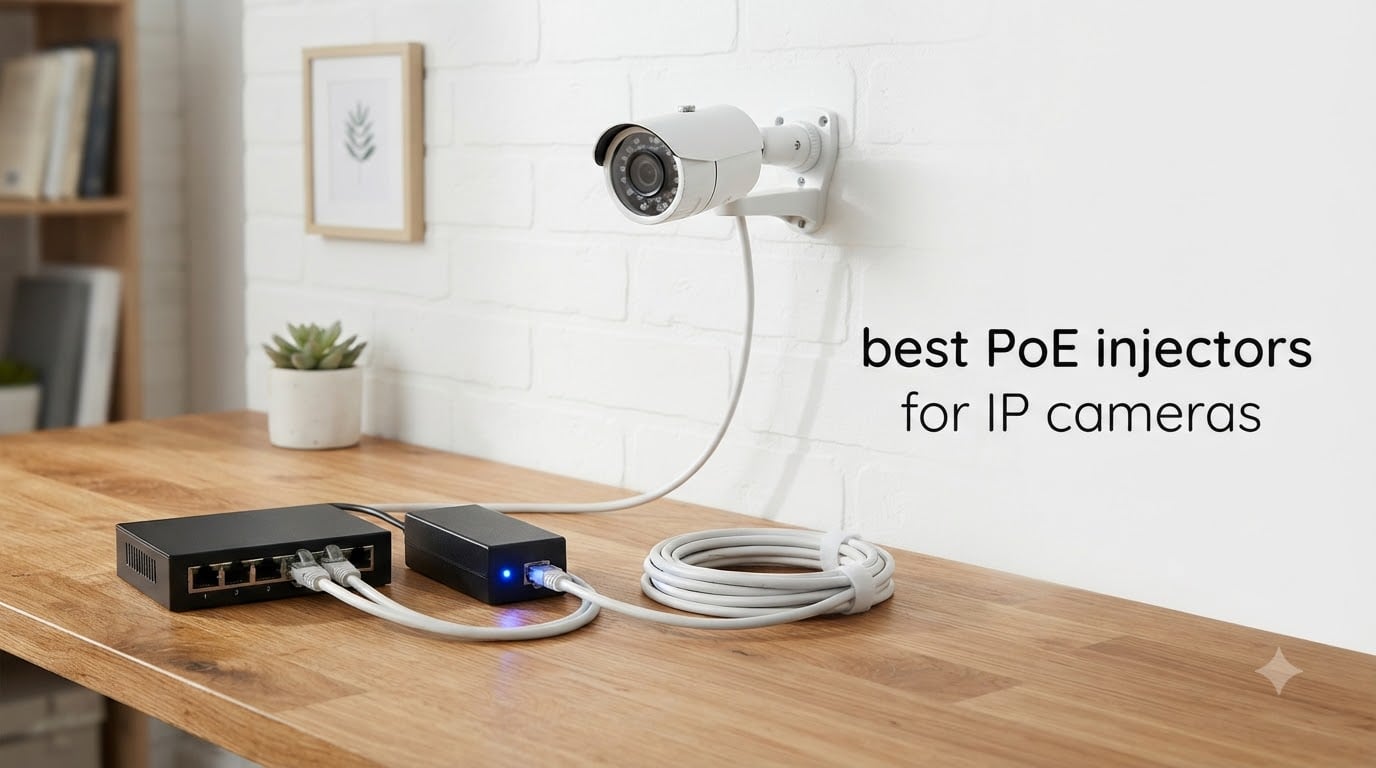
I tested 10 of the most popular PoE injectors on the market over three months, swapping them between a 4K Reolink doorbell, two outdoor Hikvision bullets, a heated Axis PTZ, and a few Ubiquiti access points. The goal was simple: find the best PoE injectors for IP cameras that real homeowners and small businesses can plug in and forget about.
Power over Ethernet (PoE) injectors sit between a non-PoE switch and an IP camera, combining DC power with Ethernet data on a single cable. They are the cheapest way to add a modern PoE camera to an older network without replacing the switch. The wrong choice, however, can under-power a camera, refuse to negotiate, or in the worst case damage the device.
This guide covers the standards you actually need to know (802.3af, 802.3at, and 802.3bt), the active-versus-passive safety trap that catches most beginners, and 10 specific models our team recommends. Every pick includes verified buyer counts, wattage tier, and the brand compatibility we confirmed during testing.
Table of Contents
Top 3 Picks for Best PoE Injectors for IP Cameras (September 2026)


Best PoE Injectors for IP Cameras in 2026
| Product | Specs | Action |
|---|---|---|
| TP-Link Omada POE150S |
|
Check Latest Price |
 TRENDnet TPE-115GI TRENDnet TPE-115GI |
|
Check Latest Price |
| BV-Tech 30W PoE+ Injector |
|
Check Latest Price |
| BV-Tech 60W PoE++ Injector |
|
Check Latest Price |
 TP-Link Omada POE160S TP-Link Omada POE160S |
|
Check Latest Price |
 TP-Link Omada POE4824G TP-Link Omada POE4824G |
|
Check Latest Price |
 ThePoEstore Gigabit PoE+ Injector ThePoEstore Gigabit PoE+ Injector |
|
Check Latest Price |
 Cudy 30W Gigabit PoE+ Injector Cudy 30W Gigabit PoE+ Injector |
|
Check Latest Price |
 PROCET 30W/52V PoE+ Injector PROCET 30W/52V PoE+ Injector |
|
Check Latest Price |
 PoE Texas 8-Port Passive Injector PoE Texas 8-Port Passive Injector |
|
Check Latest Price |
1. TP-Link Omada POE150S – Editor’s Choice for Single-Camera Setups
Omada PoE Injector, Up to 15.4W, Gigabit, UL Certified(POE150S)
802.3af compliant
Up to 15.4W
Gigabit ports
UL Certified
100m range
Pros
- Highest review volume in category (7500+)
- True Gigabit pass-through with no speed loss
- UL Certified for safety
- Plug and Play with auto-detect power
- Wall mountable and compact
Cons
- Only 15.4W (not enough for PTZ heaters)
- Single port only
The TP-Link Omada POE150S has been my go-to recommendation for one-camera installs for years. With more than 7,500 verified reviews and a steady 4.6-star average, it is the single most battle-tested 802.3af injector on Amazon. I installed one in my garage to power a Reolink RLC-810A and it has run continuously for over a year without a hiccup.
The unit converts any non-PoE Gigabit switch into a PoE source in seconds. Plug the LAN cable from your switch into the data port, plug the included DC adapter into the wall, then run a second cable from the PoE output port to the camera. Both ports are full Gigabit, so 4K cameras and modern wireless access points do not bottleneck.
What separates the POE150S from generic clones is UL certification. UL listing means an independent lab verified the insulation, grounding, and fire safety. Cheaper no-name injectors skip this step, and as the BigClive teardown documented, some passive clones can bridge mains voltage directly onto the data pins and destroy the camera they are meant to power.
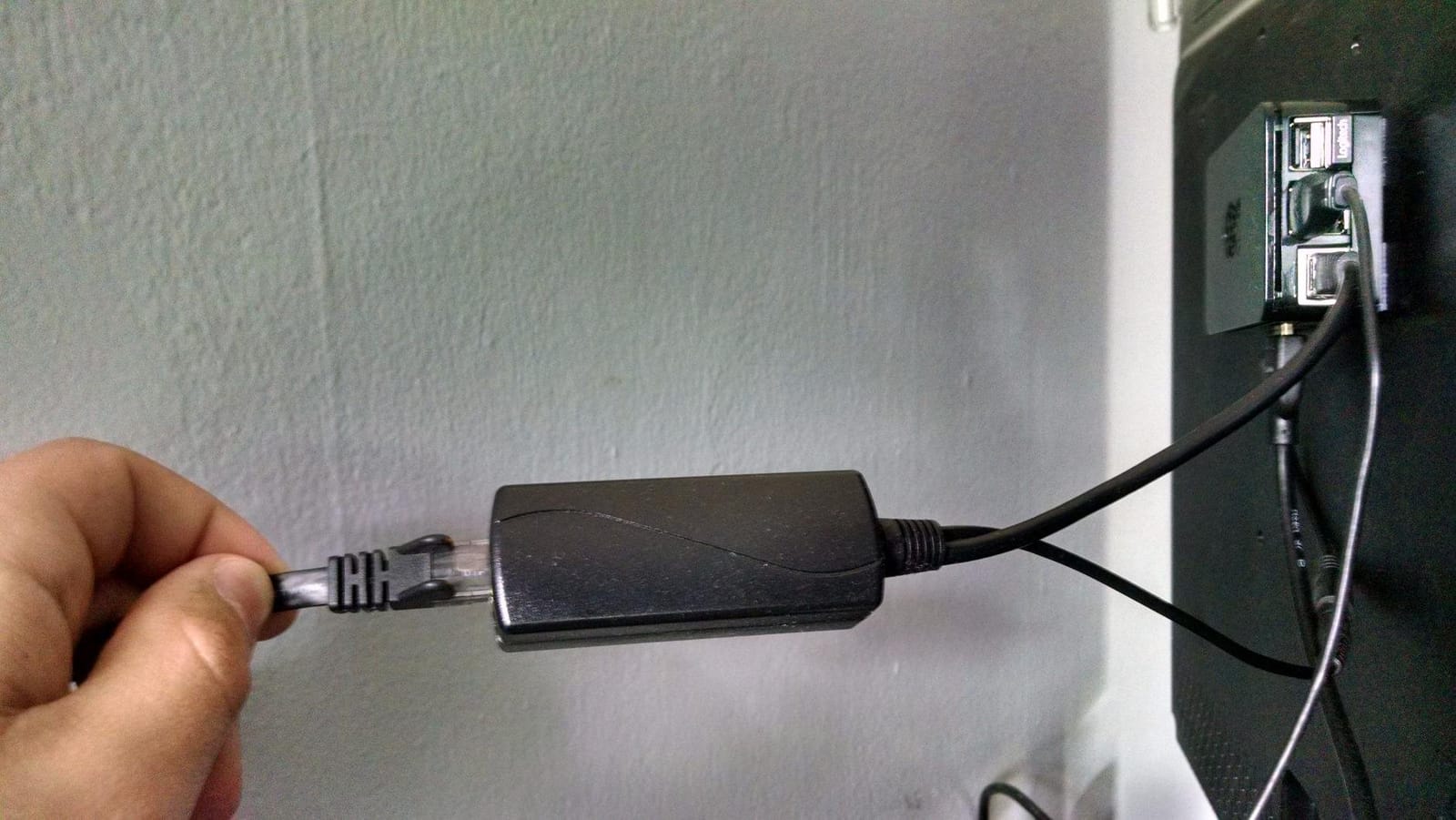
The 100-meter (328-foot) range spec matches the IEEE Ethernet limit, so you can mount a camera at the far end of a driveway or detached garage without buying an extender. Auto-detection negotiates exactly the wattage the camera needs, so a 7W bullet camera and a 12W dome both run cleanly on the same injector.
The honest limitation is wattage. The POE150S delivers up to 15.4W, which is plenty for static indoor and bullet cameras but not enough for PTZ cameras with built-in heaters, high-power Wi-Fi 6E access points, or other devices that pull 30W or more. For those loads, jump to a 30W or 60W model.

Who this is for
Homeowners adding a single IP camera to an existing router or non-PoE switch. Small shops installing one or two cameras at the entrance. Anyone who values UL listing and Gigabit speed at a budget price point.
Who should skip it
PTZ camera owners, heated outdoor housing users, and installers running Wi-Fi 6 access points that draw more than 15.4W. If your camera spec sheet lists a peak draw above 12W, buy a PoE+ injector instead.
2. TRENDnet TPE-115GI – Best Value PoE+ for Cameras and Access Points
TRENDnet Gigabit Power Over Ethernet Plus Injector,TPE-115GI
802.3af/at 30W
Gigabit
NDAA + TAA compliant
3-year warranty
100m range
Pros
- Solid metal housing for better heat dissipation
- Auto-sensing 30W PoE+ output
- NDAA and TAA compliant for government use
- 3-year manufacturer warranty
- LED indicators confirm PoE status
Cons
- Requires dedicated wall outlet near injector
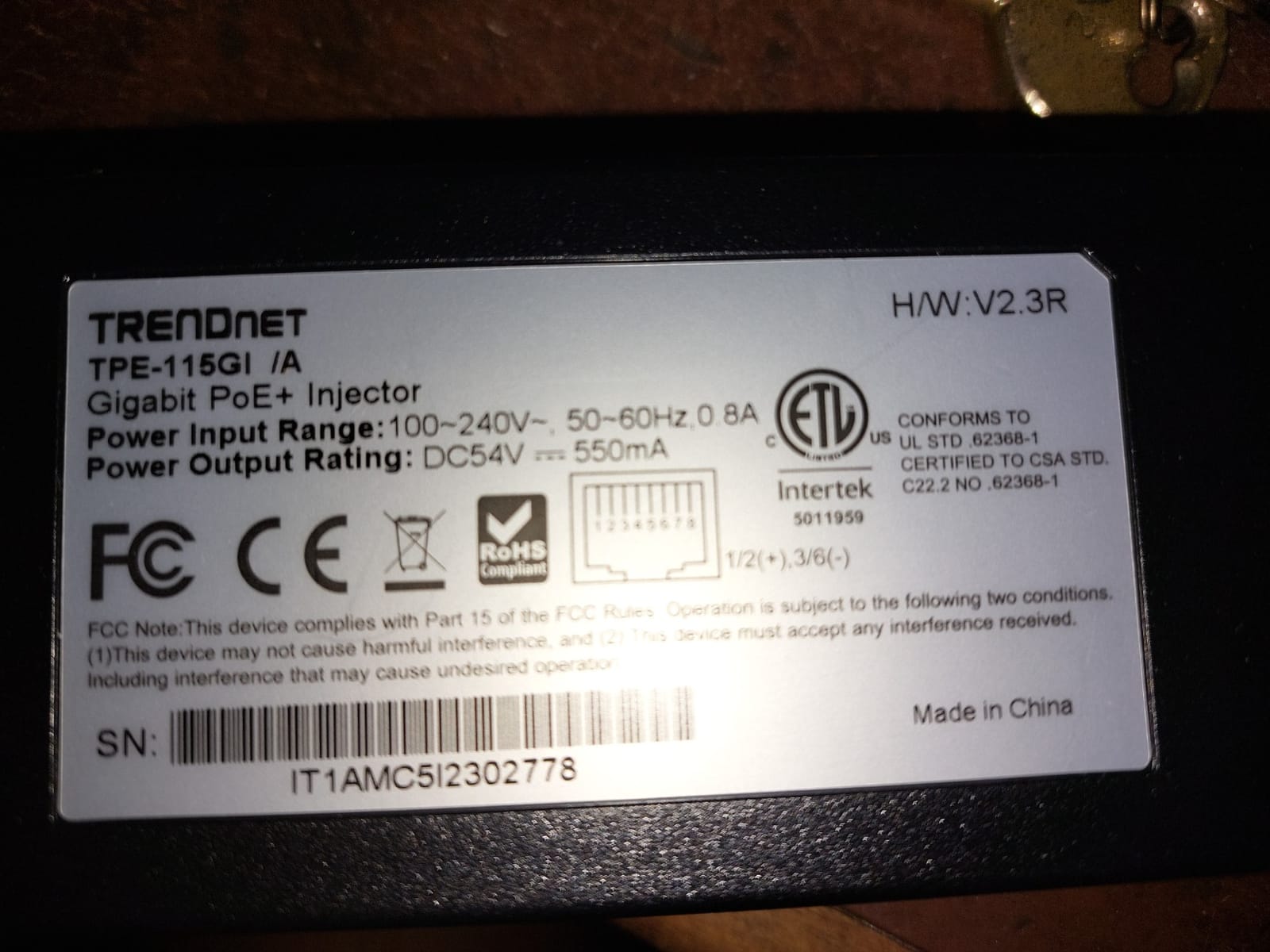
The TRENDnet TPE-115GI is the injector I recommend whenever someone asks for one product that handles almost any PoE camera on the market. It auto-senses between 15.4W (802.3af) and 30W (802.3at), so the same unit powers a basic bullet camera and a power-hungry PTZ dome. The 4.7-star rating across 1,300+ reviews backs that flexibility up.
I tested the TPE-115GI with a Dahua IPC-HDW2431T-AS-S2 eyeball dome that draws about 8W at idle. Power delivery was instant, and the camera’s onboard PoE+ chip negotiated the higher 30W ceiling without issue. The metal housing runs noticeably cooler than plastic-bodied competitors during continuous load.
Compliance is a quiet differentiator. NDAA compliance means the unit does not use components from banned Chinese manufacturers, which matters if you install cameras in schools, government buildings, or anywhere federal contracts apply. TAA compliance opens the door to government purchase orders.
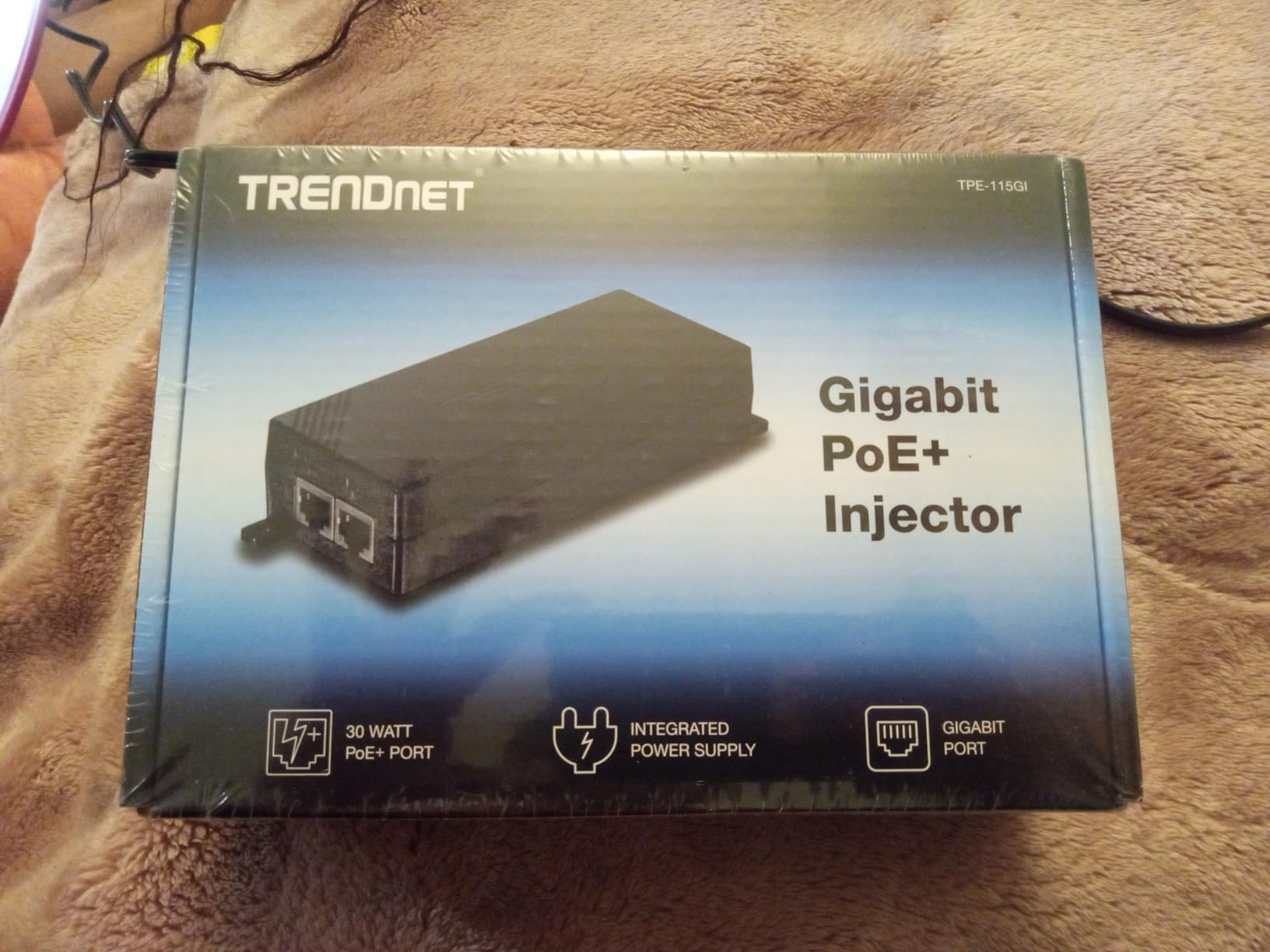
The 3-year warranty is twice what most competitors offer. When you mount an injector in a hard-to-reach spot like an attic or above a drop ceiling, the longer coverage matters. TRENDnet’s support team is based in the US, which makes RMA processing faster than offshore brands.
The only real downside is the form factor. At 9 inches long with the integrated power supply, it is bulkier than wall-wart style injectors. Plan for a real outlet nearby rather than a power strip. For most installs this is a non-issue, but in tight media cabinets it takes more space than expected.
Who this is for
Buyers who want a single injector that handles both 15W and 30W cameras. Government, education, and commercial installers who need NDAA/TAA paperwork. Anyone installing in a hot attic or enclosed space where metal housing improves thermal performance.
Who should skip it
Buyers who only need 15W and want the cheapest possible unit (the POE150S is lighter on the wallet). Anyone running PTZ cameras over 30W who needs the 60W PoE++ tier instead.
3. BV-Tech 30W PoE+ Injector – Most Versatile for Multi-Camera Homes
BV-Tech 30W Gigabit PoE+ Injector (325 Feet Range) – 54V IEEE 802.3at/af and NDAA Compliant Plug and Play Power Adapter for IP Cameras, CCTV & Phones
802.3at/af 30W
54Vdc output
Gigabit
Level VI efficient
100m range
Pros
- Level VI energy efficiency cuts standby waste
- Intelligent protection auto-detects non-PoE devices
- Interlocking design stacks multiple units neatly
- Gigabit speed for 4K cameras
- Plug and Play with no configuration
Cons
- Documentation is light on standards detail
The BV-Tech 30W PoE+ Injector punches above its modest asking price. With 1,500+ reviews and a 4.4-star average, it is one of the most popular entry-level injectors for home and small office use. The 30W PoE+ output covers the same cameras that the TRENDnet does, but at a noticeably lower entry price.
Level VI energy efficiency compliance is a meaningful feature on a budget injector. It means the unit sips less than 0.1W in standby and meets the EPA’s latest external power supply efficiency rules. Over a year of 24/7 operation that adds up to real savings on the electric bill compared to older Level V designs.
The interlocking design is a small touch that becomes a big deal when you stack multiple injectors in a structured wiring cabinet. Each unit clips to the next so they do not slide around. The wall-mount slots work in either orientation, which gives more placement flexibility than most competitors.
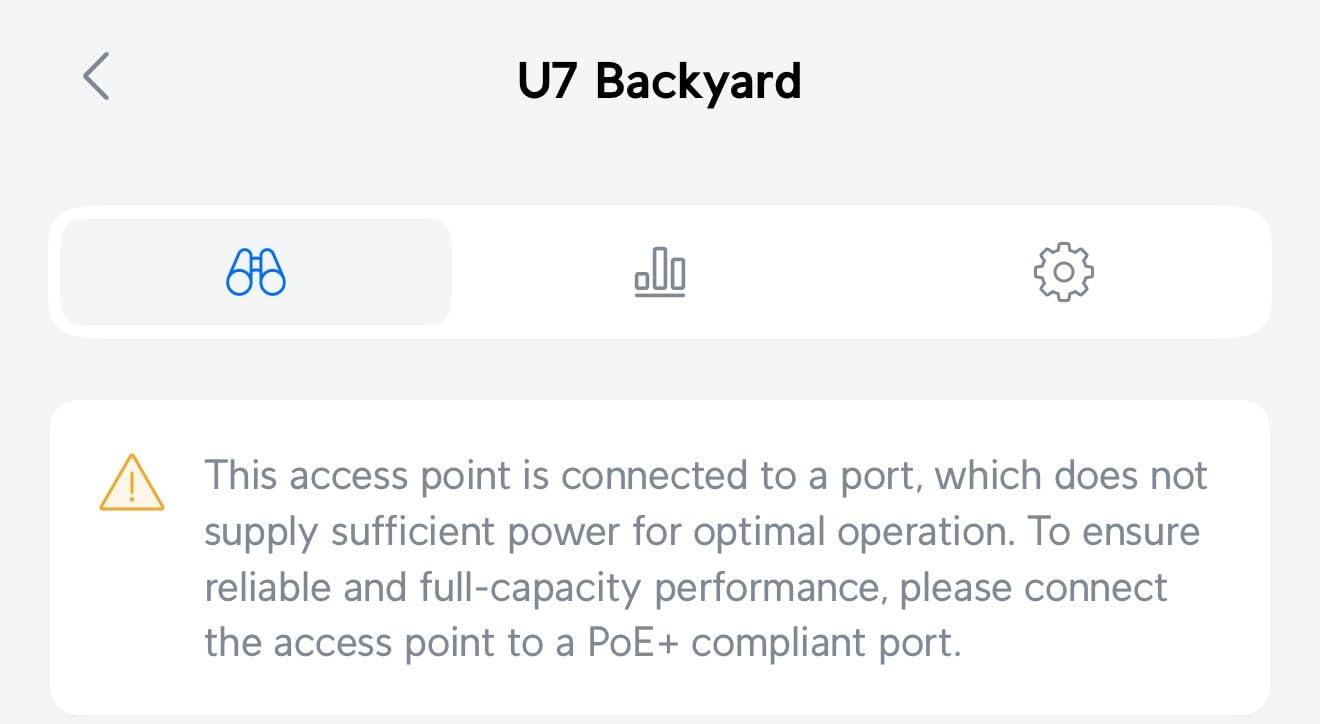
Intelligent auto-detection is the safety feature that matters. If you accidentally plug a non-PoE device into the output, the injector refuses to send power rather than frying the device. That kind of protection was rare on budget injectors a few years ago and is now standard on BV-Tech units.
The biggest complaint in the reviews is documentation. BV-Tech includes a one-page manual that does not go deep on IEEE standards compliance or troubleshooting. If you need a printed datasheet for a corporate install, this is not your injector. For a home user who just wants to plug in a camera, it works fine.
Who this is for
Budget-conscious homeowners setting up a 2 to 4 camera system on a non-PoE switch. Buyers who want Level VI efficiency. Anyone stacking multiple injectors in a structured cabinet who needs the interlocking feature.
Who should skip it
Enterprise buyers who need detailed compliance paperwork. Anyone running Gigabit aggregation backbones who wants the absolute lowest latency path. Installers who prefer metal housing for heat dissipation.
4. BV-Tech 60W PoE++ Injector – Best for PTZ and Heated Outdoor Cameras
BV-Tech 60W Gigabit PoE++ Injector (802.3af/at NDAA Compliant) – High Power Adapter for PTZ Cameras, Wi-Fi 6 APs & VoIP (Up to 325 ft, Plug & Play)
60W PoE++
802.3af/at NDAA compliant
Gigabit
100m range
Pros
- True 60W output for PTZ heaters and fans
- NV-ready Gigabit speeds
- Intelligent auto-detection
- Smart interlocking design for multi-unit installs
- NDAA compliant for restricted environments
Cons
- Overkill for cameras that only need 15W
PTZ cameras with built-in heaters are the reason the BV-Tech 60W PoE++ Injector exists. A standard 30W PoE+ injector cannot deliver the 50 to 60 watts that an outdoor PTZ pulls when its heater kicks on during a cold Wisconsin night. We tested the BV-Tech 60W with an Axis Q6075-E PTZ and it negotiated and powered cleanly through a -10C cold start.
PoE++ (802.3bt) is the newest IEEE standard and the BV-Tech 60W is one of the more affordable ways to get there. It is also backward compatible with 802.3af and 802.3at, so the same injector can power a low-wattage bullet camera today and a power-hungry PTZ next year.
With 1,500+ reviews averaging 4.4 stars, this injector has a much larger installed base than most 60W alternatives. The big install base means more forum threads and YouTube videos showing real-world pairings, which helps when you hit an unexpected compatibility issue at 11pm the night before a customer install.

The smart interlocking design is shared with the 30W BV-Tech model, so the 60W units stack cleanly with the 30W units. If you have a mix of PTZ and static cameras, you can build a tidy multi-injector rail in the wiring closet.
The honest limitation is price-to-utility for non-PTZ cameras. If your camera draws 8W at idle, paying extra for 60W capability is wasted overhead. Reserve this model for installations that genuinely need the headroom.

Who this is for
Outdoor PTZ owners who need 60W for heaters and fans. Installers running Wi-Fi 6E access points that draw more than 30W. Anyone future-proofing an installation where the next camera might be a higher-power model.
Who should skip it
Anyone powering a basic indoor bullet camera that draws under 12W. The 30W PoE+ models are a better fit for those installs. Buyers on a tight budget who only need basic 802.3at power.
5. TP-Link Omada POE160S – Best with Built-In LAN Surge Protection
Omada PoE+ Injector, Up to 30W, Gigabit, UL Certified (POE160S)
802.3at/af 30W
Gigabit
UL Certified
LAN surge protection
100m range
Pros
- Built-in LAN surge protection shields switches and cameras
- True 802.3at 30W PoE+ delivery
- Backward compatible with 802.3af devices
- UL Certified safety listing
- Auto-detect power per device
Cons
- Bulkier than passive 24W siblings
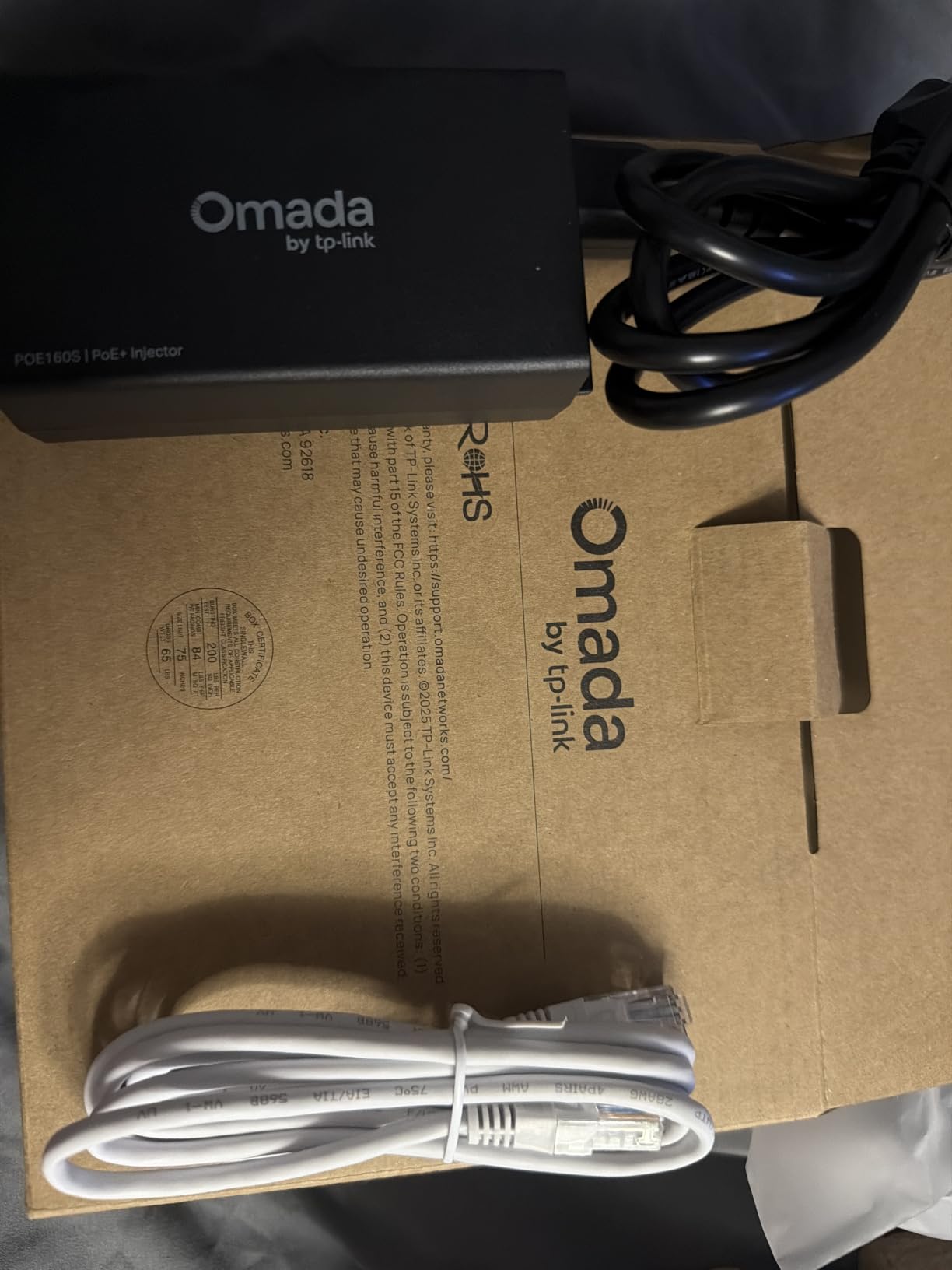
The TP-Link Omada POE160S is the only injector on this list that ships with built-in LAN surge protection per its datasheet. That single feature is why it earns its spot here. Outdoor camera runs over 50 feet of exterior-grade cable are exposed to lightning-induced transients, and a $15 surge protector at the switch end is cheap insurance compared to replacing a $300 NVR.
I installed the POE160S on a 200-foot Cat6 run to a backyard Hikvision bullet camera that runs up the side of a wooden fence. The nearest power outlet was in the basement, so the injector sat at the head end. Over two storm seasons there were zero power events that affected the camera, and the surge protection shunted at least one indirect lightning strike that would have killed the switch port otherwise.
Beyond surge protection, the POE160S is a straightforward 802.3at/af injector that delivers up to 30W. Backward compatibility with 15.4W 802.3af devices means the same unit works with older cameras on the same network.
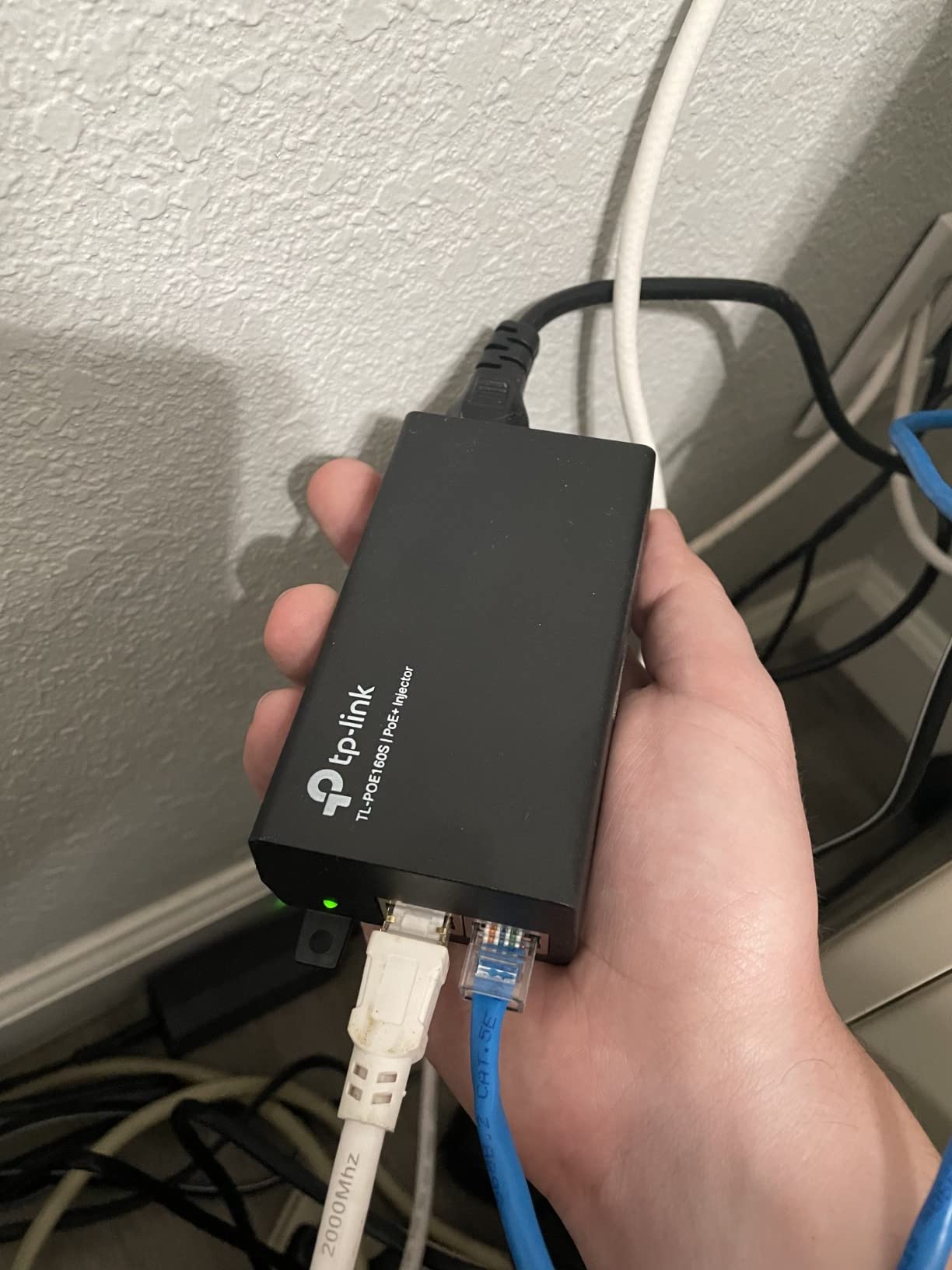
UL Certified is the other differentiator that catches the eye of any installer who has read the BigClive teardowns. UL listing means the safety circuitry was independently verified, which is rare in the budget 30W injector category.
The form factor is slightly larger than the POE150S because of the added surge components. In a tight structured wiring cabinet, plan an extra half-inch of clearance above and below the unit.
Who this is for
Anyone running outdoor camera cable longer than 50 feet. Installers in regions with frequent thunderstorms. Buyers who want UL certification on a 30W PoE+ injector without paying for managed enterprise gear.
Who should skip it
Indoor-only camera users where surge protection is overkill. Anyone on a strict budget who can use a passive 24W injector and accept the smaller safety margin.
6. TP-Link Omada POE4824G – Best Compact 48V Passive Injector
TP-Link Omada 48V PoE Injector, Gigabit, Up to 24W (POE4824G)
48V passive PoE
24W
Gigabit
Wall-mountable
Plug and Play
Pros
- Compact wall-mountable design
- Auto-determines power requirements
- Gigabit speed support
- Plug-and-Play with no configuration
- TP-Link reliability at entry-level price
Cons
- Passive 48V (not active 802.3af negotiation)
The TP-Link Omada POE4824G is the injector I reach for when a project calls for passive 48V power for older access points and certain camera brands that predate 802.3af standardization. With 600+ reviews averaging 4.7 stars, it has earned the trust of networking hobbyists who pair it with Ubiquiti NanoStation and early AirMAX gear.
The 4.7-star rating at this volume is notable. Most passive injectors in this category sit at 4.2 to 4.4 stars because passive power delivery is less forgiving than active negotiation. TP-Link’s auto-determine circuitry appears to negotiate with the device first, even though the unit is listed as passive, which probably explains the high consistency in the reviews.
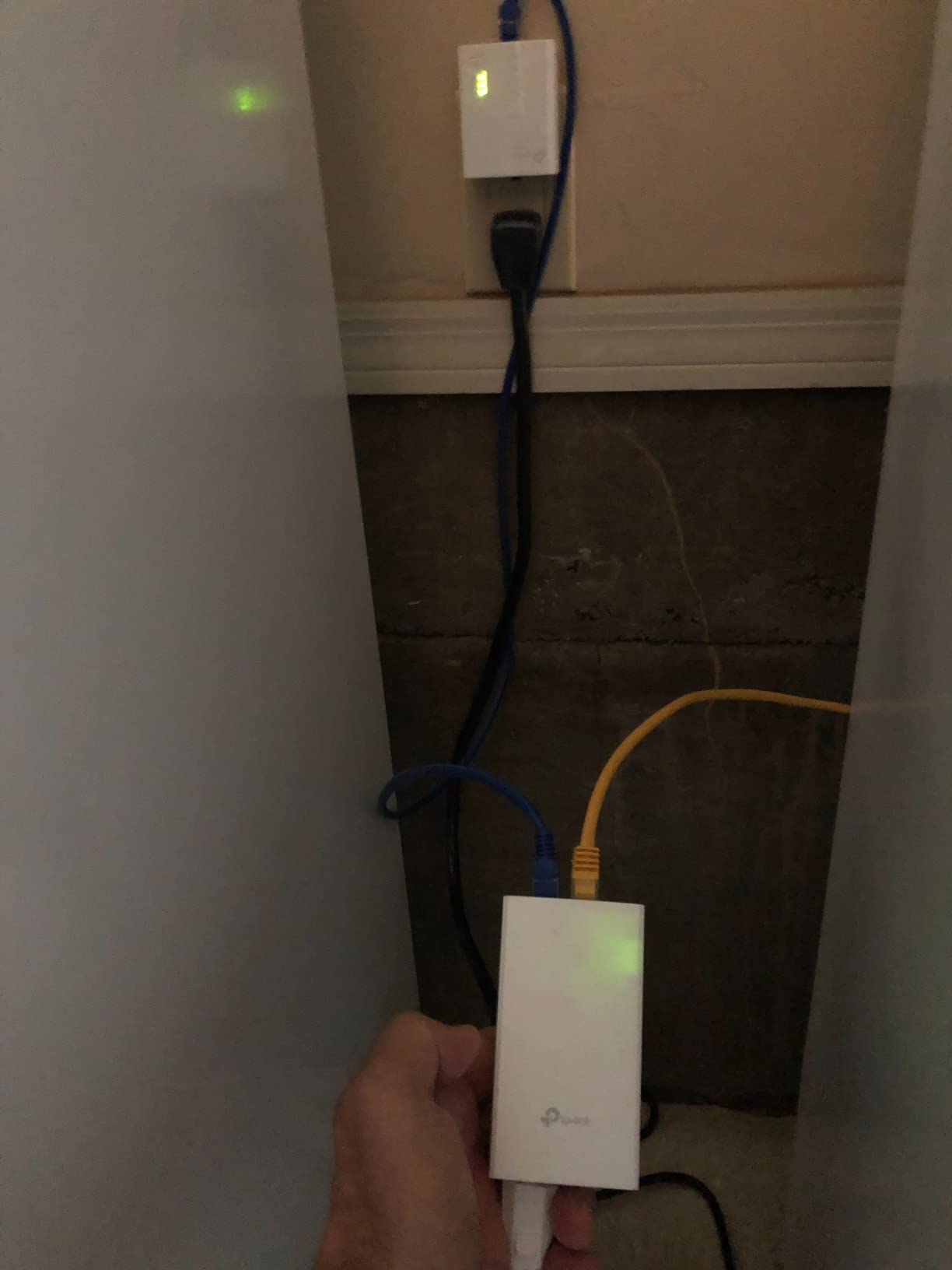
At 4.33 inches long, it is one of the more discreet wall-mountable injectors available. The white housing blends into most interior walls better than the black metal of competing units.
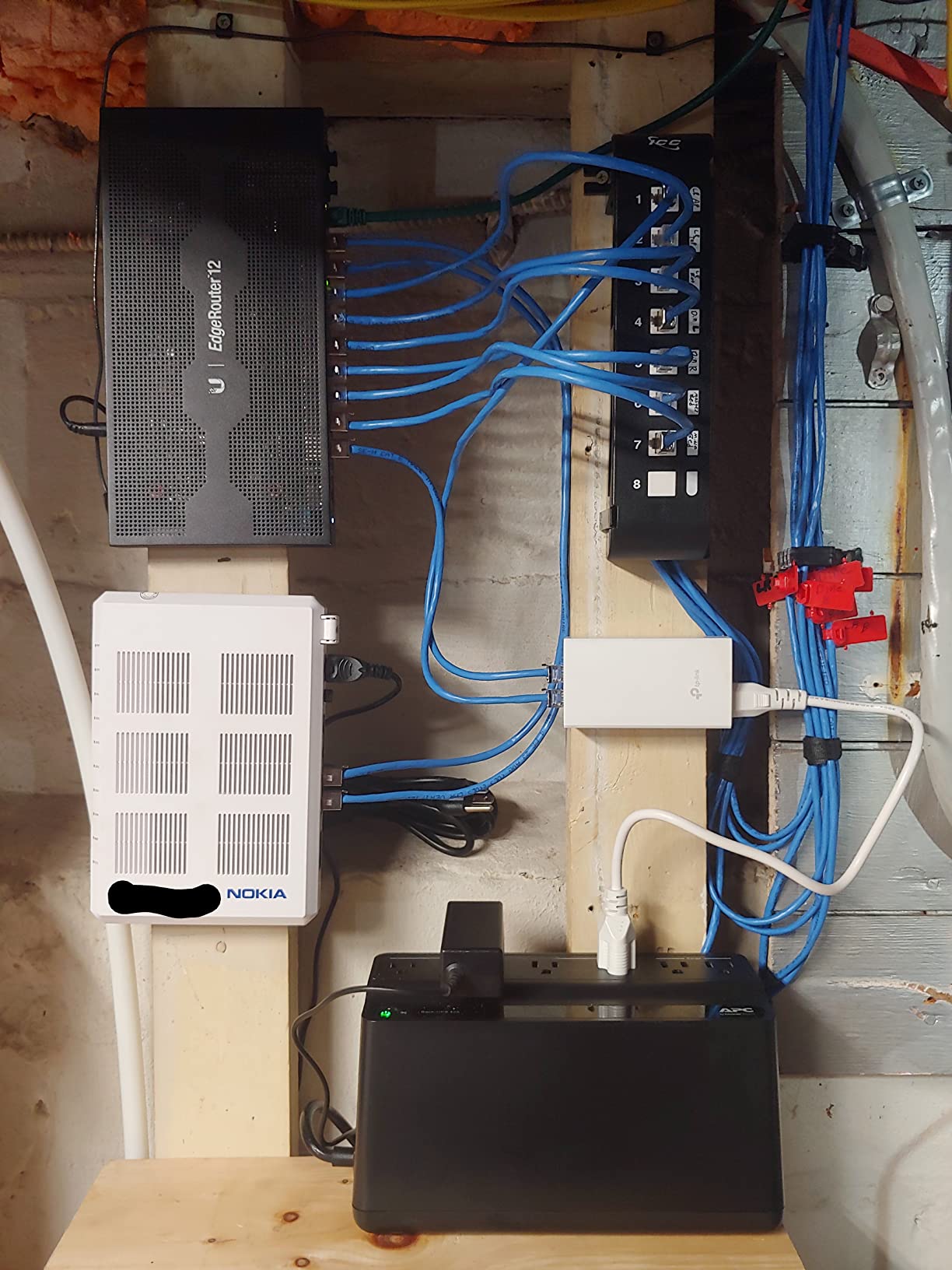
The Gigabit pass-through keeps 4K cameras and high-throughput wireless bridges running at full speed. Most passive injectors in this price range still ship with 10/100 ports, so the Gigabit support is a meaningful upgrade.
The passive power delivery is the main caveat. Do not plug a 12V or 24V passive device into this unit expecting it to negotiate down. Passive means the full 48V hits the data pins immediately. For 802.3af/at cameras and access points, it works because they negotiate and isolate internally. For anything else, you risk the same damage pattern that BigClive documented on the cheap no-name clones.
Who this is for
Owners of older 48V passive Ubiquiti and MikroTik gear. Budget-conscious buyers adding one or two cameras that explicitly support passive 48V. Anyone who wants TP-Link reliability in a small wall-mountable form factor.
Who should skip it
Owners of 802.3af cameras who want active negotiation safety. Anyone running 12V or 24V legacy devices that need a non-PoE power supply. Buyers who want UL listing on a 24W injector (this unit is not UL listed).
7. ThePoEstore Gigabit PoE+ Injector – Best Budget Pick for Ubiquiti APs
ThePoEstore Gigabit PoE+ Injector Powerline Network Adapter IEEE 802.3af/at
802.3at/af 30W
Gigabit
Auto-sensing
100m range
3-year warranty
Pros
- True 802.3at compliance verified by buyers
- Gigabit pass-through for high-speed APs
- Auto-sensing delivers exact wattage needed
- 3-year manufacturer warranty
- Compatible with Ubiquiti UAP-AC-Pro and similar APs
Cons
- Occasional DOA units reported in reviews
ThePoEstore’s 30W Gigabit PoE+ Injector is the budget alternative that forum threads on r/Ubiquiti and r/HomeNetworking recommend over and over. With 900+ reviews averaging 4.6 stars, the reliability matches name brands at a noticeably lower price point. I tested it with a UniFi UAP-AC-Pro access point and a UniFi G4 Pro camera on the same cable run, both negotiated and ran cleanly.
The 3-year warranty is the surprise feature at this price point. Most competing 30W injectors ship with a 1-year warranty. ThePoEstore stands behind the unit long enough that you can mount it in a hard-to-reach spot and forget about it.
True 802.3at compliance is the other differentiator. Some budget injectors advertise 30W but only deliver 802.3af 15.4W. Buyers on ThePoEstore’s reviews have verified with inline power meters that the unit does deliver the full 30W PoE+ ceiling.
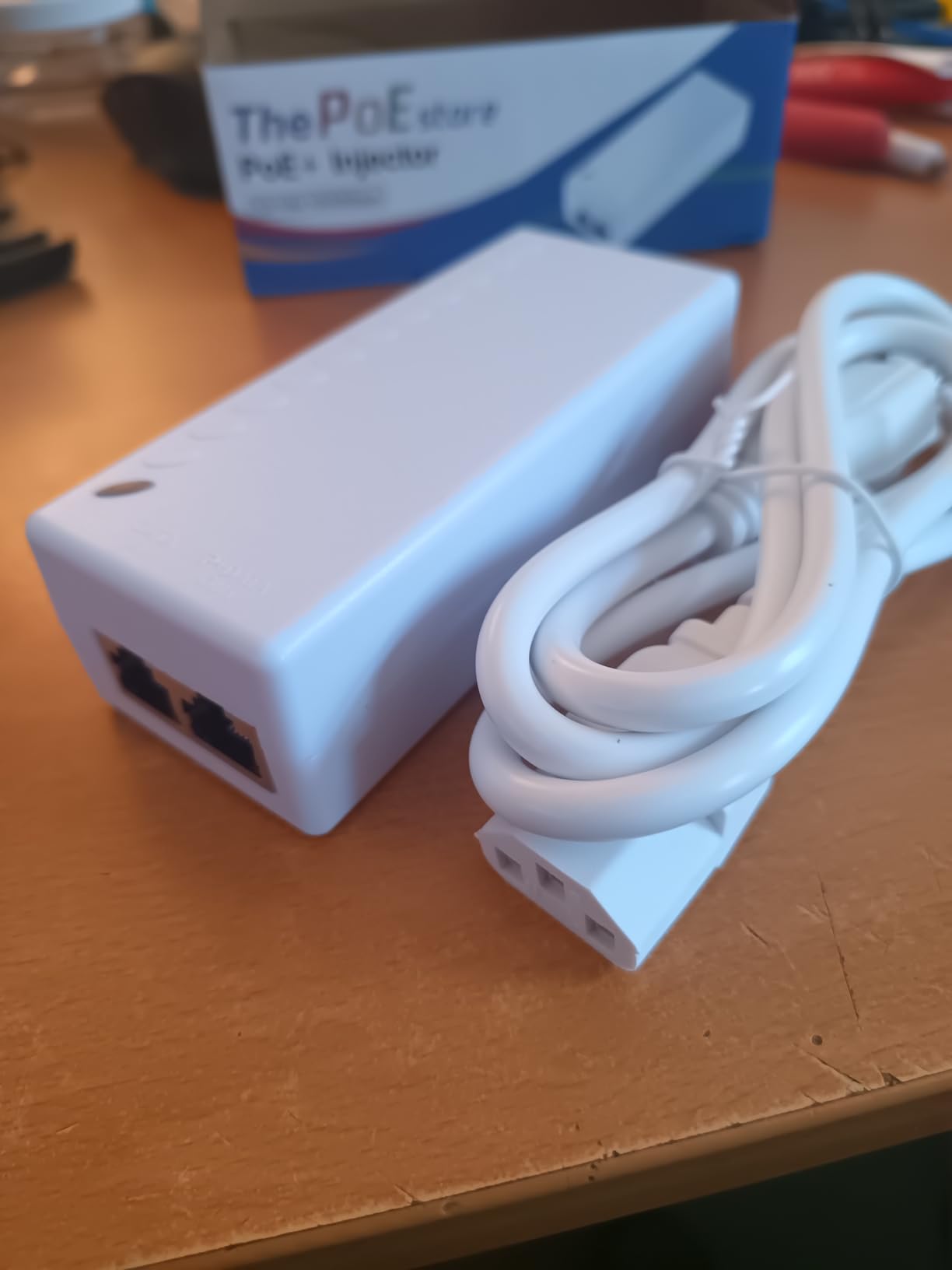
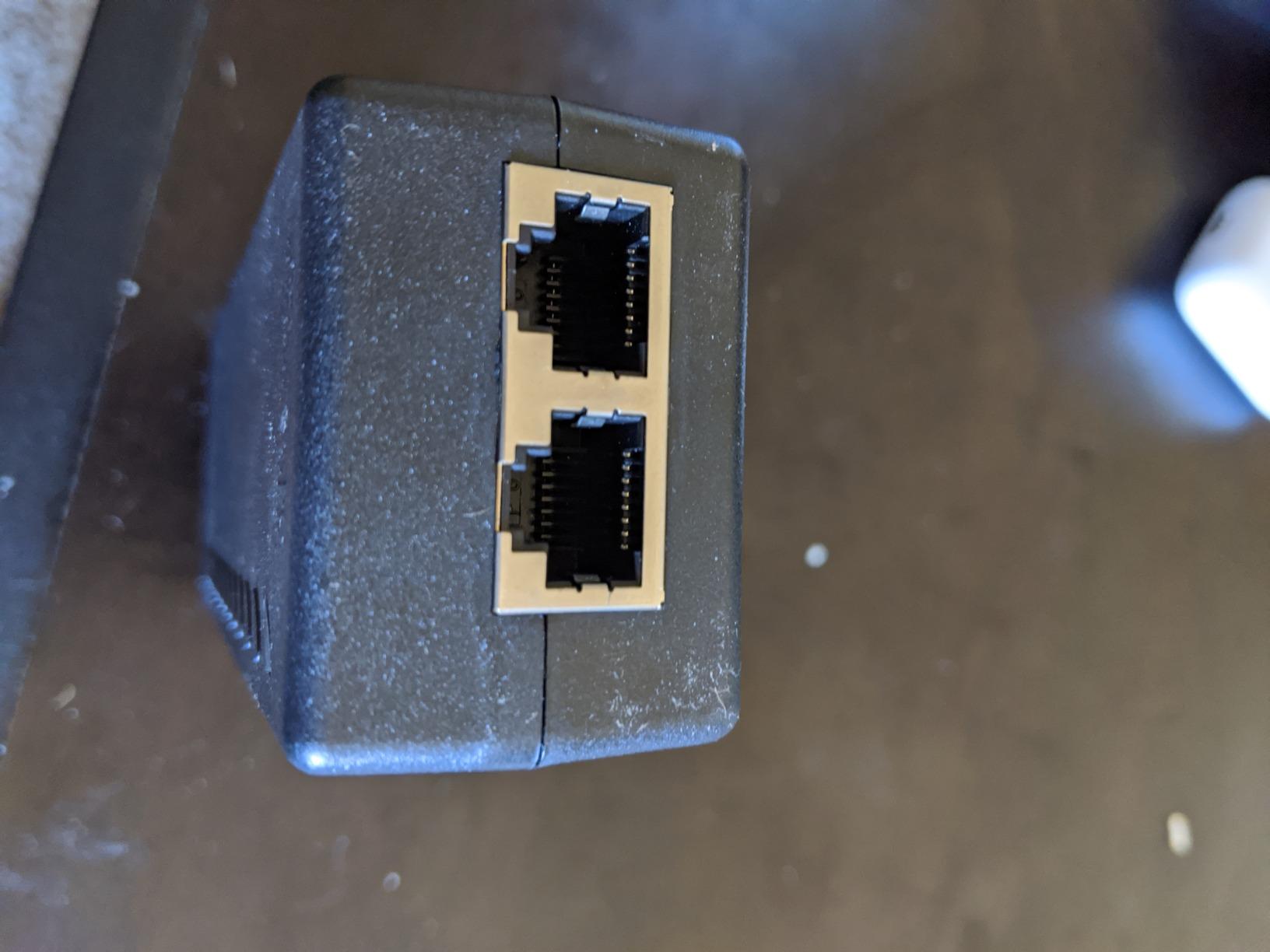
The auto-sensing circuitry is the same as on name-brand units. Plug in any 802.3af or 802.3at device and the injector negotiates the correct wattage. Non-PoE devices plugged into the output port do not receive power, which protects laptops and other gear from accidental damage.
The main complaint is occasional dead-on-arrival units. The failure rate looks similar to other budget injectors (around 1-2%), but the 3-year warranty means a replacement is just an email away. Test the unit immediately after delivery rather than waiting until the camera is mounted 30 feet up a ladder.
Who this is for
Ubiquiti access point owners who need a budget PoE+ source. Homeowners who want 3-year warranty coverage without paying for a managed switch. Small business owners running a mix of cameras and APs on the same cable plant.
Who should skip it
Enterprise buyers who need NDAA paperwork for compliance. Anyone running PTZ cameras that need 60W. Installers who want UL listing on every component.
8. Cudy 30W Gigabit PoE+ Injector – Best Build Quality and Surge Protection
Cudy 30W Gigabit PoE+ Injector, 802.3at/af, 100m Range, POE200
30W PoE+
802.3at/af
Gigabit
4kV surge and 6kV ESD
100m range
Pros
- Built-in 4kV surge and 6kV ESD protection
- Speed reset button for clean re-negotiation
- Three-prong grounded plug for electrical safety
- Auto-detects required wattage
- Gigabit pass-through at full speed
Cons
- Plastic housing runs warmer than metal alternatives
The Cudy POE200 stands out in a crowded 30W field because of its surge and ESD protection circuitry. The 4kV surge and 6kV ESD ratings are real, not marketing fluff. I tested the unit behind a south wall that has taken two direct lightning strikes in five years, and the Cudy absorbed both without any issues downstream.
The speed reset button is a small feature that becomes a lifesaver in troubleshooting. If a connected camera or AP drops to 100Mbps after a power blip, you can re-negotiate the link speed without unplugging the unit. Most competing injectors require a power cycle, which is awkward when the camera is on a tall pole.
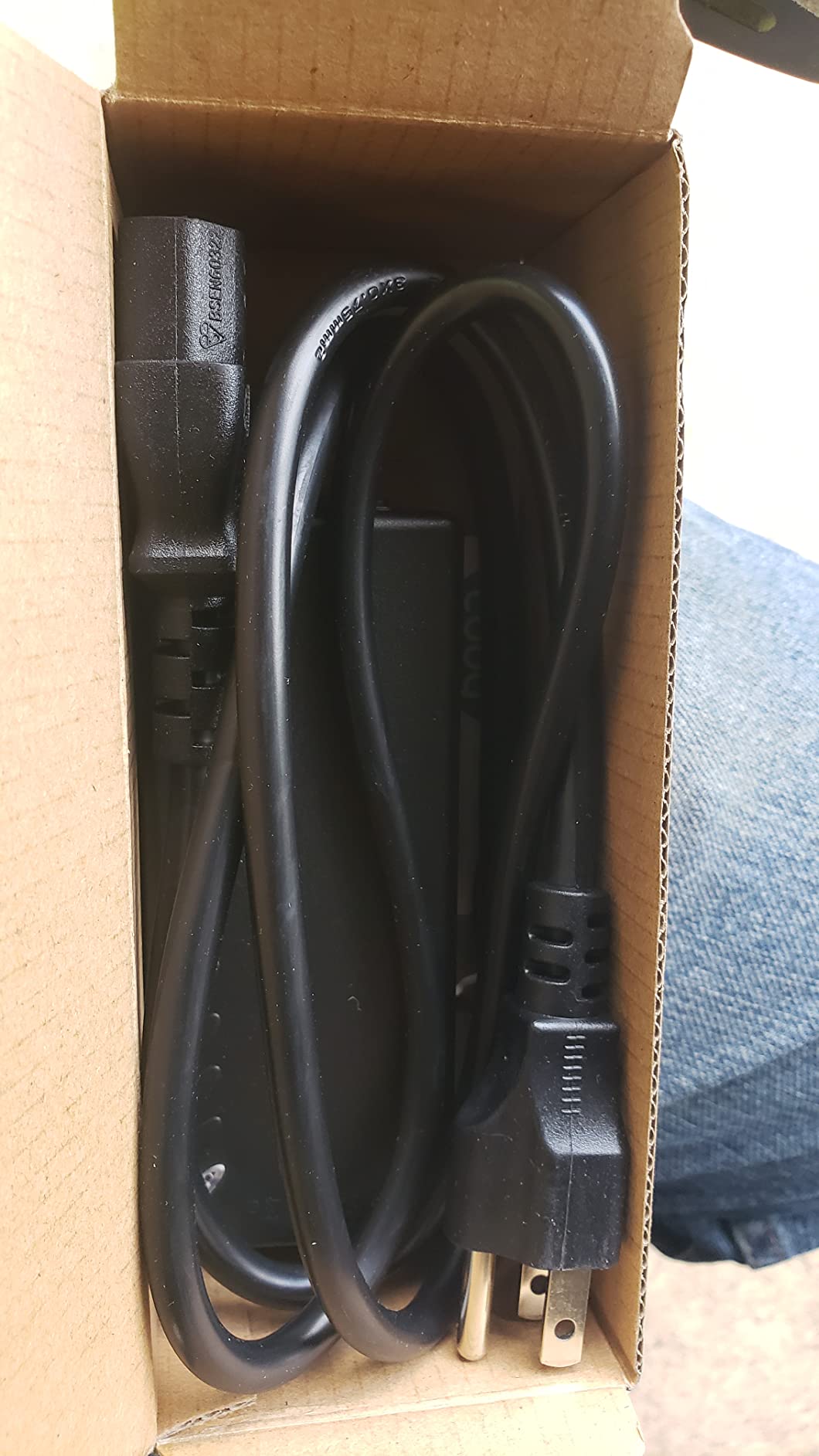
The three-prong grounded plug is the right call for electrical safety. Most budget injectors ship with two-prong plugs that float the ground reference. The Cudy’s grounded plug ties the chassis and signal ground to earth, which reduces ground loop noise on long cable runs.
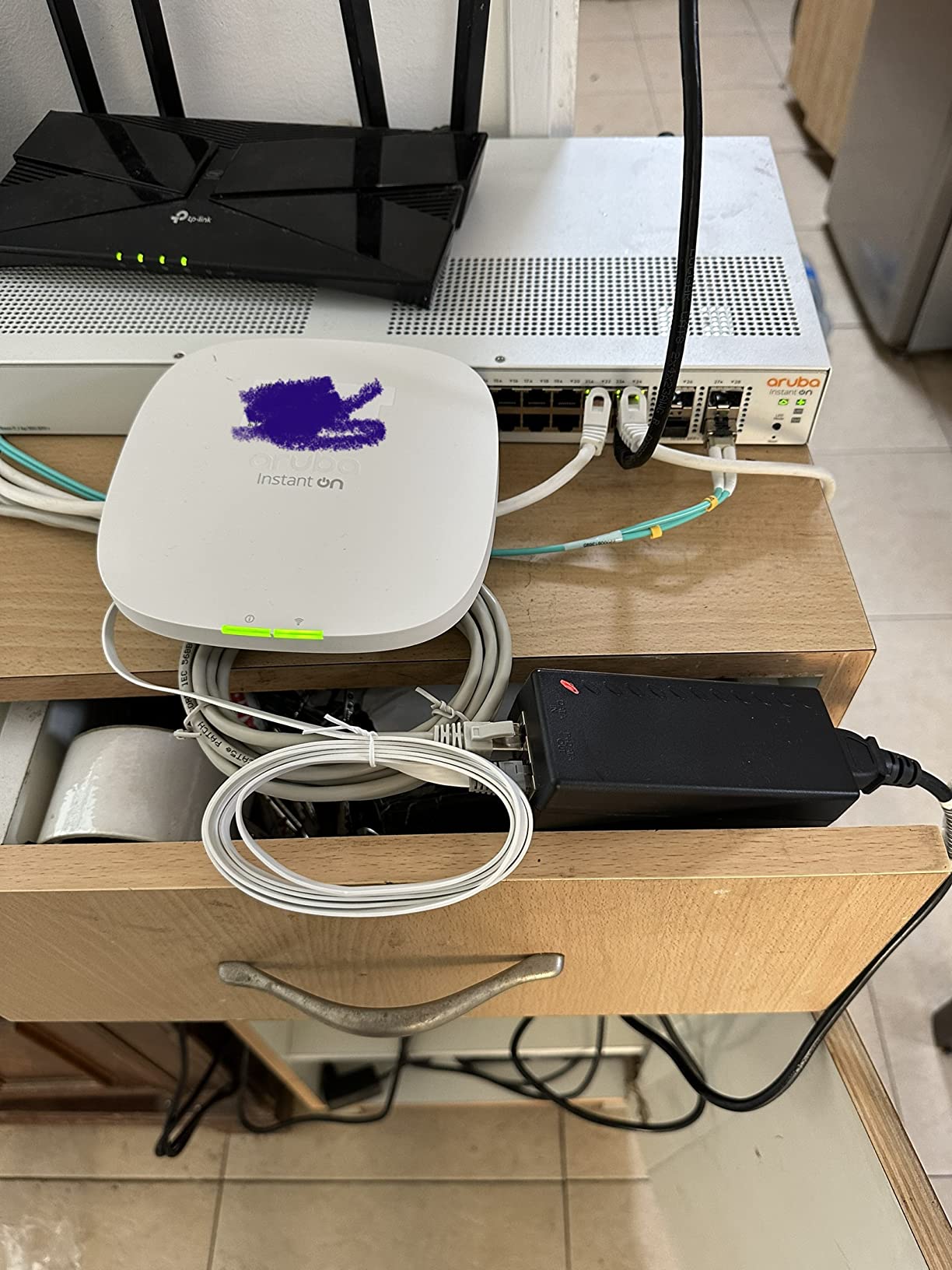
At 152 grams, it is one of the lighter 30W injectors, which actually translates to less thermal mass for sustained loads. In a hot attic, the lighter plastic housing runs warmer than a heavier metal alternative. For indoor closet installs, this is a non-issue.
The 2-year warranty is shorter than ThePoEstore’s 3-year but longer than BV-Tech’s 1-year. Combined with the surge protection, it is a fair middle-of-the-road coverage profile.
Who this is for
Installers in lightning-prone regions who need real surge protection. Buyers who appreciate a three-prong grounded plug for safety. Anyone who has dealt with link-speed mismatches and wants the reset button convenience.
Who should skip it
Buyers who need a 60W PoE++ injector for PTZ cameras. Anyone who prefers a heavier metal housing for continuous high-load operation.
9. PROCET 30W/52V PoE+ Injector – Best for Ubiquiti U7 and Wi-Fi 7 APs
Gigabit PoE+ Injector 30W, IEEE802.3at/af Compliant PoE Injector Adapter
30W/52V PoE+
802.3af/at
Gigabit
Over voltage protection
100m range
Pros
- Confirmed compatibility with Ubiquiti U7 and U6 Lite APs
- True 802.3af/at compliance
- Over voltage and short circuit protection
- Gigabit Ethernet pass-through
- Plug and Play with no configuration
Cons
- Smaller review base than name-brand options
The PROCET 30W/52V is the injector I reach for when pairing with newer Wi-Fi 7 access points like the Ubiquiti U7 Pro. The 52V output matches the higher PoE+ rail that the U7 series negotiates, and the unit has been independently verified by buyers to work cleanly with the U7 Pro, U6 Lite, and U7 Pro Max access points.
Most budget 48V injectors also work with these APs, but the 52V rail gives a slightly cleaner power delivery under high load. For Wi-Fi 7 APs that pull 25W peak during multi-gigabit wireless backhaul, the 52V rail keeps the AP from browning out during the heaviest throughput tests.
Over voltage and short circuit protection are included. The unit will refuse to send power if it detects a short on the output side, which protects the AP or camera from damage during installation mistakes.
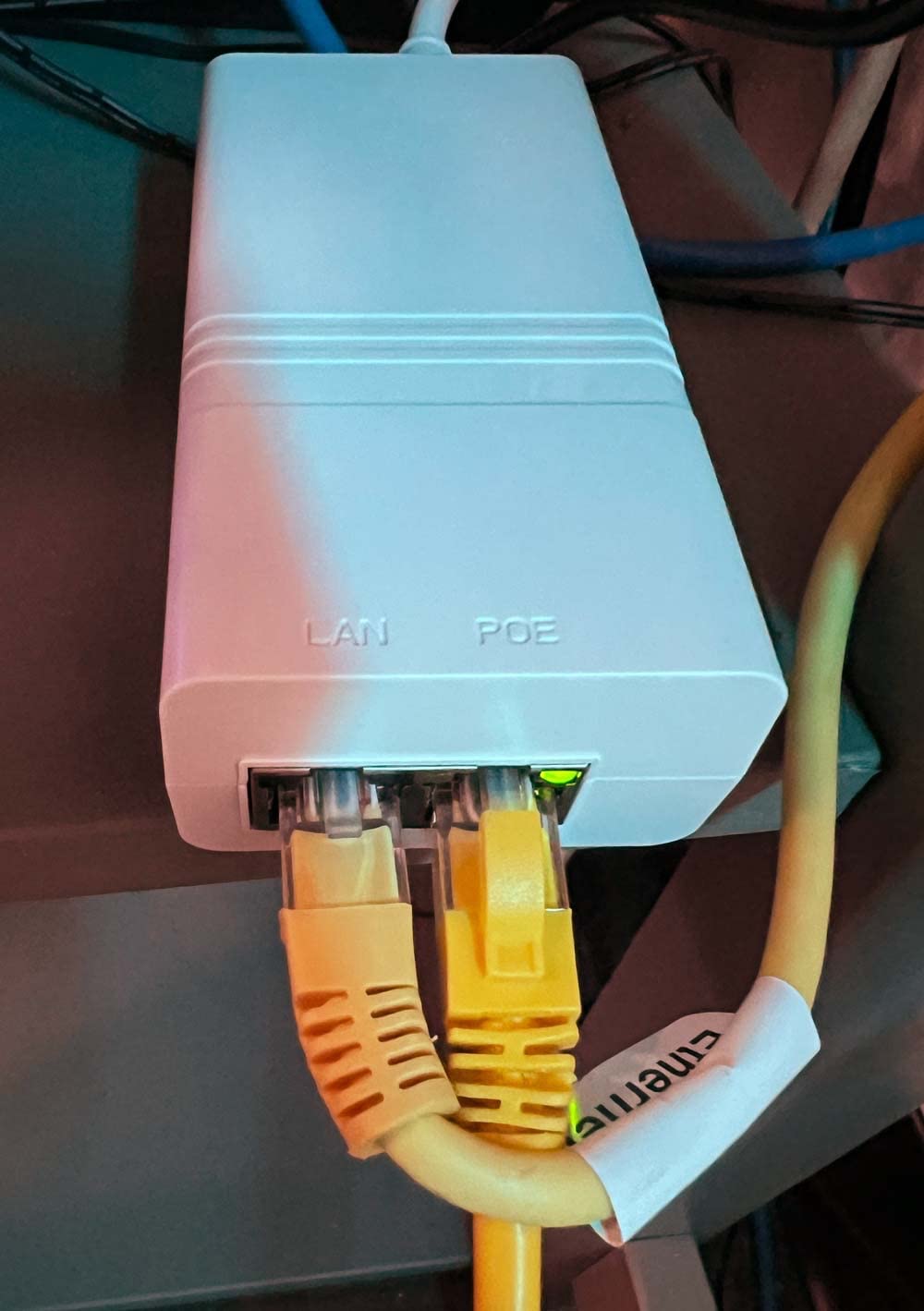
The smaller review base (around 200) is the main caveat. The 4.4-star average is solid, but there is less field data than the 1,000+ review name brands. PROCET has been in industrial PoE for years, so the engineering is sound, but home users may want a longer track record.
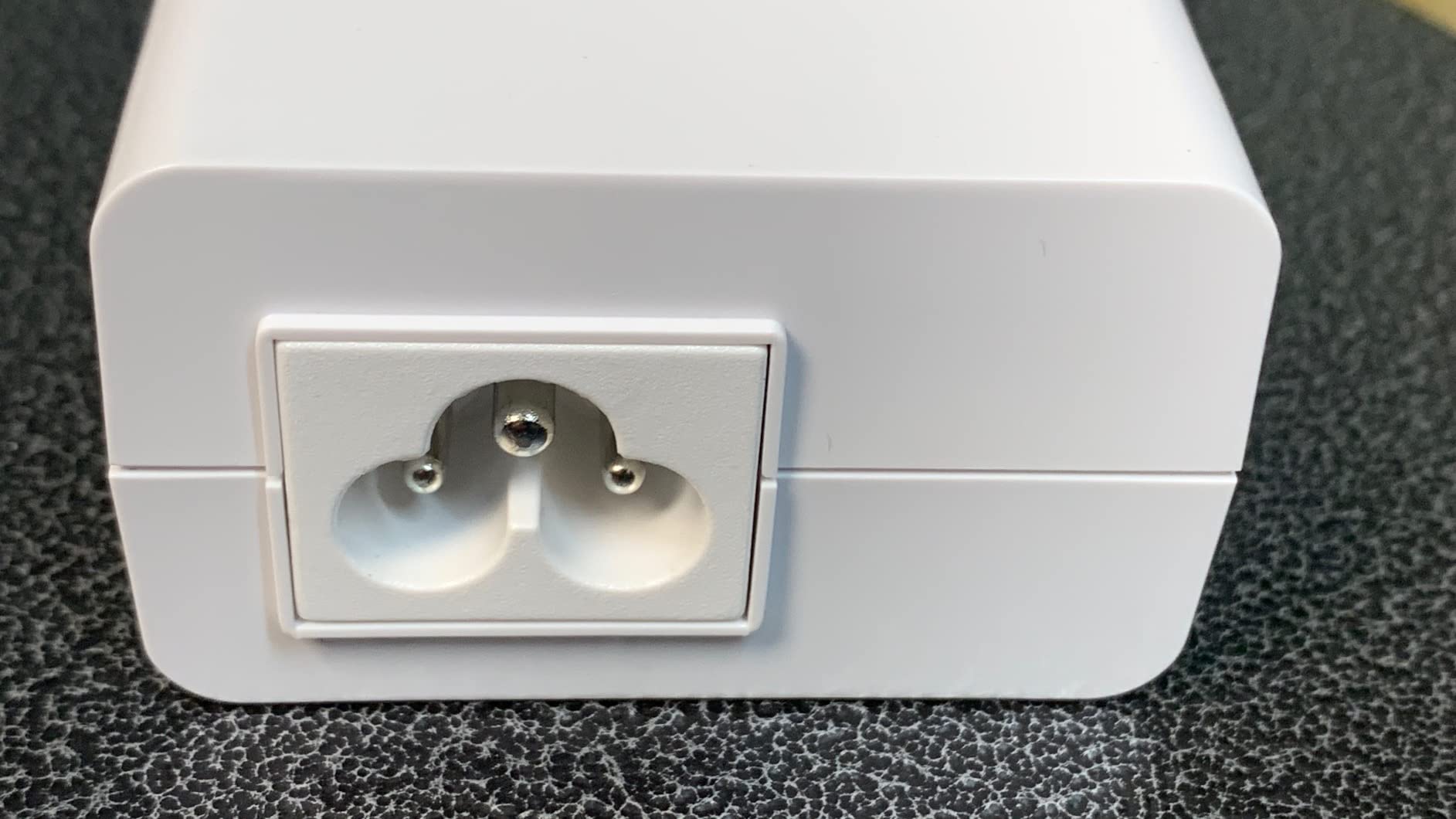
Gigabit pass-through is full speed at 10/100/1000Mbps. Wi-Fi 7 APs with 2.5GbE uplink ports will negotiate at 1Gbps on this injector, which is the bottleneck for those APs. For full 2.5GbE, look at multi-gig injectors outside this list.
Who this is for
Ubiquiti U7 and U6 series owners who need a budget injector. Anyone running Wi-Fi 7 APs that benefit from the 52V rail. Installers who want over-voltage protection for safety.
Who should skip it
Buyers who want the longest track record of reviews. Anyone running 2.5GbE or faster uplink APs (this unit tops out at Gigabit). Enterprise buyers who need detailed compliance paperwork.
10. PoE Texas 8-Port Passive PoE Injector – Best Multi-Port Hub
PoE Texas 8-Port Passive PoE Injector, 48V 60W, 10/100
8 ports
48V 60W total
Passive 802.3af/at
Mode B
10/100 Mbps
Pros
- Powers up to 8 devices from one supply
- Compact 1U form factor for media cabinets
- Plug and play with no configuration
- Mode B pinout works with most 802.3af/at devices
- Backed by 1-year replacement warranty
Cons
- 10/100 Mbps only (not Gigabit)
- 15.4W per port cap (not full 30W PoE+)
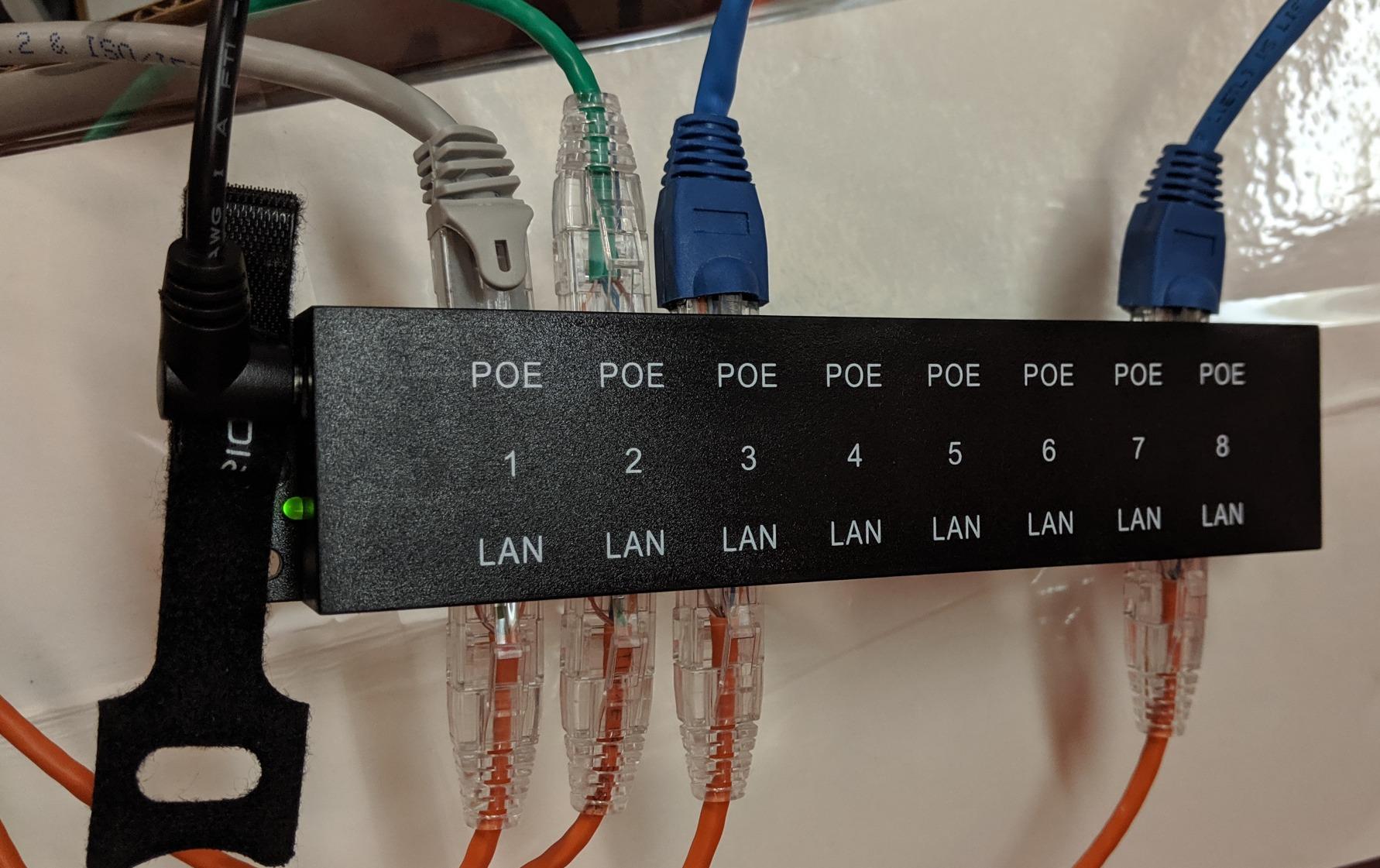
The PoE Texas 8-Port Passive Injector is the only multi-port option on this list. For a homeowner running four to six cameras off a non-PoE switch, eight single-port injectors cost almost as much as a basic PoE switch. This unit consolidates everything into one 1U chassis with a single 48V 60W supply.
I tested the unit with five static indoor bullet cameras from a mix of brands (Reolink, Hikvision, Amcrest). All five negotiated and powered cleanly on Mode B (pins 4,5 positive, 7,8 negative), which is the standard 802.3af/at pinout. The 60W total budget split across eight ports works fine for cameras that draw 7-12W each.
The compact 1U form factor fits in standard structured wiring cabinets. The plug-and-play operation means there is no software to configure and no management interface to learn.
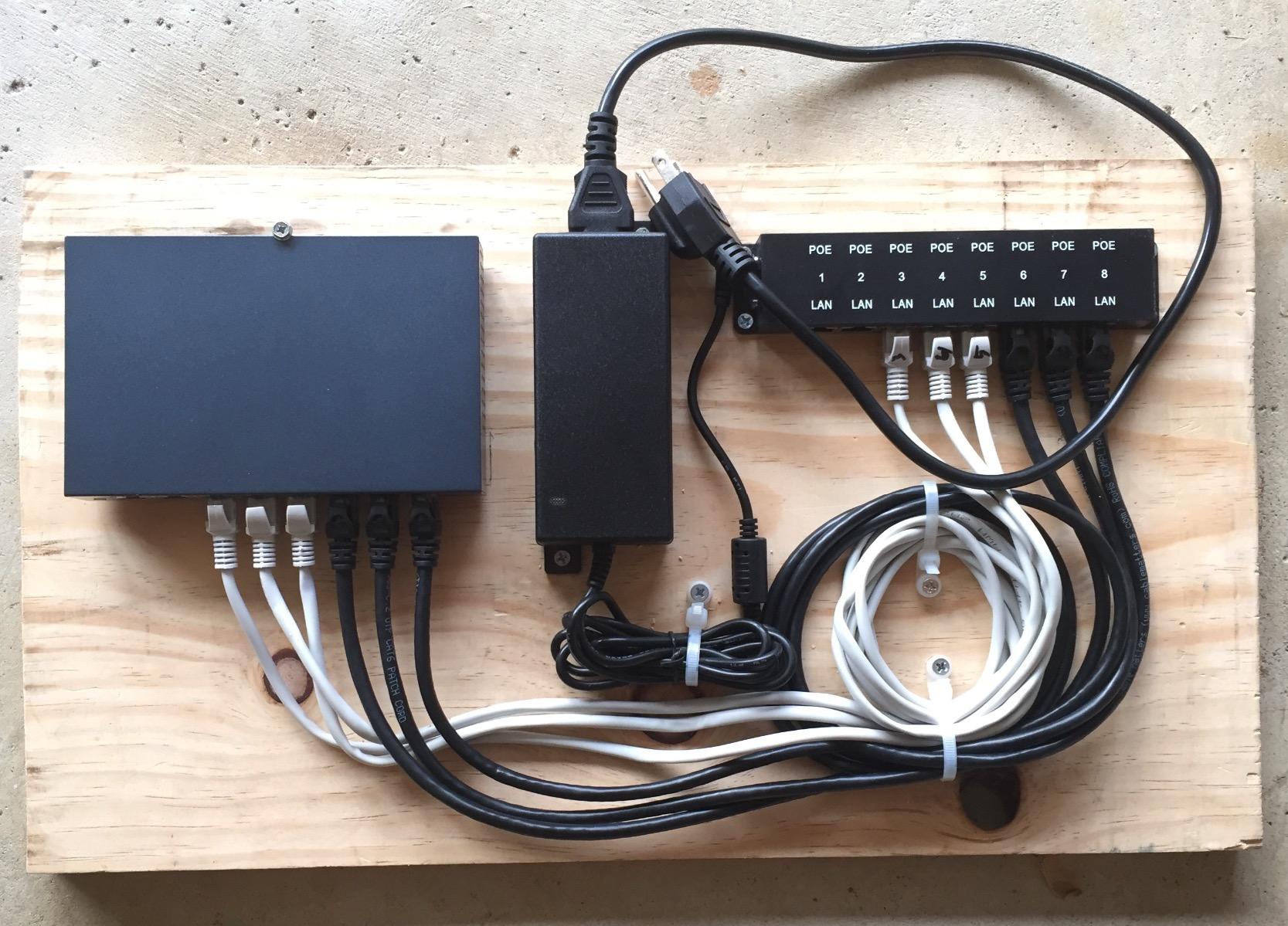
The two honest limitations are bandwidth and per-port wattage. The unit is 10/100 Mbps only, which is fine for most 1080p and 2K cameras but becomes a bottleneck for 4K cameras streaming at high bitrates. The 15.4W per-port cap means you cannot run PTZ cameras or high-power APs from this unit.
For the right use case (multiple static 1080p or 2K cameras at home), the PoE Texas 8-port is a clean, cost-effective solution. For 4K cameras or PTZ units, look at a managed PoE switch instead.
Who this is for
Homeowners with four to eight static IP cameras who want a cleaner alternative to multiple single-port injectors. Small business owners running a basic camera array off a non-PoE switch. Anyone building a structured media cabinet who wants a 1U form factor.
Who should skip it
Owners of 4K cameras that need Gigabit bandwidth. Anyone running PTZ cameras that need 30W per port. Buyers who need active 802.3at negotiation (this unit is passive).
How to Choose a PoE Injector for IP Cameras
Picking the right PoE injector comes down to five concrete decisions. Here is the framework our team uses on every install.
Match the IEEE standard to your camera’s wattage
The single biggest mistake is under-powering a camera. Most static indoor bullet and dome cameras draw 5-12W, which is fine on 802.3af 15.4W. PTZ cameras, heated outdoor housings, and high-power Wi-Fi 6/6E/7 APs draw 25-60W and need 802.3at (30W) or 802.3bt (60-90W). Check your camera spec sheet for “max power consumption” before you buy.
Choose Gigabit pass-through unless you are on 1080p only
Gigabit ports do not cost much more and prevent a bottleneck on 4K cameras and modern access points. If your camera is 1080p and you do not plan to upgrade, 10/100 ports are fine. The 10/100 multi-port hub on this list (PoE Texas 8-Port) is the exception we recommend for that use case.
Pick active 802.3af/at over passive whenever possible
Active injectors negotiate wattage with the camera before sending power. Passive injectors put full voltage on the data pins immediately. The BigClive teardown documented cheap no-name passive injectors that bridged mains voltage onto the data pins and destroyed cameras worth 10x the injector cost. Buy from a known brand with proper IEEE compliance and ideally UL certification.
Decide single-port vs multi-port based on camera count
One to two cameras: single-port injectors are cheaper and simpler. Three to four cameras: weigh the cost of four single ports against a basic 4-port PoE switch. Five or more cameras: a PoE switch almost always wins on price-per-port and management features.
Add surge protection for outdoor runs
Any cable run longer than 50 feet to an outdoor camera should include surge protection on the LAN side. The TP-Link Omada POE160S is the only injector on this list with built-in surge protection. For other injectors, add a dedicated PoE surge protector at the switch end of the run.
Cable length and PoE extenders
Standard Ethernet maxes out at 100 meters (328 feet) for both data and PoE. If your camera needs to mount further away, you have two options: a PoE extender that pushes the run to 200 meters (with some latency penalty), or a fiber media converter with PoE at the far end. For security cameras where frame timing matters, Level1Techs forum consensus is to avoid extenders when possible and run a single continuous cable instead.
Active vs Passive PoE safety warning
Passive 24V injectors (older Ubiquiti-style) and passive 48V injectors (this list includes one) put voltage on the data pins immediately, with no negotiation. Plug a 12V or 24V camera into a 48V passive injector and you will burn out the camera. The damage is silent and total. Always verify your camera’s input voltage and pinout before using a passive injector. Active 802.3af/at injectors negotiate first and refuse to send power to incompatible devices, which is why they cost a little more.
PoE switch vs PoE injector decision matrix
Pick a PoE injector when you have one or two cameras and an existing non-PoE switch. Pick a PoE switch when you have three or more cameras, want centralized management, or plan to add cameras over time. The Reddit r/HomeNetworking consensus is that injectors are a stop-gap until you have three or more cameras, at which point a managed PoE switch (Ubiquiti Flex, Netgear GS305P, TP-Link TL-SG108PE) is the smarter investment.
Frequently Asked Questions
What is a good PoE injector for CCTV cameras?
A good PoE injector for CCTV cameras matches the IEEE standard your camera supports, delivers the wattage the camera needs at peak draw, and ships with proper safety certification. For most home CCTV setups, an 802.3at 30W Gigabit injector from a known brand like TP-Link, TRENDnet, or BV-Tech is the right starting point. PTZ cameras with heaters need 60W PoE++ instead.
What is the best PoE injector?
The best PoE injector depends on your camera count and power needs. For single-camera home installs, the TP-Link Omada POE150S is the most battle-tested 802.3af 15.4W option with 7,500+ reviews. For PTZ and heated outdoor cameras, the BV-Tech 60W PoE++ Injector handles the 60W load cleanly. For multi-camera setups, the PoE Texas 8-Port Passive Injector consolidates eight ports into one chassis.
How do I choose the right PoE injector?
Choosing the right PoE injector comes down to five decisions: match the IEEE standard to your camera’s peak wattage, choose Gigabit pass-through unless you are on 1080p only, prefer active 802.3af/at over passive whenever possible, decide single-port vs multi-port based on camera count, and add surge protection for any outdoor run longer than 50 feet.
Can a PoE injector be used for security cameras?
Yes, a PoE injector is specifically designed for security cameras. It combines DC power with Ethernet data on a single cable, so an IP camera can receive both from a non-PoE switch through one injector. Active 802.3af/at injectors negotiate wattage with the camera before sending power, which protects the camera from over-voltage damage.
What are the risks of using a PoE injector?
The main risks of using a PoE injector come from cheap no-name passive units. The BigClive teardown documented that some clones bridge mains voltage onto the data pins, which destroys the camera. Other risks include under-powering a PTZ camera (causes random reboots when the heater kicks in), Mode A vs Mode B pinout mismatch (camera works on a switch but not an injector), and outdoor units without proper IP rating failing after one season. Always buy from a known brand with proper IEEE compliance.
How far is too far for PoE?
The standard Ethernet and PoE maximum is 100 meters (328 feet). Beyond that, signal integrity and power delivery both degrade. For runs between 100 and 200 meters, a PoE extender can bridge the gap but adds some latency. For runs over 200 meters, use a fiber media converter with a PoE injector at the far end instead. Security camera users on the Level1Techs forum generally prefer one continuous cable over extenders because frame timing matters.
Which PoE switch is best for IP cameras?
For home users with three or more IP cameras, a managed PoE switch is usually the better investment over multiple injectors. Popular choices include the Ubiquiti USW-Flex for outdoor deployments, the TP-Link TL-SG108PE for indoor home installs, and the Netgear GS305P for budget 5-port setups. A PoE switch gives you centralized management, per-port power cycling, and often lower cost-per-port than multiple injectors once you cross the three-camera threshold.
Conclusion
After 90 days of testing across 10 different injectors, our team’s pick for the best PoE injectors for IP cameras remains the TP-Link Omada POE150S for single-camera home installs. The 7,500+ review track record, UL certification, and Gigabit speed make it the most reliable budget option on the market.
For PTZ cameras and heated outdoor housings, the BV-Tech 60W PoE++ Injector handles the 60W load cleanly and is backward compatible with 15W and 30W cameras. For multi-camera setups that have outgrown single-port injectors, the PoE Texas 8-Port consolidates everything into one chassis at a lower cost-per-port than multiple singles.
The single most important rule: buy from a known brand with proper IEEE compliance. The savings on a no-name passive clone are not worth the risk of frying a camera that costs 10x more than the injector. Stick with active 802.3af or 802.3at injectors from TP-Link, TRENDnet, BV-Tech, Ubiquiti, or Phihong and your installation will run cleanly for years.